Password Managers Explained: Why You Need One and How to Pick
Why a password manager beats memory, and how to pick one on 5 checks: encryption, track record, devices, passkeys, and sharing and recovery.

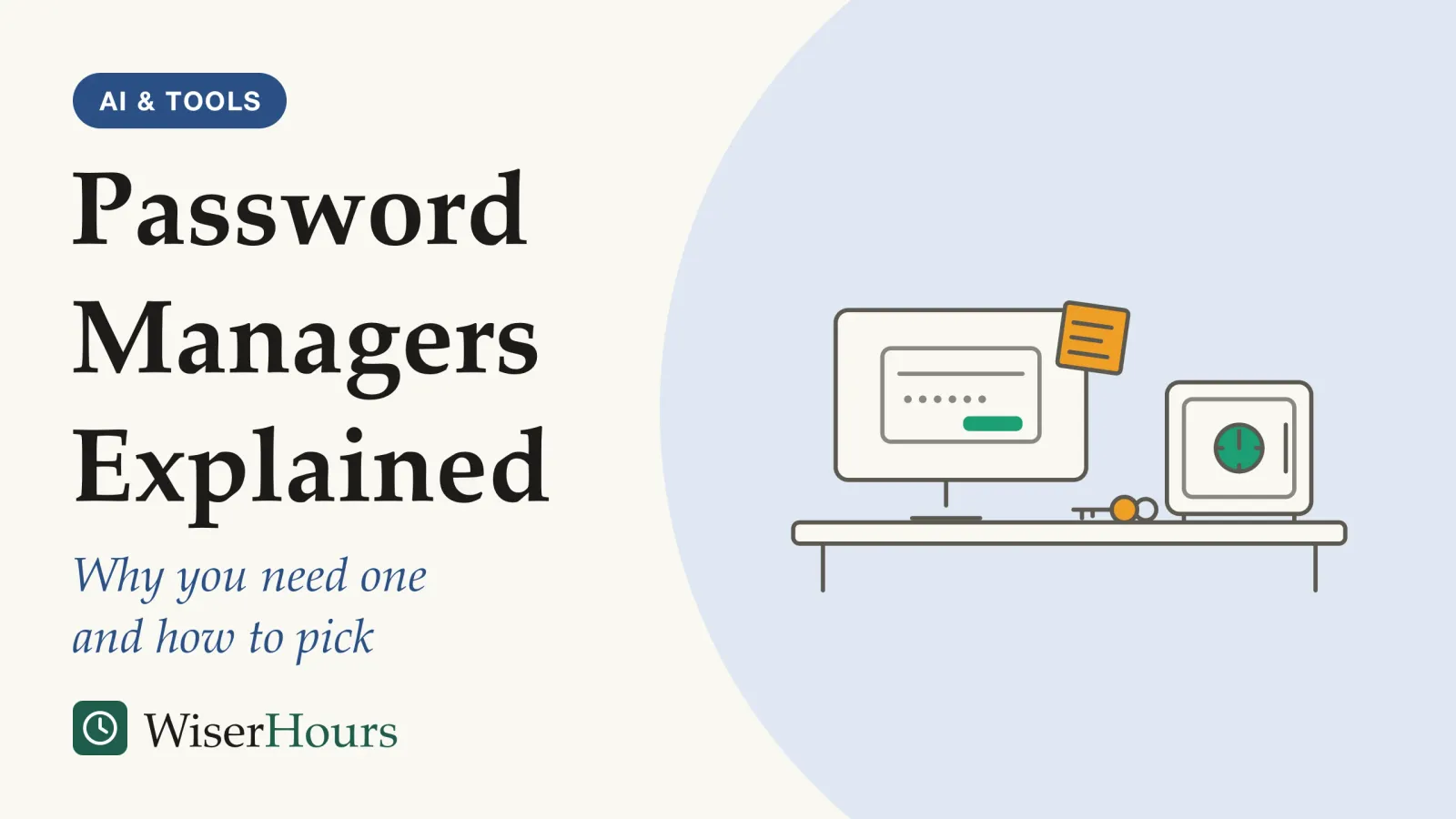
Adding a number to the end of your usual password for each new site feels like having different passwords. To an attacker, it mostly isn’t. In a 2014 study of leaked passwords from eleven websites plus a user survey, Anupam Das and colleagues estimated that roughly half of people reuse the same password across sites, and found that the small edits people make between sites follow a few predictable rules.1
A password manager is an app that creates, stores and fills in a different strong password for every account, so you only have to remember one. The US National Institute of Standards and Technology’s 2025 digital identity guidelines require online services that follow them to allow password managers, noting that they make stronger passwords more likely, especially when they generate the passwords.2
Picking one comes down to five checks: how it encrypts your vault, the maker’s security record, whether it works on all your devices, passkey support, and how it handles sharing and recovery. The general method for choosing a productivity app by the problem it solves still applies; this guide covers what is specific to passwords.
Whichever manager you end up with, the first hour looks the same. Give it a master password you use nowhere else, turn on two-step verification for the manager account, then let it generate a new password for your email account. The sections below explain why each step matters.
Why one reused password puts every account at risk
A reused password is dangerous because a breach at one website hands attackers a login they can try everywhere else. The UK’s National Cyber Security Centre (NCSC) puts it plainly: if you use the same password on several accounts and one is compromised, an attacker can try it on the others.3
Attackers do this automatically and at scale. The technique is called credential stuffing: take the usernames and passwords exposed in breaches and try them on other sites. In a 2019 study, Google researchers checked the logins of people who had installed their breach-alert browser extension and found that 1.5 percent of logins used a username and password already exposed in a breach, about one in every 70.4 Most of the authors worked for Google, which built the tool, and the users had chosen to install a security extension, so the rate is not a figure for everyone. The lesson holds anyway: logging in with a password criminals already hold was routine, not exotic.
Variations do little to help. Das’s team found that people tend to change a base password between sites with a small set of simple rules, such as adding a digit at the end or capitalizing a letter, and a guessing method that knew one of a person’s passwords cracked about twice as many of their other, altered passwords within 100 guesses as a standard method did.1
Picture it in ordinary life. You sign up to a gym’s booking site with your usual password plus the gym’s initials. Two years later, the booking site is breached. Nothing about your email account has changed, but the password that protects it is now in a list, one easy guess away.
Memory is not the fix. CISA, the US cybersecurity agency, says that for most people, generating and remembering long, random and unique passwords for every account is not possible.5 The practical lesson: the goal is not a cleverer password, it is a different one everywhere, and for dozens of accounts that takes a tool.
How a password manager helps, and when it doesn’t
A password manager helps most when it creates your passwords, not only when it remembers them. A 2018 field study by Sanam Ghorbani Lyastani and colleagues at Saarland University found that passwords filled in by a browser’s autofill, which stored whatever people typed, were reused at least as often as passwords typed by hand.6
The study measured real passwords rather than asking people about their habits, which is what makes it worth examining closely.
The study
Limited evidence
Inside 170 people's browsers: how passwords were entered and reused
The researchers installed a plugin in the Chrome browsers of 170 people and recorded how strong and how reused each password was, and how it was entered. More than 80 percent of passwords filled in by Chrome’s autofill, which did not generate passwords by default at the time, were reused, in whole or in part. For passwords filled in by a dedicated password manager’s extension, the figure was 47 percent. People who said they used a password generator had fewer reused passwords whichever way they entered them.6
The lesson is about the habit, not the brand: a manager that only stores what you type keeps your old passwords, reuse included. The caveats are large. These were paid online workers in 2017, and browser password managers may behave differently today.
An observational studyobservational study: A study in which researchers record what people already do or are exposed to, rather than assigning anyone to anything. It can show that two things go together, not that one causes the other, because the groups being compared may differ in other ways as well.Full entry in the glossary like this one also cannot show that the tool caused the difference: people who install a separate manager may simply care more about security to begin with.
Think of importing the logins your browser has saved for years: the vault fills in a minute, and every reused password comes along with it. So on the first day, don’t stop at importing what you have. Change the password on your most important account to a generated one, starting with email. Then replace the rest as you log in to each site over the following weeks.
Is it risky to keep every password in one place?
Yes, a password manager concentrates risk, and the agencies that recommend one say so; they judge the trade worth making. NIST’s 2025 guidelines list an exploited weakness in an insufficiently secure password manager among the ways a password can be copied.2 A 2025 NCSC blog post still concluded that, used correctly, password managers offer far better protection than memory, sticky notes or reused passwords.7
The worry is common, and reasonable. In a 2019 interview study, Sarah Pearman and colleagues at Carnegie Mellon University talked to 30 people; some who avoided password managers feared having every password in one place, or losing them all to a forgotten master password. Some users of dedicated managers saw the same risk but felt that strong, unique passwords outweighed it.8
- Myth
- A password manager puts all your eggs in one basket, so remembering your passwords is safer.
- Fact
- A manager does concentrate risk, which is why its vault is encrypted and guarded by its own password and two-step verification. Reused passwords spread one weakness across every account.
The protection rests on where the vault is locked. In a well-designed manager, stored passwords are encrypted, and only you hold the key. The NCSC’s 2018 buyers guide, written for organizations, says the key that opens the vault, usually derived from your master password, should be accessible to no one else, including the provider of a cloud-synced manager.9
Two protections then sit on top. One is a strong master password you use nowhere else. The other is two-step verification on the manager account, which the NCSC says means a criminal who learns the master password still cannot get in.3 What this means for you: set up both before you move a single password in, and the one-basket worry shrinks to a basket with two locks.
How to pick a password manager: five checks
The right password manager is the one that passes five checks for your situation: encryption that keeps the provider out of your vault, a maker with a good response to past problems, support for every device you use, passkeys, and sharing and recovery that fit your household. The NCSC does not name a winner either.
The best password manager to choose is the one that best meets your needs, and which you find easiest to use.
The first fork is whether the manager built into your browser or phone is enough. The NCSC’s 2025 advice is to use that one if convenience matters most, and a reputable third-party manager if you want extra features, have a complex mix of devices and browsers, or want to avoid being locked in to one vendor.7 A household with an iPhone, a Windows laptop and an Android tablet fits the second description; someone whose devices all come from one maker often fits the first.
1. Encryption with a key only you hold
Look for a plain statement that your vault is encrypted on your device with a key only you hold. Vendors often call this zero-knowledge encryption, but a 2026 analysis by cryptographers at ETH Zurich and USI Lugano points out that the term has no strict technical meaning. Testing three large cloud-based managers against a compromised or malicious server, the team found attacks on all three, most of which could recover passwords; the vendors were told, and fixes were under way when the paper appeared.10
Not every field is always encrypted, either. A 2020 evaluation of 13 popular managers by Sean Oesch and Scott Ruoti found that each browser-extension manager left at least one item unencrypted, such as the email address used to sign in, and that some built-in browser managers stored website addresses in plain text.11 That matters because a stolen vault can reveal which sites you use even when the passwords stay locked. Treat encryption as necessary, not as proof, and read how the maker describes its design.
2. A track record you can read
The NCSC’s buyers guide advises checking that a vendor responded to past vulnerabilities in a timely and sufficient way, and that it updates its software regularly.9 Incident notices are where that response becomes visible. As one example of the kind of detail a notice can give, LastPass said in its own notice, updated in December 2022, that an attacker had copied a backup of customer vault data, and that usernames, passwords and secure notes in it were encrypted while website addresses were not.12
We use that notice only to show what a disclosure can tell you, not as a verdict on that product or any other. In our reading, a past incident need not rule a manager out; the thing to judge is how clearly the maker explains it. Before choosing, find the maker’s security or incident pages and ask three questions: did it say what was taken, what was encrypted, and what customers should do?
3. Support for every device you use
A manager that misses one of your devices invites workarounds. The NCSC’s buyers guide warns that a product that doesn’t work on all your devices pushes people toward other ways of handling passwords that may be insecure, and advises checking that autofill works wherever you regularly sign in.9 In everyday terms, if it fills passwords on your laptop but not in your phone’s apps, you may start typing passwords on the phone, and drift toward ones that are easy to type.
4. Passkeys, as well as passwords
A passkey lets you sign in with a digital key that your device protects with the fingerprint, face check or passcode you already use, and the NCSC recommends making passkeys your first choice wherever a site offers them.3
NIST explains why synced passkeys, which its guidelines call syncable authenticators, resist phishing: each is tied to the website that created it, so a fake page cannot capture and reuse it. The guidelines require synced keys to be stored encrypted, and they flag cloud account recovery as a potential weak point.2 The practical check is simple: can the manager save passkeys and sync them to all your devices, while still filling passwords for sites that ask for one?
5. Sharing and recovery that fit your household
The NCSC lists sharing among the features worth weighing, and notes that many managers offer recovery options such as password hints or emergency access through trusted contacts.3 Both are useful, and both are trade-offs. Its 2018 guide for organizations warns that a recovery method may be exploited to reach the passwords, especially if the provider runs it.9 The same team found that several of its attacks worked through sharing and account-recovery features.10
So set these up on purpose. Share only what a household really shares, such as the Wi-Fi, the streaming service or the utility account, and decide who can recover your vault before you need them to.
| Question | What the research or guidance says | Strength and source |
|---|---|---|
| Password reuse | Roughly half of people reused passwords across sites; small edits between sites were easy to guess | Observational: leaked passwords plus a survey1 |
| Generated, not just stored | Fewer reused passwords among people using a generator; browser autofill alone did not reduce reuse | Observational, limited: 170 online workers, 20176 |
| A key only you hold | The provider should not be able to read the vault | Expert guidance for organizations, 20189 |
| Zero-knowledge claims | Attacks under a malicious-server model on three large cloud managers | Security analysis, 2026: three products10 |
| Device support, sharing, track record | No study compares managers on these | Gap: guidance and our reasoning |
Before you commit to a password manager
The bottom line
Use a password manager, and let it make the passwords: storing the ones you already reuse keeps the weakness in place. The manager built into your browser or phone is a sound start when all your devices come from one maker; a third-party one earns its place when they don’t. Whichever you choose, guard it with a master password you use nowhere else and two-step verification, and change your email password first.
Frequently asked questions
What happens if I forget my master password?
It depends on the recovery options you set up beforehand. The UK's NCSC says many password managers offer recovery, such as password hints or emergency access through trusted contacts. Its 2018 guide for organizations spells out the trade-off: ideally, a lost key should not be resettable, and any recovery route is also a route an attacker may try. Set up recovery on purpose, and know who can use it.
Is it safer to write passwords in a notebook?
It can suit some situations, but it has limits. The NCSC says a password book can work for people who need regular help from family to manage their accounts, because an attacker would need physical access to it. It also warns that anyone who can reach the book can copy it, and that you lose the manager's protection against fake websites, where autofill offers a password only on the correct site.
Do I still need two-step verification if I use a password manager?
Yes. The NCSC calls turning on two-step verification the first and most important step, because it helps protect an account if a password is phished or otherwise compromised. Turn it on for the password manager account as well: then someone who learns your master password still cannot open your vault without the second factor.
Are free password managers safe to use?
Price is not the test; the checks in this guide are. CISA, the US cybersecurity agency, notes that some password managers are free, including those built into web browsers, and some cost money. The NCSC lists whether you are willing to pay among the things to weigh, next to device support and features such as sharing. A free manager can pass every check.
Sources
- The Tangled Web of Password Reuse. Das, A., Bonneau, J., Caesar, M., Borisov, N. & Wang, X. (2014). Network and Distributed System Security Symposium (NDSS 2014), Internet Society
- Digital Identity Guidelines: Authentication and Authenticator Management (NIST SP 800-63B-4). US National Institute of Standards and Technology (July 2025; checked current on 24 September 2026)
- Top tips for staying secure online: Managing your passwords. UK National Cyber Security Centre (page reviewed and updated 21 May 2026; accessed 24 September 2026)
- Protecting accounts from credential stuffing with password breach alerting. Thomas, K., Pullman, J., Yeo, K., Raghunathan, A., Kelley, P. G., Invernizzi, L., Benko, B., Pietraszek, T., Patel, S., Boneh, D. & Bursztein, E. (2019). 28th USENIX Security Symposium
- Use Strong Passwords. US Cybersecurity and Infrastructure Security Agency, Secure Our World (undated page; accessed 24 September 2026)
- Better managed than memorized? Studying the Impact of Managers on Password Strength and Reuse. Lyastani, S. G., Schilling, M., Fahl, S., Backes, M. & Bugiel, S. (2018). 27th USENIX Security Symposium
- Trusting the tech: using password managers and passkeys to help you stay secure online. UK National Cyber Security Centre, blog post (24 June 2025; accessed 24 September 2026)
- Why people (don't) use password managers effectively. Pearman, S., Zhang, S. A., Bauer, L., Christin, N. & Cranor, L. F. (2019). Fifteenth Symposium on Usable Privacy and Security (SOUPS 2019)
- Password manager buyers guide. UK National Cyber Security Centre, guidance for system owners (reviewed 19 November 2018; accessed 24 September 2026)
- Zero Knowledge (About) Encryption: A Comparative Security Analysis of Three Cloud-based Password Managers. Scarlata, M., Torrisi, G., Backendal, M. & Paterson, K. G. (2026). 35th USENIX Security Symposium
- That Was Then, This Is Now: A Security Evaluation of Password Generation, Storage, and Autofill in Browser-Based Password Managers. Oesch, S. & Ruoti, S. (2020). 29th USENIX Security Symposium
- 12-22-2022: Notice of Security Incident. LastPass, company incident notice (original post 25 August 2022, update of 22 December 2022; accessed 24 September 2026)
How we researched this
We read current guidance from NIST (SP 800-63B-4, 2025), the UK's NCSC (pages dated 2018 to 2026) and CISA, then searched USENIX, NDSS and Google Scholar in September 2026 for peer-reviewed studies of password reuse and password managers, and read each in full. One vendor's incident notice was read on its own site on 24 September 2026. Studies date from 2014 to 2026. Main limitation: no randomized trial has tested password managers; the field studies used small or self-selected samples.
Keep reading
Best Time Tracking Apps Compared: Manual, Automatic, or Hybrid?
The best time tracking apps compared for 3 jobs (seeing where your week goes, billing clients, team reports) and the rules on tracking staff.
One Monitor, Two, or an Ultrawide? What Research Says About Screen Space
Ultrawide vs dual monitors: a review of 18 studies found people prefer two screens, but the evidence on speed is weaker and depends on the task.
Best Calendar Apps Compared: How to Choose
The best calendar apps compared for 6 situations, from Google, Outlook and Apple to Proton, Fantastical and Cozi, and why alerts matter more than looks.
Best To-Do List Apps Compared: How to Choose
The best to-do list apps for 6 situations, checked on price, devices and sharing, plus a 3-step trial to run before you move your tasks in.