What Are APIs and Webhooks? A Plain-English Guide for Non-Developers
An API lets your tool ask an app for data; a webhook has the app tell you. One form entry, 2 routes to a spreadsheet, and how to guard your keys.

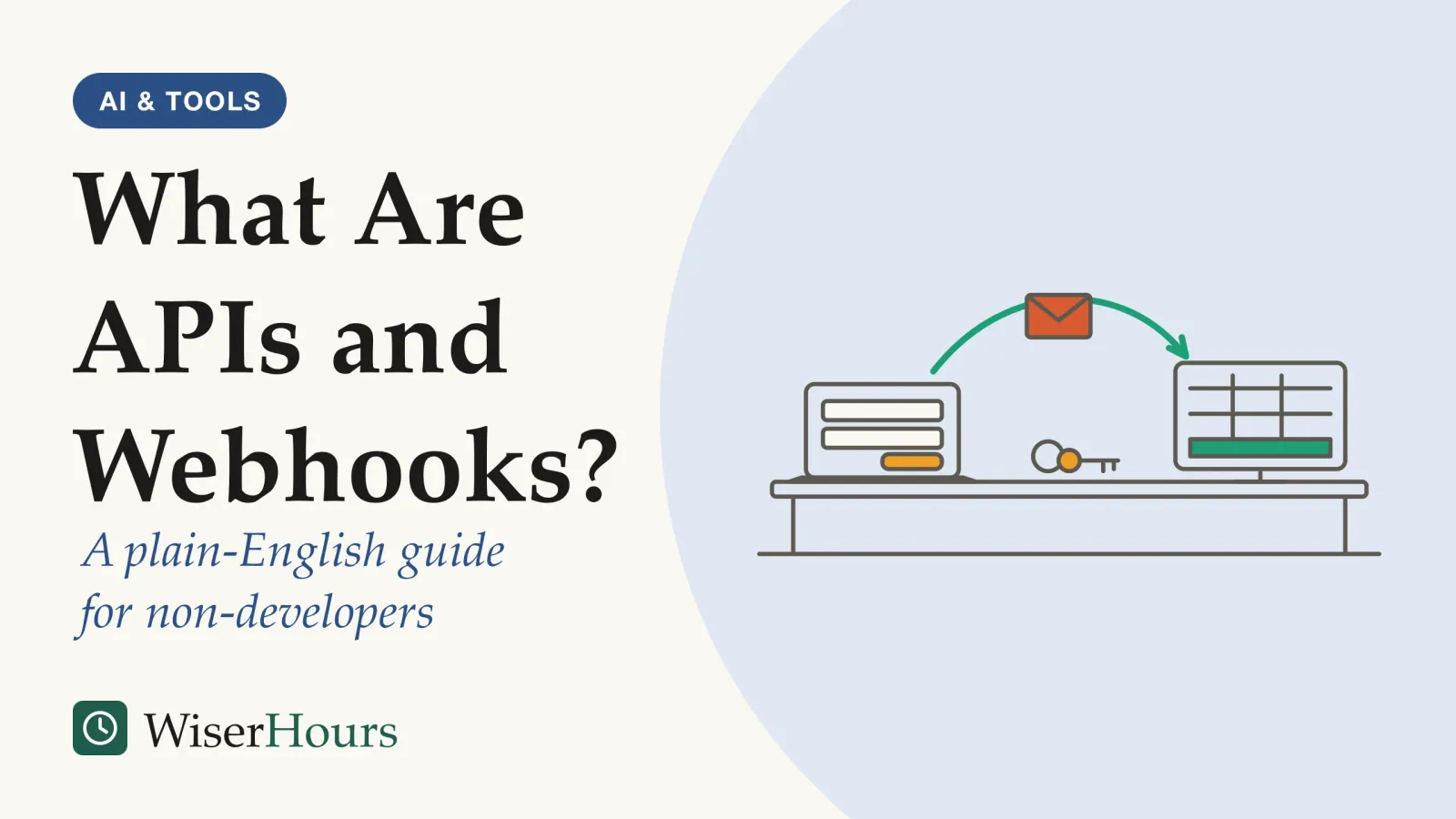
Connecting two apps in an automation tool often comes down to one of two fields: an API key or a webhook URL. They stand for the two ordinary ways apps pass information to each other. An API is the set of requests one program accepts from another: your tool asks, the app answers. So what is a webhook? The reverse: a message a service sends on its own, to a web address you gave it, the moment a chosen event happens, such as a new form entry or a paid invoice.
The field on the screen tells you the direction. A box asking for an API key means your tool will go and ask the other app for data or actions; a webhook URL that your tool displays for you to copy means another app will deliver data to it. That one distinction explains why some automations react in seconds and others in minutes, why a message can go missing, and why a leaked key matters as much as a leaked password. If you have not built an automation yet, start with how triggers and actions fit together in a first automation; this page picks up at the connection between the apps.
What is a webhook, and what sets it apart from an API?
An API is a published set of requests that one program accepts from other software, which MDN Web Docs, Mozilla’s reference for web developers, describes as a contract between the application offering it and the software using it.1 A webhook reverses the direction: instead of your tool asking, the other service sends data to your address whenever a subscribed event occurs, in the words of GitHub’s documentation.2
Definition
An API is a set of rules that lets one program ask another for data or actions. A webhook is a message a service sends automatically to a web address you choose when a chosen event happens.
Both run on HTTP, the request-and-response system your browser uses to load this page. One side sends a request, the other sends back a response, and each request stands on its own.3 The only difference is who speaks first. With an API, your tool opens the conversation, for example “send me the form responses submitted since 9:00”, and reads the answer. With a webhook, the other service opens it: when the event happens, it sends a request to the address you registered, carrying the details of what happened.2
A parcel delivery shows why the direction matters. Checking the courier’s tracking page every hour is the API route: you ask, it answers, and most answers are “no change”. Signing up for a text message when the parcel leaves the depot is the webhook route: you register your number once, and the courier tells you when something happens.
GitHub’s documentation, written for developers who make this choice daily, draws the line plainly. Webhooks need less effort and fewer resources than repeatedly polling an API, GitHub’s documentation says, while simply calling the API suits information you need only once or now and then.2
So when a tool offers both, ask how often the thing you care about changes. A one-off lookup, such as pulling last month’s orders into a report, is a job for the API; a stream of events you want to react to, such as each new order, is a job for a webhook.
Polling or push: one form entry, two routes to a spreadsheet
Polling means your automation asks a form app’s API at set intervals whether anything is new; push means the form app sends each entry to a webhook as soon as it is submitted. The web’s own standard for push, the W3C’s WebSub recommendation, first published in 2018 and updated in 2026, is built on the second idea: subscribers register a callback address and a hub delivers new content to it when it becomes available.4
Take a workshop booking form whose entries should land in a spreadsheet, and someone who books a place at 10:02. Every setting and count in the next table is assumed for illustration, not measured in any tool.
| Our illustration | Polling every 15 minutes | Push through a webhook |
|---|---|---|
| Who starts the exchange | Your automation asks the form app | The form app tells your automation |
| When the 10:02 entry reaches the sheet | At the 10:15 check | Within moments |
| Requests on an 8-hour day with 3 entries | 32 checks, 29 of them finding nothing | 3 deliveries |
| If your automation is down at 10:02 | A check that asks for everything since the last one can still collect the entry later | The entry arrives only if the form app retries |
| What you set up | An API connection, usually with a key | A webhook address registered with the form app |
The wasted checks are the reason push exists, and they have a ceiling. Ask a service too often and it may answer with status code 429, “Too Many Requests”, which MDN describes as the server asking the client to slow down, commonly called rate limiting.5 GitHub’s documentation notes that polling many resources can use up an API rate limit quickly, while webhooks send information only when an event happens.2
- Polling: your tool asks the form app’s API at set intervals; most answers are “nothing new”, and a new entry waits for the next check
- Push (a webhook): the form app sends each entry to the address you registered as soon as it arrives
- The receipt: the receiver must answer quickly with a success code, or a sender such as GitHub counts the delivery as failed
Look at the fourth row again, though, because push is not free of trade-offs. It depends on a receiver that is switched on and reachable when the message arrives, and it works only if the sending app offers webhooks at all. Polling is slower but more forgiving: a check that asks “what is new since my last look?” can catch up after an outage. When an app offers neither an API nor webhooks, the fallback is software that clicks through its screens, which is where robotic process automation, the screen-driving kind of bot comes in.
Pick the route by what a delay would cost. Push suits anything where timing matters, such as a new customer waiting for a welcome message; a check every quarter of an hour, or even once a day, is fine when nobody is harmed by the wait.
Six terms you will meet on a connection screen
Connection settings reuse a handful of terms borrowed from web development, and each one names a part of an ordinary request and reply between two apps. The table translates them; each definition comes from the developer documentation cited in its row.
| Term | What it means for a non-developer |
|---|---|
| Endpoint | The web address a request is sent to. A webhook endpoint is the address you register with the sending app so it knows where to deliver events.6 |
| REST API | Strictly, a set of software design rules; in everyday use, an API you can call over the web with standard tools, which MDN says beginners can assume it means.7 |
| Payload | The data a request carries, often written in JSON, a data format for numbers, text, lists and labeled fields.8 |
| Status code | The three-digit reply to every request: codes in the 200s mean success, the 400s an error on the requesting side, the 500s an error on the server.9 |
| API key | A secret string that identifies the program making the request; OWASP says API keys should identify API clients, not log in people.10 |
| Signing secret | A secret shared between the sender and you, used to stamp each webhook message so you can check it is genuine and unchanged.11 |
Mapped onto the booking form, the webhook endpoint is the address your automation tool gave you, the payload is the booking itself (name, date, number of places), and the status code is the reply your tool sends back to say it arrived.
The status code earns its place when something breaks. A code in the 400s points at your side of the request, such as a wrong key or a missing field; a code in the 500s points at the other service.9 If your automation tool shows the code in a failed run’s details, read it before rebuilding anything, because it tells you which side to look at first.
What happens when a webhook message goes missing
A webhook delivery succeeds only if the receiver answers quickly with a success code, and senders differ on what they do when it does not. GitHub’s documentation says a receiver should reply within 10 seconds, or GitHub closes the connection and counts the delivery as failed.12 GitHub does not redeliver failed webhooks by itself; someone with admin access can resend deliveries from the past 3 days.13
Stripe, the payments company, takes the opposite default. In live mode it keeps trying to deliver an event for up to three days, waiting longer between attempts. Its documentation also warns that the same event may arrive more than once and that events may not arrive in the order they happened, and tells developers to keep a record of the event IDs they have already handled.6
Why the fuss? A webhook is a knock on the door by someone who will not wait long. If nobody answers, the message is lost unless the sender comes back, and if the answer comes slowly, the sender may knock again for a message you already have.
Back to the booking form, as an illustration. Your automation tool has a short outage at 10:02, just as the entry arrives. If the form app retries, the row appears late; if it does not, the booking never reaches the sheet, and nothing tells you. A retry has its own catch: when a first delivery was slow but did get through, the retry can add the same person twice.
The fix is a few minutes of reading before you rely on a webhook, plus one habit in the sheet itself. Store something unique with each row, such as the entry’s ID, so a duplicate is easy to spot and remove.
Before you trust a webhook with real data
Guard API keys and webhook URLs as you would a password
An API key lets whoever holds it act as your automation, and many webhook URLs let whoever holds them send your automation messages, so both need the care you give a password. Slack’s developer documentation, for example, says its incoming webhook URLs contain a secret, tells users not to share them online, and says Slack searches for and revokes leaked ones.14
Security guidance points the same way. The OWASP API Security Top 10, a 2023 list from the Open Worldwide Application Security Project, a non-profit community, lists broken authentication as the second of its ten API risks and names sending tokens or passwords inside a web address as one of the flaws behind it.10 GitHub’s webhook guidance likewise says not to put API keys or other credentials in a webhook’s URL.12
Take the booking form again. Someone pastes the form’s webhook address into a team chat to ask why a row is missing. Everyone in that channel, and anyone the message is forwarded to, now holds an address that accepts bookings, and unless your tool checks signatures, described below, the sheet cannot tell a fake entry from a real one. The lesson is to share a screenshot of the error, never the address itself.
- Myth
- A webhook URL is just an address, so it is safe to paste anywhere.
- Fact
- Many webhook URLs work like a password: anyone who has the address can send messages to it, which is why Slack tells users never to share them online.
How often do secrets escape? The clearest measurement we found covers developers’ public code, where a key pasted into a file becomes visible to anyone who looks.
The study
Moderate evidence
A 2019 NC State scan of public GitHub code for leaked keys
Researchers at North Carolina State University in the US scanned new public commits on GitHub for nearly six months and a snapshot of older code. They found secret keys leaked in more than 100,000 repositories, with thousands of new, unique secrets leaked every day. Keys typed straight into code were a main cause, and about 81% of the leaked secrets they tracked were still in place after roughly two weeks.15
The study measured programmers’ public code, not the settings of no-code tools, and we could not find a study that counts leaks by non-developers. The mechanism carries over, though: a key pasted into a shared spreadsheet, a forum post or a screenshot is readable by everyone who can see it, and the paper found that a leaked key was usually left in place.15
Webhooks have a second defense besides secrecy: signatures. GitHub uses a secret that you choose and share only with GitHub to stamp each delivery with a signature, and your receiver recomputes it and checks that the two match before acting on the message.11 The WebSub standard requires hubs to support the same kind of signed delivery.4 In everyday terms, a signature check turns away a forged booking that someone sends to your webhook address, because the forger does not have the secret.11
Where keys and webhook URLs belong
Keep keys in your automation tool’s credentials area, not in sheets, documents or chat. Give each automation its own key with only the access it needs: OWASP’s secrets guidance says each secret should carry only the minimum privileges it needs and warns that services sharing the same secrets make a leak hard to trace.16 Change signing secrets from time to time and at once if you suspect a leak, as Stripe’s documentation advises.6 Switch on signature checks wherever your tool offers them.
The bottom line
An API is how your automation asks another app for something; a webhook is how another app tells your automation that something happened. Use push when timing matters and a scheduled check when a delay harms nobody. Before trusting a webhook, find out whether its sender retries failed deliveries, and guard every key, signing secret and webhook URL as you would a password.
Frequently asked questions
Are webhooks real time?
Close to it. GitHub's documentation says webhooks allow near real-time updates because they fire when the event happens. Delays still creep in: the receiving tool may queue the message, and a failed delivery arrives late if the sender retries it and not at all if it does not. A polling check, by contrast, is only as current as its last run.
Do I need my own server to receive a webhook?
Not usually, but something must be listening at a public web address. Stripe's documentation, for example, requires registered webhook endpoints to be publicly accessible HTTPS addresses and suggests a tunnelling tool for testing on your own computer. If your automation tool offers a webhook trigger, it gives you such an address and receives the message for you.
Can a webhook send data back to the app that called it?
Usually only a receipt. The sender typically waits for a short success reply, a status code in the 200 range, and Stripe's documentation tells receivers to send that reply before doing any slow work. If your automation needs more detail after a webhook arrives, it usually makes a separate API call to fetch it, a step Stripe's documentation also describes.
Sources
- API (Glossary). MDN Web Docs, Mozilla (last modified 11 July 2025)
- About webhooks. GitHub Docs, GitHub
- An overview of HTTP. MDN Web Docs, Mozilla (last modified 21 August 2026)
- WebSub. Genestoux, J. & Parecki, A. (eds.) (2018, updated 2026). W3C Recommendation, World Wide Web Consortium
- 429 Too Many Requests. MDN Web Docs, Mozilla (last modified 22 June 2026)
- Receive Stripe events in your webhook endpoint. Stripe Documentation, Stripe
- REST (Glossary). MDN Web Docs, Mozilla (last modified 11 July 2025)
- JSON (Glossary). MDN Web Docs, Mozilla (last modified 11 July 2025)
- HTTP response status codes. MDN Web Docs, Mozilla (last modified 17 September 2026)
- API2:2023 Broken Authentication. OWASP API Security Project (2023). OWASP API Security Top 10, 2023 edition
- Validating webhook deliveries. GitHub Docs, GitHub
- Best practices for using webhooks. GitHub Docs, GitHub
- Redelivering webhooks. GitHub Docs, GitHub
- Sending messages using incoming webhooks. Slack Developer Docs, Slack
- How Bad Can It Git? Characterizing Secret Leakage in Public GitHub Repositories. Meli, M., McNiece, M. R. & Reaves, B. (2019). Proceedings of the Network and Distributed System Security Symposium (NDSS) 2019
- Secrets Management Cheat Sheet. OWASP Cheat Sheet Series, Open Worldwide Application Security Project
How we researched this
We read primary technical documentation in September 2026: MDN Web Docs on APIs and HTTP, the W3C WebSub recommendation, webhook documentation from GitHub, Stripe and Slack, and OWASP guidance on API security and secrets, plus one peer-reviewed measurement study of leaked keys, found through Crossref. Main limitation: documentation describes how systems are designed to behave, not measured outcomes, and our searches turned up no measurement of how often no-code automations miss webhooks or leak keys.
Keep reading
Workflow Automation for Beginners: What It Is and Where to Start
What workflow automation is, which tasks suit it, and 5 steps to build a first automation that saves time without quietly creating new problems.
Email Filters and Rules: How to Make Your Inbox Sort Itself
How Gmail filters and Outlook rules work, why a few routing rules beat deep folder trees, and 5 steps to set them up and test them safely.
Spreadsheet Automation for Beginners: Formulas, Macros, and Scripts
Formulas, macros and scripts explained, with 5 steps to automate a spreadsheet safely, and why close audits find errors in most working sheets.
Robotic Process Automation Explained: What RPA Is and Where It Fits
What robotic process automation is, how attended and unattended bots differ, where RPA fits, and where the 30-50% failure figure comes from.