Zapier vs. Make vs. n8n: How to Choose an Automation Platform
One 3-step workflow run 500 times a month uses 1,000 Zapier tasks, 1,500 Make credits or 500 n8n runs. Prices, hosting and failures compared.

Zapier vs Make vs n8n is less a contest of features than a contest of counting. All three connect apps with triggers and actions, but each measures a run in its own unit, stores your data in a different place and handles a failed run in its own way, and those three differences decide which one fits.
Picked by who will build and maintain the workflows, Zapier suits non-technical teams that need the widest choice of ready-made app connections and can pay more per step. Make suits multi-step, branching workflows on a tight budget. n8n suits teams with some technical skill who want billing per run rather than per step, a hosted plan that keeps data in Germany, or software they can run on their own server.
This page assumes you know what a trigger and an action are; if not, start with what workflow automation is and how to pick a first task.
The same workflow costs $39, $9 or €20 a month
One simple workflow can need a plan several times dearer on one platform than on another, and the difference lies in what each platform counts in a run, not in a cheaper rate for the same thing. Our prices come from each vendor’s pricing page on 27 September 2026, before tax, in the currency each page showed.
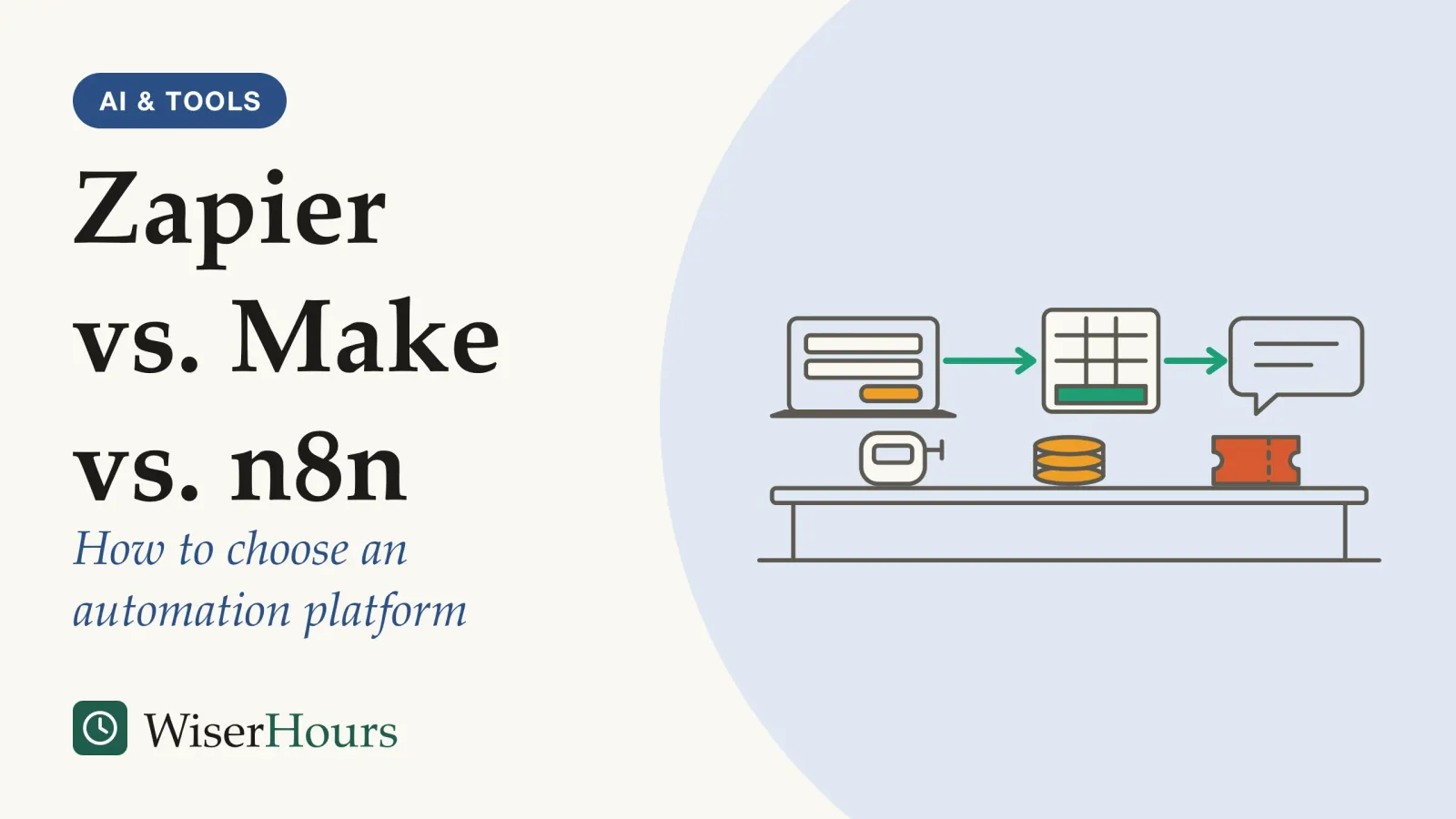
Our sample, an illustration rather than a test in each tool: a web form sends each new entry to the platform the moment it arrives, the platform writes the entry into a new spreadsheet row, then posts a note in a team chat channel. That is one trigger and two actions, roughly two dozen entries every working day. Run 500 times a month, this three-step workflow counts as 1,000 tasks on Zapier, 1,500 credits on Make and 500 executions on n8n, by each vendor’s published billing rules.1234
None of the free options covers it: Zapier’s Free plan stops at 100 tasks a month and two-step Zaps, Make’s at 1,000 credits, and n8n Cloud offers a trial rather than a free plan.567 These are the cheapest plans that fit:
Think of three couriers: one bills per parcel delivered, one per stop including the depot, and one per trip, however many stops it makes. Which is cheapest depends entirely on your route. Prices also vary by currency and change often, so read the pages in your own currency on the day you decide.
Before you compare plans, write down two numbers for each workflow: steps per run and runs per month. Multiply them, and you have the figure each pricing page is really asking about.
Why steps and runs matter more than the headline price
Zapier and Make bills grow with every step you add, while n8n’s grows only with the number of runs, so a workflow that gets longer can change which platform is cheapest. Triggers that check for new data on a timer add a second difference: Make counts each check, Zapier and n8n do not charge for empty ones.
- Zapier: counts a task each time an action step runs successfully; the trigger, filters and some built-in steps are free, so this run uses 2 tasks
- Make: counts every module run, the trigger included, as an operation, and bills most apps at 1 credit per operation, so this run uses 3 credits
- n8n: counts the whole run as 1 execution, however many steps it has
Stretch the sample, as a thought experiment, to eight steps and 2,000 runs a month. The counts become 14,000 tasks on Zapier, 16,000 credits on Make and still 2,000 executions on n8n. On per-step billing, each extra action, such as a lookup or a second notification, costs as much as the work you built the workflow for.
Checking for new data is the second trap. Make’s help center defines an operation as a module run that processes data or checks for new data, and counts a trigger watching a spreadsheet as one operation per check.2 Zapier never charges a task to check for new data, and its filter, formatter and path steps are free.5 n8n counts a polling trigger only when it finds something new, and does not count manual test runs.4 By our arithmetic from Make’s rule, a Make trigger that looks for new rows every 15 minutes, day and night, makes close to 3,000 checks a month whether or not anything arrives.
The fix is the same on every platform. Where an app offers an instant trigger, use it instead of a timed check; the guide to polling, push and how webhooks deliver data explains why instant triggers also react faster. On Make, set long intervals for triggers that rarely find anything.
Zapier vs Make vs n8n beyond price, as of September 2026
Beyond billing, the three platforms differ most in where they run, where your data is stored and how long they keep a record of each run. The table sets out the vendors’ own published facts as we read them on 27 September 2026; plans change often, so treat every row as dated.
| What we compared | Zapier | Make | n8n |
|---|---|---|---|
| Where it runs and stores data | Zapier’s cloud, on AWS servers in the United States; no EU-only option | Make’s cloud, on AWS in the EU or North America; an on-premises agent can reach local systems | n8n Cloud, with data stored in Frankfurt, Germany, or your own server, wherever you host it867 |
| License | Hosted service on the vendor’s terms | Hosted service on the vendor’s terms | Cloud: paid subscription. Self-hosted: free under the Sustainable Use License, for internal business, non-commercial or personal use9 |
| Run history kept | At most 60 days promised | 7 to 60 days of detailed logs, by plan | Cloud: 7 days on Starter, 30 on Pro1067 |
| When a run fails | Email alert by default | Failed runs stored for retry only if you switch it on | An error workflow you set up runs, for example to send an alert111213 |
App counts are hard to compare, because each vendor counts connectors its own way; by its own count, Zapier’s directory is the largest, at more than 9,000 apps.5 The useful test is narrower: check that the three or four apps you actually use have the trigger and actions you need on each platform.
The run-history row matters more than it looks. Say a client asks in week three why their form entry never reached your sheet: on a plan that keeps 7 days of logs, the record of that run is already gone, and you are left guessing. If questions like that tend to arrive late in your work, weigh log retention alongside price.
Hosting, license and where your data lives
As the comparison table shows, Zapier and Make are hosted services that run on their vendors’ cloud infrastructure, while n8n also offers software you can install on your own server. That choice decides where the personal data passing through your workflows is stored, which matters under data-protection laws such as the EU’s GDPRGDPR: The General Data Protection Regulation, the European Union's main data protection law, applied since 2018. It sets rules for how organizations collect and use personal data about people in the EU, including organizations based elsewhere, and gives people rights over that data.Full entry in the glossary.
Under EU rules, personal data can flow to a country outside the EU without further safeguards once the European Commission has judged that country adequate; for the United States, that covers only companies in the EU-US Data Privacy Framework.14 Make’s pricing page does not say how an account’s hosting region is chosen, so ask Make if location matters to you. Outside the EU, look up your own country’s data-protection rules; wherever you are, check your employer’s policy before sending customer or staff data through any of the three.
n8n’s self-hosted edition costs nothing, but it is not open source in the usual sense. You may build automations for clients on your own instance, but you may not host n8n as a service where clients build their own workflows, according to n8n’s license guidance.15 The Open Source Initiative’s definition rules out licenses that restrict a field of use.16
- Myth
- Self-hosted n8n is free, so it is always the cheapest option.
- Fact
- The license costs nothing, but you supply the server, the setup and the upkeep; n8n's own guide lists technical expertise and maintenance as the self-hoster's job.
n8n’s own comparison is candid: its cloud needs no technical expertise and n8n handles maintenance, while self-hosting needs expertise for installation and configuration and makes maintenance your responsibility.17 A small accounting firm routing client payroll files might reasonably choose n8n Cloud or its own server; a sales team copying newsletter sign-ups into a sheet rarely needs to.
Decide where the data may go before you build, because moving a working setup later means rebuilding it.
When a run fails: alerts, retries and logs
All three platforms log each run and can alert you when one fails, but their defaults differ, as the last row of the comparison table shows, and so does how much each can retry by itself. The safe habit is the same everywhere: switch on alerts and test them before you rely on a workflow.
Zapier can also replay errored runs automatically, a feature its pricing page lists for Professional plans and above.5 Make lets you attach error-handler routes to a module, such as retrying it, skipping the failed item or rolling the run back.18
Say the chat app goes down for an hour on a Tuesday afternoon. On a paid Zapier plan with autoreplay switched on, the failed runs can be retried without you. On Make, those entries are recoverable only if incomplete executions were switched on beforehand. On n8n, you hear about it only if someone attached an error workflow.
So on day one, switch on failure alerts, break one test run on purpose to watch the alert arrive, and export run history before it expires.
Switching later means rebuilding by hand
Workflows are built in each platform’s own editor and terms (Zaps, scenarios, workflows), and none of the three pricing pages we read offers a way to bring in workflows from the others, so plan on rebuilding if you switch. Lock-in grows quietly, because each workflow holds business rules, such as which form field fills which column or who hears about a large order, that often live only inside the editor. Picture the colleague who built your invoice workflow moving to another team: if prices rise a year later, nobody may remember why step four drops certain rows.
A survey of UK organizations using cloud services found that many met lock-in problems only after adopting them.
The study
Limited evidence
Vendor lock-in in UK cloud adoption: Opara-Martins, Sahandi and Tian (2016)
Asked which practical lock-in problems they had met, 47.7% of respondents named a lack of integration points with their existing management tools, ahead of incompatibility with on-premises software and trouble moving to another provider. Asked how to reduce the risk, 66.4% said making well-informed decisions before choosing a vendor or signing a contract was extremely important. Only 44% said they had a basic understanding of the term.19
The caveat is large: the survey asked about cloud services in general, a decade ago, in one country, so it flags a risk to plan for; it does not measure automation platforms. Independent research comparing Zapier, Make and n8n directly is thin; we found none.
An exit plan is modest in practice. For each workflow, keep a plain-language description of its trigger, steps and rules, so anyone could rebuild it elsewhere in an afternoon rather than reverse-engineer it from a screen.
Your shortlist, tested
Who should pick Zapier, Make or n8n
No platform wins outright; the better choice depends on who builds, how many steps and runs you have, and where the data may go. The verdicts below are our judgments from the facts compared above, not from tests we ran.
Three teams show the grid at work. A five-person marketing team with no developer, running a few short Zaps a few hundred times a month, gets the least setup from Zapier. An operations lead chaining ten-step, branching scenarios through thousands of runs a month feels per-step billing fastest, which favors Make’s cheaper plans or n8n’s per-run count. A firm that must keep client data on its own servers, with someone who already maintains servers, is where self-hosted n8n fits best.
Two situations override the grid: data that must stay in one region, where the hosting row of the comparison table decides, and a product in which your customers build their own workflows, which n8n’s free license rules out, as the section on licenses explains.
The bottom line
Choose by counting, not by brand: multiply steps per run by runs per month, and price the result on each vendor’s page in your own currency. Then check where the data will be stored and how you will hear about a failed run. In our sample, Make was cheapest, only n8n offered a self-hosted edition, and Zapier offered the largest app directory.
Frequently asked questions
Is n8n open source?
Not in the Open Source Initiative's sense. n8n's self-hosted edition is published under its own Sustainable Use License, which allows use for your own internal business purposes or for non-commercial or personal use, and the Open Source Initiative's definition rules out licenses that restrict fields of use. Self-hosting under that license costs nothing; n8n Cloud is a separate paid subscription with its own terms.
Which free plan goes furthest?
For a small multi-step workflow, Make's, as of 27 September 2026. Its Free plan includes 1,000 credits a month with routers and filters, limited to two active scenarios. Zapier's Free plan includes 100 tasks a month and two-step Zaps only. n8n Cloud offers a 14-day trial rather than a free plan, while its self-hosted Community edition is free if you run the server yourself.
How do I estimate how many runs a month I will need?
Count how often each trigger fires. n8n's pricing page gives rules of thumb that apply to any platform: a daily schedule runs 30 or 31 times a month, a five-minute schedule about 8,600 to 8,900 times, and a webhook runs once per event. For Zapier, multiply runs by action steps; for Make, by all modules, the trigger included.
Sources
- Zap limits. Zapier Help Center (accessed 27 September 2026)
- Operations. Make Help Center (accessed 27 September 2026)
- Credits. Make Help Center (accessed 27 September 2026)
- Understand executions. n8n Docs (accessed 27 September 2026)
- Plans & Pricing. Zapier pricing page (accessed 27 September 2026)
- Pricing & Subscription Packages. Make pricing page (accessed 27 September 2026)
- n8n Plans and Pricing. n8n pricing page (accessed 27 September 2026)
- Data Privacy Overview. Zapier (accessed 27 September 2026)
- License (Sustainable Use License, version 1.0). n8n, GitHub repository n8n-io/n8n (accessed 27 September 2026)
- View and manage your Zap history. Zapier Help Center (accessed 27 September 2026)
- Manage notifications when errors occur in Zap workflows. Zapier Help Center (accessed 27 September 2026)
- Incomplete executions. Make Help Center (accessed 27 September 2026)
- Handle errors gracefully. n8n Docs (accessed 27 September 2026)
- Adequacy decisions. European Commission (accessed 27 September 2026)
- License FAQ. n8n Docs (accessed 27 September 2026)
- The Open Source Definition. Open Source Initiative (accessed 27 September 2026)
- Choose how to use n8n. n8n Docs (accessed 27 September 2026)
- Error handlers. Make Help Center (accessed 27 September 2026)
- Critical analysis of vendor lock-in and its impact on cloud computing migration: a business perspective. Opara-Martins, J., Sahandi, R. & Tian, F. (2016). Journal of Cloud Computing, 5, 4
How we researched this
On 27 September 2026 we read each vendor's pricing page, help center and license terms, recording plan limits and prices as displayed, before tax. The costed workflow is our illustration built from those published billing rules, not a test run in each tool. We searched Crossref and OpenAlex for independent research on choosing automation platforms and on vendor lock-in; direct comparisons of these three platforms were not found, so that evidence is thin.
Keep reading
Email Filters and Rules: How to Make Your Inbox Sort Itself
How Gmail filters and Outlook rules work, why a few routing rules beat deep folder trees, and 5 steps to set them up and test them safely.
What Are APIs and Webhooks? A Plain-English Guide for Non-Developers
An API lets your tool ask an app for data; a webhook has the app tell you. One form entry, 2 routes to a spreadsheet, and how to guard your keys.
Spreadsheet Automation for Beginners: Formulas, Macros, and Scripts
Formulas, macros and scripts explained, with 5 steps to automate a spreadsheet safely, and why close audits find errors in most working sheets.
Robotic Process Automation Explained: What RPA Is and Where It Fits
What robotic process automation is, how attended and unattended bots differ, where RPA fits, and where the 30-50% failure figure comes from.