Smishing and Scam Texts: The Messages to Delete
Many scam text messages follow 7 familiar scripts, from parcel fees to 'Hi Mum'. How to spot, block and report them, and what to do if you replied.

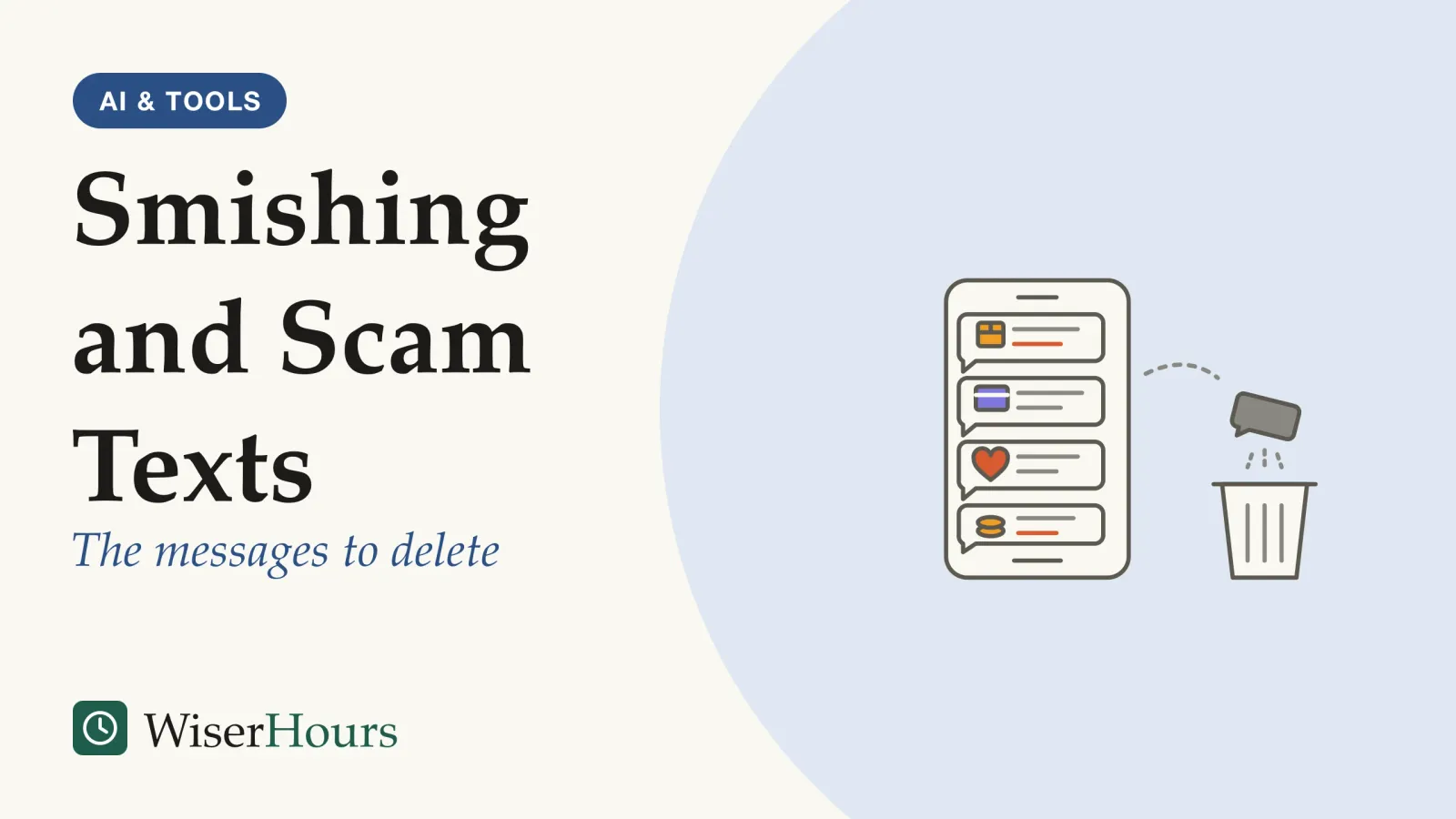
A text arrives from a number you don’t know, asking if Sarah is still free for dinner on Thursday. You reply that they have the wrong number. The sender apologizes, thanks you for being kind and asks which city you’re in. In the US Federal Trade Commission’s review of text-scam reports from 2024, that polite reply can be the opening move of a scam: a chat that turns into a friendship and then into a pitch for a fake investment platform.1
Scam text messages rarely look alike on the surface, but many of them run one of a handful of scripts, and one rule covers all of them. Europol, the EU’s police agency, and the US Federal Trade Commission (FTC) give the same core advice: don’t reply, don’t tap the link or call the number, and reach the real company by a contact you looked up yourself.123 Here are the six steps, in the order you’ll need them:
- Learn the seven scripts scam texts follow
- Don’t reply, don’t tap, don’t call back
- Verify through an app, website or number you already have
- Report and block the sender on your phone
- Forward the text to your country’s spam short code
- If you already replied or paid, start with what you gave away
This page stays with text messages. The account habits behind it, such as never reusing a password and turning on two-step verification, are covered in basic digital safety habits for every account.
Many scam text messages follow seven familiar scripts
Scam texts count on a reflex. The US FTC points out that few people can resist glancing at their phone when a text arrives, and that scammers bet on it. Its 2025 analysis of text-scam reports found that a few scripts cover much of the problem.1 Agencies elsewhere describe the same patterns.
The study
Moderate evidence
Text-scam losses reported to the US FTC, 2024
People in the US reported losing US$470 million to scams that started with a text message in 2024, more than five times the 2020 figure, even though the number of reports fell. When FTC staff hand-coded a random sample of 1,000 reports that described the scam, five scripts (fake delivery problems, job offers, bank or shopping fraud alerts, unpaid tolls and “wrong number” chats) accounted for roughly half the text frauds reported.1
Treat the dollar figure as a floor. It counts only what people chose to report, and the FTC itself says most frauds never are. Reports fell while reported losses rose, which the FTC reads as a sign that scammers’ odds of a big payout have improved.1
Here are the scripts to know, with the tell that gives each away.
| Script | What the text says | The tell |
|---|---|---|
| Parcel fee | A delivery failed; pay a small redelivery fee through a link | A small fee is the bait for your card details1 |
| Toll or fine | You owe an unpaid toll (reported in the US) and must pay by link | An unexpected charge with a demand to pay by link1 |
| Bank alert | A suspicious purchase; reply YES or NO, or call a number | Replying connects you to a fake fraud team1 |
| “Hi Mum” | A child or friend has a new number and needs money urgently | A new number, then an urgent request for money4 |
| Job offer | Easy paid work rating products or apps | You’re asked to pay in before you can withdraw earnings1 |
| Wrong number | A friendly message meant for someone else | A new friend who soon has an investment tip1 |
| Code request | Someone needs the code that was just texted to you | Nobody genuine asks for a verification code5 |
The toll row is the one to adapt to where you live. It comes from US reports, but the shape travels: any text claiming you owe a charge and offering a link to pay deserves the same suspicion, whatever agency it names.
The “Hi Mum” script shows how little a scammer needs. Australia’s Competition and Consumer Commission (ACCC) said in 2022 that these messages most often arrived on WhatsApp, from someone claiming a lost or broken phone, and Australians reported losing A$2.6 million to them in the first seven months of that year.4 A kind, slightly rushed parent is enough.
So learn the scripts. The wording changes all the time; the request at the end does not. Before you act on any unexpected text, look at what its last line asks for: a payment, a tap, a reply or a code.
- An unknown sender. Nothing in a text proves who sent it, and a personal touch, such as your name, proves nothing either.
- A delivery problem. Fake delivery problems are one of five scripts behind roughly half the text frauds in the US FTC's sample of reports.
- A small fee. The small fee is the bait for your card details.
- The request in the last line. The wording changes all the time; the request at the end does not. Here it is a payment; elsewhere a tap, a reply or a code.
- A link to pay. It leads back to the sender, not to the courier. Check through a website or app you find yourself.
Why “don’t reply, don’t click, verify another way” works
Every contact route a scam text offers you leads back to the sender, so the only safe check is one that goes through a route you found yourself. Europol’s 2018 awareness sheet, still linked from its current scams guide, puts it plainly for bank texts: the link leads to a bogus website, and the phone number leads to a fraudster pretending to be the bank.3
The bank-alert script shows the mechanism. The text says a large payment is pending and asks you to reply NO if it wasn’t you. You reply, and a “fraud team” calls. The FTC describes what comes next: the caller says all your money is at risk and pressures you to move it to a “safe” account, which belongs to the scammers.1 Nothing in that chain required a link.
That’s why the rule has three parts. Don’t reply, because a reply can start the conversation the scammer wants. Don’t tap or call, because those routes are theirs. And verify another way: the FTC’s 2022 consumer advice is to reach the company through a phone number or website you know is real, not the details in the text.2
For family messages, the ACCC’s advice is to call your son, daughter or friend on the number already saved in your phone, and never to send money until you’re sure who is receiving it.4 That call takes a minute, and it reaches the real person rather than the sender.
- Myth
- A text that knows my name, or my child's name, must be genuine.
- Fact
- The US FTC warns that scammers may know some things about you and sound very convincing. A personal touch proves nothing about who sent the text.
One-time codes need their own rule. The FTC compares your password and a verification code to a doorknob lock and a deadbolt: a scammer needs both, which is why they pose as someone you trust and ask for the code. The FTC’s 2024 alert leaves no room for exceptions: in its words, anyone asking for your account verification code is a scammer.5
Make “I’ll check another way” your automatic answer, since a real bank, courier or relative can wait five minutes.
How to block and report scam texts on iPhone and Android
Both main phone systems let you report a scam text and block its sender in a few taps, and on many networks the report also reaches your mobile provider. Apple and Google describe the steps on their help pages, and the order matters: report before you reply to anything, or delete it. If a toll notice arrives from a number you don’t know, deleting it clears your screen; reporting it first, on many networks, also puts a copy in front of the people who can block the sender.
On an iPhone
In Messages, a Report Spam link appears under a text from an unknown sender: tap it, then tap Delete and Report Spam. Without opening the text, you can swipe left on it and do the same. Apple notes that you can’t report a message after you’ve replied to it, and that, depending on your carrier and country, reporting a text shares it with your carrier. Reporting doesn’t stop the sender writing again, though. To do that, open the conversation, tap the sender’s icon, then Info, and choose Block Contact.6
Keep strangers' texts out of the way
Turn on Screen Unknown Senders in the Messages filtering settings. Apple says texts from people not in your contacts then go to a separate list without notifications, and you can still allow time-sensitive categories such as verification codes (options vary by country).7
On an Android phone
In Google Messages, touch and hold the conversation, then tap Block, Report spam and OK. Reporting also blocks the sender and moves the conversation to the “Spam & blocked” folder, and Google says a report may send a copy of the number and the latest message to your mobile carrier.8
If your phone uses a different messaging app, look for its junk or spam option before you delete the text.
So the order is report, then block, then delete. Replying first closes the report option on an iPhone, and deleting first throws away the copy your provider could have used.
Forward the text to your country’s spam short code
In several countries you can also forward a scam text, free, to a short code that goes to mobile networks or a government team: 7726, which spells SPAM on a phone keypad. Countries run these services differently, so check what yours offers.
- In the UK, most providers accept texts forwarded to 7726, and the National Cyber Security Centre (NCSC) says your provider can then investigate the sender and block it. Note the sender’s number first, as the NCSC’s steps suggest. The NCSC says the service had helped remove about 41,000 scams as of July 2026.9
- US readers can copy the message and forward it to 7726, which the FTC says helps providers spot and block similar texts, and can also report it through the FTC’s ReportFraud.ftc.gov site.2
- In Canada, Get Cyber Safe says forwarding to 7726 is free and alerts your provider, which can block similar messages for all users.10
- In New Zealand, the Department of Internal Affairs runs the 7726 service, and it says using Report Junk or Report Spam in your messages app also shares the text with it.11
- In Australia, Scamwatch takes scam reports through an online form.12
Living somewhere else?
Search your mobile provider’s help pages, or your national consumer or cyber-security agency, for “report scam text”. If a short code doesn’t work on your network, ask your provider how to report instead, as the NCSC suggests for UK users.9
A forward costs you a minute. Because providers can use these reports to block similar messages for their other customers, your one text can help keep the same scam away from other people.
Already replied, tapped or paid? Start with what you gave away
Once you’ve engaged with a scam text, move quickly, and let what you handed over decide the next step. Britain’s NCSC organizes its advice, last reviewed in 2022, by situation. If you’ve given out banking details, contact your bank. If you typed in a password, change it there and on every other account where you reused it, and consider a passkey where one is offered. If a link led you to install something, run a full antivirus scan. If the message reached you on a work phone or laptop, tell your IT department.13
- 1Money or card detailscall your bank on a number you trust
- 2A passwordchange it everywhere you used it
- 3A code, or the account looks hackedfollow that service’s account recovery steps
- 4Installed somethingrun a full antivirus scan
- 5Report itto your police or national fraud service
If money or bank details are involved, call your bank using a number you trust, such as the one on your statement or in its app, not a number from the text.5
If you replied but shared nothing, block the sender and forward the text to your reporting service. Treat any “fraud team” that calls you next as part of the same scam, like the one in the bank-alert script.
Then report it to your local police or your national fraud reporting service; check which one handles scams where you live. In the UK, for example, the NCSC points people to Report Fraud (0300 123 2040) covering England, Wales and Northern Ireland, and to Police Scotland on 101.9 Getting money back depends on your bank, your country and how you paid, a question too large for this page; your bank and your national fraud service can tell you what applies to you.
If the sender threatens you, or you or someone else is in immediate danger, call your local emergency number first. Australia’s Scamwatch, for example, says to call 000 when anyone is in immediate danger, and it can connect people who need support to recover from a scam with IDCARE, a support service. Report even if the loss feels small or embarrassing: Scamwatch says reports help it warn others.12
When a suspicious text arrives
Download PDF
Agencies agree, but nobody has tested the rule
The advice on scam texts rests on agreement between agencies: we could not find a single study testing whether people who follow it lose less money. What it has instead is convergence, since agencies in the US, the UK, the EU, Canada, New Zealand and Australia, each writing its own guidance, arrived at the same rule. The script list rests mostly on observational data, a hand-coded sample of US reports, so read its proportions as a guide to what is common.
The weakest link is measurement. Nobody counts the scams that fail because someone paused and checked, so the official figures cannot show how much the rule prevents. Following the rule costs you a minute of checking.
The bottom line
Scam texts change their wording constantly but keep asking for the same things: a tap, a reply, a payment or a code. Refuse all four, check anything that worries you through an app or number you already have, and report the text before you delete it. If you’ve already paid or shared details, call your bank first and report the scam second.
This article is general education, not financial advice. For decisions about your own money, speak to a qualified, regulated adviser.
Frequently asked questions
Should I reply STOP to a text I think is a scam?
No. The US Federal Trade Commission's advice is never to respond to unexpected texts, and Apple notes that once you reply to a message on an iPhone you can no longer report it as spam. Block and report it instead. If the sender is a company you really deal with and you only want fewer marketing texts, change the setting in its app or your online account.
Is it dangerous just to open a scam text?
The official advice centers on what you do next. The US FTC and Europol warn about tapping links, calling numbers in the message and replying with details, which is where the harm starts. On an iPhone, Apple's filter for unknown senders keeps such texts in a separate list, and Apple says marking a sender as known is what lets you open their links.
What about scam messages on WhatsApp or other chat apps?
The same rule applies. Australia's ACCC said in 2022 that 'Hi Mum' scammers most often made contact through WhatsApp. Its advice is to call the person on the number already saved in your phone, and never to send money until you're sure who is receiving it. If the app offers a report or block option, use it before you delete the chat.
Can my phone company block scam texts before they reach me?
Sometimes. The US FTC says wireless providers may offer tools that block unwanted calls and texts, and that some call-blocking apps filter texts too. Filters differ by country and provider, so check your own provider's website or app, and keep reporting the texts that still get through, because those reports help providers block similar messages.
Sources
- Top text scams of 2024. US Federal Trade Commission, Data Spotlight (April 2025; accessed 28 September 2026)
- How to Recognize and Report Spam Text Messages. US Federal Trade Commission, Consumer Advice (July 2022; accessed 28 September 2026)
- Phishing, smishing and vishing: #CyberScams awareness sheets. Europol, European Cybercrime Centre (2018 awareness sheet, still linked from Europol's cyber scams guide, updated 18 February 2026; accessed 28 September 2026)
- ACCC warning of suspicious messages as “Hi Mum” scams spike. Australian Competition and Consumer Commission, media release (23 August 2022; accessed 28 September 2026)
- What’s a verification code and why would someone ask me for it? Puig, A., US Federal Trade Commission, Consumer Alert (7 March 2024; accessed 28 September 2026)
- Report spam and block senders in Messages on iPhone. Apple, iPhone User Guide (accessed 28 September 2026)
- Screen and filter text messages on iPhone. Apple, iPhone User Guide (accessed 28 September 2026)
- Report spam in Google Messages. Google, Google Messages Help (accessed 28 September 2026)
- Phishing scams: Report a scam text. UK National Cyber Security Centre (published 26 November 2021, reviewed 5 September 2022; accessed 28 September 2026)
- Reporting spam text messages to 7726. Get Cyber Safe, Communications Security Establishment Canada (accessed 28 September 2026)
- Report TXT Spam. New Zealand Department of Internal Affairs (accessed 28 September 2026)
- Report a scam. Scamwatch, National Anti-Scam Centre, Australia (accessed 28 September 2026)
- Phishing scams: If you've shared sensitive information. UK National Cyber Security Centre (published 26 November 2021, reviewed 5 September 2022; accessed 28 September 2026)
How we researched this
Sources are official guidance on scam texts from the US FTC, the UK's NCSC, Canada's Get Cyber Safe, New Zealand's Department of Internal Affairs, Australia's Scamwatch and ACCC, and Europol, with the phone makers' own help pages for iPhone and Android and the FTC's 2025 analysis of text-scam reports, all read in September 2026. Main limitation: the loss figures come from reports people chose to file, and we could not find any study of how far each piece of advice cuts losses.
Keep reading
How to Spot a Phishing Email in Seconds
How to spot a phishing email with 6 quick checks, from the real sender address to lookalike links, and where to report scam emails in your country.
Scam Calls: How Caller ID Spoofing Works and What to Do
Caller ID spoofing lets scammers show any name or number, even your bank's. How it works, 3 common tricks, what STIR/SHAKEN proves and 6 steps to take.
Children's Online Safety: An Age-by-Age Guide for Parents
Online safety for kids at 4 stages (under 5, 6 to 9, 10 to 12, teens), drawn from WHO, AAP, UNICEF and eSafety guidance, with warning signs and help.
Identity Theft: The First Steps Anywhere in the World
6 first steps after identity theft, from official guides in 5 countries: call your bank, report it, lock your credit file and keep a record.