How to Spot a Phishing Email in Seconds
How to spot a phishing email with 6 quick checks, from the real sender address to lookalike links, and where to report scam emails in your country.

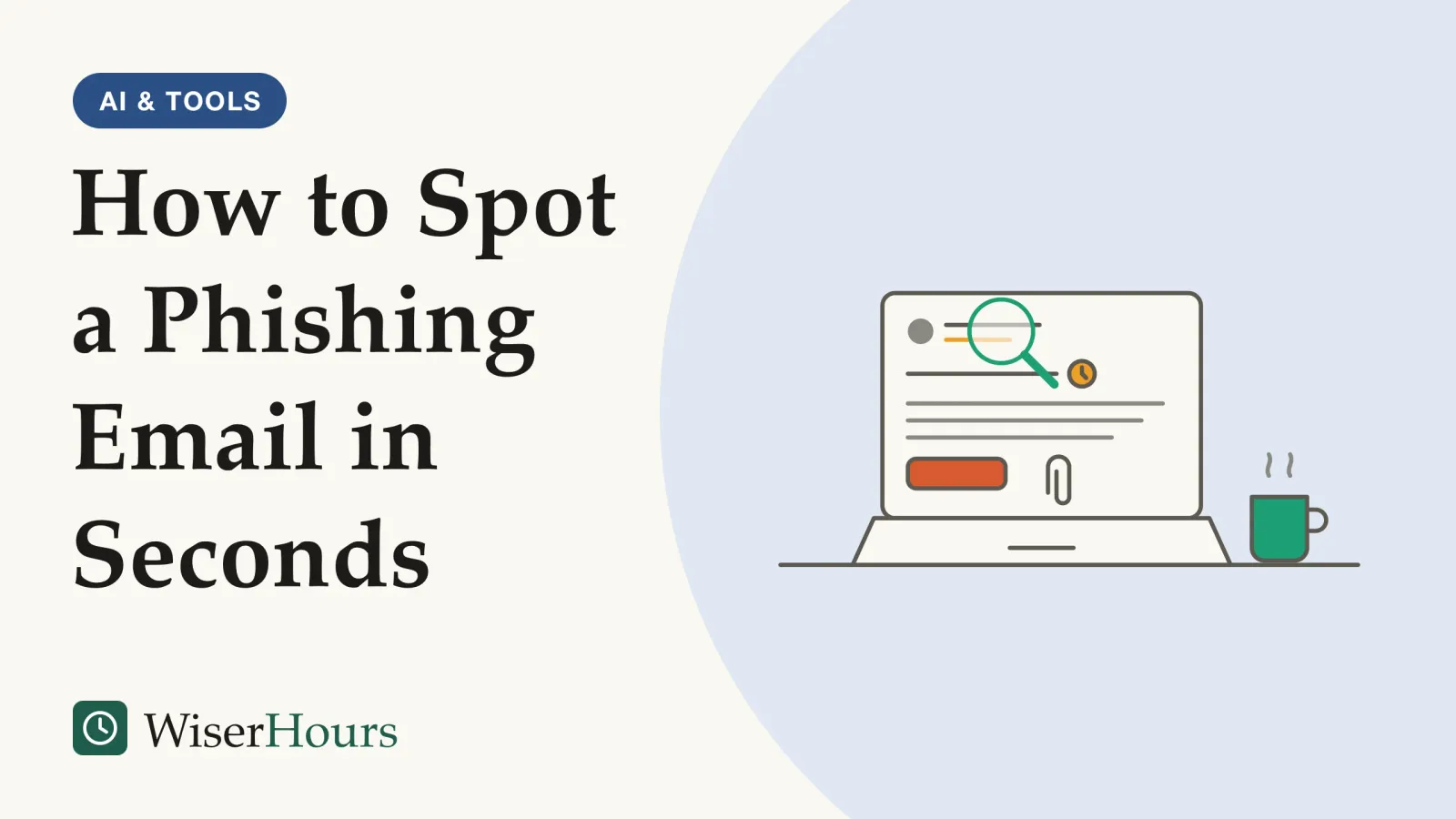
A well-written email with a familiar name at the top is the kind most likely to catch a careful person. In a 2019 study of simulated phishing emails sent to staff at NIST, the US standards agency, the emails people clicked most were the ones whose story matched their work, not simply the ones with the fewest warning signs.1 What matters is less how an email looks than what it asks you to do, and where it wants you to do it.
How to spot a phishing email, in short: look past the display name to the real address, notice pressure, treat any request for money, a login or a code as a stop sign, see where links lead and leave surprise attachments closed. When in doubt, check with the company or person using contact details you found yourself, never the ones in the message. The six checks:
- Check who sent it
- Notice pressure, threats and offers that seem too good
- Stop at any request for money, logins or codes
- See where links go
- Leave unexpected attachments closed
- Go to the service directly
The first five are quick looks at the message itself. The sixth catches what they miss, and it applies the pause-before-you-act habit from a beginner’s set of everyday online-safety routines to email in detail.
How to spot a phishing email: six checks
You spot a phishing email by checking the jobs every scam has to do: pose as someone you trust, hurry you, ask for something valuable, and send you to a page or a file. Each of the first five checks targets one of those jobs, and the sixth sidesteps them all.
1. Check who sent it
The From line has two parts: a display name, which a sender can set to anything, and the actual email address. Picture a message whose display name reads “Bank Security Team”, sent from a web-mail address or a domain unrelated to your bank (a made-up example). Google’s Gmail Help advises checking that the sender’s name and email address match.2 On a phone, where the app may show only the name, tapping the name usually reveals the address.
A correct-looking address is not proof, though. In one of the NIST training exercises described below, a fake notice appeared to come from an address inside the agency itself.1
2. Notice pressure, threats and offers that seem too good
Pressure is the scammer’s main tool, because a rushed reader skips the other checks. The UK’s National Cyber Security Centre (NCSC) flags messages that give you a short deadline, such as “within 24 hours”, or threaten fines or other consequences, and offers of things in short supply work the same way.3
“Your mailbox will be closed tonight unless you confirm your details” is a typical example. The deadline is there so you act before you think, or before you ask a colleague who might say “that looks odd”.
The practical rule is to slow down in proportion to the push. A real bank or employer can wait while you check.
3. Stop at any request for money, logins or codes
Payment, a password or a one-time code is what many phishing emails are after. Apple says it will never ask you to provide your password or a two-factor authentication code, or to enter them into any website, and warns never to use Apple Gift Cards to pay other people.4
A one-time code is meant only for you. Anyone who asks you to read it back, or to type it into a page they sent you, is trying to get into your account. So treat these requests as a stop sign every time, whoever the email seems to come from: new bank details for a bill you pay, a “confirm your password” link, or a sign-in code you never requested.
4. See where links go
The text of a link and its real destination can differ. On a computer, Microsoft suggests resting the pointer over a link without clicking and checking whether the address that appears matches the one in the message. It also warns of lookalike addresses such as micros0ft.com, with a zero for the second “o”, and rnicrosoft.com, with “r” and “n” standing in for the “m”.5
It helps to know which part of an address counts. Domain names are organized from right to left: each label to the left is a subdivision of the name to its right.6 So in an address like paypal.com.account-check.net (a made-up example), the site is account-check.net, and “paypal.com” at the front is decoration. Find the first single slash and read the name just before it, from the right.
A password manager that fills in your logins adds a backstop. The NCSC says a manager’s autofill helps protect you from phishing, because it fills your password only on the correct website.7 If a login page you reached from an email gets no offer to fill, treat that as a warning and check the address before typing anything.
5. Leave unexpected attachments closed
An attachment you weren’t expecting deserves the same suspicion as a link. Apple lists an unsolicited message that contains an attachment as a sign of phishing.4
In NIST’s training exercises, a fake “unpaid invoice” email said its attachment was a document, but the file itself was a compressed .zip, copying a ransomware attack circulating at the time.1 A file described one way and named another is a strong clue. If a colleague or supplier sent something, a quick call or message through contact details you already have settles it.
6. Go to the service directly
This is the golden rule, and it works even when every other check looks fine. The NCSC’s advice for any message you doubt is to contact the organization directly, using details from its official website or from your statements or card, not the numbers or addresses in the message.3
Say an email claims your streaming payment failed. Close it, open the app or type the address yourself, and look at your account. If there is a real problem, it should show there, or the company can confirm it when you contact it through details you trust.
Run through the six checks once or twice with real emails from your inbox, genuine ones included, and they soon become a quick glance.
Six checks, then report
Download PDF
Why polished phishing emails fool careful people
Polished phishing emails catch careful people when their story fits the reader’s day, and clean writing no longer marks a message as genuine. In NIST’s 2019 Phish Scale study, the authors weigh that fit more heavily than the number of warning signs an email carries.1
The study
Limited evidence
Seven training emails at one agency: the NIST Phish Scale study (2019)
Three NIST researchers rated seven phishing training emails sent to their own colleagues, counting the warning signs in each and judging how well its story fit the people who received it. A fake order confirmation with 18 warning signs, including a misspelled shop name in the address, was clicked by about 1 in 11 of the roughly 70 staff who got it. A fake notice that the reader’s computer had visited restricted websites carried 14 signs, but it played on a rule every employee had been trained on, and more than 4 in 10 clicked. In their scale, the authors give fit more weight than the number of warning signs.1
The email that matches what you were expecting is the one you read fastest, so spotting mistakes is not a defense you can count on. A password-reset request arriving in the very week your employer is switching to new software (an illustrative example): the timing does the persuading. Keep the study’s limits in mind, too. These were training emails at one US agency, rated by the study’s own authors, and most went to small groups.
Spelling is the other clue that has faded. The UK’s NCSC notes that bad spelling or grammar once made scams easier to recognize, and warns that they are getting smarter.3 Guidance from CISA, the US cyber-security agency, since moved to its web archive, says that in the era of AI some phishing emails have perfect spelling and grammar, so readers should look for the other signs.8
The FBI has explained why. In a December 2024 public warning, it said criminals use generative AI tools to write believable messages faster and for more people, and that these tools can correct the errors that might otherwise warn a reader.9
- Myth
- A real scam email is full of spelling mistakes.
- Fact
- US and UK agencies warn that scams are getting more polished; clean spelling proves nothing about who sent it.
Errors still turn up. Microsoft still lists obvious spelling mistakes as a possible sign, and says some are deliberate, to slip past filters.5 So keep the rule one-sided: a clumsy email may earn suspicion, but a well-written one earns no trust. The six checks look at what a scam has to do rather than how it reads, which is why none of them depends on spotting an error. Scam texts and AI-written phishing will each have a separate guide among WiserHours’ digital safety articles.
Where to report a phishing email
Report a phishing email in two places: inside your email app, which helps its filters, and with your country’s reporting service, which in some countries, the UK among them, can get scam sites taken down. Google, Microsoft and Apple each offer a route, and several national agencies accept forwarded emails.
In your email app:
- Gmail: on a computer, open the message, click More next to Reply, and choose Report phishing.2
- Outlook and Outlook.com: select the message and choose Report, then Report phishing. From another email program, Microsoft asks for the phishing email as an attachment to
phish@office365.microsoft.com, so it can see the message headers.5 - Apple: forward suspicious emails that pretend to come from Apple to
reportphishing@apple.com, and mark other spam in iCloud Mail as Junk.4
For a national report, use your own country’s route. A few examples:
| Where you live | Where to send it |
|---|---|
| UK | Forward the email to report@phishing.gov.uk, the NCSC’s reporting address10 |
| US | Forward it to the Anti-Phishing Working Group at reportphishing@apwg.org, then tell the FTC about it on ReportFraud.ftc.gov11 |
| Australia | Use the report-a-scam page on Scamwatch12 |
| Canada | Report it to the Canadian Anti-Fraud Centre through reportcyberandfraud.canada.ca13 |
| Elsewhere | Your national cyber-security agency, consumer protection body or police fraud-reporting service |
Phishing is routine enough that these reports matter. In the US, phishing and spoofing topped the crime types reported to the FBI’s Internet Crime Complaint Center in 2025, with about 192,000 complaints, a category that also counts scam texts and calls.14 Among UK businesses that identified a breach or attack in the government’s 2025/2026 breaches survey, 88 percent had faced phishing, by far the most common kind.15 Both figures count only attacks people noticed and reported, so treat them as a measure of how common phishing is, not as your personal odds.
The NCSC says it acts on every message it receives, that reports help reduce scam emails and protect others, and that it had removed about 455,000 scam web addresses as of July 2026. For money lost or an account taken over after responding to a phishing email, it asks for a separate report: to Report Fraud if you live in England, Wales or Northern Ireland, or by calling Police Scotland on 101.10
In other countries, use your national fraud service or local police. Canada’s Anti-Fraud Centre notes that fraud can happen to anyone, and asks victims to contact their local police as soon as possible.13 If money has already gone, Australia’s Scamwatch says to contact your bank or card provider immediately; use the number from its app, website or card (check 6), not one from the email.12 If you typed a password into a page the email led to, the UK’s NCSC advises changing the password on any of your accounts that use the same one.16 The fuller recovery steps belong in a separate guide; for the everyday case, report, then delete.
What the evidence behind the checks can and can’t show
We found no trial that taught people this routine and then counted who got phished. The advice rests on agreement between agencies and email providers, plus workplace studies such as NIST’s, which is why each row carries a label.
| Check | What the best evidence found | Evidence |
|---|---|---|
| Sender, links, requests for money or codes | Providers and agencies name mismatched addresses, lookalike links and requests for passwords as signs of phishing | Expert guidance, consensus across Microsoft, Google, Apple and national agencies5 |
| A story that fits your day | Staff clicked well-fitted training emails far more often than less well-fitted ones | Observational, limited: one US agency’s exercises1 |
| Going to the service directly | Recommended by every source we read; nobody has measured its effect | Gap: expert guidance only |
The bottom line
An email gives itself away by what it wants: who it claims to be, how hard it pushes, and whether it is after a payment, a login or a code. When anything is off, or nothing is but the stakes are real, close it and reach the company through your own bookmark, app or a number you already hold. Then report it, in your email app and to your country’s service.
This article is general education, not financial advice. For decisions about your own money, speak to a qualified, regulated adviser.
Frequently asked questions
Should I click unsubscribe in a suspicious email?
No. Guidance from CISA, the US cyber-security agency (now in its web archive), says to delete a suspected phishing message without replying or clicking anything in it, including any unsubscribe link. Microsoft and the US FTC likewise say to report the message first, then delete it.
What if the email comes from a friend's or colleague's real address?
Check an odd request anyway. Google's Gmail Help warns that phishing messages can impersonate a family member, friend or coworker, and Microsoft suggests confirming another way, such as calling or texting the person on the number you already have. Ask whether they sent it before you open a link or attachment or send money.
Will my email provider's spam filter catch phishing for me?
Not all of it. The US Federal Trade Commission says spam filters keep many phishing emails out of your inbox, but scammers keep trying to outsmart them. Treat a provider's warning as a strong signal: Microsoft says Outlook shows a banner saying it could not verify the sender when something in an email's headers is suspicious. A missing warning proves nothing.
Sources
- A Phish Scale: Rating Human Phishing Message Detection Difficulty. Steves, M. P., Greene, K. K. & Theofanos, M. F. (2019). Workshop on Usable Security (USEC 2019), Internet Society; US National Institute of Standards and Technology
- Avoid & report phishing emails. Google, Gmail Help (accessed 28 September 2026)
- How to spot a scam email, text message or call. UK National Cyber Security Centre (published 26 November 2021, reviewed 5 September 2022; accessed 28 September 2026)
- Recognize and avoid social engineering schemes including phishing messages, phony support calls, and other scams. Apple Support (published 15 June 2026; accessed 28 September 2026)
- Protect yourself from phishing. Microsoft Support (accessed 28 September 2026)
- Domain name. Wikipedia (accessed 28 September 2026)
- Top tips for staying secure online: Managing your passwords. UK National Cyber Security Centre (published 17 December 2018, reviewed and updated 21 May 2026; accessed 28 September 2026)
- Recognize and Report Phishing. US Cybersecurity and Infrastructure Security Agency, Secure Our World (archived page; accessed 28 September 2026)
- Criminals Use Generative Artificial Intelligence to Facilitate Financial Fraud. US Federal Bureau of Investigation, public service announcement I-120324-PSA (3 December 2024)
- Report a scam email. UK National Cyber Security Centre (published 26 November 2021, reviewed 5 September 2022; accessed 28 September 2026)
- How To Recognize and Avoid Phishing Scams. US Federal Trade Commission, Consumer Advice (September 2022; accessed 28 September 2026)
- Phishing scams. Scamwatch, National Anti-Scam Centre, Australian Competition and Consumer Commission (accessed 28 September 2026)
- Report fraud and cybercrime. Canadian Anti-Fraud Centre (accessed 28 September 2026)
- 2025 IC3 Annual Report. US Federal Bureau of Investigation, Internet Crime Complaint Center (April 2026; accessed 28 September 2026)
- Cyber security breaches survey 2025/2026. UK Department for Science, Innovation and Technology, official statistics (30 April 2026; accessed 28 September 2026)
- Phishing scams: If you've shared sensitive information. UK National Cyber Security Centre (published 26 November 2021, reviewed 5 September 2022; accessed 28 September 2026)
How we researched this
In September 2026 we read phishing guidance from the UK's NCSC, the US FTC, CISA and FBI, Australia's Scamwatch and the Canadian Anti-Fraud Centre, help pages from Google, Microsoft and Apple, official US and UK crime and survey statistics, and a 2019 NIST study of phishing exercises. Main limitation: we found no trial showing that people who use a check routine like this one are phished less often.
Keep reading
Smishing and Scam Texts: The Messages to Delete
Many scam text messages follow 7 familiar scripts, from parcel fees to 'Hi Mum'. How to spot, block and report them, and what to do if you replied.
Scam Calls: How Caller ID Spoofing Works and What to Do
Caller ID spoofing lets scammers show any name or number, even your bank's. How it works, 3 common tricks, what STIR/SHAKEN proves and 6 steps to take.
Children's Online Safety: An Age-by-Age Guide for Parents
Online safety for kids at 4 stages (under 5, 6 to 9, 10 to 12, teens), drawn from WHO, AAP, UNICEF and eSafety guidance, with warning signs and help.
Identity Theft: The First Steps Anywhere in the World
6 first steps after identity theft, from official guides in 5 countries: call your bank, report it, lock your credit file and keep a record.