Gmail vs. Outlook: Which Handles Heavy Email Better?
Gmail vs Outlook for heavy email, checked in September 2026: labels vs folders, search, sorting, offline, 15 GB storage and AI, with a verdict by situation.

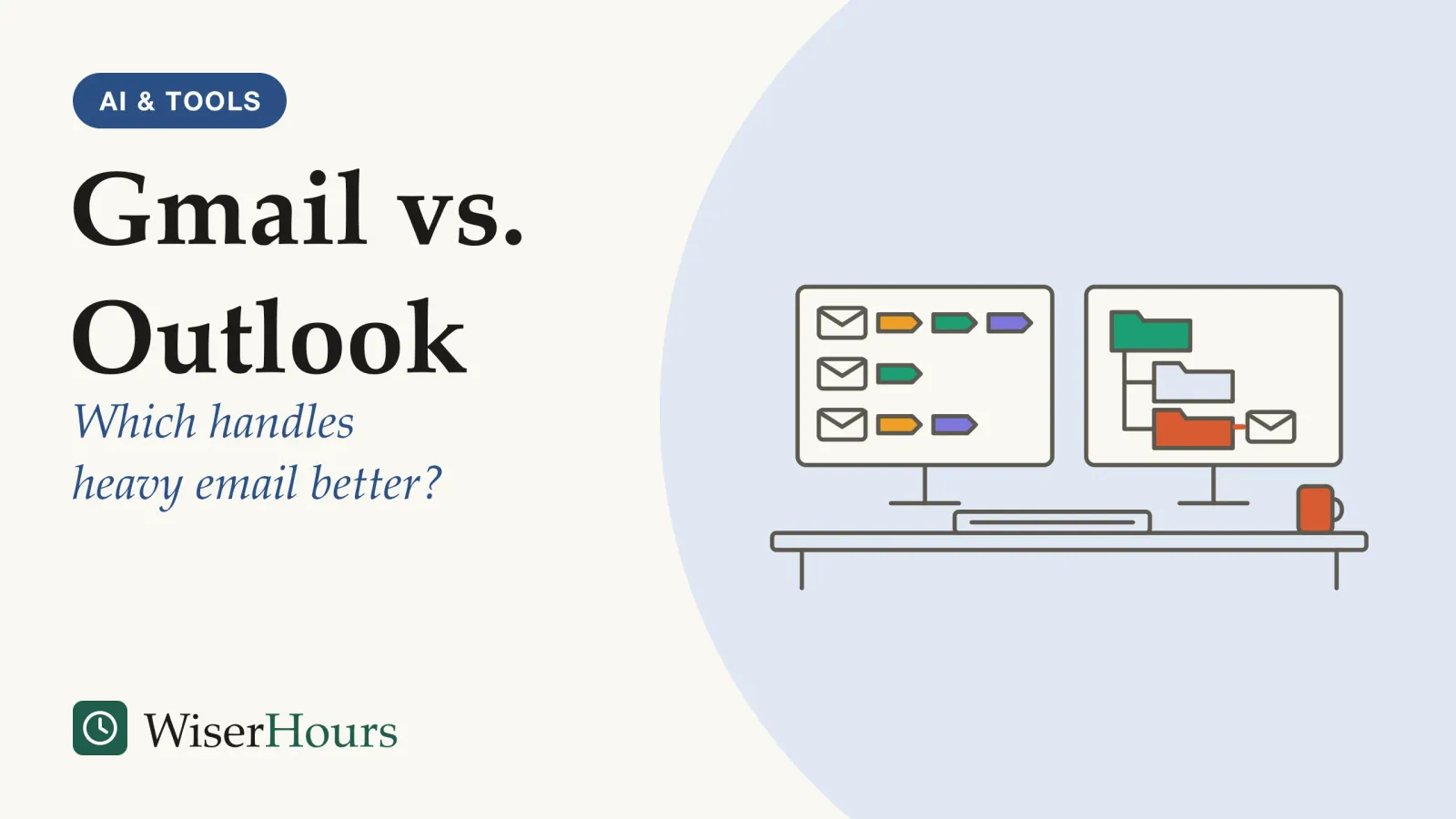
Gmail vs Outlook comes down to how you find and file mail. Gmail is built around search and labels, so one message can sit under several topics at once. Outlook is built around folders, with the calendar in the same window, which suits people who file and schedule inside Microsoft 365. For heavy email, pick Gmail if you search and tag, and Outlook if you file into folders or work offline on Windows.
For many readers the choice is already made. If your employer runs Microsoft 365, your work mail lives in Outlook; if it runs Google Workspace, it lives in Gmail, and that is the app your IT team will support. The live questions are then which service to use for personal mail, and whether to read both in one place. Start, as with choosing any productivity app, from the problem rather than the feature list. Every feature below was checked on 28 September 2026 and can differ by country, plan and app version.
Prefer to watch? The video covers the same ground as this article.
Gmail vs Outlook, feature by feature
Start with storage, because the two free allowances look alike and are not. A free Google account shares 15 GB across Gmail, Drive and Photos, while a free Outlook.com account gives mail 15 GB but counts attachments against 5 GB of cloud storage shared with OneDrive.12 A Microsoft 365 subscription raises the Outlook.com mailbox to 100 GB.2 The table sets out the other differences that matter when mail arrives by the hundred.
| What differs | Gmail | Outlook |
|---|---|---|
| Filing | Labels: one message can carry several, up to 5,000 labels | Folders, plus color categories you can stack on one message34 |
| Automatic sorting | Up to five inbox tabs set by Google; you can’t create your own | Two tabs, Focused and Other, which improve with use; you can fix a sender to either tab56 |
| Search shortcuts | Operators such as from:, has:attachment and older_than:1y | Keywords such as From:, Subject: and HasAttachment:yes78 |
| Scheduled send | Up to 100 scheduled emails at a time | New Outlook and the web hold them in Drafts; classic Outlook must stay online and connected910 |
| Offline mail on a computer | Only in Chrome, one account per setup, you choose how many days of mail to sync | On by default in new Outlook for Windows, 30 days of mail by default1112 |
| Storage on work plans | Business Starter: 30 GB per user, pooled across the organization | Business Basic and Standard: a 100 GB mailbox, which administrators can lower1314 |
For heavy email, storage and offline access matter more than the rest. If you keep years of mail with large attachments, neither free plan keeps them apart from your other files: Gmail’s quota is shared with Drive and Photos, and Outlook.com’s attachments draw on the cloud allowance it shares with OneDrive. If you answer mail on trains and flights from a Windows laptop, the new Outlook keeps a local copy without any setup, while Gmail offline works only in Chrome and has to be set up separately for each account.

A dry run for offline mail
Open your mail app on the computer you are taking, check that offline mail is on, and let it sync while you are still connected. Then turn off the connection and search for one old message. If it appears, your trip archive is ready.
Labels or folders: two ways to file the same message
A Gmail label is a tag, not a place, while an Outlook folder is a place: a message sits in one folder at a time. Four researchers, two of them at Google, interviewed 19 Gmail users in the US for a 2014 study and described the contrast this way: a Gmail message can carry several labels, applying one leaves the mail in the inbox, and archiving is what moves it out. Some participants called search their main way to find mail; the authors suggested labels helped them more as a to-do list and a way to feel organized.15
- Gmail: tags: one message can carry several labels, such as House and Taxes, and turns up under each of them
- Outlook: a place: the message sits in one folder at a time, such as House
- Outlook: categories: a color category, such as a purple Taxes, marks the same message for a second group; several can be stacked
Take an invoice from the builder working on your kitchen. In Gmail it can carry two labels, “House” and “Taxes 2026”, and turn up under both. In Outlook it goes in the “House” folder, and a purple “Taxes” category marks it for the other job.
The difference matters most when your work overlaps. A consultant whose messages each touch a client, a project and an invoice run will find tags natural. Someone who thinks in places, such as one folder per client, will find Outlook’s folders quicker to scan. And if you mostly search, as some of those interviewees did, neither structure needs to be deep.
Finding a message from last spring
Both services let you type short search commands in the search box. Gmail calls them operators and lists dozens, including ones for a file name, a message’s size and in:anywhere, which also searches Spam and Trash; it accepts year-first dates such as after:2026/03/04.7
Outlook.com calls them Advanced Query Search keywords and searches all folders by default. One detail catches readers outside the US: Microsoft’s page says Outlook.com date searches must be typed month first, as MM/DD/YYYY, so 03/04/2026 means 4 March.8
The payoff is speed on the searches you repeat. Someone looking for last spring’s contract rarely remembers the folder, but usually remembers who sent it, roughly when, and that it had an attachment. Those three facts narrow most inboxes to a handful of messages.
Automatic sorting: Gmail’s tabs and Outlook’s Focused Inbox
Gmail and Outlook both split the inbox automatically, and both learn from what you do. Gmail’s Default inbox type splits incoming mail into tabs such as Primary, Promotions and Updates, sends new-mail notifications only for Primary, and learns when you drag a message to the right tab. Heavy users should note one limit: the tabbed inbox is unavailable once an inbox holds more than 250,000 emails.5
Outlook’s Focused Inbox weighs the people and messages you interact with, and moves automatically generated and bulk mail to a tab called Other. Choosing “Always move to Focused” or “Always move to Other” fixes the choice for every future message from that sender.6
The only public data we found on how well this kind of sorting works comes from Google itself, about an earlier Gmail feature.
The study
Limited evidence
How often Gmail's early Priority Inbox agreed with its users
Google engineers described Priority Inbox, which ranked each message by how likely its recipient was to act on it. Judged against people’s own actions, it sorted about 80 percent of messages correctly, and learning from each person’s choices cut its mistakes. Among roughly 2,000 Google employees who used it, time spent reading mail was about 6 percent lower overall, and 13 percent lower for unimportant mail, than among colleagues who received similar volumes without it.16
It is a short note by Google on its own product and staff, with no random assignment, so the time difference is an association, not evidence that sorting saves time: the people who used it may simply have handled email differently. A sorter that is right four times in five still misfiles some mail, and in Google’s note it made fewer mistakes once it learned from each person’s choices.
In daily use, a misfile might be a first message from a new client sitting in Other, since Focused Inbox favors people you already deal with, or a bill reminder tucked under Updates, the tab Gmail uses for statements and reminders. That is why the first weeks matter: check the second tab daily and move what landed wrong. For mail you can describe exactly, such as a weekly report, a written rule is more reliable than learned sorting, and the steps are in our guide to setting up email filters and rules.
Snooze and the mail you can’t answer yet
Both apps can hide a message and bring it back later. In Gmail, a snoozed email leaves the inbox and returns to the top at the day and time you pick.17 The new Outlook for Windows does the same with Snooze, and adds Pin, which keeps a message you keep going back to at the top of the inbox.18
Snooze suits mail you can’t act on yet: a delivery notice for Friday, or a request that depends on tomorrow’s meeting. It fails when it becomes a way to avoid a decision, because the same message returns and asks again. A workable rule is to snooze a message only if you already know when you will be able to act on it.
Gemini and Copilot: the AI in each inbox
Both services now put a generative AIgenerative AI: AI systems that produce new text, images, audio or code in response to a request, by generating output that resembles the data they were trained on. Chatbots built on large language models are the best-known kind.Full entry in the glossary assistant in the inbox, and what you get depends on plan, country and language. In January 2026 Google began rolling out thread summaries, Help Me Write and Suggested Replies to all Gmail users at no cost, starting in the US and in English. Asking the inbox a question in plain words, such as who quoted for a repair last year, is for subscribers to its paid Google AI Pro and Ultra plans.19
On the Microsoft side, a Microsoft 365 Personal, Family, Premium or Pro subscription brings Copilot to Outlook through AI credits, and in every Outlook app except classic Outlook for Windows it also works on connected Gmail, Yahoo and iCloud accounts. On a Family plan, only the person who set up the subscription gets Copilot.20
At work the limits are tighter. Microsoft says Copilot in Outlook works only on a user’s primary mailbox hosted in Exchange Online, not on archive, shared or group mailboxes.21 If you rely on a shared team inbox, check that before counting on summaries.
A summary saves reading time on a long thread, but it compresses. Use it to decide which messages to open, and check dates, amounts and promises in the original before you act on them.
Reading your Outlook mail in Gmail, and the reverse
Gmail is ending two ways of pulling in mail from other accounts. Google’s help says Gmailify, which gave Outlook, Yahoo and other addresses Gmail’s spam filtering, tabs and search, and “Check mail from other accounts”, which fetched mail over the older POP standard, are being removed; its timeline says no new users after the first quarter of 2026, and existing users until January 2027. Google’s suggested replacements are automatic forwarding from your other provider, or adding the account to the Gmail app on Android, iPhone or iPad, which syncs it over IMAP, a standard way for mail apps to connect.22 Google had announced Gmailify in 2016, the tech news site 9to5Google reported.23
- Myth
- To use the Outlook app, you need an Outlook address.
- Fact
- The new Outlook for Windows supports Gmail, Yahoo and iCloud accounts alongside Outlook.com and work accounts, so the app and the address are separate choices.
Going the other way is simpler. Microsoft lists Gmail, Yahoo and iCloud among the accounts the new Outlook for Windows supports, with every inbox and calendar in one window.18 So if you want one app for everything, Outlook on a computer and the Gmail app on a phone are the routes Google and Microsoft still support. Test with a week of real mail before you close the other app.
Choose Gmail if, choose Outlook if: a verdict by situation
The better choice depends on where your mail comes from and how you find it again. The grid sums up the verdict; the paragraphs after it cover the cases it leaves out.
Choose Gmail if you find old mail by searching, your messages belong to several projects at once, you already use Google Calendar and Drive, or you work mostly on an Android phone. It also suits you if you want free AI thread summaries, once they reach your country and language.
Choose Outlook if your employer runs Microsoft 365, you already pay for a personal Microsoft 365 plan (it enlarges the mailbox), you file by client or case, or you work offline on a Windows laptop. The calendar sits in the same app, which helps if your day is mostly meetings; for that side of the choice, see how Google Calendar and Outlook compare with other calendar apps.
If your employer’s suite differs from your personal one, don’t fight it. Use the work app for work, read your personal account in whichever app you open most, and keep the same few top-level labels or folders in both so your habits carry across.
The bottom line
Neither service wins outright for heavy email: the deciding questions are how you find old mail and which suite your employer runs. No free plan suits a big attachment archive for long: Gmail shares its 15 GB with Drive and Photos, and Outlook.com counts attachments against 5 GB of cloud storage. Whichever you use, spend the first two weeks correcting its automatic sorting, and learn three search commands before you build a single folder.
Frequently asked questions
Can I keep my email address if I change from Gmail to Outlook, or back?
Yes. The address and the app are separate choices. Microsoft's help for the new Outlook for Windows lists Gmail, Yahoo and iCloud accounts among those it supports, and Google's Gmail app for Android and iPhone can add an Outlook account over a standard connection called IMAP. You can keep your address and change only the app you read it in.
What happens when a free mailbox runs out of space?
Mail stops flowing. Microsoft says a full Outlook.com mailbox cannot send or receive, and mail sent to you bounces back to the sender; full cloud storage also stops Outlook.com mail. Google says going over your storage limit can affect sending and receiving in Gmail, because the same quota covers Drive and Photos. In both, clearing large attachments or buying more storage restores normal service.
Which one works better on a phone?
Both have apps for Android and iPhone. Google's help says its Gmail app can add an Outlook account over IMAP, and Microsoft's Copilot FAQ describes thread summaries in Outlook for Android and iOS for accounts with Copilot access. Pick the app for the account you use most, then add the other account to it.
Sources
- Manage your Google storage. Google (2026). Google One Help, accessed 28 September 2026
- Storage limits in Outlook.com. Microsoft (2026). Microsoft Support, accessed 28 September 2026
- Create & manage labels in Gmail. Google (2026). Gmail Help, accessed 28 September 2026
- Create and assign color categories in Outlook. Microsoft (2026). Microsoft Support, accessed 28 September 2026
- Organize your emails into categories. Google (2026). Gmail Help, accessed 28 September 2026
- Focused Inbox for Outlook. Microsoft (2026). Microsoft Support, accessed 28 September 2026
- Refine searches in Gmail. Google (2026). Gmail Help, accessed 28 September 2026
- Search Mail and People in Outlook.com. Microsoft (2026). Microsoft Support, accessed 28 September 2026
- Schedule emails to send. Google (2026). Gmail Help, accessed 28 September 2026
- Delay or schedule sending email messages in Outlook. Microsoft (2026). Microsoft Support, accessed 28 September 2026
- Set up & use Gmail offline. Google (2026). Gmail Help, accessed 28 September 2026
- How to work offline in Outlook for Windows. Microsoft (2026). Microsoft Support, accessed 28 September 2026
- Compare Google Workspace pricing plans. Google (2026). Google Workspace, accessed 28 September 2026
- Exchange Online limits. Microsoft (2026). Microsoft Learn service description, updated 9 September 2026, accessed 28 September 2026
- Overload is overloaded: email in the age of Gmail. Grevet, C., Choi, D., Kumar, D. & Gilbert, E. (2014). Proceedings of CHI 2014, 793-802
- The Learning Behind Gmail Priority Inbox. Aberdeen, D., Pacovsky, O. & Slater, A. (2010). Google research note, NIPS 2010 Workshop on Learning on Cores, Clusters and Clouds
- Snooze emails until later. Google (2026). Gmail Help, accessed 28 September 2026
- Getting started with the new Outlook for Windows. Microsoft (2026). Microsoft Support, accessed 28 September 2026
- Gmail is entering the Gemini era. Google (8 January 2026). The Keyword, Google's company blog
- Sharing Copilot in Outlook. Microsoft (2026). Microsoft Support, accessed 28 September 2026
- Frequently asked questions about Copilot in Outlook. Microsoft (2026). Microsoft Support, last updated August 2026, accessed 28 September 2026
- Learn about upcoming changes to Gmailify & POP in Gmail. Google (2026). Gmail Help, accessed 28 September 2026
- Google shutting down Gmailify after nearly 10 years. 9to5Google (23 January 2026)
How we researched this
We read Google's and Microsoft's own help, pricing and service-description pages on 28 September 2026, plus a Google research note on Gmail's Priority Inbox (2010), a 2014 interview study of Gmail users and one tech news report. Features, plan names, storage and AI availability vary by country, account type and app version and change often. Main limitation: we found no independent study comparing the two services directly.
Keep reading
Password Managers Explained: Why You Need One and How to Pick
Why a password manager beats memory, and how to pick one on 5 checks: encryption, track record, devices, passkeys, and sharing and recovery.
Mechanical vs. Membrane Keyboards: Does It Matter for Productivity?
Mechanical vs membrane keyboard: speed studies are few and split, and a review of 15 office trials found little proof that equipment prevents arm pain.
Excel vs. Google Sheets: Which Should You Use for Everyday Work?
Excel vs Google Sheets, checked October 2026: price, sharing, offline use, the 20-million-cell limit, scripts, AI and a verdict for five situations.
Best To-Do List Apps Compared: How to Choose
The best to-do list apps for 6 situations, checked on price, devices and sharing, plus a 3-step trial to run before you move your tasks in.