Digital Eye Strain: Causes and Prevention
Digital eye strain is common and temporary: its causes, what trials found on the 20-20-20 rule, why blue-light glasses disappoint and which signs need a doctor.

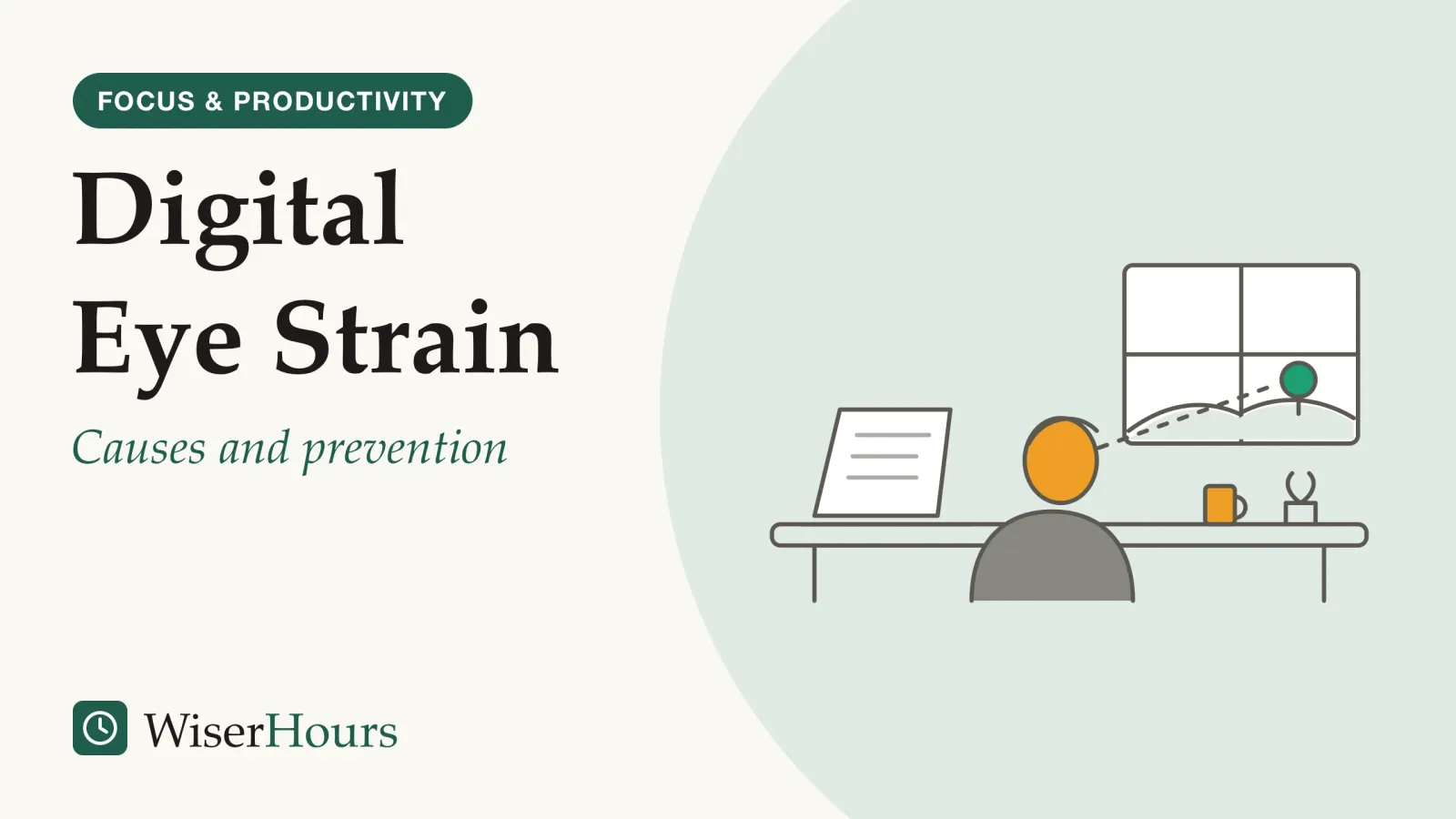
By mid-afternoon on a day of spreadsheets and video calls, the text starts to swim. The eyes feel gritty, a line needs reading twice, and a dull ache settles behind the brow. By the next morning it has gone, which is the first clue to what it is.
Digital eye strain is that discomfort: achy, dry or stinging eyes and blurred vision that build during long spells of screen use. The American Academy of Ophthalmology (AAO) says it can make your eyes uncomfortable but does not permanently damage them.1 Five habits cover most of what helps:
- Look into the distance often, and rest longer after long stretches
- Blink fully, and keep the air around your eyes moist
- Get an eye test that covers your screen distance
- Sit about 25 inches from the screen, looking slightly down
- Ask a pharmacist about dry eyes, and skip blue-light lenses
The last point surprises people most. A 2023 Cochrane reviewsystematic review: A review that fixes its question and its rules for including studies in advance, then searches out every study that fits and weighs them together. Some systematic reviews pool the results into a meta-analysis; others describe what the studies found without combining the numbers.Full entry in the glossary found that blue-light filtering glasses may not reduce eye strain from computer work any better than ordinary lenses, on low-certainty evidence.2
Digital eye strain is discomfort, not damage
Digital eye strain is a set of eye and vision symptoms tied to screen use, and eye-care bodies treat it as a comfort problem rather than an injury. A 2023 report by the Tear Film and Ocular Surface Society (TFOS) defines it as recurring symptoms or signs that start or worsen specifically with screen viewing.3
Prevalence estimates swing with the definition a study uses, but the ones below suggest that a sore-eyed afternoon puts you in large company.
Cutting back on screens is one answer, and a beginner’s guide to digital minimalism sets out that approach. This article is about the screen hours you keep.
A 2018 review by Amy Sheppard and James Wolffsohn, optometry researchers at Aston University in the UK, sorts the symptoms into two groups. Burning, irritation, tearing and dryness belong to the eye’s surface and track dry eye. Strain, ache and headache behind the eyes are linked to the focusing and eye-aligning systems working hard at close range.4
The split is practical, because the two kinds have different fixes. Eyes that burn by lunchtime in an air-conditioned office point to the surface; eyes that ache and blur after an evening of tablet reading may need glasses that suit the distance. Notice which kind you get before you change anything.
Why screens dry your eyes: fewer blinks, and half-finished ones
Screens dry the eyes because people blink less, and less completely, while they concentrate on them. The AAO says people normally blink about 15 times a minute but only about 5 to 7 times a minute at a screen, and blinking is how the eye keeps its surface moist.1 Stretch the gaps between blinks and the surface dries, which is the gritty, burning feeling.
The screen itself may not be the main culprit. When researchers at the SUNY College of Optometry in New York had 25 people read the same text from a monitor and from paper, blink rates were about the same, and they proposed that the concentration a task demands, not the screen, drives blinking down. What did differ was completeness: more blinks on the screen stopped short, with the lid not closing fully.5
Picture reconciling two long columns of figures: you stare, barely blink, and look up much later with stinging eyes. Paper would do something similar; the screen just makes the long stare easy to keep up all day.
Blinking on command may not be the answer either. In a small study at the same college, a regular beep that roughly doubled people’s blink rate made no clear difference to their symptoms, and the authors suggested that complete blinks may matter as much as frequent ones.6 The practical lesson is about the stare, not the screen: now and then, close your eyes fully for a moment, especially during work that makes you concentrate.
Does the 20-20-20 rule work?
The 20-20-20 rule is sensible advice with thin testing behind it. The American Optometric Association (AOA) recommends looking at something 20 feet away for 20 seconds every 20 minutes, to give the eyes a chance to refocus, and resting them for 15 minutes after two hours of continuous computer use.7
The idea is reasonable: close work keeps the eye’s focusing system busy, and a distant target lets it relax. Whether short, scheduled breaks are enough to matter rests on a few small studies.
The most realistic test put break-reminder software on the laptops of computer users who already had symptoms. After two weeks of prompts, their eye strain and dry-eye symptoms had fallen, but the improvement had not held a week after the reminders stopped, and the clinical signs of dry eye did not change.8 The study compared the same people before and after rather than against a separate group, so expectation may explain part of the drop; we read the abstract only.
Two small lab studies, each a single 40-minute reading task, disagree. In one, 20-second breaks every few minutes, every 20 minutes or not at all made no clear difference to symptoms; its authors noted that the rule has relatively little peer-reviewed evidence behind it.9 In the other, a 2025 study, people who read without a break reported more eye irritation and strain than when they took frequent or self-timed breaks.10 Neither tested a working day.
Keep the habit, then, without a stopwatch. Tie the long look to moments that already interrupt you, such as a file saving, a call connecting or a page loading, and let the exact timing go.
Your glasses may be set for the wrong distance
Uncorrected or poorly matched vision is one of the most fixable causes of digital eye strain. The AOA says uncorrected vision problems can make symptoms worse, that glasses worn for distance, reading or both may not suit the distance of a computer screen, and that lenses designed for computer work may help. It suggests a thorough eye exam every year for computer users, and telling the eye doctor about your job tasks and measured on-the-job viewing distances.7
The reason is that eyes focus sharply at one distance at a time. Reading glasses are set for a page held close and distance glasses for across the room, so a monitor can fall in the gap between them. Small errors count: the Aston review reports that in double-masked randomized studies, even small amounts of simulated, uncorrected astigmatism made screen work less comfortable.4
A typical case, for illustration: someone in their late forties with reading glasses finds herself pushing her chin toward the monitor by mid-morning. Her eyes are not failing; her lenses are focused for a book, not a screen at arm’s length.
In Great Britain, the Health and Safety Executive says employers must arrange and pay for an eye test for regular screen users who ask, and must pay for glasses only if the test shows a person needs them specifically for screen distance.11 Elsewhere, check your own country’s workplace rules.
The fix starts with a tape measure. Before your next eye test, do what the AOA suggests: note how far your eyes are from your main screen, and from a laptop if you use one, and say so at the appointment.
Blue-light lenses: a Cochrane review finds no clear benefit for eye strain
Blue-light filtering glasses have not been shown to ease digital eye strain. The AAO does not recommend them for computer use, citing a lack of scientific evidence that light from screens damages the eyes, and says strain comes from how people use screens, blinking less, rather than from anything the screens give off.12
The study
Limited evidence
Do filtering lenses ease computer eye strain? The 2023 Cochrane answer
Sumeer Singh, Laura Downie and colleagues, led from the University of Melbourne, found that blue-light filtering lenses may not reduce eye strain from computer use in the short term, compared with lenses that do not filter blue light. Many trials did not mask participants or assessors. Effects on sleep were unclear, and no trial measured macular health.2
“Low certainty” is the label that matters: a larger, better-run trial could change the answer, but for now the promise on the box has not been demonstrated.
Professional bodies do not all agree. The TFOS report concluded that, on current evidence, blue-light blocking does not appear to be an effective way to manage digital eye strain.3 The AOA’s consumer page, by contrast, says blue light from screens and lighting can harm vision over the long term and that special lens tints and coatings can reduce it.7
- Myth
- Blue light from screens damages your eyes, so filtering glasses protect them.
- Fact
- The AAO says there is no scientific evidence that screen light damages the eyes, and a Cochrane review found filtering lenses may not ease eye strain.
Sleep is a separate question, and the evidence on screens in the hour before bed sits with our sleep guide. For your eyes at work, the money you might spend on filtering lenses is better put toward an eye test at your working distance.
How to prevent digital eye strain
The habits with the most support are plain, and none needs special equipment. They follow from the two routes above: protect the eye’s surface, and give its focusing system rest and the right lenses.
1. Look into the distance often, and rest longer after long stretches
Use the 20-20-20 rule as a prompt, not a prescription, and add the longer pauses the AOA suggests. A phone call or a walk to a colleague’s desk counts as a break.
2. Blink fully, and keep the air around your eyes moist
Make some blinks deliberate and complete during demanding work. The NHS’s advice for dry eyes includes taking breaks from screens, keeping the screen just below eye level, using a humidifier, avoiding long spells in air-conditioned or heated rooms, and, for contact lens wearers, switching to glasses at times to rest the eyes.13
3. Get an eye test that covers your screen distance
Book the yearly exam the AOA suggests and bring the screen distances you measured, so the lenses you get are focused where you actually look.
4. Sit about 25 inches from the screen, looking slightly down
The AAO suggests sitting about 25 inches, roughly arm’s length, from the screen, with your gaze slightly downward, matching screen brightness to the room, cutting glare and raising the contrast.1 Chair, desk and posture are a separate job; for the eyes, distance and glare are what count.
5. Ask a pharmacist about dry eyes, and skip blue-light lenses
In the UK, the NHS says a pharmacist can advise on eyedrops and other treatments you can buy, and on whether you need to see an optician or GP.13 Tell the pharmacist if you wear contact lenses or are already being treated for an eye condition. Leave blue-light lenses out of the budget.
A kinder screen day for your eyes
Which eye-strain fixes have actually been tested?
Few of them, and only briefly: most advice about screens and eyes rests on expert guidance or small, short studies. The table lists the fixes that trials have measured.
| What it is | What the best evidence found | Evidence |
|---|---|---|
| Break reminders based on the 20-20-20 rule | Symptoms fell over two weeks in 29 symptomatic computer users, but the fall was not maintained a week after reminders stopped; clinical signs unchanged | Before-and-after study, limited8 |
| Scheduled 20-second breaks in a lab task | No clear difference in symptoms, in 30 young participants reading on a tablet for 40 minutes | Experiment, limited9 |
| Frequent or self-paced breaks in a lab task | Less irritation and strain than no break, in 24 young adults over a 40-minute reading task | Trial, limited10 |
| Blue-light filtering lenses | May not reduce short-term eye strain compared with ordinary lenses | Systematic review, limited (low certainty)2 |
When to see an eye doctor
Screen use does not explain away every eye symptom, and a few need care the same day. MedlinePlus (run by the US National Library of Medicine) and the NHS say which ones; sorting them into three tiers is our own step.
- Now: MedlinePlus advises emergency care for partial or complete loss of vision, even if brief; double vision; a shade or curtain across your sight; sudden blind spots, halos or distorted vision; or sudden blurred vision with a painful, red eye.14 In the US, MedlinePlus’s page on eye redness says to call 911 or go to the hospital for a red eye with halos around lights, a headache with blurred vision or confusion, or nausea and vomiting.15 For the UK, the NHS says to call 999 or go to A&E for changes to your sight such as wavy lines, flashing or loss of vision, pain when looking at light, a red eye with a severe headache and feeling sick, or an eye injury, and warns against driving yourself to A&E.13 Elsewhere, call your local emergency number.
- Soon: for a painful red eye, or a red eye in someone who wears contact lenses, which could be an infection, the NHS says to get an urgent GP appointment or contact NHS 111.13 Outside the UK, the equivalent is a prompt visit to your family doctor or an optometrist.
- Routine: dry eyes that persist after a few weeks of self-care are worth an optician or GP visit, the NHS says.13 Blur or aching at the screen that returns week after week belongs on the list for your next eye test.
The bottom line
Eyes that ache, blur or sting after a long screen day are common, and the symptoms usually pass: they belong to eyes that have stared, focused close and blinked too little for too long. The fixes with the best support are unglamorous: look far away often, blink fully, and make sure your glasses suit the distance of your screen. Skip the blue-light lenses, and see a doctor promptly for pain, redness or any sudden change in vision.
This article is general information, not medical advice. If you're worried about your health, talk to a doctor or another qualified professional.
Frequently asked questions
Is digital eye strain worse if you wear contact lenses?
It may be. In a Spanish study of 426 civil servants described in a 2018 review, contact lens wearers who used computers for six hours or more were more likely to report digital eye strain than non-wearers. The American Academy of Ophthalmology suggests giving your eyes a break by wearing glasses instead, and never sleeping in lenses.
Do children get digital eye strain?
Yes. The American Academy of Ophthalmology says digital eye strain affects people of all ages, and that the advice for children using screens all day is the same as for adults: take breaks. A 2018 review by Sheppard and Wolffsohn noted that strain in children has been little studied, so how common it is remains uncertain.
Are computer glasses the same as blue-light glasses?
No. The American Academy of Ophthalmology describes computer glasses as prescription lenses that focus at screen distance, about 20 to 26 inches away, sometimes with multifocal lenses for switching between distances. It says they are not the same as blue-light blocking glasses, which it does not recommend for computer use.
Do eye drops help with digital eye strain?
They may ease dryness but may not clear every symptom. A 2018 review reported that lubricating drops reduced tiredness, dryness and difficulty focusing during long computer use, and a 2023 TFOS report called for more and larger trials of artificial tears. In the UK, the NHS says a pharmacist can advise on eyedrops.
Sources
- Computers, Digital Devices, and Eye Strain. American Academy of Ophthalmology (US), reviewed by James M. Huffman, MD, published June 27, 2024
- Blue-light filtering spectacle lenses for visual performance, sleep, and macular health in adults. Singh, S., Keller, P. R., Busija, L., McMillan, P., Makrai, E., Lawrenson, J. G., Hull, C. C. & Downie, L. E. (2023). Cochrane Database of Systematic Reviews, CD013244
- TFOS Lifestyle: Impact of the digital environment on the ocular surface. Wolffsohn, J. S., Lingham, G., Downie, L. E., et al. (2023). The Ocular Surface, 28, 213-252
- Digital eye strain: prevalence, measurement and amelioration. Sheppard, A. L. & Wolffsohn, J. S. (2018). BMJ Open Ophthalmology, 3(1), e000146
- Blink patterns: reading from a computer screen versus hard copy. Chu, C. A., Rosenfield, M. & Portello, J. K. (2014). Optometry and Vision Science, 91(3), 297-302
- Blink rate, incomplete blinks and computer vision syndrome. Portello, J. K., Rosenfield, M. & Chu, C. A. (2013). Optometry and Vision Science, 90(5), 482-487
- Computer vision syndrome. American Optometric Association (US), undated consumer page
- The effects of breaks on digital eye strain, dry eye and binocular vision: Testing the 20-20-20 rule. Talens-Estarelles, C., Cerviño, A., García-Lázaro, S., Fogelton, A., Sheppard, A. & Wolffsohn, J. S. (2023). Contact Lens and Anterior Eye, 46(2), 101744
- 20-20-20 Rule: Are These Numbers Justified? Johnson, S. & Rosenfield, M. (2023). Optometry and Vision Science, 100(1), 52-56
- The impact of break schedules on digital eye strain symptoms and ocular accommodation during prolonged near work. Redondo, B., Jiménez, R., Vera, J. & Rosenfield, M. (2025). Experimental Eye Research, 258, 110463
- Working safely with display screen equipment: 5. Eyes and eyesight testing. Health and Safety Executive (UK), updated March 20, 2025
- Are Computer Glasses Worth It? American Academy of Ophthalmology (US), reviewed by Rahul N. Khurana, MD, published March 5, 2021
- Dry eyes. NHS (UK), page last reviewed January 6, 2025
- Vision problems. MedlinePlus Medical Encyclopedia, US National Library of Medicine, review date August 5, 2024
- Eye redness. MedlinePlus Medical Encyclopedia, US National Library of Medicine, review date August 5, 2024
How we researched this
We started from the current consumer guidance of the American Academy of Ophthalmology and the American Optometric Association, UK guidance from the NHS and HSE, and US guidance from MedlinePlus. We then looked for reviews and trials on blinking, breaks and blue-light lenses published from 2013 on, searching PubMed and Europe PMC during September 2026. Main limitation: the trials are small and short, and for most of them we had only the abstract.
Keep reading
Doomscrolling: Why You Do It and How to Stop
In 2021 experiments, 2 to 4 minutes of COVID-19 news on social media lowered positive mood. Why doomscrolling hooks you, and 5 habits that may help.
How Much Screen Time Is Too Much for Adults?
WHO sets no daily screen limit for adults, and Canada's 3-hour leisure cap (2020) is about sitting. What research says matters more than the hours.
How to Reduce Screen Time: 15 Practical Steps
15 ways to reduce screen time, graded by the trials behind them: firm app limits, fewer alerts, grayscale, phone placement and what tends to fade.
Dopamine Detox: What It Gets Right and What It Gets Wrong
No study shows a dopamine detox lowers or resets dopamine, but its core idea, fewer cues and harder access, has some support. 5 claims checked.