Cable Management: A Simple Guide
Cable management in 6 steps with cheap parts: one power strip under the desk, heavy cables first, loose ties, slack, and the fire rules for cords and rugs.

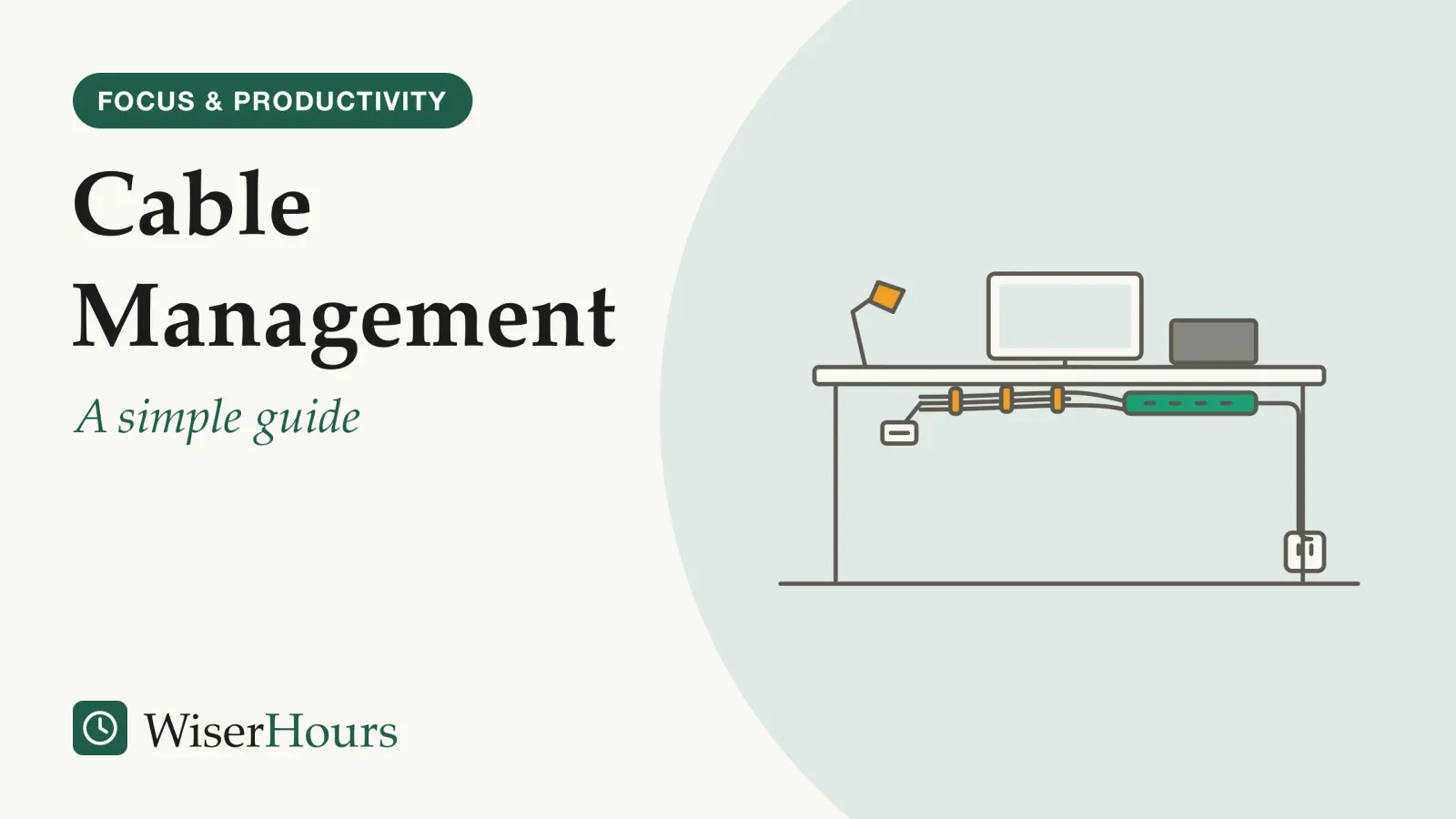
Tidy cables are mostly about looks until something goes wrong underneath them. Cable management means routing, bundling and fixing the cords around your desk so they are out of the way, easy to change and safe, and it takes an afternoon with a power strip, a few reusable ties and some labels. Two rules from safety bodies matter most under a desk. Plug a power strip straight into the wall, never into another strip or adaptor (Electrical Safety First, a UK charity), and never run a cord under a rug or anywhere it can be pinched (the US Fire Administration).12 The rest is order and patience:
- Unplug everything and label each cable
- Remove the cables you don’t use
- Fix one power strip under the desk
- Route the power leads first
- Bundle the rest with reusable ties
- Leave slack for a standing desk
This guide covers the cables, not the furniture: screen, chair and keyboard positions are in how to set up an ergonomic desk, and the rest of the house is in the organization and decluttering section.
Prefer to watch? The video covers the same ground as this article.
Cable management is also a fire and trip safety job
Cable management is a safety job as well as a tidy one, because the space under a desk collects the two hazards cords cause: overloaded or damaged cords that can start fires, and loose cords that people trip over. US fire-department data put a number on the first, and the advice that follows is cheap to apply anywhere.
Cords fail for ordinary reasons. A lead squashed under a chair leg or a rug wears through its insulation without anyone seeing it. A strip with too much plugged into it, or a chain of strips, pulls more current through the first plug than it was built for, and the plug in the wall can overheat, as Electrical Safety First, a UK charity, explains.3 Neither problem is easy to spot early, which is why Electrical Safety First lists a smell of hot plastic among its warning signs.1
The study
Moderate evidence
Electrical fires in US homes, from the US Fire Administration
US fire departments reported an estimated 24,200 residential building electrical fires in 2021, causing about 295 deaths and 900 injuries, according to the US Fire Administration.2 In the agency’s 2018 analysis of 2014 to 2016 data, extension cords were the equipment involved in about 5 percent of residential building electrical fires, roughly 1 in 20, behind other wiring, outlets and branch circuits.4
These are official US estimates built from fire-department reports, so they count only fires someone reported, and we found no comparable international figures. Read them as a sense of scale, not as your own risk. The advice below holds anywhere: it aims for a cord you can see, that nothing presses on, feeding one strip from one wall socket.
How to hide cables under your desk in six steps
The best way to manage cables is to work from the wall outward: clear and label first, fix one power strip under the desk, route the heavy power leads, and only then tidy the light cables. In that order, each cable has a place before you tie anything, so you don’t cut ties and start again.
- One strip, straight to the wall: a single power strip fixed under the desktop, its lead plugged directly into a wall socket, never into another strip or extension lead
- Power leads first: the heavier power leads run along the underside of the desktop and down one leg, off the floor and away from feet and chair wheels
- The rest, tied loosely: data and charging cables join them, gathered with reusable ties that are snug but not tight enough to squeeze the cable
- Slack where it leaves the desk: a loose loop long enough for the desk’s full travel, so raising it never pulls a plug or drags a device
1. Unplug everything and label each cable
Switch off and unplug every device, then lay every cable out on the desk or the floor. Before anything goes back, label both ends of each cable: masking tape marked “monitor” or “printer” is enough. When a device dies or you add a dock, you then change one cable instead of tugging at a bundle.
While each cable is out, check it. Electrical Safety First lists damaged or frayed cables, colored wire showing at the plug and scorch marks among its danger signs.1 Stop using those cables rather than taping them up.
2. Remove the cables you don’t use
Most desks carry cables for devices that left long ago: an old phone charger, a second printer lead, a spare video cable. Anything without a job goes. Old cables and electronics don’t belong in the household bin; how to declutter your home covers where they go. Fewer cables means fewer plugs, which is what makes one strip enough.
3. Fix one power strip under the desk
Mount a single power strip to the underside of the desktop or the back of a leg, with screws or a tray, so the plugs sit off the floor. Its own lead goes straight into the wall socket. The US workplace regulator OSHA, in a 2002 letter, notes that listing instructions require power strips to be plugged directly into a permanently installed outlet, not into other strips or extension cords, and that their cords are not to be routed through walls, ceilings or floors.5
Choose a strip with built-in overload protection, as the US Fire Administration recommends,2 and keep the total load below the rating printed on it. In the UK, for example, most extension leads are rated at 13 amps, and some older ones and many cable reels at 10 amps or less.3
4. Route the power leads first
Power leads are the thickest and least flexible, so they go first, along the shortest path from each device to the strip under the desk. The light cables follow the same route.
Keep every lead clear of chair wheels, drawer runners and the desk’s moving parts, and off the floor where your feet go. The US Consumer Product Safety Commission advises never placing an extension cord where heavy furniture or foot traffic can damage it. Its fact sheet, which is undated, estimates about 4,000 emergency-room injuries a year in the US linked to extension cords, about half of them from people tripping over one.6
5. Bundle the rest with reusable ties
Gather data, video and charging cables alongside the power leads with hook-and-loop ties, which you can open again when you add a device. Snug is enough. Guidance for network installers, quoted in a 2003 trade article by an engineer at the cable-tie maker Panduit, says ties should be loose enough to slide around the bundle and never tight enough to deform the cable’s outer jacket.7 Don’t coil up a long extension lead to hide the extra length; use one of the right length instead (the FAQ below explains why).
6. Leave slack for a standing desk
On a sit-stand desk, every cable that runs from the desk to the wall or floor needs enough length for the desk’s full travel. One maker’s manual (UPLIFT Desk, US) warns that a cord too short for the range of motion can pull a monitor or computer down and knock other items over.8
So raise the desk to its highest setting before you tie anything, then lower it, and leave one loose loop where the cables leave the desk. Run everything you can along the desk itself, so only the strip’s lead and perhaps a network cable drop to the wall.
The afternoon, in order
Is it safe to plug a power strip into another power strip?
No. Plugging one power strip, extension lead or adaptor into another, known as daisy chaining, can cause overheating and even fire, according to Electrical Safety First.9 In Australia, Energy Safe Victoria likewise advises against piggybacking adaptors and suggests a power board with a built-in safety device instead.10
- Myth
- A surge protector makes it safe to chain power strips.
- Fact
- Surge protection deals with voltage spikes, not overload. A chain still pulls all its current through the first plug.
Wikipedia’s power strip entry adds that chaining strips is against most codes, whether or not the strips are surge protected, and gives the International Fire Code (2009 edition, International Code Council) as an example.11
A second strip looks harmless when you plug it in; the load arrives later, when a heater or kettle joins the chain. Electrical Safety First’s fix is to rely less on extension leads and adaptors, and to add more wall sockets.1
Plugs, sockets, voltages and ratings differ by country, and a plug that fits a socket is no proof the two are matched.12 This guide’s examples are British, American and Australian. Elsewhere, check your national electrical-safety regulator or fire service, and buy strips that carry the safety certification mark your country requires.
Rugs, walkways and chargers: where cords should not go
Cords belong where you can see them, off walkways and out from under rugs, and chargers need air around them. Devon and Somerset Fire and Rescue Service in the UK says to use cables only where they can be seen, because cables under carpets and rugs can wear through unnoticed and are easy to trip over.13
A rug looks like the tidiest hiding place, which is why it is the classic mistake. The US Fire Administration lists cords that can be damaged or pinched, such as under a carpet or rug, among the things to avoid.2 If a cord must cross a room, run it along the wall. For older adults, the CDC’s home fall-prevention checklist suggests coiling or taping cords next to the wall so you can’t trip over them, and having an electrician add an outlet.14 An extension lead in use is the exception: unwind it fully (see the FAQ).
Chargers and laptop power bricks need the same thought. Apple’s safety guide for its laptops says to allow ventilation around the power adapter and not to put it under a blanket or pillow while it is plugged in.15 So leave the brick on the desk or in an open tray, not inside a sleeve or a closed box with other bricks.
Wall-mounted TVs, rentals and shared desks
The same rules apply away from the desk, with a few twists: a TV on the wall puts cords on show, a rented home limits drilling, and a shared desk needs labels more than anything.
How do I hide TV cables without cutting the wall?
Run the signal cables (video, aerial or network) down the wall in a surface channel, sometimes called a cord cover or raceway: a slim plastic strip with an adhesive back, which you can usually paint to match the wall.
The TV’s power cord is different. In the US, the National Electrical Code does not allow flexible cords to be attached to building surfaces or concealed inside walls, with very limited exceptions.16 So keep the power cord short and in the open, near a wall socket, or have an electrician fit an outlet behind the TV. Rules on in-wall wiring vary by country, so ask a qualified electrician where you live.
Renting
Use removable-adhesive clips and channels for signal cables, a tray fixed to the underside of your own desk, and furniture placement to hide cords, rather than fixings in the walls. Check your rental agreement before you drill or paint anything.
Shared desks and small spaces
On a shared or hot desk, labels matter most, because each person can find their own charger without unplugging someone else’s monitor. In a small room, put the desk next to a wall socket so no lead has to cross the floor.
On a shared desk
Give each person a label color and a charging spot on the desk, and keep the shared strip for the monitor and lamp. Nobody then needs to unplug anything that isn’t theirs.
Which advice is official, and which is just practical?
The advice on daisy chaining and cords under rugs is consistent across safety bodies in three countries; the tidying steps are practical guidance that no study has tested.
| What it is | What the best evidence found | Evidence |
|---|---|---|
| A single strip per wall socket, no chains | Advised by Electrical Safety First, OSHA and Energy Safe Victoria | Official guidance, consensus (UK, US, Australia)1 |
| No cords under rugs or where they are pinched | Listed by the US Fire Administration as a way cords get damaged | Official guidance (US)2 |
| Cords out of walkways | Tripping linked to about half of US cord injuries in older CPSC estimates | Official statistics, dated (US)6 |
| Loose ties, slack for moving desks | Cabling and desk-maker guidance; outcomes not studied | Industry guidance, limited8 |
| Labelling and the step order | Not studied by anyone we found | Gap: practical reasoning only |
In practice, that means the safety rules are the part to follow exactly, and the rest is the order that saves you redoing work.
When a cable problem needs an electrician
Some signs mean the problem is past tidying. Each sign below is credited to the body that lists it, and we sorted them by how fast you should act.
- Now: if you see smoke, sparks or flames, get out and call your local emergency number. “Get out quickly” is also part of the US Fire Administration’s battery-safety advice, along with stopping use of a lithium-ion battery that smells, changes color or shape, leaks or gets too hot.17
- Soon: if a plug, lead or strip feels hot, shows burn marks, buzzes or crackles, or keeps blowing fuses or tripping breakers, Electrical Safety First says not to ignore it: unplug it and contact the retailer, the manufacturer or a qualified technician.1
- When you next can: if your desk needs more sockets than one strip gives, ask an electrician to add a wall socket rather than adding strips.
The bottom line
Do it in order: unplug and label, remove what you don’t use, fix one strip under the desk and plug it straight into the wall, route the power leads, then tie the rest loosely and leave slack if the desk moves. Never plug a strip into another strip, and never run a cord under a rug or anywhere something presses on it.
This article is general information, not medical advice. If you're worried about your health, talk to a doctor or another qualified professional.
Frequently asked questions
Can I staple or nail cables to the desk or the skirting board?
Not power cords. The US Consumer Product Safety Commission advises against using staples or nails to attach extension cords to a baseboard or other surface, because they can damage the cord and create a shock or fire hazard. In the US, the National Electrical Code also bars flexible cords attached to building surfaces. Keep power cords on the desk, in clips or a tray that hold them without piercing or crushing them.
Should I unplug chargers when I'm not using them?
Electrical Safety First, a UK charity, advises unplugging chargers when you have finished with them and not leaving devices charging longer than necessary. It also says to charge on a hard, flat surface rather than a bed or sofa, where a device can overheat and start a fire.
Is a coiled extension lead or cable reel safe to use?
Not while it is wound up. The US Consumer Product Safety Commission says never to use an extension cord while it is coiled or looped, and Electrical Safety First in the UK warns that a cable reel used wound up can overheat and catch fire. Unwind it fully, or replace it with a lead of the right length.
Sources
- Extension leads, cable reels and block adaptors. Electrical Safety First (UK charity), checked 2026-10-06
- Appliance and Electrical Fire Safety. U.S. Fire Administration (US), page last reviewed 4 May 2023; checked 2026-10-06
- Overloading sockets. Electrical Safety First (UK charity), checked 2026-10-06
- Residential Building Electrical Fires (2014-2016). U.S. Fire Administration (2018). Topical Fire Report Series, 19(8)
- Compliance requirements for relocatable power taps or 'power strips'. Occupational Safety and Health Administration (US), standard interpretation letter, 18 November 2002; checked 2026-10-06
- Extension Cords Fact Sheet (CPSC Document #16). U.S. Consumer Product Safety Commission (US), undated; public-domain copy archived by the Naval Postgraduate School in 2008
- All tied up in network efficiency. Brownlee, J. (Panduit Corp.) (2003). Cabling Installation & Maintenance
- UPLIFT 2-Leg Height Adjustable Standing Desk: assembly instructions. UPLIFT Desk / The Human Solution (US), manual revision R06; checked 2026-10-06
- Electrical Safety Advice for the Home office. Electrical Safety First (UK charity), checked 2026-10-06
- Using electricity safely. Energy Safe Victoria (Australia), reviewed 19 August 2024; checked 2026-10-06
- Power strip. Wikipedia, accessed 2026-10-06
- AC power plugs and sockets. Wikipedia, accessed 2026-10-06
- Electrical safety. Devon and Somerset Fire and Rescue Service (UK), checked 2026-10-06
- Check for Safety: A Home Fall Prevention Checklist for Older Adults. Centers for Disease Control and Prevention, National Center for Injury Prevention and Control (US)
- Important safety information for your Mac (MacBook Pro User Guide). Apple (manufacturer guidance), checked 2026-10-06
- Extension cord. Wikipedia, accessed 2026-10-06
- Battery Fire Safety. U.S. Fire Administration (US), page last reviewed 7 November 2024; checked 2026-10-06
How we researched this
We read fire-safety and electrical-safety guidance from US bodies (US Fire Administration, Consumer Product Safety Commission, OSHA, CDC), the UK charity Electrical Safety First and a UK fire service, and Energy Safe Victoria in Australia, all checked on 2026-10-06, plus US fire-department data for 2014 to 2021. Practical steps also draw on a desk maker's manual, a laptop maker's safety guide and cabling guidance. Main limitation: no study has tested cable-management methods, and the injury figures are US only.
Keep reading

Desk Organization Ideas That Actually Help You Work
6 desk organization ideas that make work easier, from zoning by reach to a short end-of-day reset, and what research says about messy desks.
Ergonomic Desk Setup: The Basics
An ergonomic desk setup in 6 steps from US and UK safety guidance, and what trials show: the setup has not been proven to prevent pain.
How to Build a Capsule Wardrobe
How to build a capsule wardrobe in 5 steps: log what you wear for two weeks, pick a palette, size it to your climate and life, buy slowly, review each season.
How to Create a Weekly Cleaning Schedule
How to make a weekly cleaning schedule in 5 steps that fit your free time and household, with 3 ready-made versions to copy and adapt.