Getting Things Done: A Beginner's Guide to GTD
Getting Things Done for beginners: GTD's 5 steps, a minimal setup and a first-week plan, with each step labelled by what backs it, research or David Allen.

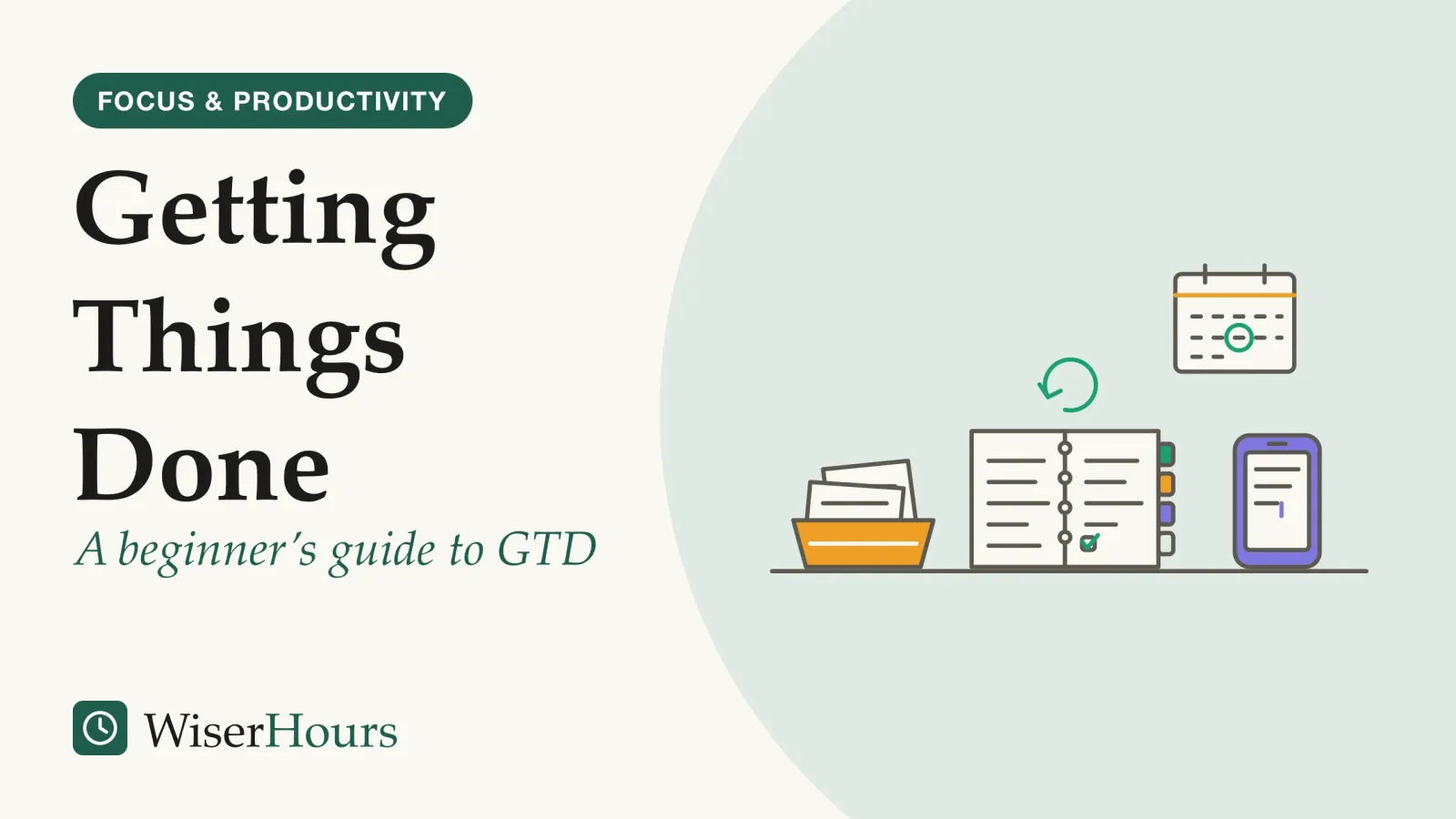
Getting things done the GTD way needs less equipment than most beginners expect: one or two places to catch whatever has your attention, a handful of lists, and a regular look back over them. David Allen set out the methodGetting Things Done: David Allen's productivity method: capture every commitment in a trusted system, decide the next action for each, sort them into lists and review them weekly. Its central step has experimental support, but no trial has compared the method as a whole with another.Full entry in the glossary in a 2001 book,1 and his company now describes it as five steps.2 Only the first two lean on research. The other three rest on Allen’s own experience, and a beginner does better knowing which is which. A workable setup takes about a week: an in-tray on day one, a head-emptying session on day three and a first review on day seven, as the plan further down lays out.
Reviewing experiments on reminders in 2023, Sam Gilbert’s research team in London concluded that handing an intention to an external reminder works well, and that is the job GTD’s first step gives your in-tray.3 The five steps, in the order you do them:
- Capture whatever has your attention
- Clarify what each item means and its next action
- Organize the results onto a few lists
- Reflect on the lists every week
- Engage: choose what to do from them
What you need before you start
GTD asks for no particular app or notebook. Heylighen and Vidal, in a 2008 paper setting out Allen’s method, say you need one or more collection tools, paper or digital, that together form your in-tray, plus a short set of lists and files that everything else ends up on.
The lists a beginner needs
Projects: any outcome that needs more than one action. Next actions: the very next physical step for each commitment. Calendar: only actions tied to a particular day or time. Waiting for: things you have handed to someone else. Someday/maybe: ideas you are not committing to yet. Reference: material that needs no action.1
The number of in-trays matters more than the tool. Every in-tray is one more place you have to empty, and a David Allen Company article argues that an inbox holding items for more than about two days turns into a poor to-do list: you reread the same messages without deciding anything about them.4 Someone with work email, a team chat, a paper notebook and a family message group already has four in-trays before choosing an app.
So choose the fewest you can check every day, usually one you carry and one at your desk.
- Myth
- You need the right app before you can start GTD.
- Fact
- Allen's method works with paper or digital tools, and a small study found that saving on paper freed memory much as saving computer files had.
Once the tools are chosen, stop shopping for new ones until the habit holds. For how GTD compares with Pomodoro, kanban and time blocking, read seven popular methods side by side; for a verdict on Allen’s ideas, what the GTD book gets right and wrong. This guide is about running them.
Capture: an outside list beats your memory
Of the five steps, capture has the strongest research base. Gilbert’s 2023 review describes how people offloadcognitive offloading: Using something outside your head, such as a note, a calendar alert, a search engine or a chatbot, to cut the mental work a task needs. It usually helps you do the task, though you may remember less of what you handed over.Full entry in the glossary intentions to diaries, sticky notes, objects left by the door and phone alerts, and concludes that such reminders can strongly affect whether people carry out what they meant to do.3
The reason is that an intention has to come back to mind at the right moment on its own, and memory is poor at that. In older diary studies the review cites, at least half of everyday lapses were a failure to do something planned, not a lost fact or name. A note on the front door does the remembering for you. In one lab study it describes, once reminders were allowed, working-memory ability stopped predicting who remembered to act.3
Does the medium matter, paper versus a screen? A small US study tested that.
The study
Limited evidence
Saving on paper frees memory too (Flusberg and Ramos, 2018)
Stephen Flusberg and Avianca Ramos gave students two printed word lists in a row. Before studying the second list, they either put the first one in a manila folder, to study again later, or fed it into a shredder. After saving the first list, students recalled about 18% more words from the second list than after shredding it. The authors conclude that the benefit earlier found for saving computer files also holds for paper.5
The practical point: what frees your mind is knowing the item is safely stored, not the device it sits on. The caveat is large: it was one small study of memory for word lists, not of anyone’s workload.
The review adds a warning. In one experiment it describes, people were much more likely to offload high-value intentions than low-value ones, so if the external store fails, what is left in their heads is mostly the low-value material.3 An in-tray you do not trust can be worse than none.
Clarify: decide what each item needs
Clarifying means taking each captured item and asking whether it needs action. If not, it is binned, filed as reference or parked on someday/maybe; if so, you decide its next physical action, as Heylighen and Vidal summarize Allen’s flowchart.1 Deciding the next action is the one part of this step with experimental support.
In a set of 2011 experiments, mostly with US undergraduates, the psychologists Masicampo and Baumeister found that when people wrote down how they would tackle an unfinished goal, it stopped pushing into their thoughts, even with none of the work done.6 A note that says “car” keeps asking you what to do; “call the garage to book a check on the rattle” hands you a move you can make without further thought.
The two-minute rule rests on Allen’s reasoning, not on a study. A job needing under two minutes gets done on the spot, because once you have read and understood the item, doing it costs less than filing it and loading it back into your mind later, as Heylighen and Vidal explain it.1 A David Allen Company article on emptying an inbox adds two cautions: time a few “two-minute” jobs, since they can run longer, and clarify in short sessions, such as 15 minutes, before switching to work that needs no decisions, because clarifying can bring on decision fatigue.4
An item that fails this test still needs clarifying. Write the step down before moving to the next one.
Organize and reflect: Allen’s rules, not tested ones
Where clarified items go, and how often you review them, rest on Allen’s experience; we found no study testing context lists or the weekly review on their own. His company recommends keeping next actions on lists sorted by context, meaning the tools, people and places each action needs, rather than under each project, so that with 20 free minutes you can see at a glance what fits where you are.7
- Capture (research): a review of reminder studies concluded that handing intentions to external reminders works well
- Clarify (research): in 2011 experiments, a specific written plan stopped an unfinished goal intruding; the two-minute rule is Allen’s reasoning
- Organize (Allen’s experience): lists sorted by context are the David Allen Company’s recommendation, not tested on their own
- Reflect (Allen’s experience): the weekly review is untested on its own; experiments suggest saving helps only when the store is reliable
- Engage (Allen’s experience): Allen offers no formula for priorities; you weigh place, time, energy and what matters
teal band: research behind the step amber band: rests on Allen's experience
The weekly review is the maintenance step. Allen’s own checklist groups it into three stages: get clear (collect loose papers and notes and empty every in-tray), get current (go through action lists, the past and coming calendar, the waiting-for list and each project, making sure every project has at least one next action) and get creative (look over someday/maybe for anything to promote).8 Heylighen and Vidal describe regular review as what builds and keeps genuine trust in the system.1
The research on offloading backs that purpose, if not the schedule. In three 2015 experiments, researchers Benjamin Storm and Sean Stone found that saving a first file made a second one easier to remember, unless the save looked unreliable; we read the abstract only.9 A system you have stopped reviewing is an unreliable save. Once you suspect it has gaps, your head goes back to doing the remembering.
Reviewing is how you keep earning that trust, week after week.
Keep the first review short
Take Allen’s three stages as a menu, not an exam. In your first weeks, empty the in-trays, check the calendar and give every project a next action. The rest can wait until the habit holds.
Engage: choosing from a long list
Engaging is where GTD hands the decision back to you. Allen writes that there is no simple formula for priorities: he suggests weighing where you are and what tools you have, how much time and energy you have, and what matters to you, then asking what would be most valuable right now. Expect the full inventory to look long: he estimates that most mid- to senior-level professionals have dozens of projects and well over a hundred next actions at any time, an impression from his work rather than a survey. Without the lists, he argues, you are driven by whatever arrived latest or loudest.10
The lists show your options but will not choose among them. In practice, open the context list that matches where you are, strike out what does not fit the time and energy you have, and pick the item that matters most. If that still leaves the big work unprotected, you may want to pair GTD with a separate way to protect time for the most important work.
Your first week with getting things done
Spread the setup over a week rather than one long weekend; that pacing is our suggestion. Each step names what it rests on, so you know which to keep if you drop the rest.
Days 1 and 2: set up one in-tray and the lists
Choose one capture tool you will carry and one tray or folder at your desk. Create the lists from the box above, in a notebook or in whatever app you already use. Rests on: Allen’s method, with the capture research behind the in-tray.
Day 3: empty your head onto the in-tray
Spend an unhurried session noting every open loop on your mind, at work and at home: calls to return, repairs, promises to family, forms, ideas. Allen’s company publishes a trigger list of such categories to jog your memory.11 Do not sort anything yet. Rests on: reminder research for the writing down; Allen’s method for doing it all in one sweep.
Days 4 and 5: clarify in short sessions
Work through the pile one item at a time, starting at the top: bin it, file it, park it on someday/maybe, do it if it takes less than two minutes, or write its next action. Stop after a short session and come back later. Rests on: plan-making experiments for the next action; Allen’s reasoning for the two-minute rule and the order.
Day 6: sort next actions by where you will do them
Group the actions by the place, tool or person they need, such as at the computer, on the phone, out on errands or with a colleague. Keep the calendar for things tied to a day or time. Rests on: Allen’s method only.
Day 7: hold your first weekly review
Empty every in-tray, look back and ahead at the calendar, check the waiting-for list and make sure each project has a next action. Pick a time you can keep every week. Rests on: Allen’s method, with the saving research behind its purpose.
Seven days to a working setup
What to expect after the first month
GTD is a time management method, and the broadest evidence on time management points to feeling better more than to getting much more done. Pooling 158 studies in 2021, Brad Aeon and two colleagues in Canada tied time management moderately to job performance, and more closely still to well-being, above all life satisfaction. Most of the studies were surveys, so they reveal associations, not causes. The authors also warn that time-management skill often tracks income, education and other privileges, and that standard advice can sit badly with care work.12
The one randomized trial of GTD-based training we found points the same way, with limits. In a 2018 study in Wuhan, China, women with perimenopausal syndrome who had six months of GTD-based time management training scored lower on anxiety and depression scales than women who had no training.13 The comparison was with nothing rather than with a simpler routine, and output was not measured.
So judge your first month by two questions: does your head feel clearer, and are fewer things slipping? If the upkeep costs more than it saves, hold on to capture and next actions and let the rest go. If keeping any system going is a daily struggle, getting organized with ADHD covers approaches built around that.
Which GTD steps have research behind them
Measured against the research, capture and next actions have experimental support, while the two-minute rule, context lists and the weekly review rest on Allen’s experience.
| What it is | What the best evidence found | Evidence |
|---|---|---|
| Capture in an external in-tray | Reminders help people carry out intentions; saving on paper freed memory as saving files did | Review of experiments; one small trial, limited35 |
| A specific next action | A written plan quieted unfinished goals even with the work still undone | Trial, limited: mostly undergraduates6 |
| The two-minute rule | Not tested; Allen’s reasoning about filing costs | Expert opinion1 |
| Context lists | Not tested; the David Allen Company’s recommendation | Expert opinion7 |
| Weekly review | Not tested; saving helped memory only when saving was reliable | Expert opinion; trial, limited (abstract only)9 |
| The method as a whole | A single trial, compared with no training, in women with perimenopausal syndrome; no output measure | Trial, limited13 |
The bottom line
GTD is easy to start and hard to keep, so begin with the two parts research supports: one trusted in-tray and a specific next step for each item. Add context lists and the weekly review as Allen’s advice, not proven rules, and keep them only if they help. After a month, judge the system by whether your head feels clearer and fewer things slip.
Frequently asked questions
Do I need to read the book before starting GTD?
No. The David Allen Company's own site sets out the five steps in a few lines, and Heylighen and Vidal's 2008 paper summarizes the lists and the decision flow. You can run a first week from that. The book adds detail on projects, filing and the higher levels of review, which matter more once the basic habit has stuck.
What counts as a project in GTD?
In GTD a project is any outcome that needs more than one action to finish, as Heylighen and Vidal summarize Allen's rule. Booking a holiday, fixing a leaking tap that needs a plumber, or hiring for a role are all projects. Each one goes on the projects list, and at least one of its next actions sits on your action lists so it keeps moving.
Paper or app: which should hold my GTD lists?
Either works, as far as the research goes. In a 2018 US study, saving a word list in a paper folder freed memory much as saving a computer file had in earlier experiments. Heylighen and Vidal, summarizing Allen, list paper and digital collection tools alike. Choose the one you will carry and open every day; moving systems halfway through a first week costs more than the tool choice.
Sources
- Getting Things Done: The Science behind Stress-Free Productivity. Heylighen, F. & Vidal, C. (2008). Long Range Planning, 41(6), 585-605
- What is GTD. David Allen Company, accessed 2026
- Outsourcing memory to external tools: a review of 'intention offloading'. Gilbert, S. J., Boldt, A., Sachdeva, C., Scarampi, C. & Tsai, P.-C. (2023). Psychonomic Bulletin & Review, 30, 60-76
- The second-worst task list app. Forrister, J. (2024). David Allen Company blog, from the GTD Connect library
- Saving-enhanced memory in the real world. Flusberg, S. J. & Ramos, A. (2018). Proceedings of the 40th Annual Conference of the Cognitive Science Society; author's copy
- Consider it done! Plan making can eliminate the cognitive effects of unfulfilled goals. Masicampo, E. J. & Baumeister, R. F. (2011). Journal of Personality and Social Psychology, 101(4), 667-683
- The GTD approach to linking next actions and projects. David Allen Company blog (2020), accessed 2026
- GTD Weekly Review checklist. David Allen Company (1990-2006), accessed 2026
- Saving-enhanced memory: the benefits of saving on the learning and remembering of new information. Storm, B. C. & Stone, S. M. (2015). Psychological Science, 26(2), 182-188
- Are you overwhelmed by long lists? Allen, D. (2021). David Allen Company blog
- Incompletion trigger list. David Allen Company, accessed 2026
- Does time management work? A meta-analysis. Aeon, B., Faber, A. & Panaccio, A. (2021). PLOS ONE, 16(1), e0245066
- Effect of time management training on anxiety, depression, and sleep quality. Wang, P. & Wang, X. (2018). Iranian Journal of Public Health, 47(12), 1822-1831
How we researched this
A research dossier the site commissioned gave us leads; we then went back to each source: the David Allen Company's pages and checklists, a 2008 academic account of the method, a 2023 review of reminder research, experiments on saving and on planning, the only randomized trial of training built on GTD, and a 2021 time-management meta-analysis. Searches ran in PubMed, Europe PMC and OpenAlex, September 2026. The chief limit: nobody has compared GTD, or any single step of it, with another way of working.
Keep reading
Toxic Productivity: When Self-Optimization Goes Too Far
Toxic productivity has no clinical definition. What 4 lines of research show, from workaholism to busyness as a status symbol, and when to ease off.
Checklists: The Simple Tool That Prevents Expensive Mistakes
Why checklists work: from a 1935 bomber crash to a 19-item surgical checklist, the evidence suggests real use matters more than having a list.
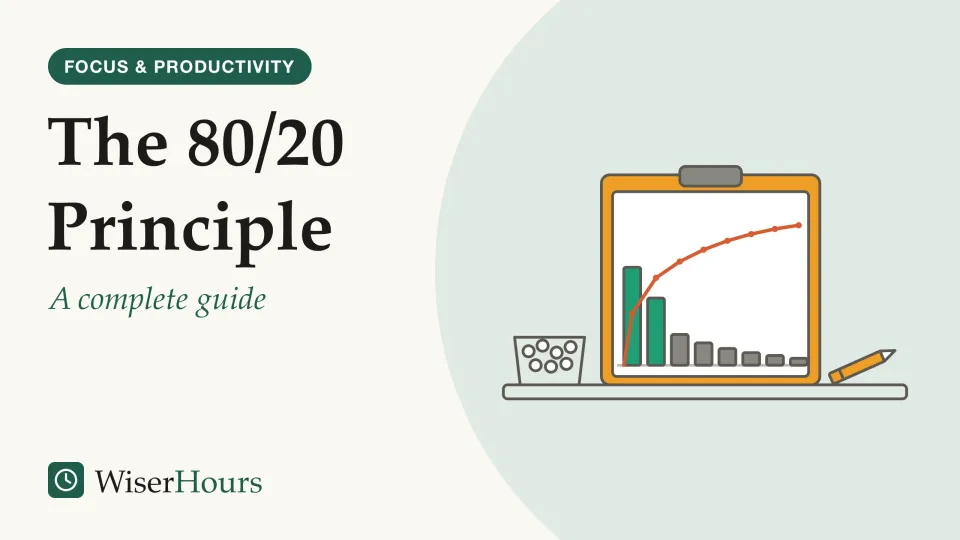
The 80/20 Principle: A Complete Guide
The 80/20 rule tested against real data on software bugs, grocery sales and health spending: where the pattern holds, where the ratio breaks, how to use it.
Personal Kanban: Visualize Your Work and Limit Work in Progress
Personal kanban's 2 rules, show your work and cap what is in progress, explained with the research on why fewer open tasks finish sooner.