Your application · Lesson 5 of 10
Your CV Summary: Proof, Not Nice Words
Write a short CV summary with a job title, two strengths and one proven result, and learn what hiring software really does.
English captions available in the player. Prefer reading? Follow the written lesson below.
The top of your CV is read first. This lesson shows how to write a short summary that gives proof, and what hiring software does with it.
The formula
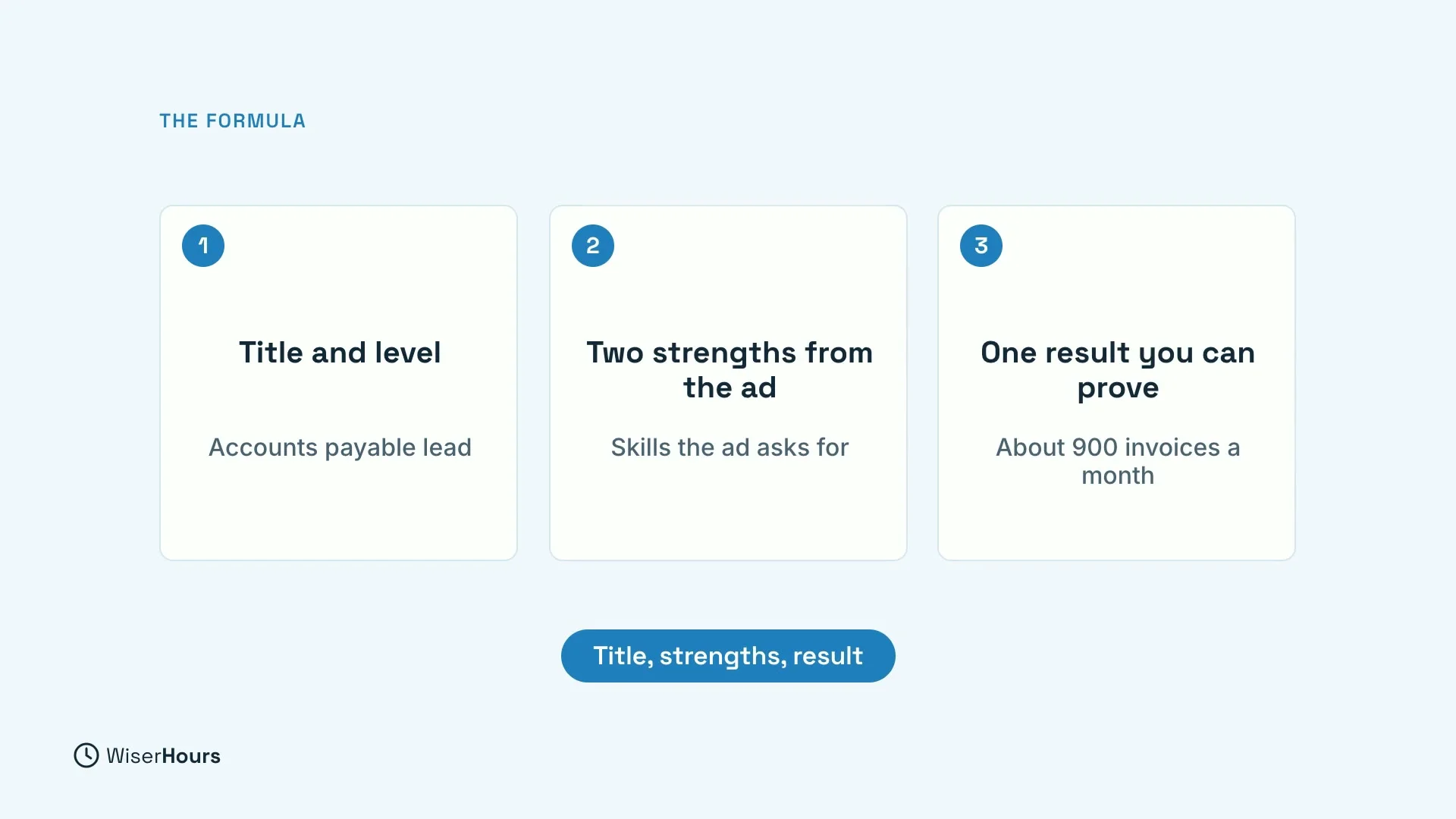
A strong summary has three parts: your job title and level, two strengths the job ad asks for, and one result you can prove.
 (opens the full-size picture)
Pick two strengths
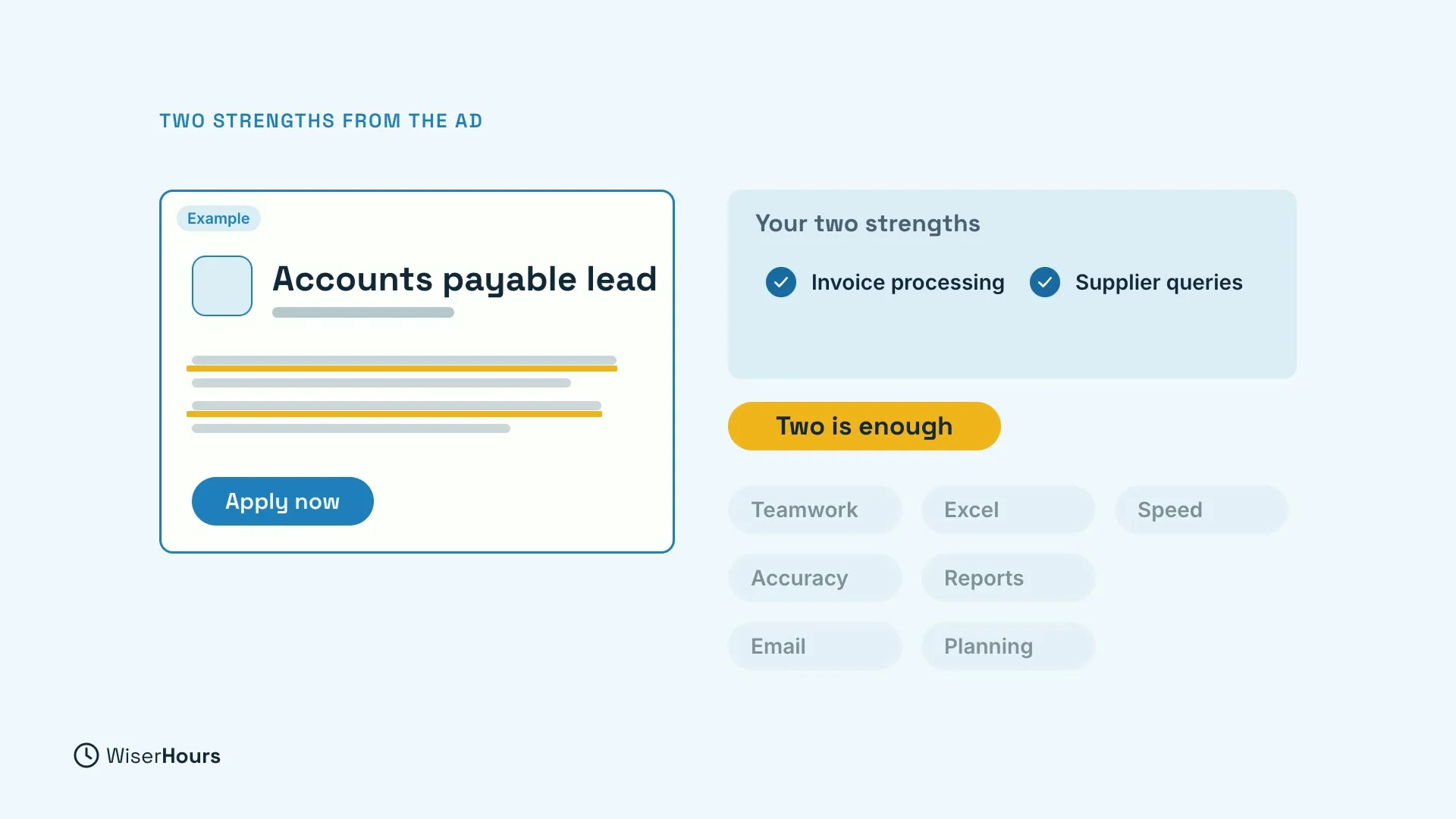
Read the job ad and underline what it lists first or repeats. Then pick the two you can really back up. Two is enough. With seven, nothing stands out.
 (opens the full-size picture)
Swap adjectives for facts
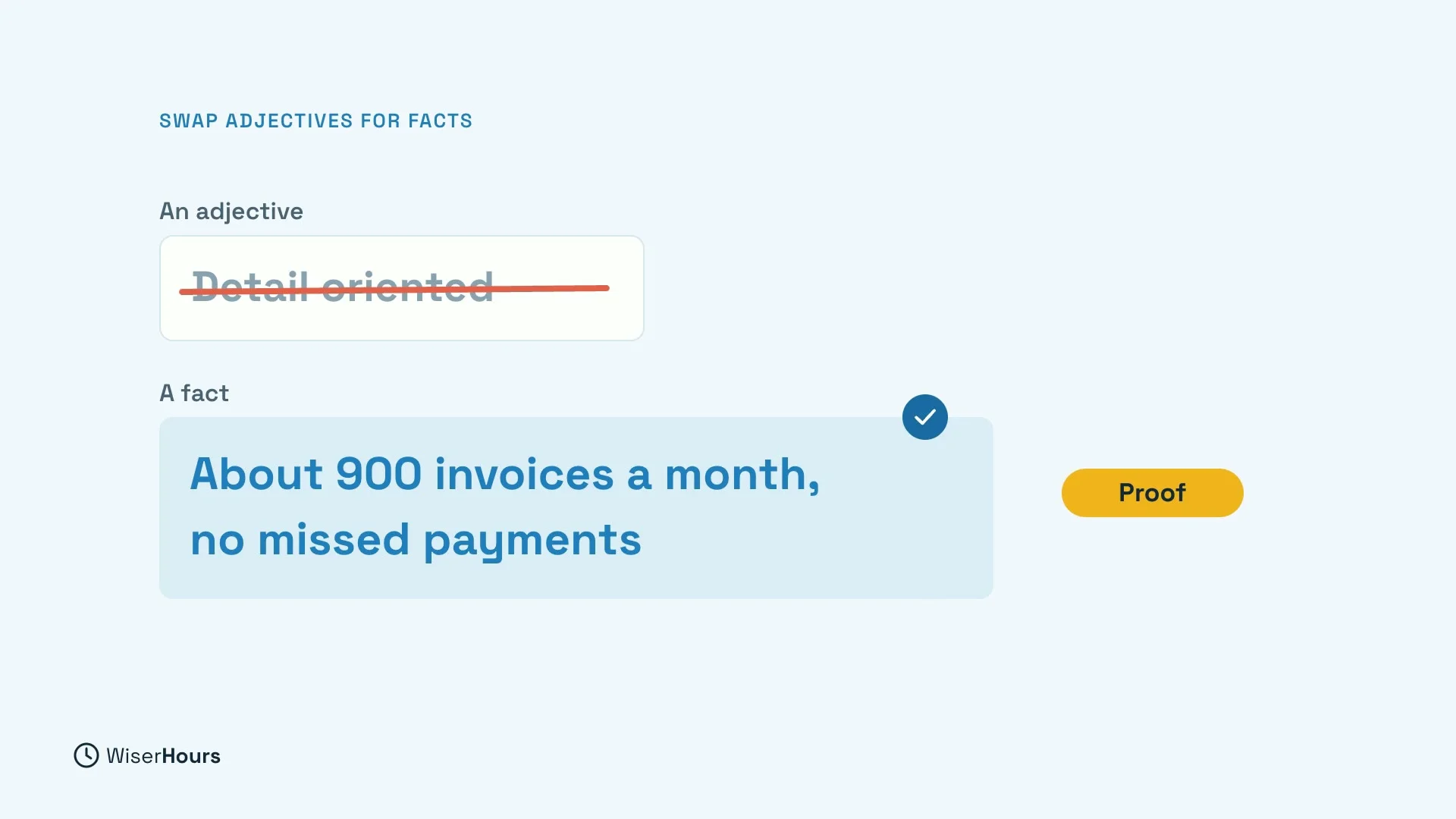
Replace each adjective with the fact that earned it. Detail-oriented tells a reader nothing. Handling about 900 invoices a month with no missed payments tells them a lot.
 (opens the full-size picture)
An example
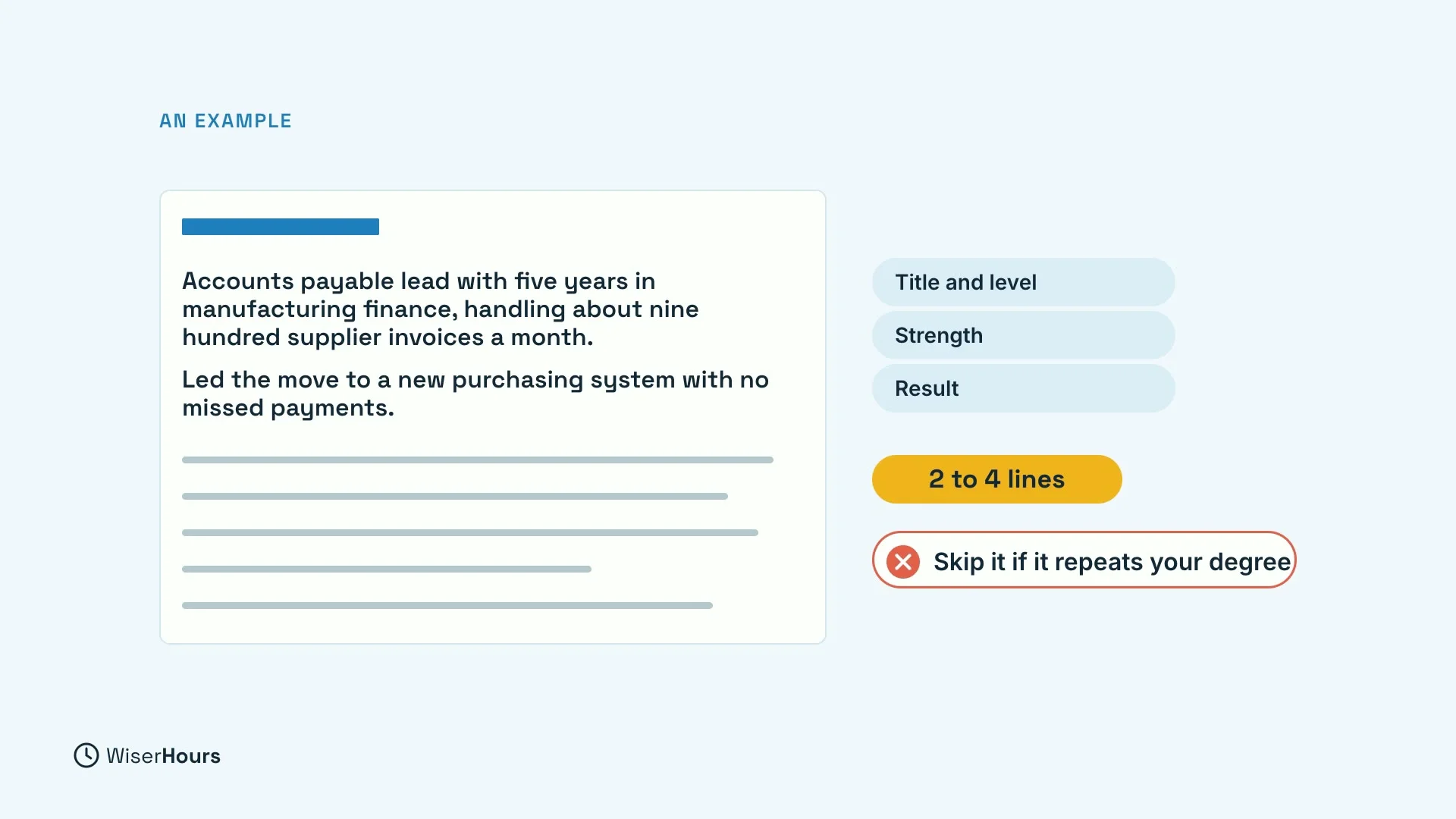
Here is one summary: Accounts payable lead with five years in manufacturing finance handling about 900 supplier invoices a month. Led the move to a new purchasing system with no missed payments. Keep it to about two to four lines, and skip it if it would only repeat your education.
 (opens the full-size picture)
What hiring software really does
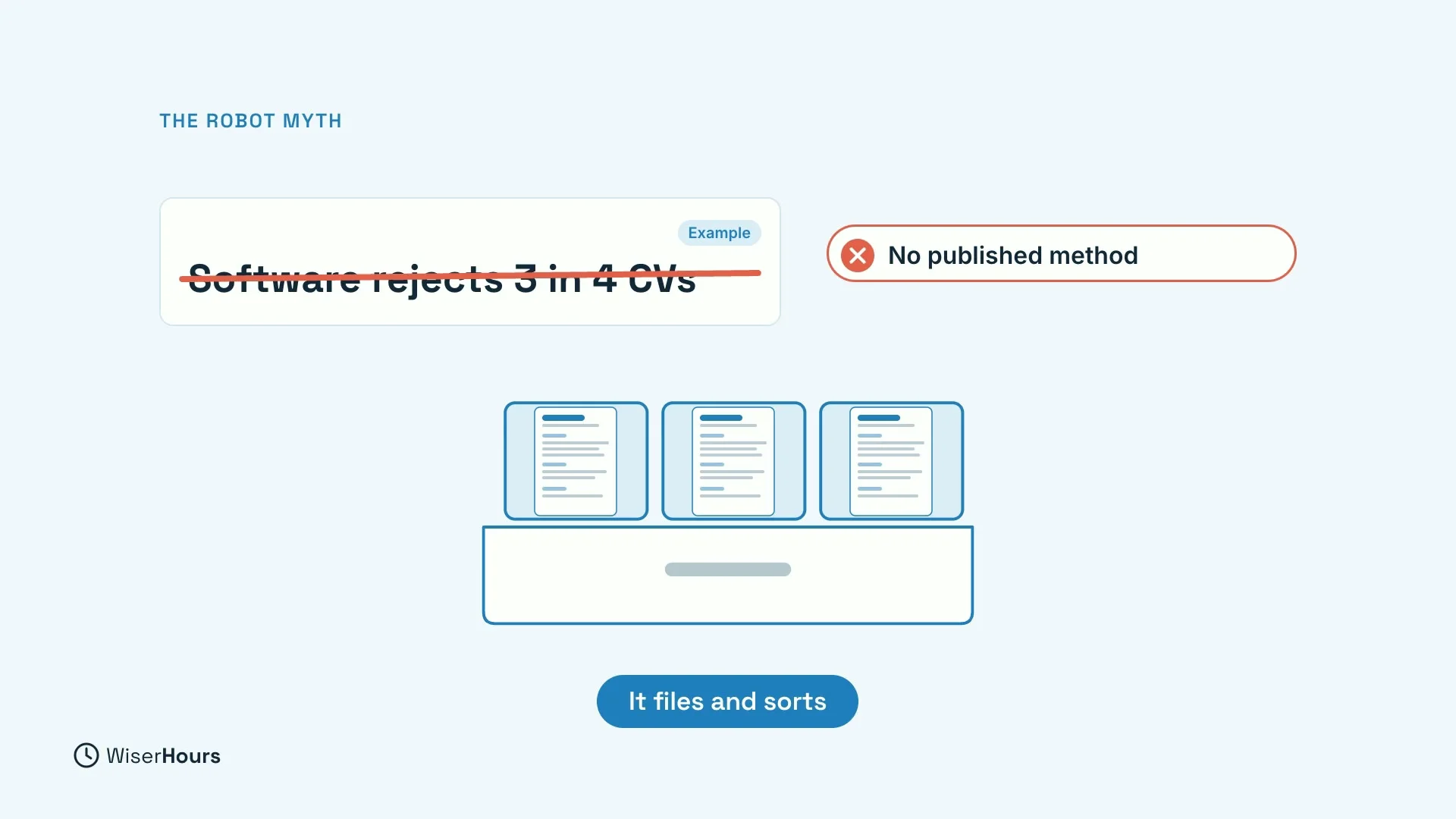
You may have heard that software rejects three out of four CVs before a person sees them. That number came from a company selling a way past the software, with no published method. Mostly, the software files and sorts applications. The applicant tracking system article covers the facts and the myths.
 (opens the full-size picture)
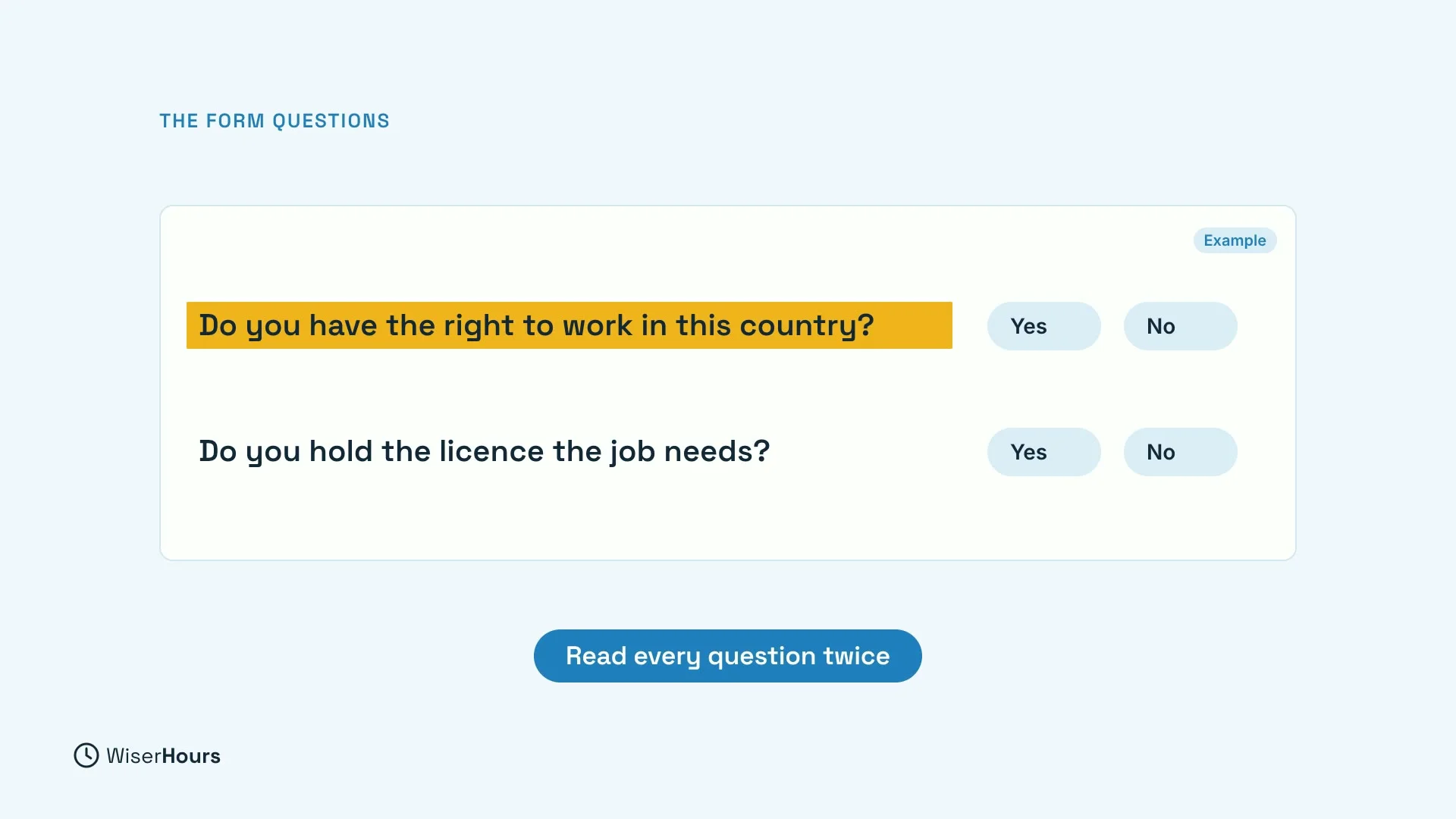
Where automatic rejection is documented, it comes from yes or no questions on the application form. For example: do you have the right to work in this country? Or do you hold the license the job needs? Read every form question carefully and answer it honestly.
 (opens the full-size picture)
Keep the layout simple
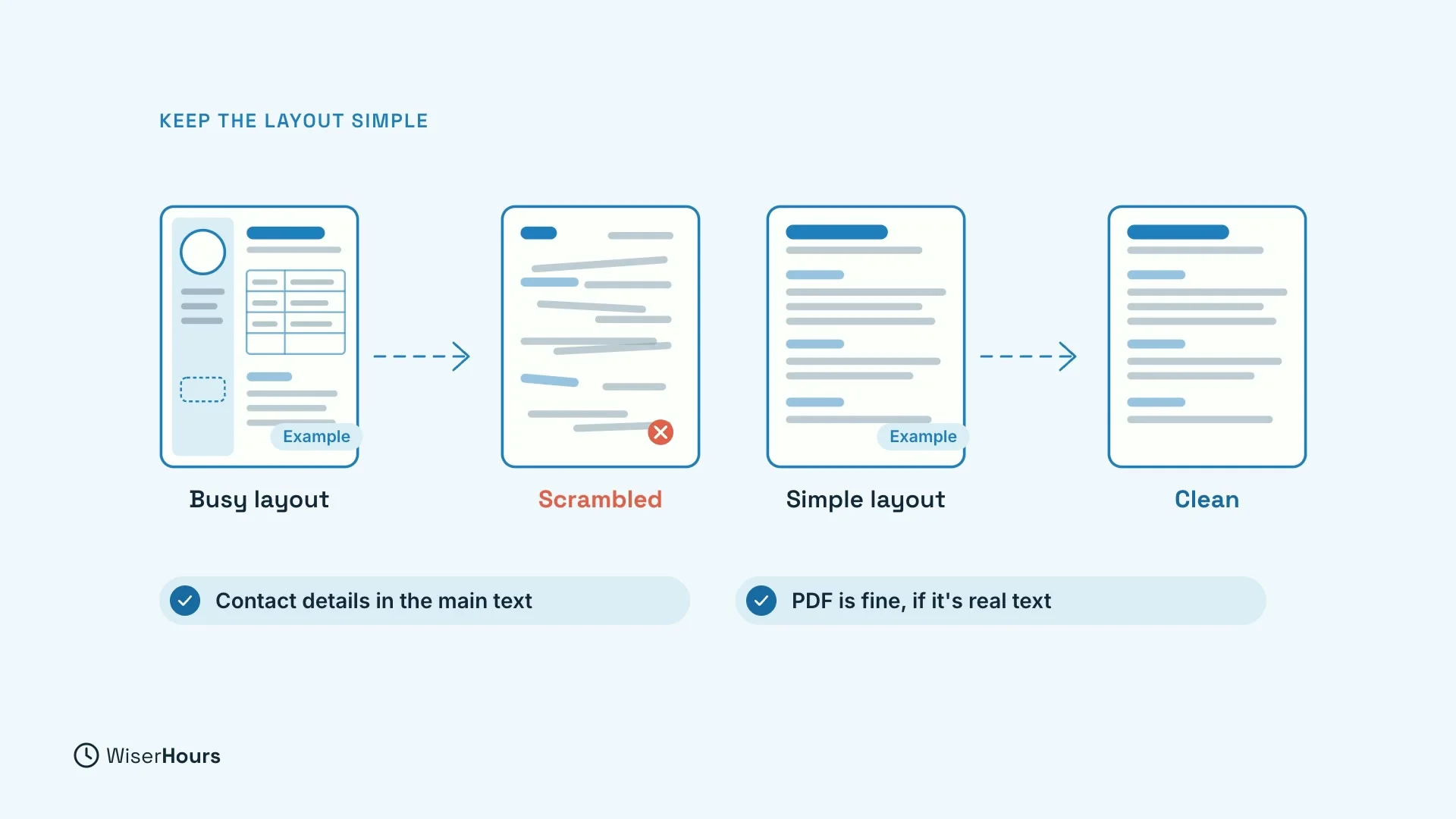
Layout matters too, but less than people think. Pictures, text boxes, columns and tables can scramble what the software reads, leaving a profile someone has to fix by hand. Keep your contact details in the main text, not in a header. A PDF is fine as long as it is real text, not a scan.
 (opens the full-size picture)
YOUR TURN
Read more
- Resume Summary Statements: Examples That Don’t Sound Generic: more examples of the formula.
- Applicant Tracking Systems: Facts, Myths, and What Actually Gets Read: what the software does and does not do.
- How Long Should a Resume Be? One Page or Two: how much to put on the page.
- Resume vs. CV: which document you need in your country.
Read the full video transcript
In this lesson, you will write the top of your CV, a short summary that gives proof instead of nice words, and you will see what hiring software really does with it.
A strong summary has three parts, your job title and level, two strengths the job ad asks for, and one result you can prove.
Read the job ad and underline what it lists first or repeats. Then pick the two you can really back up. Two is enough. With seven, nothing stands out. Now replace each adjective with the fact that earned it.
Detail-oriented tells a reader nothing. Handling about 900 invoices a month with no missed payments tells them a lot. Here is an example.
Accounts payable lead with five years in manufacturing finance handling about 900 supplier invoices a month. Led the move to a new purchasing system with no missed payments. Keep it to about two to four lines and skip it if it would only repeat your education.
You may have heard that software rejects three out of four CVs before a person sees them. That number came from a company selling a way past the software with no published method, mostly the software files and sorts applications.
Where automatic rejection is documented, it comes from yes or no questions on the application form. For example, do you have the right to work in this country? Or do you hold the license the job needs? So read every form question carefully and answer it honestly.
Layout matters too, but less than people think. Pictures, text boxes, columns, and tables can scramble what the software reads, leaving a profile someone has to fix by hand. Keep your contact details in the main text, not in a header. A PDF is fine as long as it is real text, not a scan. So title and level, two strengths, one result.
Swap adjectives for facts and keep the layout simple and your form answers honest.
Before the next lesson, rewrite your summary with the formula and turn one adjective into a fact. Next, you will see how to explain a gap in your work history.
MAKE IT A SMALL WIN
Finished this lesson?
Mark it complete to save your progress on this device.