Polish the delivery · Lesson 10 of 11
Slides That Help: Simple Rules for Clear Presentations
Learn simple rules for slides that support your talk: one point per slide, sentence headlines, key words, short lists, one highlight colour and readable text.
 Video coming soon
A slide should help people follow your talk, not compete with you for their attention. This lesson gives you a few simple rules you can apply to any slide, with no design skills needed.
Attention is small
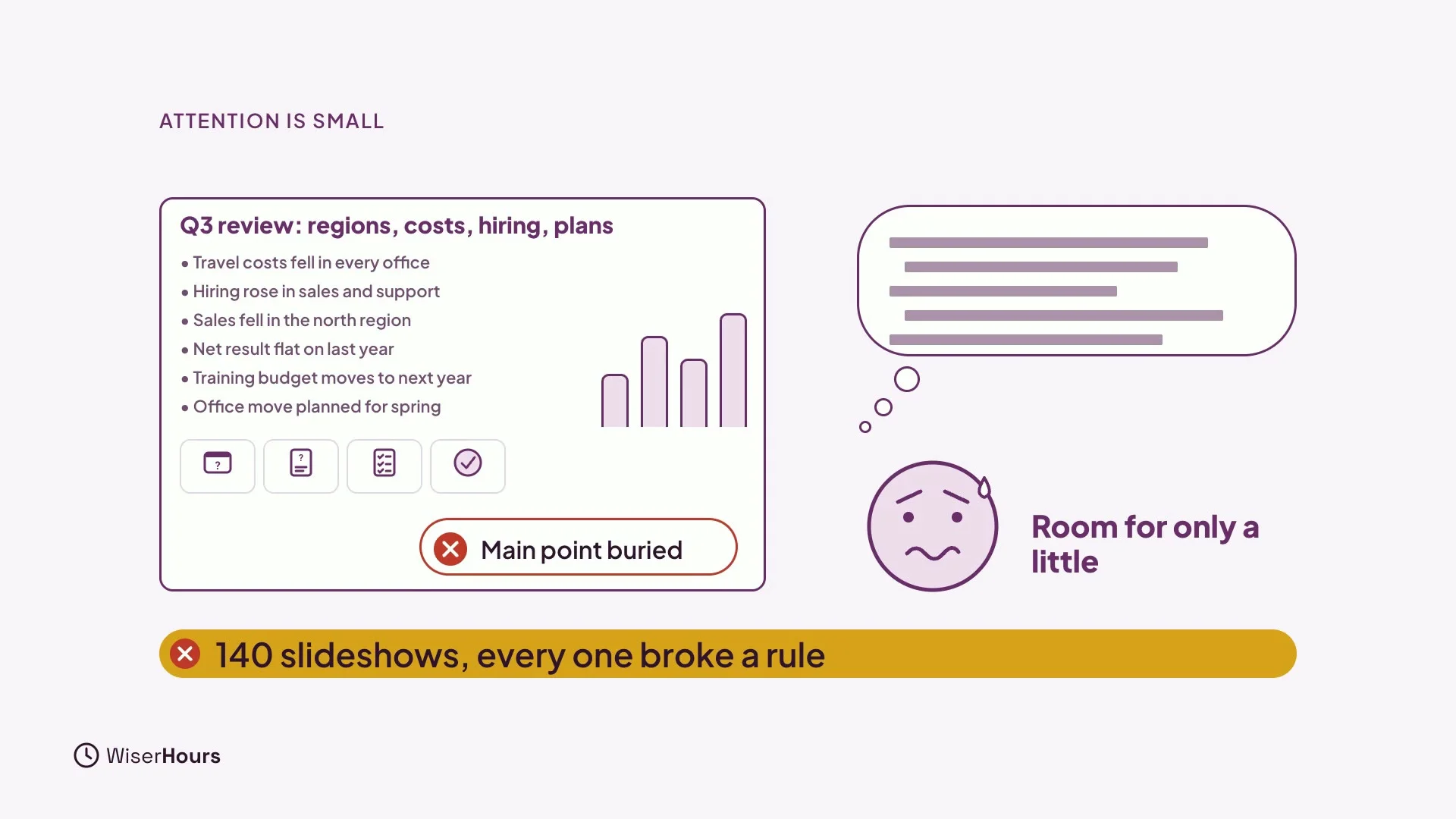
People can only hold a little in mind at once. While they listen to you, everything on a slide competes for that space. In one check of 140 slideshows, every single one broke at least one basic rule. The fault people found most annoying was a main point buried under detail.
 (opens the full-size picture)
One point, one sentence
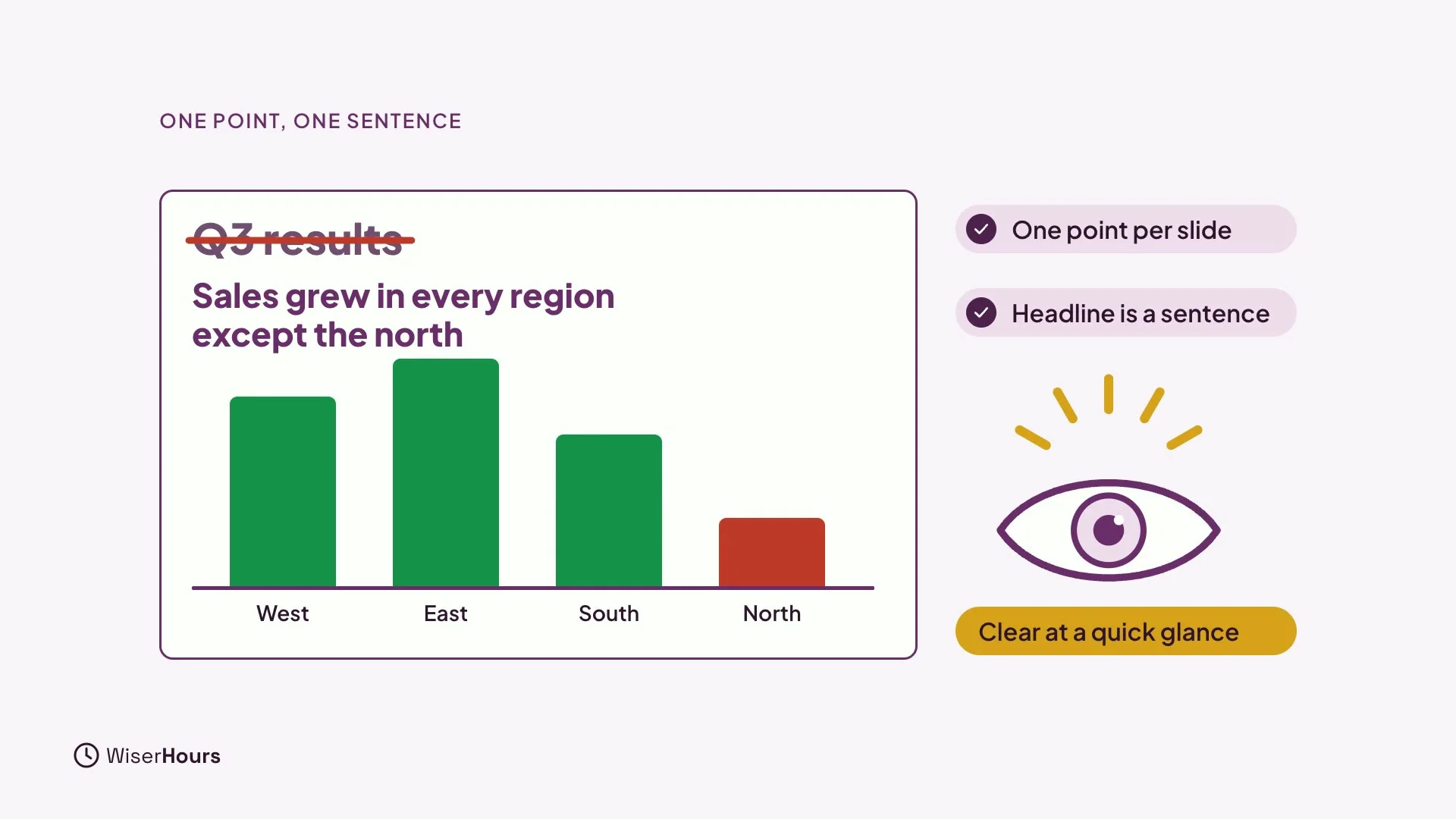
Give each slide one point, and make the headline say it in a full sentence. Instead of “Q3 results”, write “Sales grew in every region except the north”. Now people get the message even with a quick glance, and your talk adds the detail.
 (opens the full-size picture)
Key words, not script
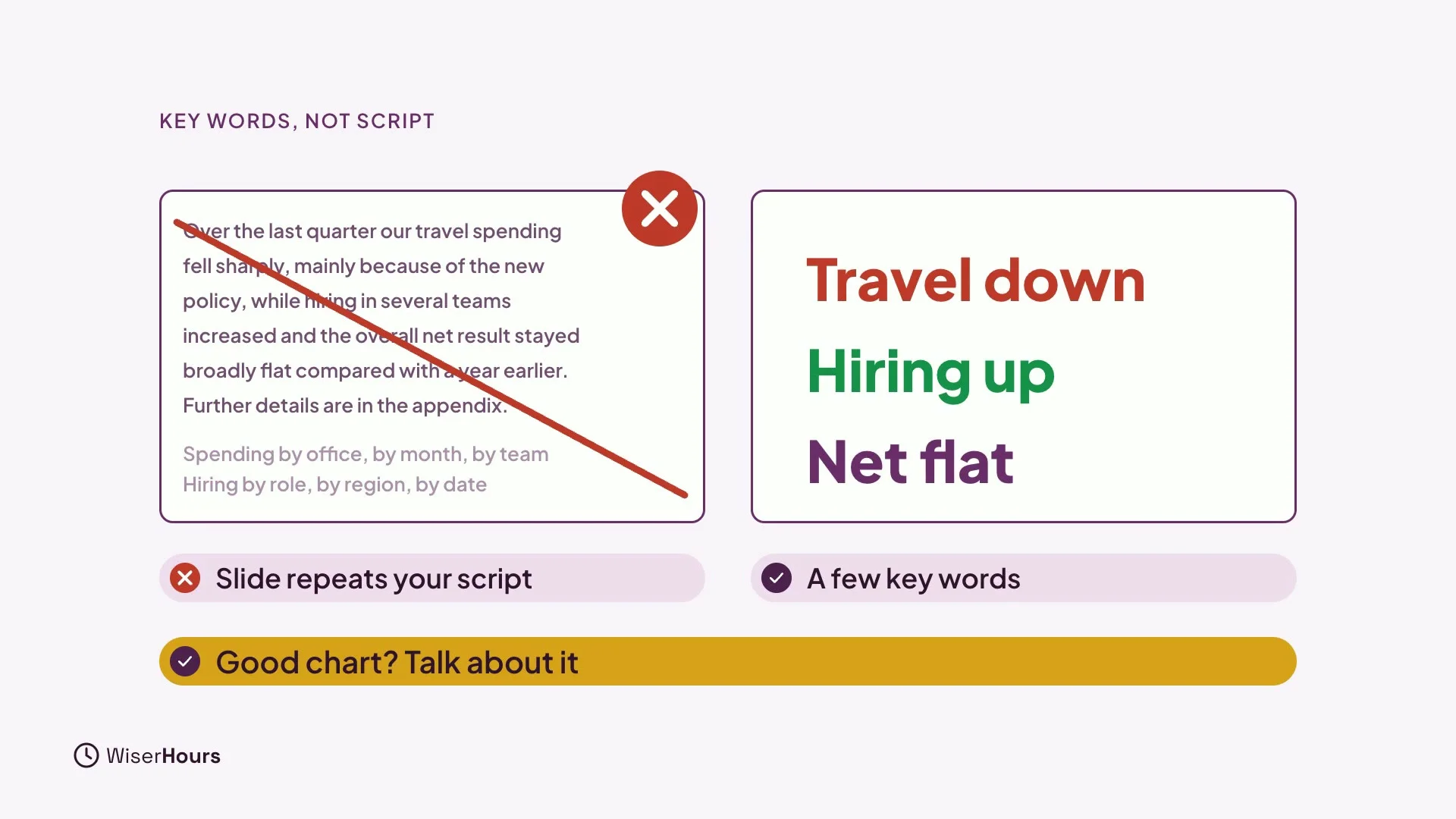
Show key words, not your script. If the slide repeats everything you say, people read ahead instead of listening. A few words, like “travel down”, “hiring up” and “net flat”, are enough. With a good chart, talk about it instead of adding text.
 (opens the full-size picture)
Short lists and labels
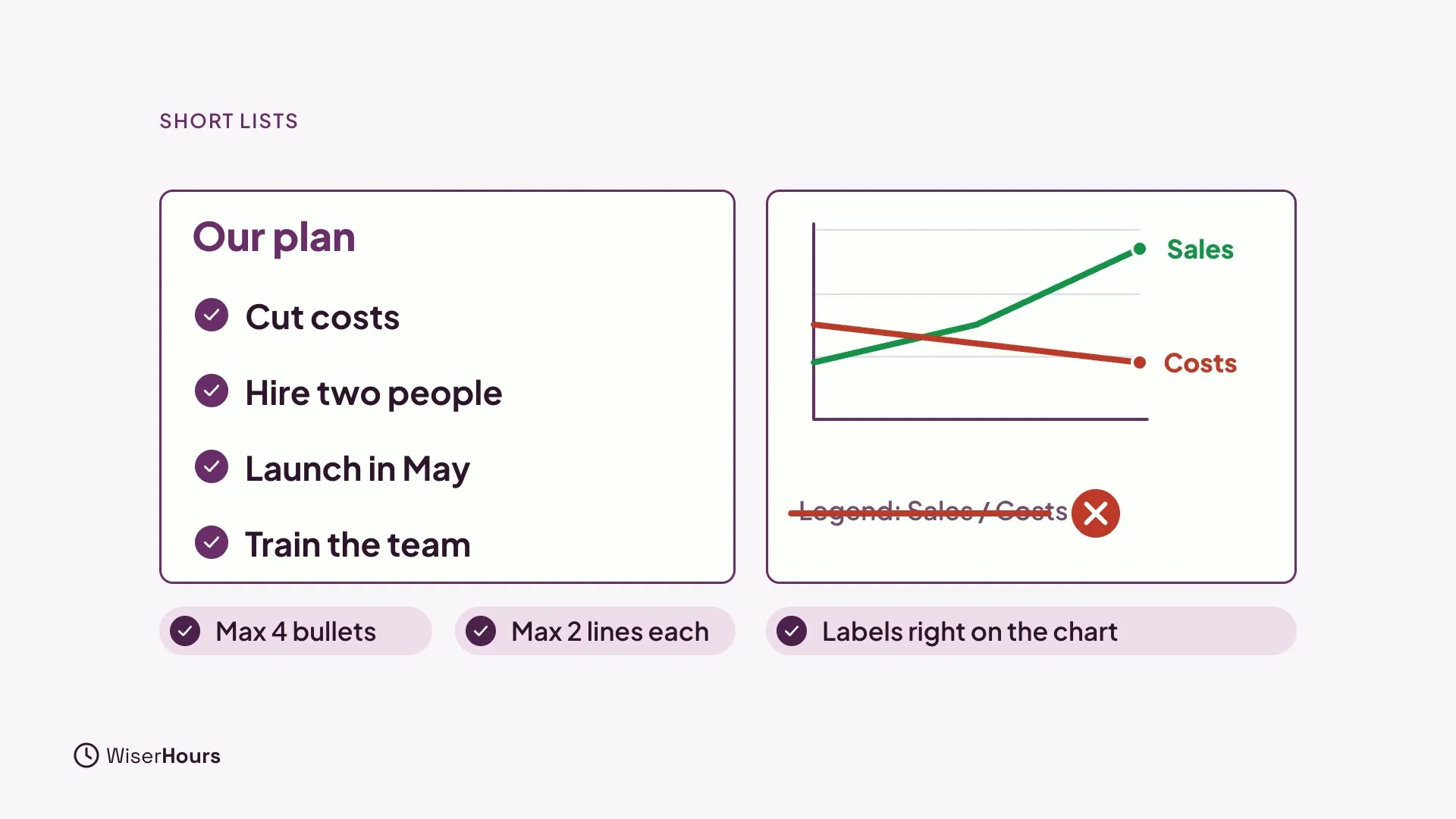
Keep lists short. A useful rule of thumb is no more than four bullets, and no more than two lines each. It is a rule of thumb, not a law, so treat it as a starting point. Show each bullet as you reach it, not the whole list at once. And put labels right on the chart, not in a legend far away.
 (opens the full-size picture)
Point the eye
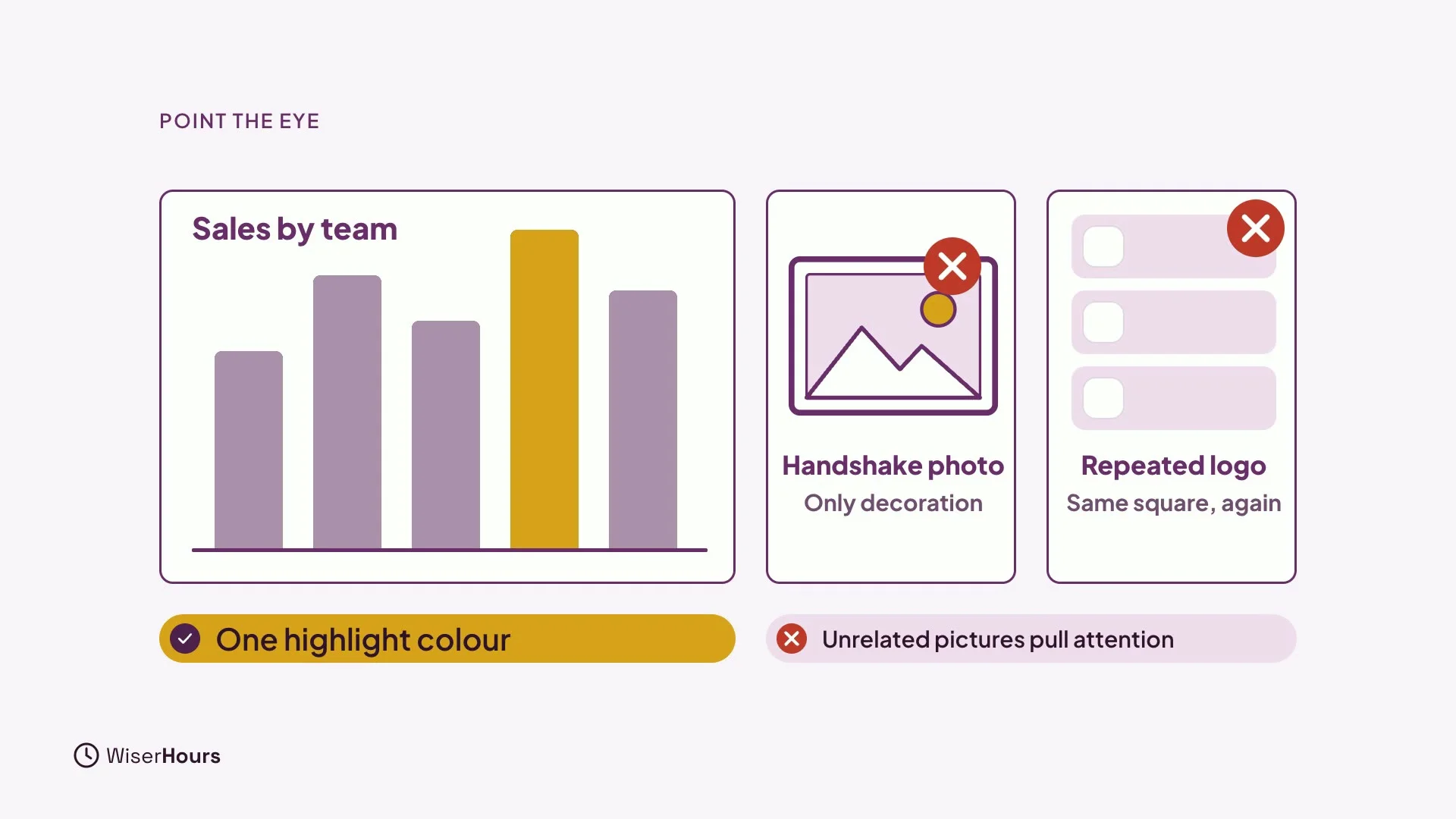
Point the eye to what matters. Use one highlight colour, and keep the rest grey. Cut pictures that are only decoration, like a handshake photo or a logo on every slide. Interesting but unrelated pictures pull attention away from your point.
 (opens the full-size picture)
Readable from the back
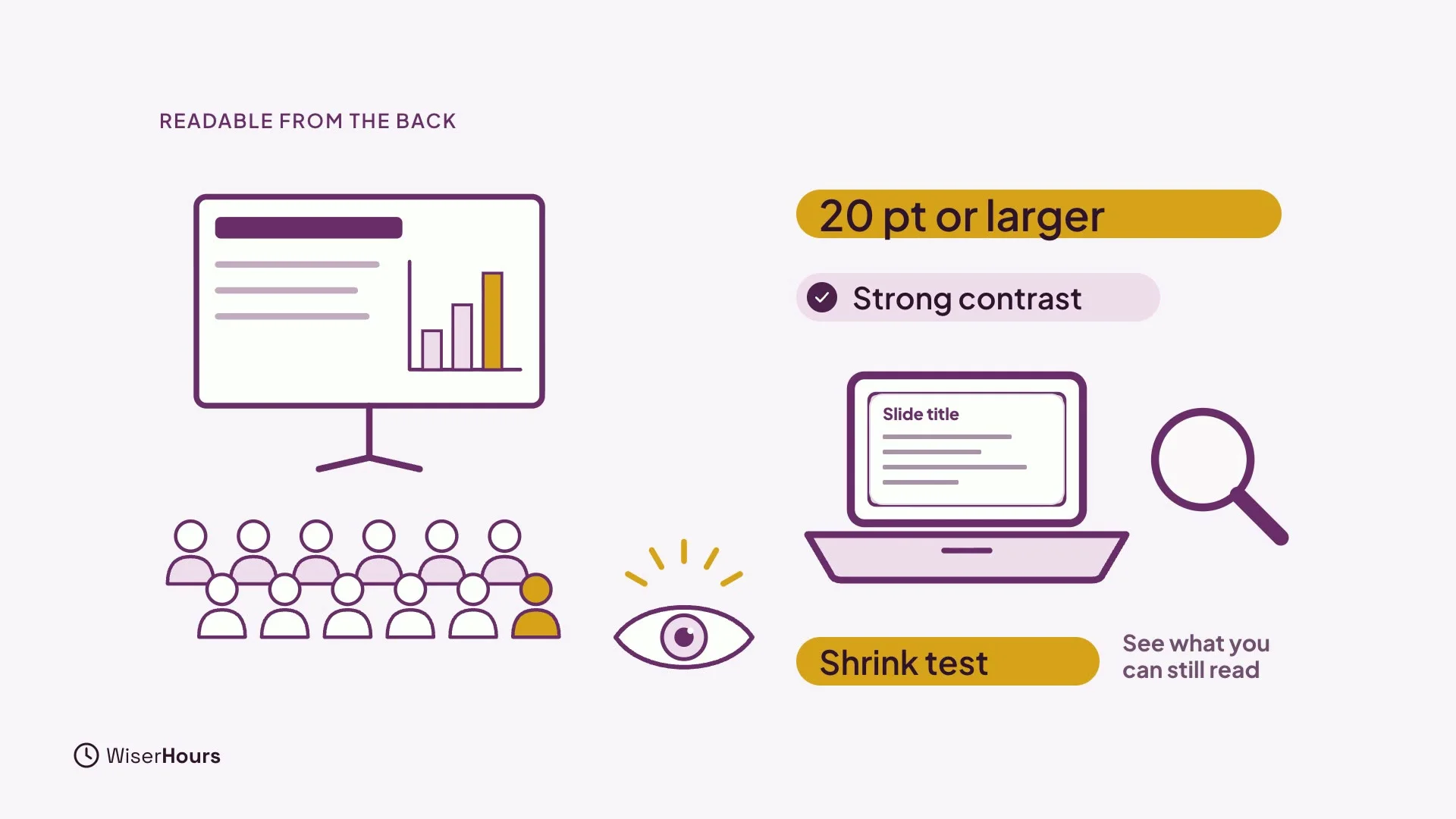
Make it readable from the back of the room. As a rough rule, keep text at 20 points or larger, with strong contrast. Here is a quick test: shrink your slides on a laptop screen, and see what you can still read. If it disappears, it is too small for the back row.
 (opens the full-size picture)
YOUR TURN
Read more
- Slide Design for Non-Designers: The Basic Principles: the research behind these rules and a checklist for your own slides.
Read the full lesson script
In this lesson, you'll learn a few simple rules for slides that help your talk, instead of competing with it.
People can only hold a little in mind at once. While they listen to you, everything on a slide competes for that space. In one check of a hundred and forty slideshows, every single one broke at least one basic rule. The fault people found most annoying was a main point buried under detail.
So give each slide one point, and make the headline say it in a full sentence. Instead of, third quarter results, write, sales grew in every region except the north. Now people get the message, even with a quick glance.
Show key words, not your script. If the slide repeats everything you say, people read ahead instead of listening. A few words, like travel down, hiring up, net flat, are enough. With a good chart, talk about it instead of adding text.
Keep lists short. A useful rule of thumb is no more than four bullets, and no more than two lines each. Show each bullet as you reach it, not the whole list at once. And put labels right on the chart, not in a legend far away.
Point the eye to what matters. Use one highlight colour, and keep the rest grey. Cut pictures that are only decoration, like a handshake photo or a logo on every slide. Interesting but unrelated pictures pull attention away from your point.
Make it readable from the back of the room. As a rough rule, keep text at twenty points or larger, with strong contrast. Here's a quick test. Shrink your slides on a laptop screen, and see what you can still read.
So remember: one point per slide, with the headline as a sentence. Show key words, not your script. And use one highlight colour. Before the next lesson, rewrite the headline of one slide as a full sentence. Next, in the last lesson, you'll learn when fear needs more than practice, and you'll make your speaking plan.
MAKE IT A SMALL WIN
Finished this lesson?
Mark it complete to save your progress on this device.