Passwords that work · Lesson 1 of 11
How Accounts Get Hacked, and the Three Doors Attacks Use
See the three everyday ways accounts get broken into, why email comes first, and the few simple habits that close each door.
 Video coming soon
In this first lesson, you will see how accounts really get hacked. The good news is that you don’t need to be an expert to stop it: a few simple habits block most everyday attacks.
Not a clever guess
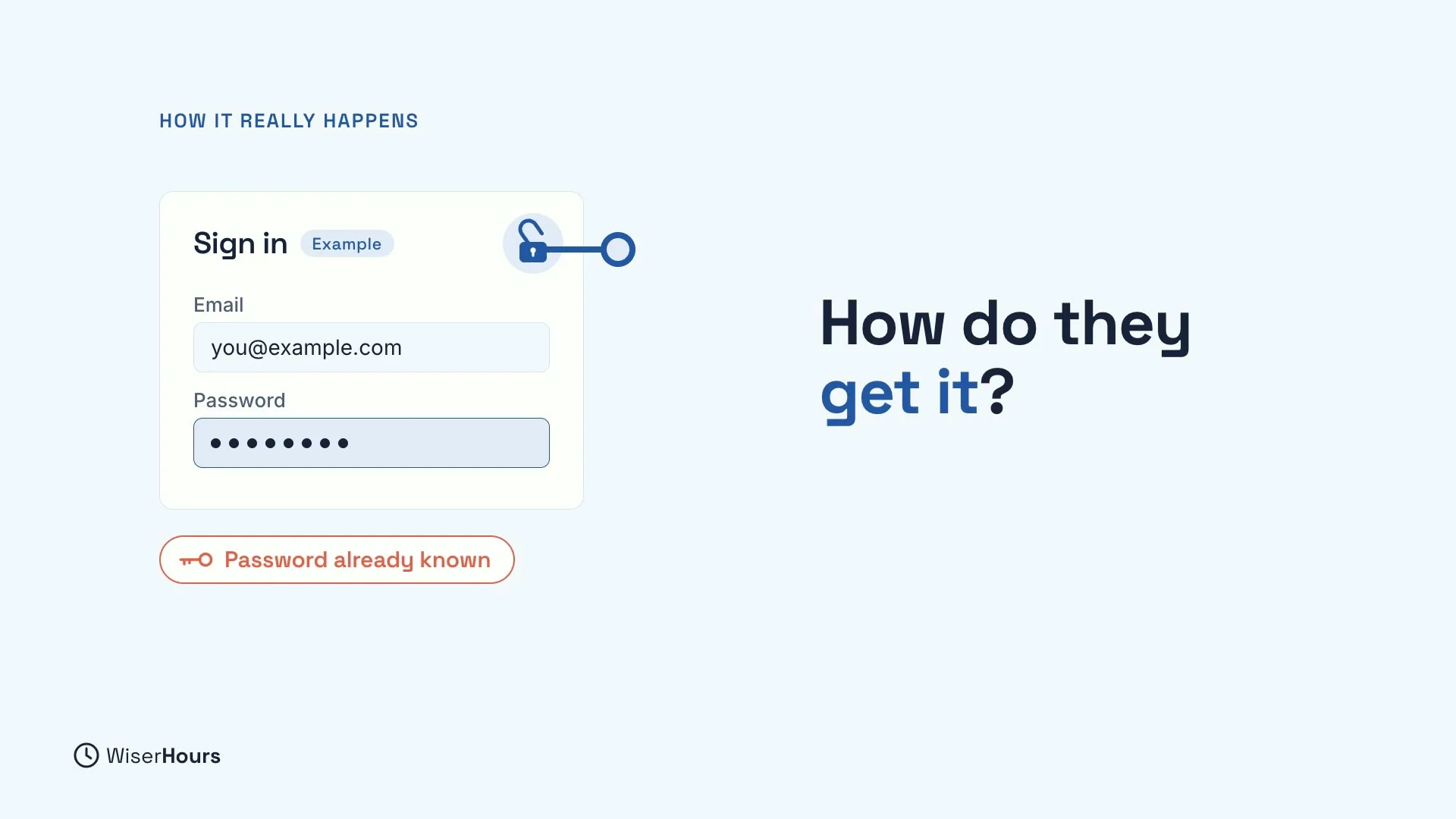
Many people picture a hacker sitting at a keyboard, guessing passwords until one works. That is rarely how it happens. Most hacked accounts are opened with a password the attacker already has. Nobody had to guess it, because it was already known.
So the real question is not “how clever is my password?” but “how could someone get hold of it?” The answer comes through three doors.
 (opens the full-size picture)
Door 1: a stolen password
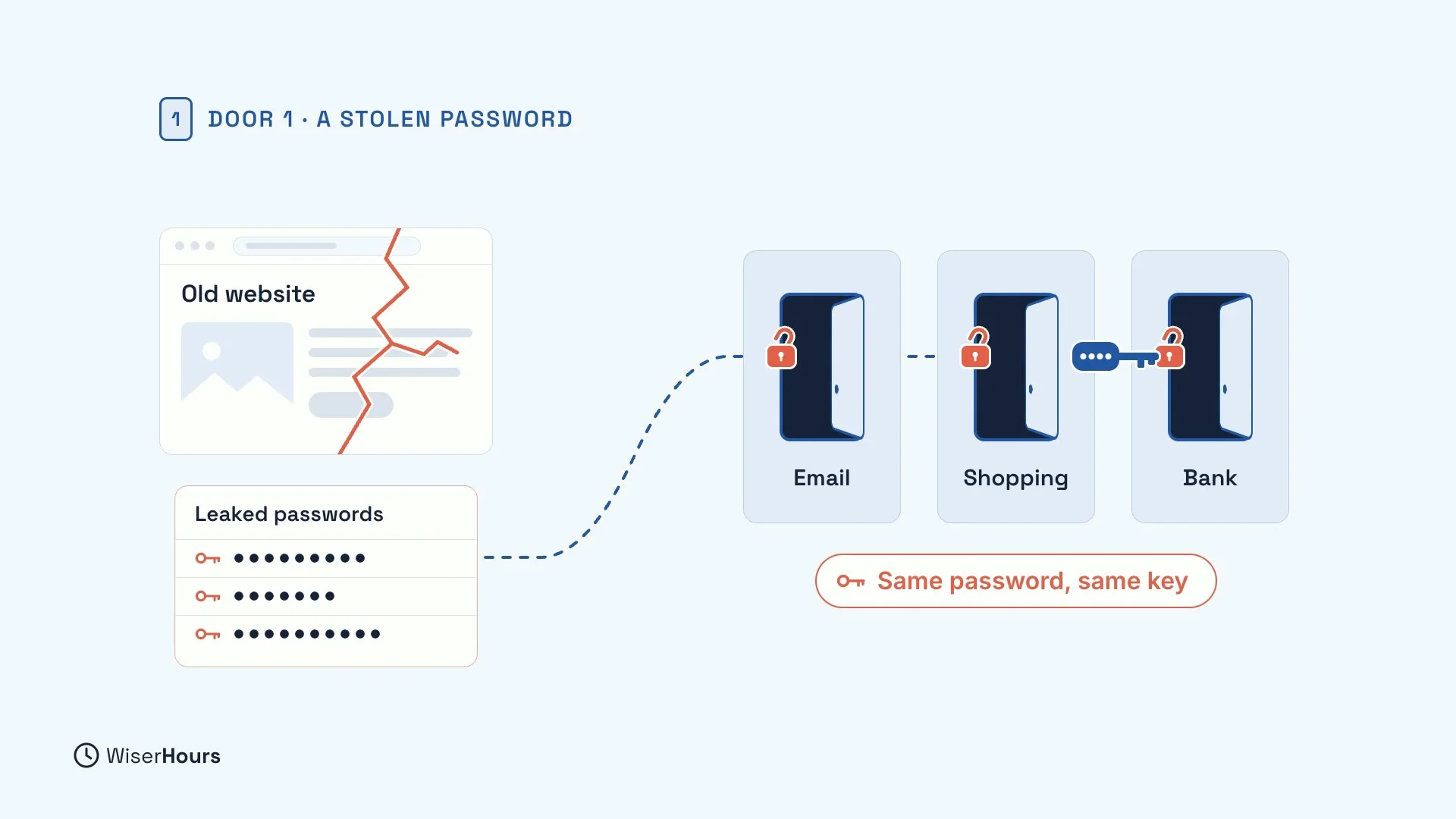
The first door is a stolen password. When a website you once used is broken into, its passwords can leak. Criminals then try those passwords on your other accounts, like your email, your shopping account or your bank. If you used the same password there, they get in.
For example, picture an old photo-printing account you forgot about years ago. Its site is broken into, your password lands on a list, and a program tries it everywhere else. One reused password becomes one key that fits many doors.
 (opens the full-size picture)
Door 2: a message that tricks you
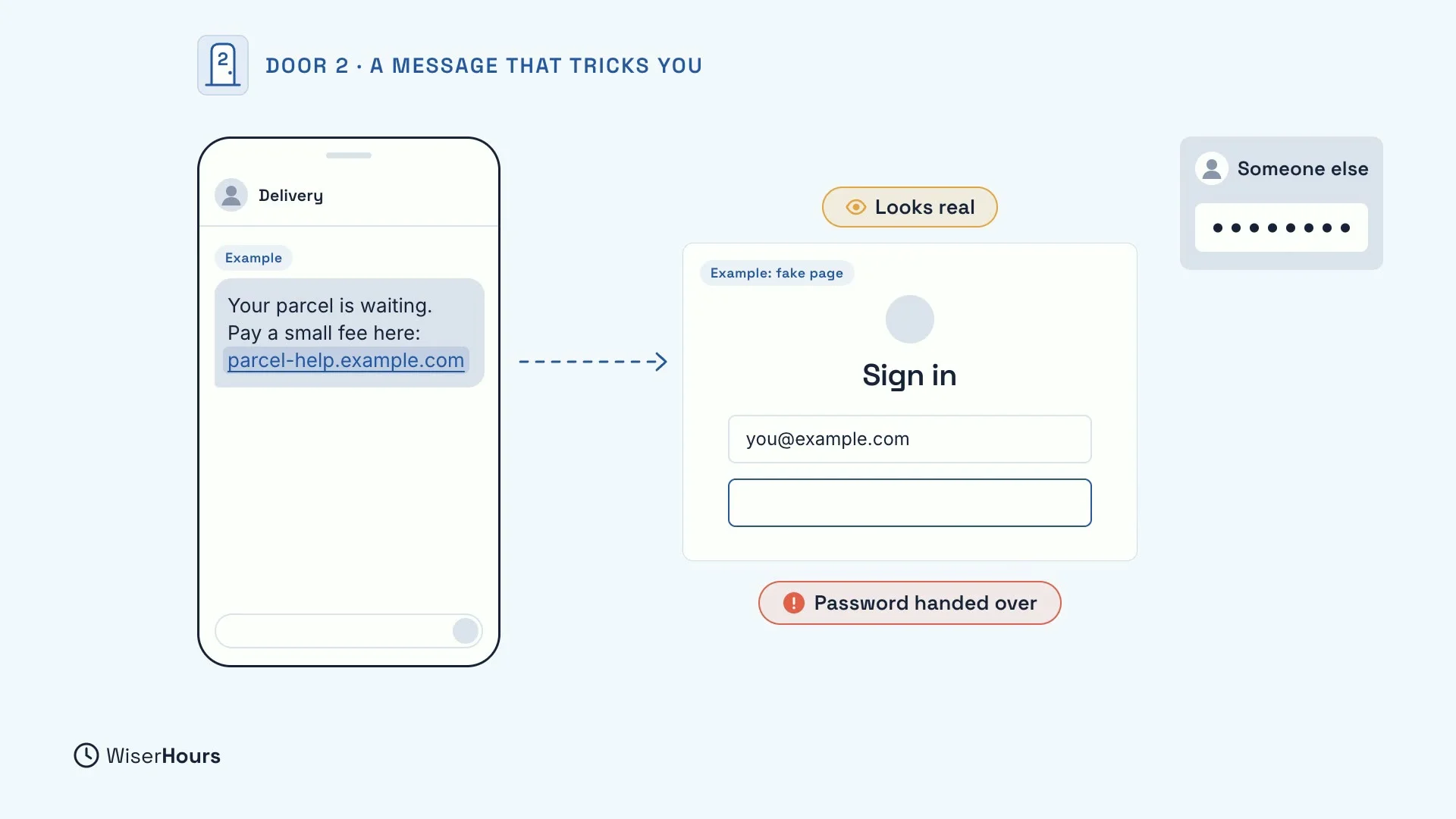
The second door is a message that tricks you. A text says your parcel is waiting and asks you to pay a small fee. The link opens a sign-in page that looks real. You type your password, and you have just handed it over to someone else.
This door needs no break-in at all. It only needs a convincing copy of a real page and a message that sends you there in a hurry.
 (opens the full-size picture)
Door 3: software that was never updated
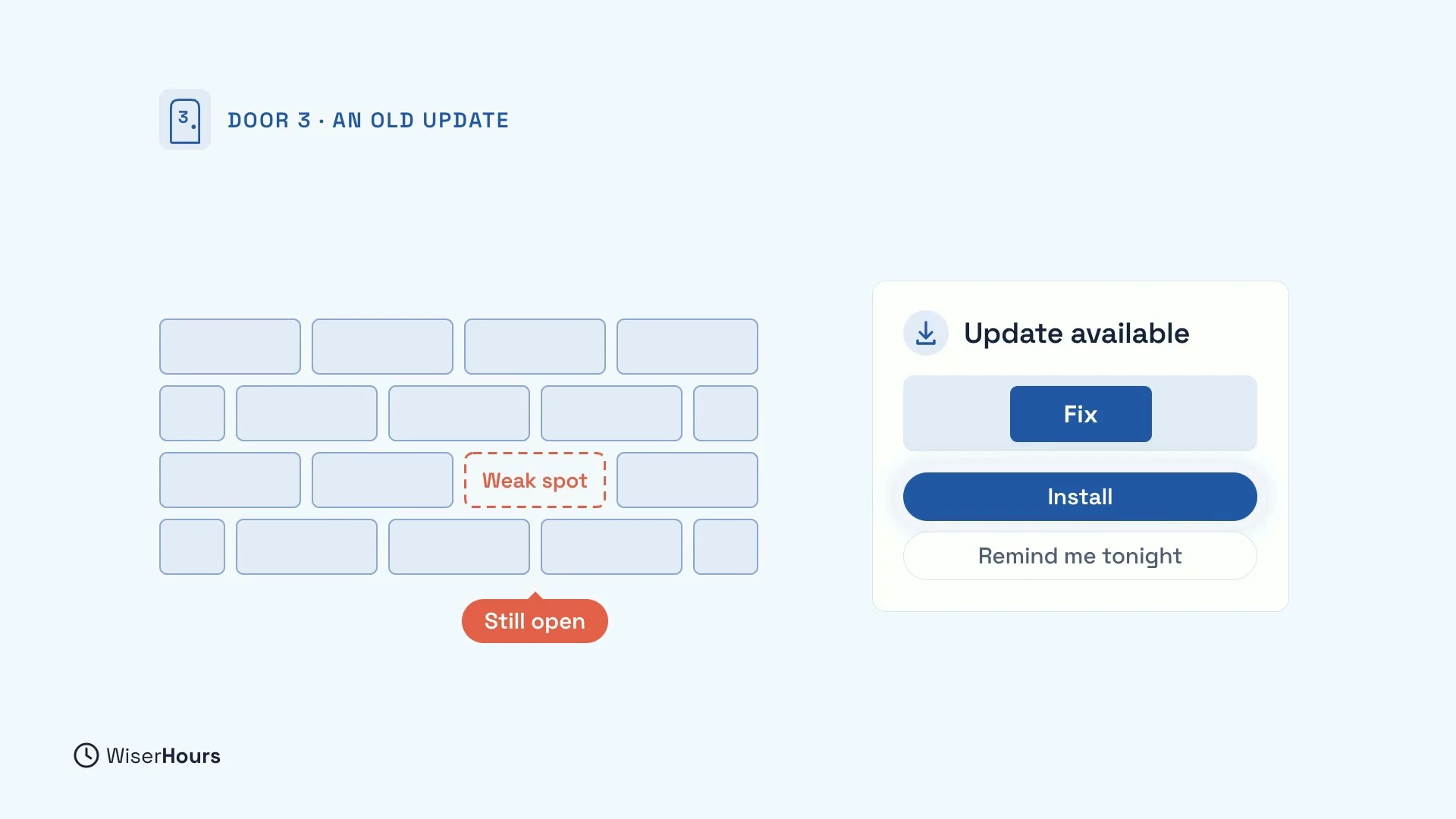
The third door is software that was never updated. Many updates fix weak spots that criminals already know about. Until you install the update, the weak spot stays open.
So each time you tap “Remind me tonight”, you leave a door open that your phone’s maker has already offered to close. Installing updates promptly, or letting them install themselves, closes it.
 (opens the full-size picture)
It’s not personal
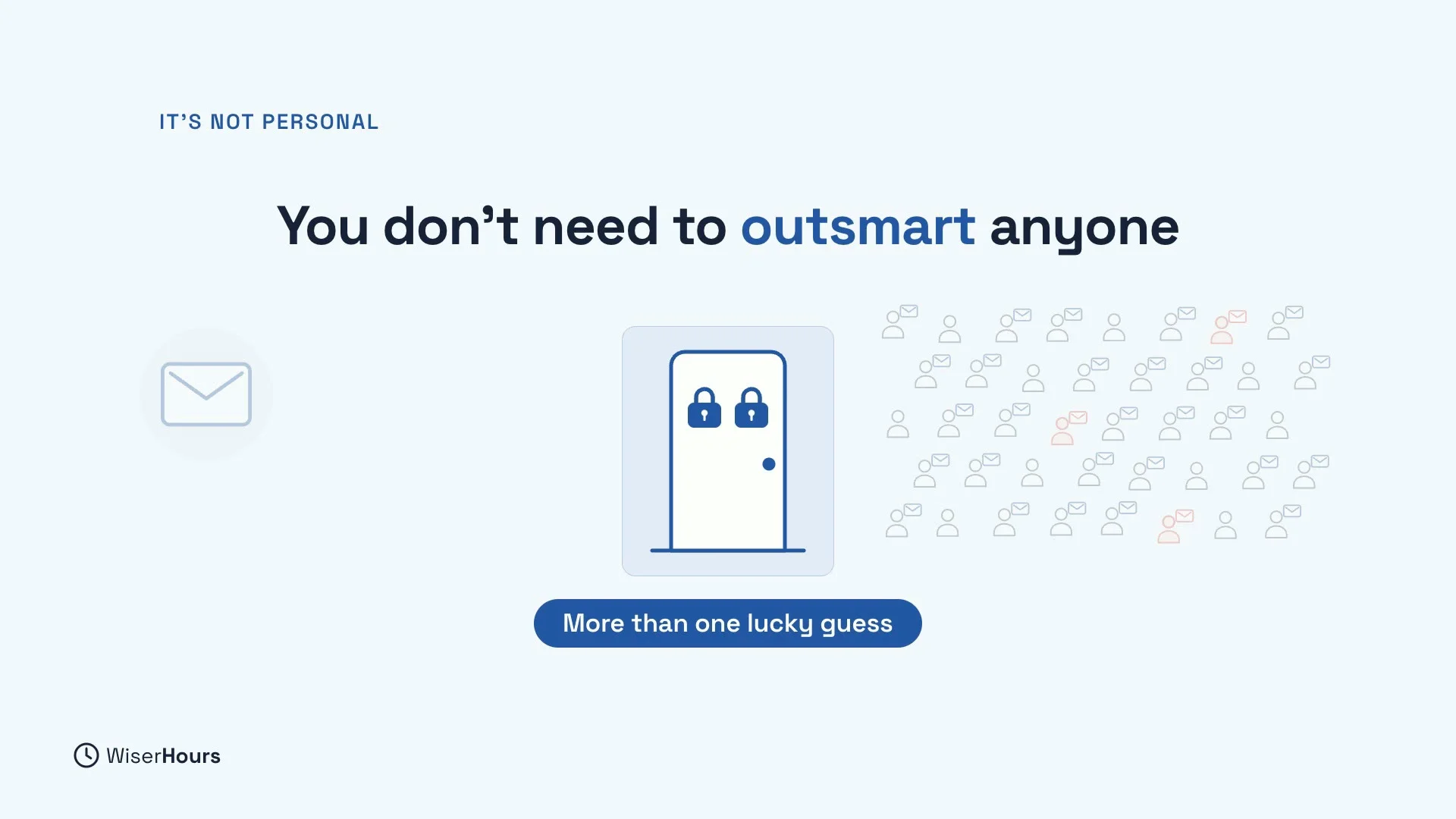
Most of these attacks are not aimed at you. They are sent to thousands of people at once, in the hope that a few will slip. That is good news. You don’t need to outsmart anyone. You just need each door to ask for more than one lucky guess or one careless tap.
 (opens the full-size picture)
Protect your email first
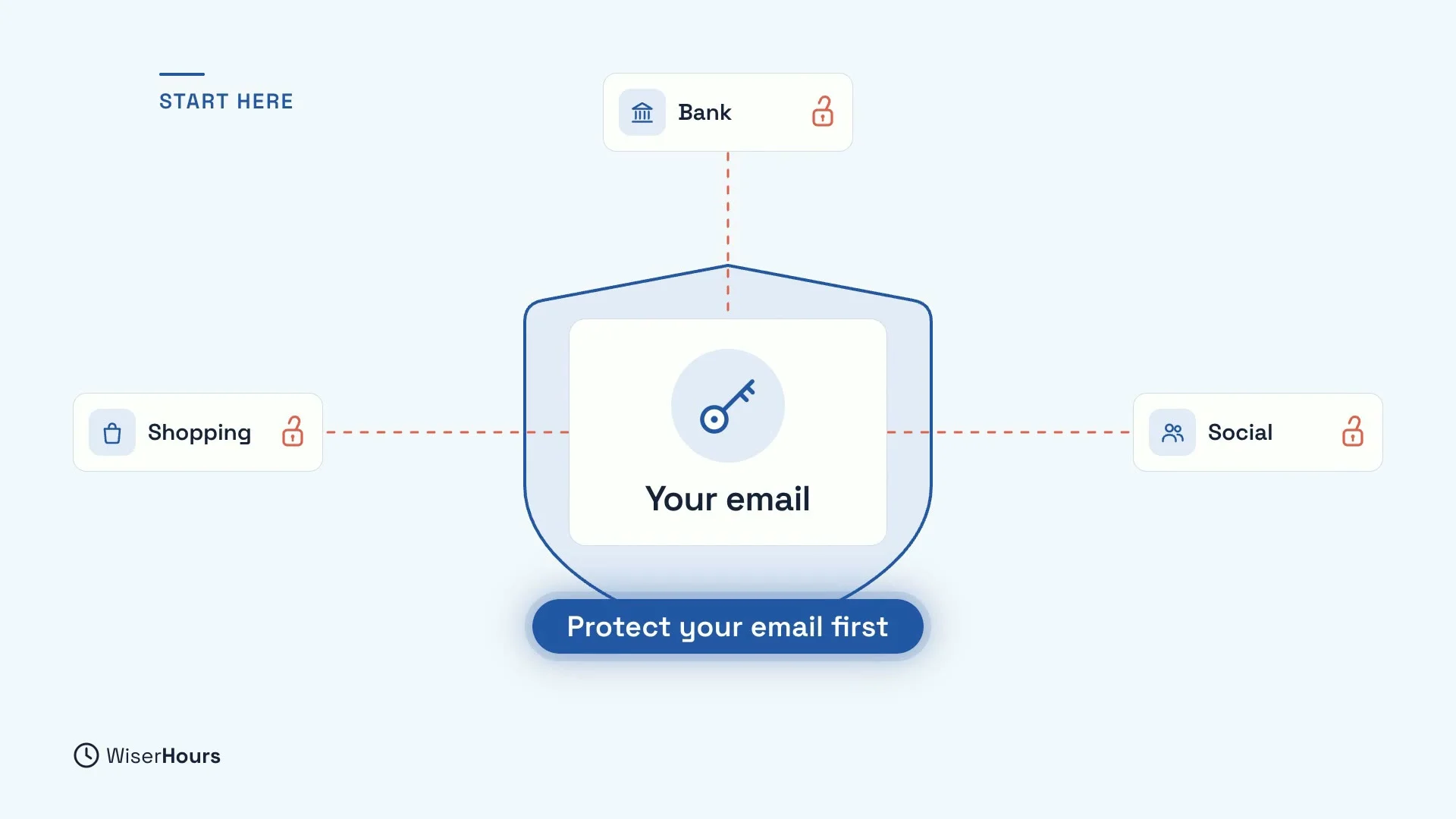
If you only do one thing today, protect your email. Most of your other accounts send their password reset links there, through the “Forgot password?” button. So whoever controls your email can reset and unlock the rest: your bank, your shopping and your social media.
That is why this course keeps coming back to your email account. Every habit you learn, you will apply there first.
 (opens the full-size picture)
How this course closes the doors
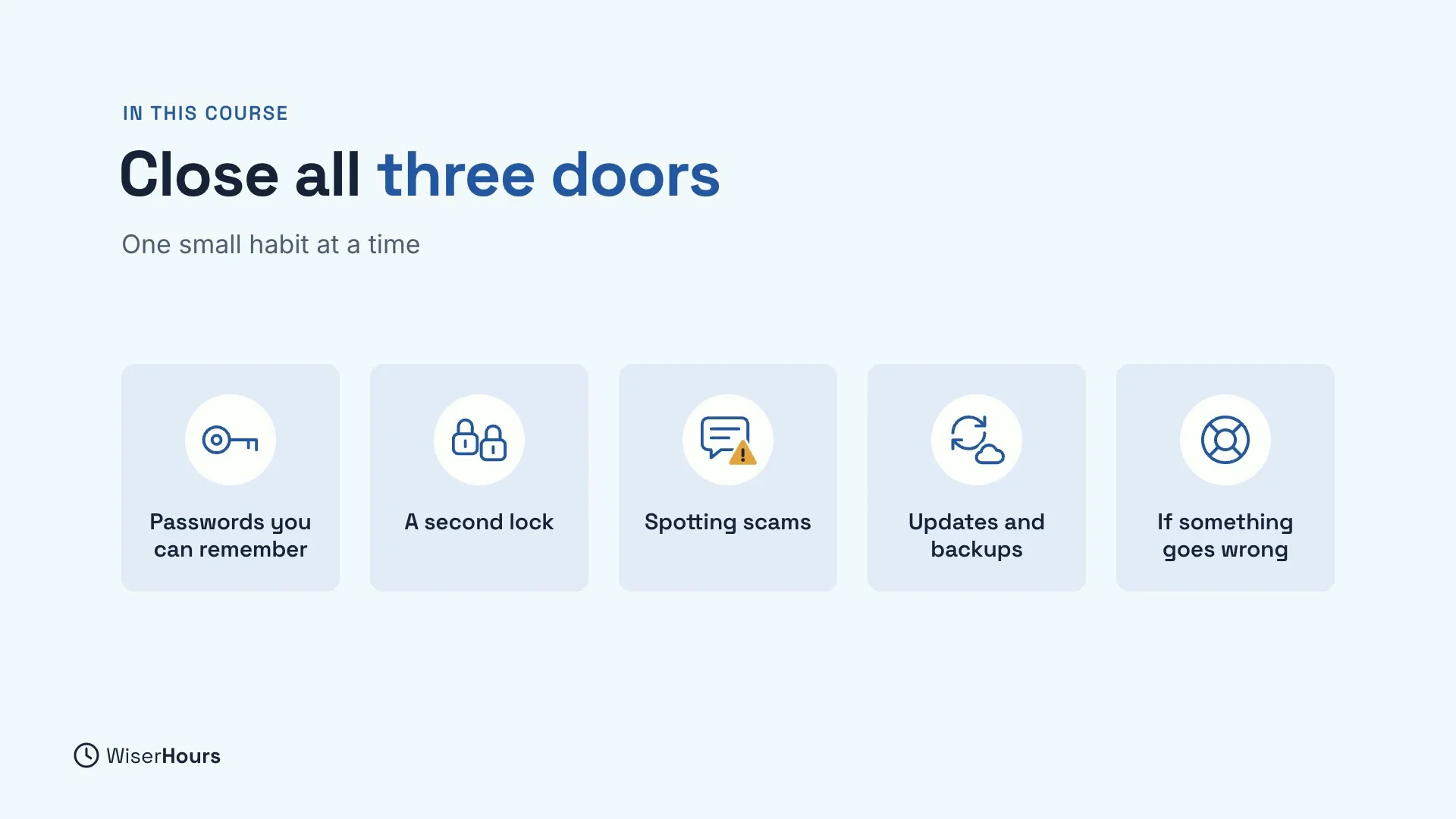
In this course, you will close all three doors, one small habit at a time:
- Passwords you can remember: make passwords that are easy to remember, then let a password manager keep the rest.
- A second lock: add two-step verification and passkeys to your accounts.
- Spotting scams: learn the signs of scam texts and emails and scam calls and fake voices.
- Updates and backups: keep your devices up to date, make your Wi-Fi safer and back up what you can’t replace.
- If something goes wrong: the first steps to take if an account is hacked or money is stolen.
 (opens the full-size picture)
YOUR TURN
Read more
- The Most Common Ways Accounts Get Hacked: the main routes attackers use, and the defence for each.
- Digital Safety for Beginners: The Habits That Protect You Most: the six everyday habits behind this course, in one place.
Read the full lesson script
Welcome to Staying Safe Online. In this first lesson, you will see how accounts really get hacked. And here is the good news. A few simple habits block most of it.
Most hacked accounts are not cracked by someone guessing a clever password. They are opened with a password the attacker already has. So how do they get it?
The first door is a stolen password. When a website you once used is broken into, its passwords can leak. Criminals then try them on your other accounts, like your email or your bank. If you used the same password there, they get in.
The second door is a message that tricks you. A text says your parcel is waiting. The link opens a page that looks real. You sign in, and you have just handed over your password.
The third door is software that was never updated. Many updates fix weak spots that criminals already know about. Each time you tap remind me tonight, the weak spot stays open.
Most of these attacks are not aimed at you. They are sent to thousands of people at once, hoping a few will slip. So you don't need to outsmart anyone. You just need each door to ask for more than one lucky guess.
If you only do one thing today, protect your email. Most of your other accounts send their reset links there. So whoever controls your email can unlock the rest.
In this course, you will close all three doors, one small habit at a time. Passwords you can remember. A second lock on your accounts. Spotting scams. Updates and backups. And what to do if something goes wrong.
So, most attacks use three doors. A stolen password, a message that tricks you, and an old update. Before the next lesson, write down your three most important accounts, starting with your email. Next, you will make passwords that are easy to remember and hard to guess.
MAKE IT A SMALL WIN
Finished this lesson?
Mark it complete to save your progress on this device.