Passwords that work · Lesson 2 of 11
Passwords You Can Remember: Three Random Words
Make a long password that is easy to remember and hard to guess, from three random words, and learn when you really need to change it.
 Video coming soon
In this lesson, you will make a password that is easy to remember and hard to guess. It matters because a password that looks clever can still be one that attackers try first. The method is simple: three random words, nothing about you, and a different password for every account.
How attackers really guess
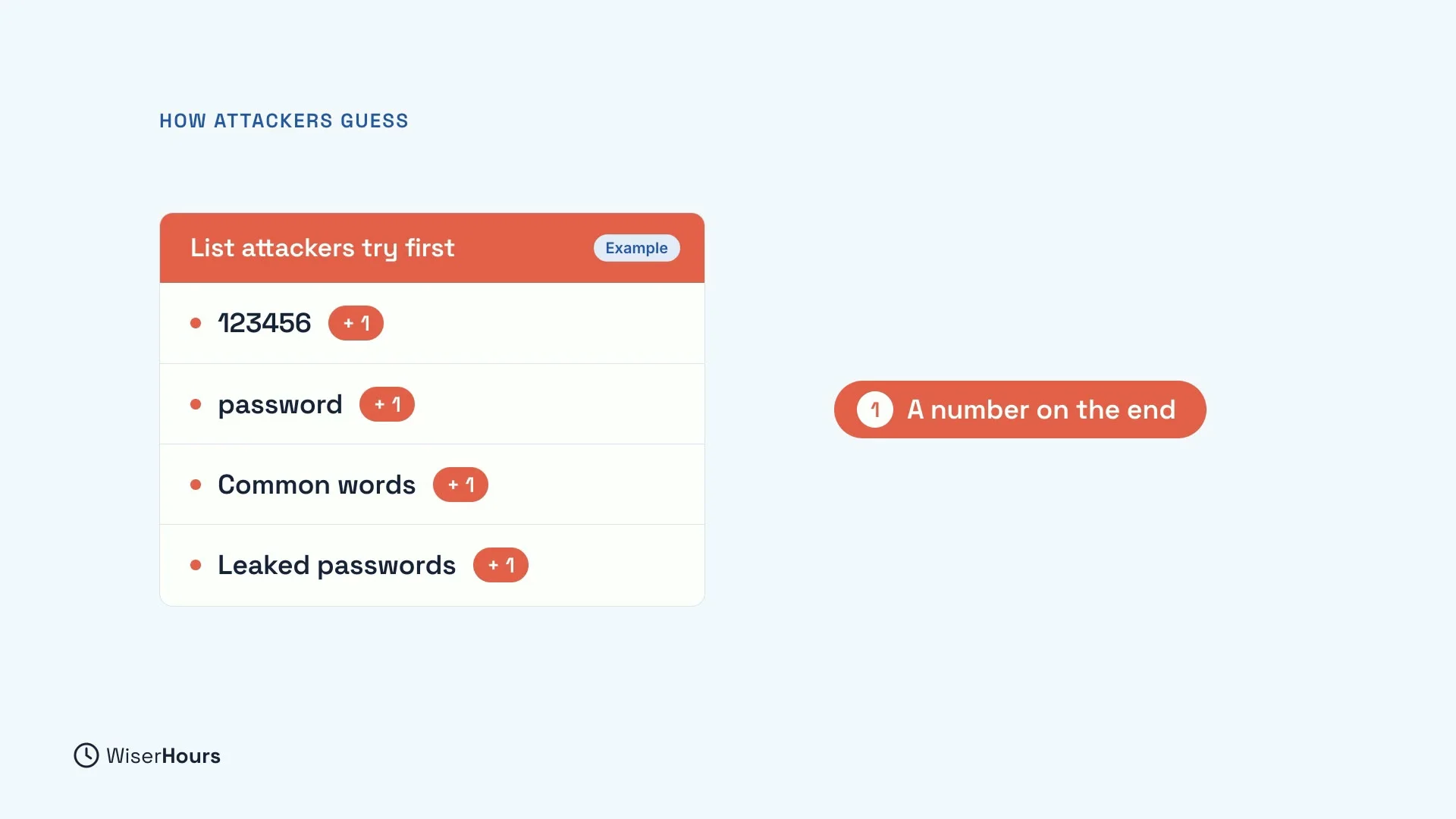
Attackers rarely start by trying every possible password. That would take far too long. Instead, they start with lists: common passwords like “123456” and “password”, everyday words, and passwords leaked from websites that were broken into. Then they add the usual tricks, like a number on the end.
So a password is weak if it is on one of those lists, or if it follows a pattern people often use. “Summer1” feels personal, but it is a common word with a number on the end, exactly what the lists cover.
 (opens the full-size picture)
Length beats symbols
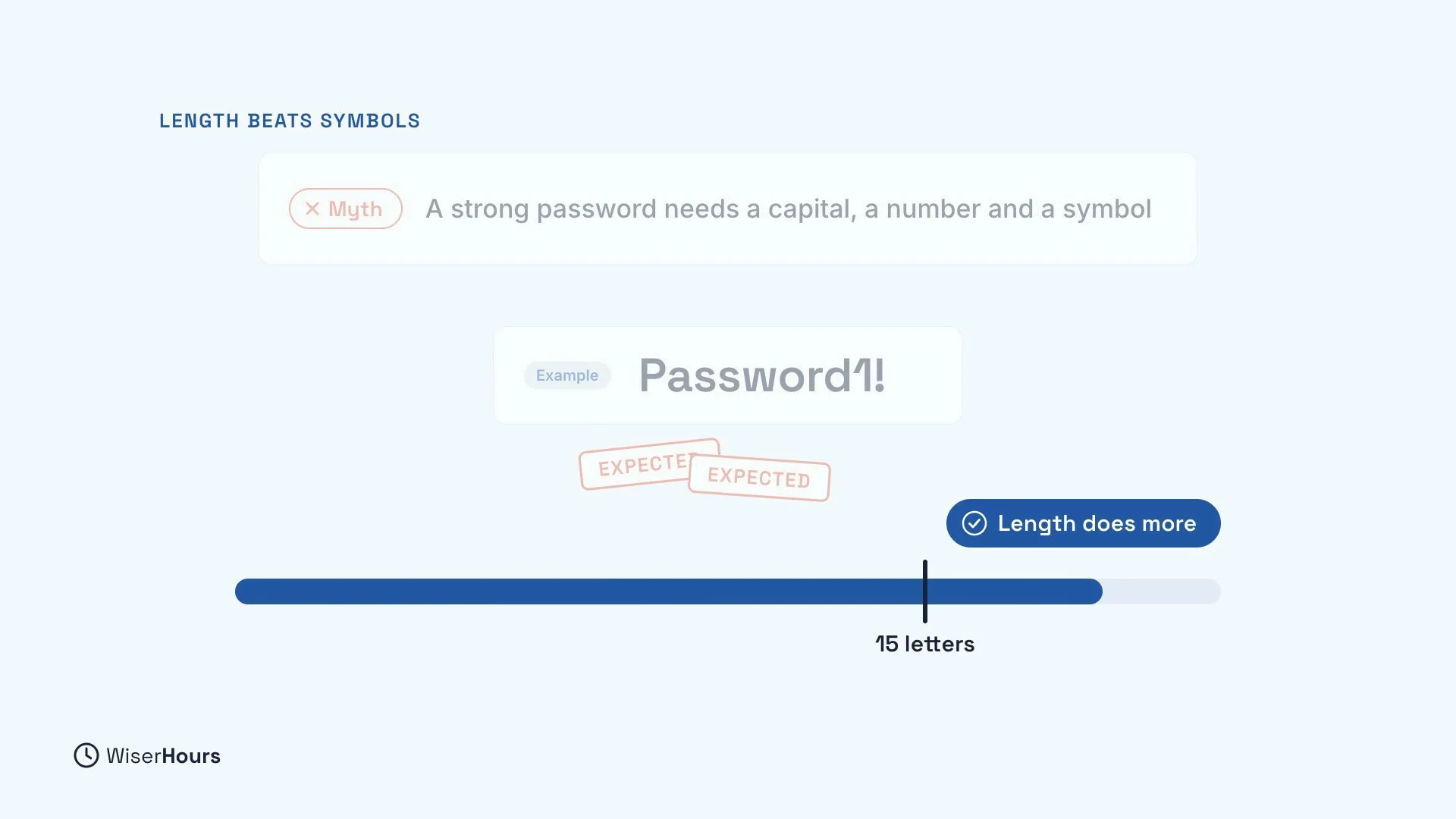
You may have been told that a strong password needs a capital letter, a number and a symbol. Those help less than you think, because people add them in ways attackers expect. Someone told to make “password” stronger often writes “Password1!”, and attackers know it.
Length does more. Aim for 15 letters or more. An extra word adds more guessing work than a symbol stuck on the end.
 (opens the full-size picture)
Join three random words
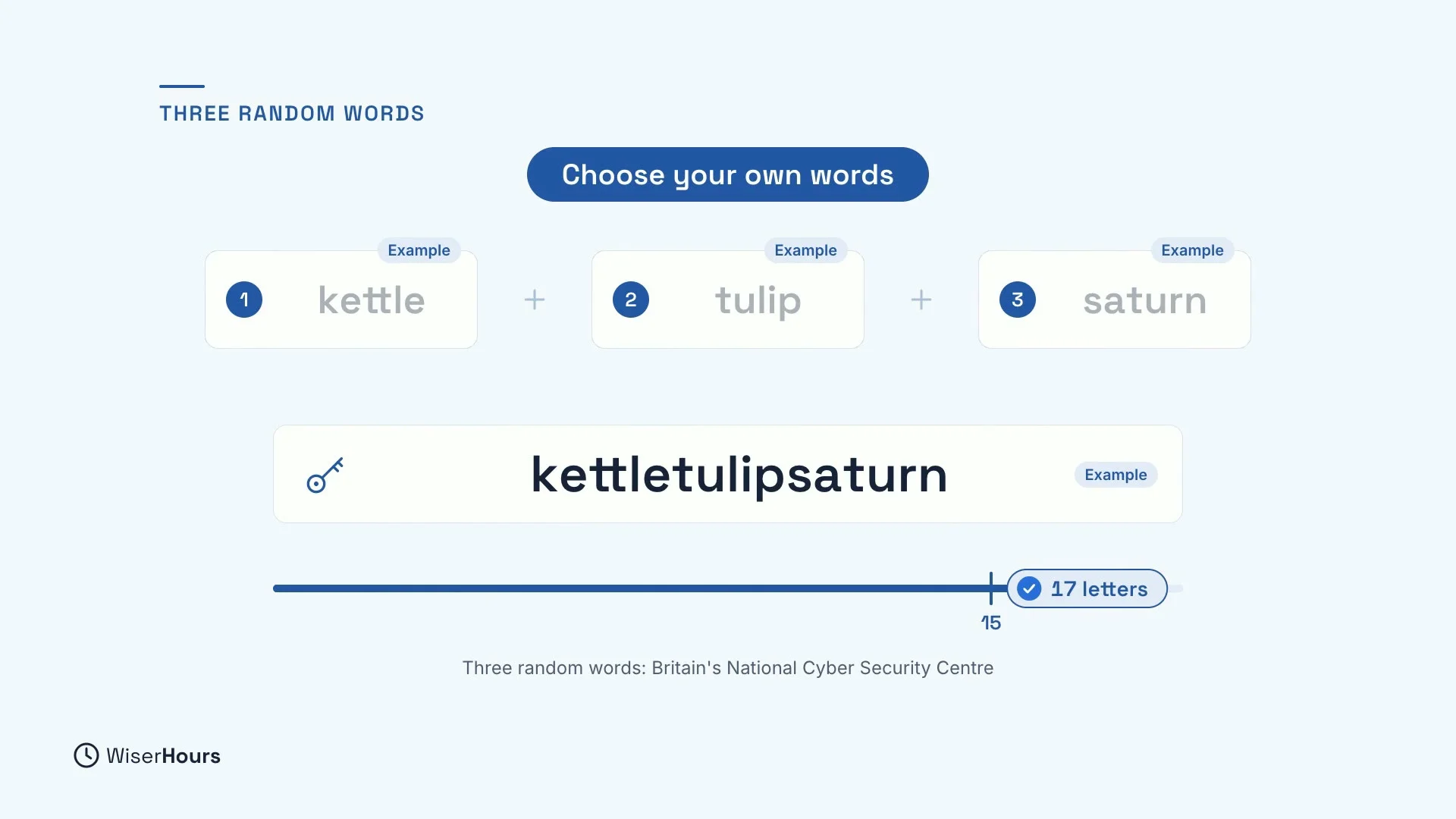
To reach that length, join three random words, as Britain’s National Cyber Security Centre suggests. Pick words with no link to each other. For example, kettle, tulip and Saturn become “kettletulipsaturn”. That is long, and no list predicts it.
Choose your own words, not these. Any example you have seen in print, including this one, is a poor choice for a real password.
 (opens the full-size picture)
Make it stick
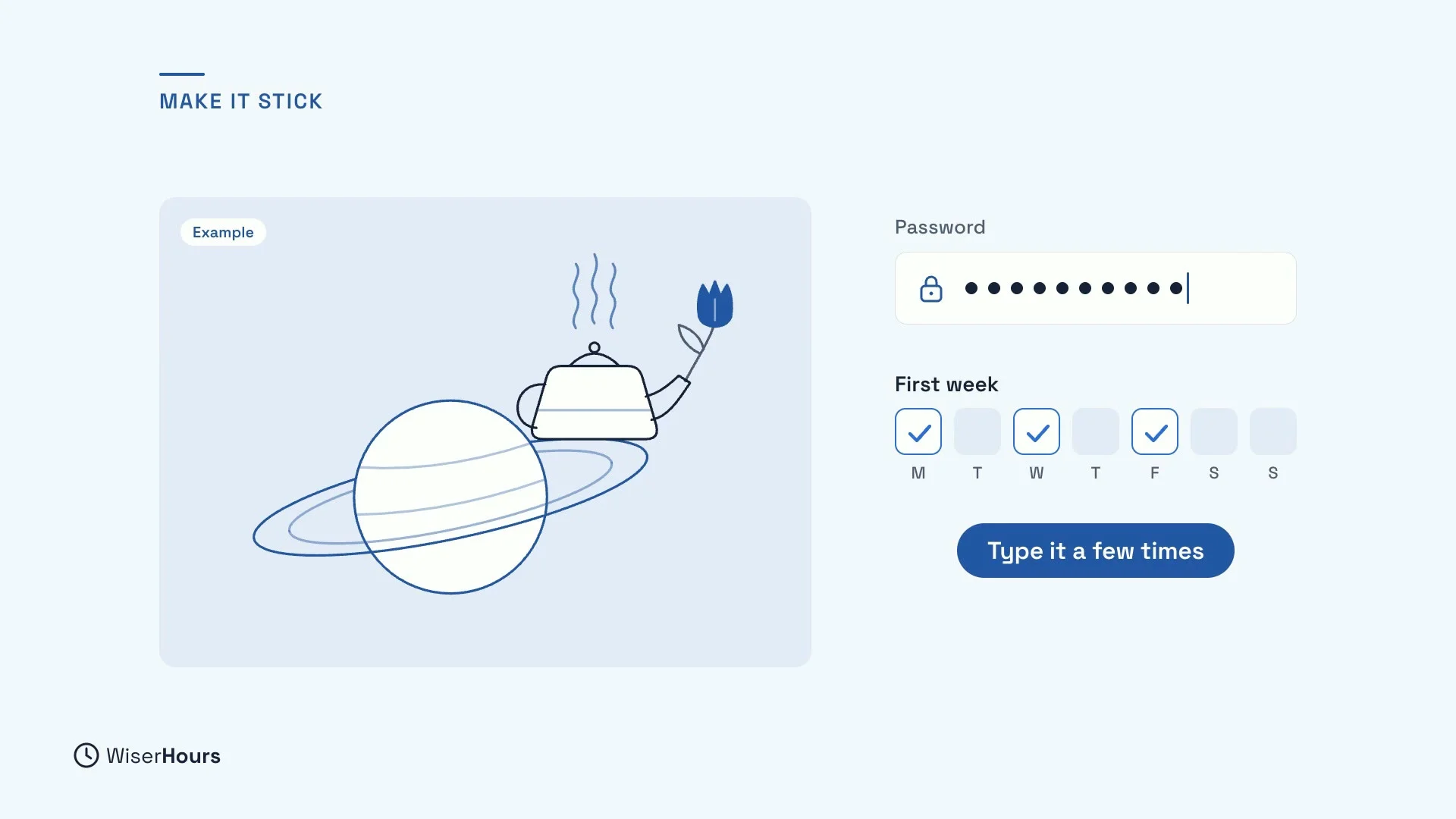
A picture helps you remember. Imagine a kettle boiling on the rings of Saturn, with a tulip in its spout. The odder the picture, the better it sticks.
Then type your new password a few times in its first week. A little practice early on makes it feel natural.
 (opens the full-size picture)
Leave out anything about you
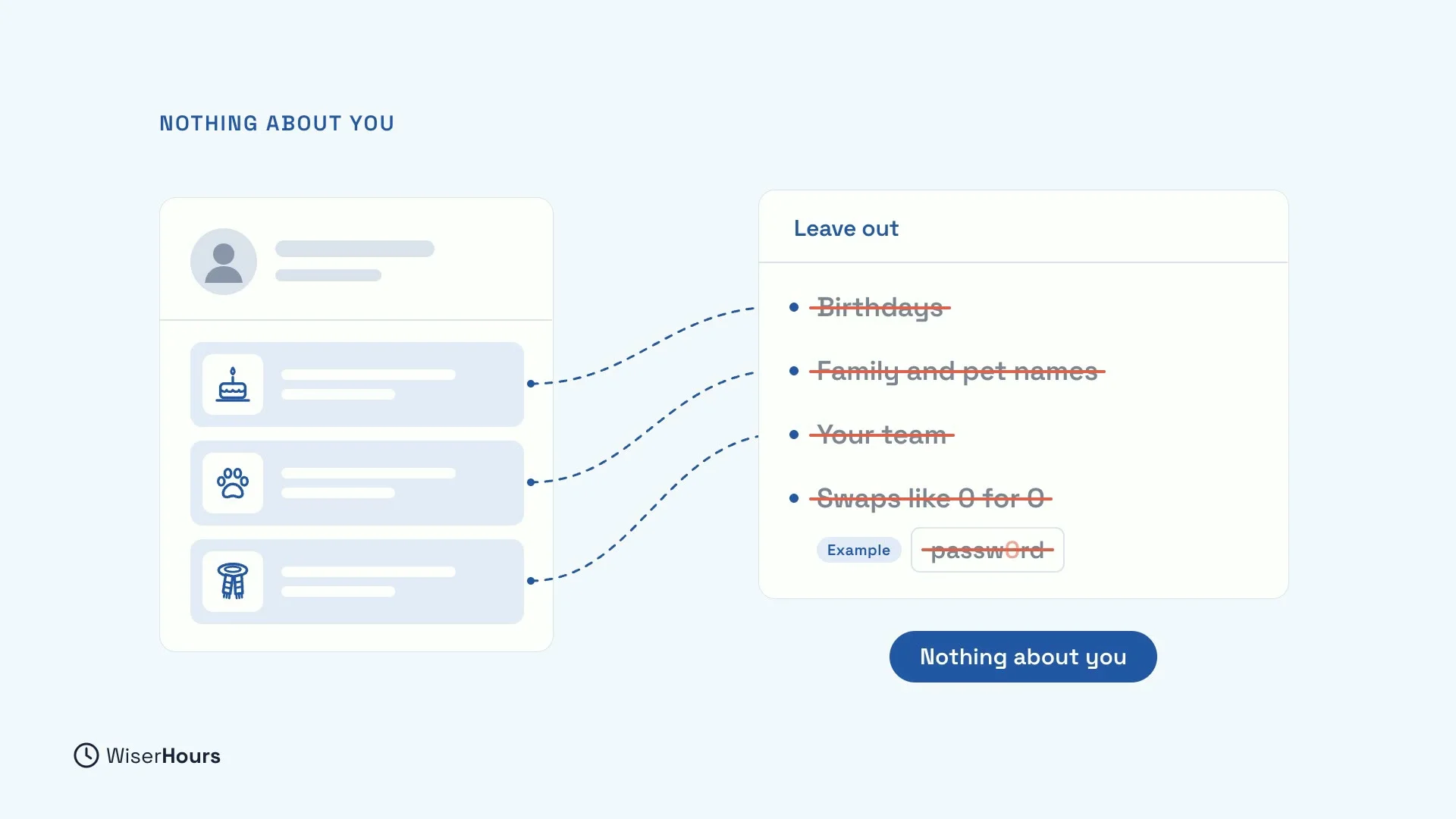
Leave out birthdays, family and pet names, and the team you support. These details are often on social media, so a stranger may find them with little effort.
Skip swaps like a zero for the letter O, too. They barely help, because criminals know them, and they make the password harder for you to remember.
 (opens the full-size picture)
One password per account
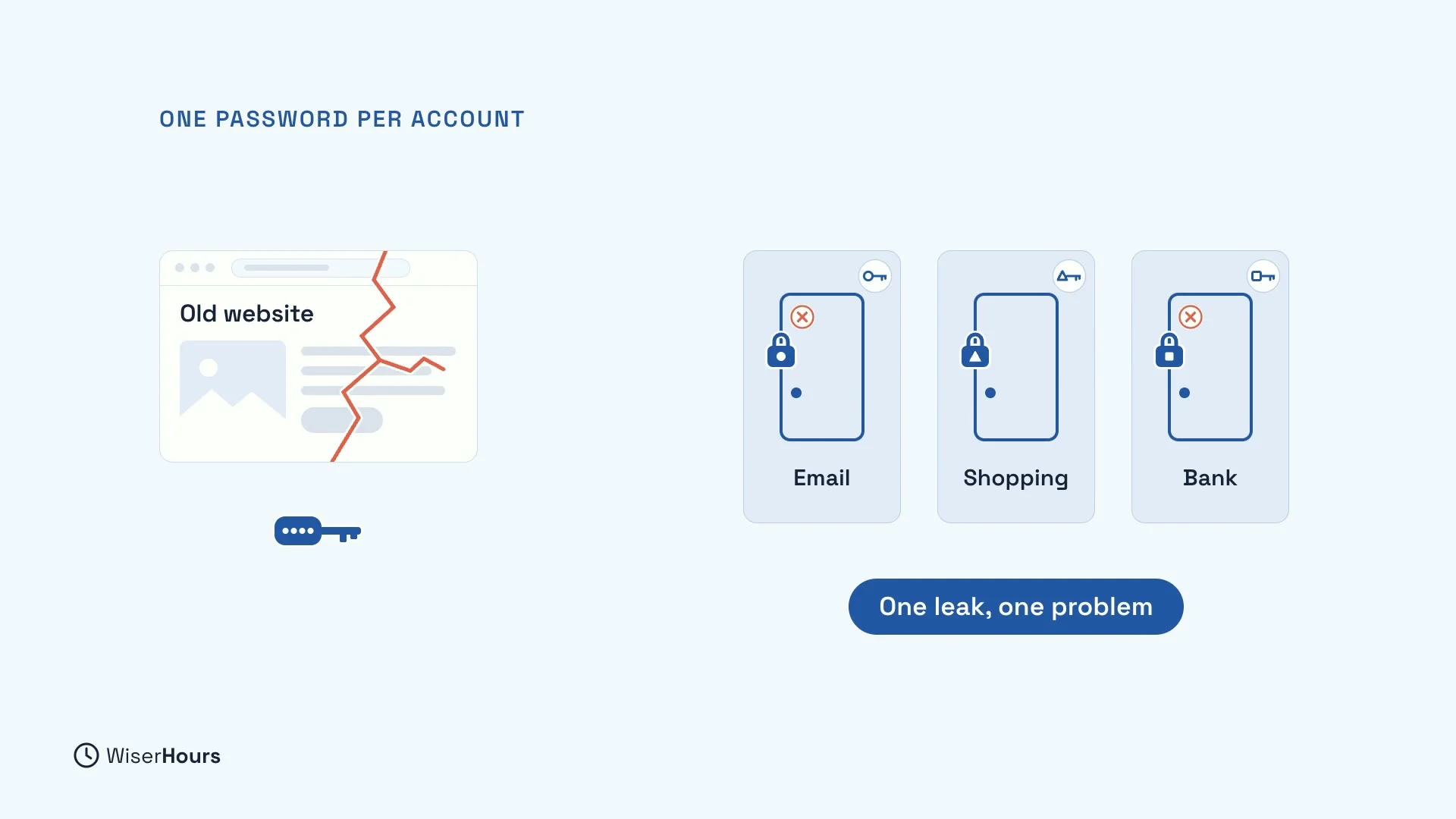
A password that is hard to guess is no harder to steal. If one website leaks it, criminals try it on your other accounts. So give every account its own password. Then one leak stays one problem: the leaked password opens nothing else.
Remembering a different password for every account sounds impossible, and for most people it is. That is the job of a password manager, which remembers them for you.
 (opens the full-size picture)
Change it for a reason, not a schedule
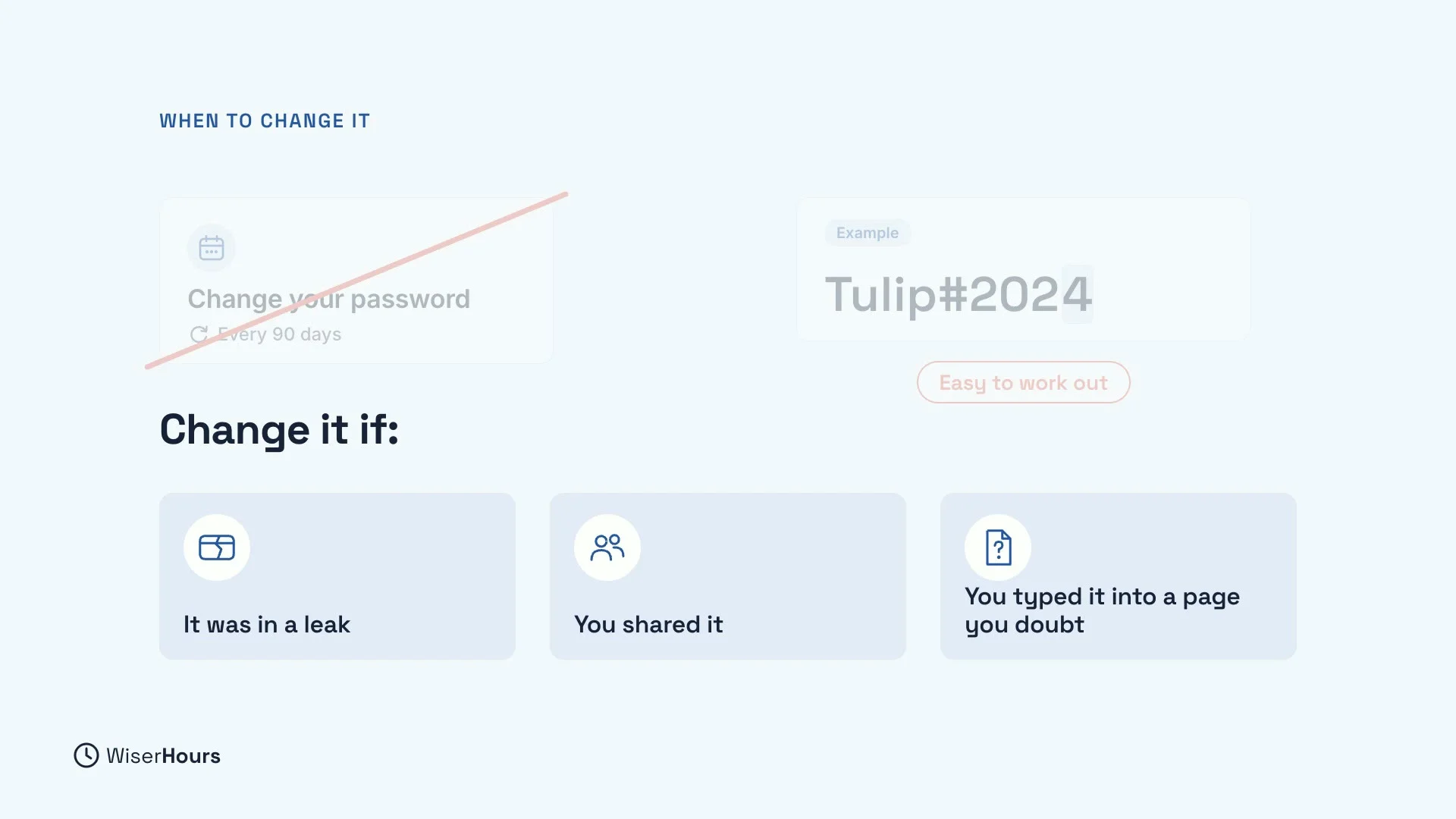
You don’t need to change a good password on a schedule. Scheduled changes tend to be small ones, like “Tulip#2023” becoming “Tulip#2024”, and attackers can work those out.
Instead, change a password when something happens:
- it was in a leak,
- you shared it, or
- you typed it into a page you now doubt.
 (opens the full-size picture)
YOUR TURN
Read more
- How to Create Passwords You Can Remember and Attackers Can’t Guess: the five steps in more detail, with the research behind each one.
Read the full lesson script
In this lesson, you will make a password that is easy to remember and hard to guess. It matters, because a password that looks clever can still be one that attackers try first.
Attackers rarely start by trying every possible password. They start with lists of common words and leaked passwords, then add the usual tricks, like a number on the end.
That's why a capital letter, a number and a symbol help less than you think. People often add them in ways attackers expect. Length does more. Aim for fifteen letters or more.
To get there, join three random words, as Britain's National Cyber Security Centre suggests. Pick words with no link to each other, like kettle, tulip and Saturn. Choose your own, not these.
A picture can help you remember. Imagine a kettle boiling on the rings of Saturn, with a tulip in its spout. Then type your new password a few times in its first week.
Leave out anything about you. Birthdays, family and pet names, and the team you support are often on social media. And skip swaps like a zero for the letter O. They barely help, because criminals know them.
But a password that is hard to guess is no harder to steal. If one website leaks it, criminals try it on your other accounts. So give every account its own password. Then one leak stays one problem.
You don't need to change a good password on a schedule. Scheduled changes tend to be small ones that attackers can work out. Change it if it was in a leak, you shared it, or you typed it into a page you now doubt.
So, join three random words, with nothing about you. Give every account its own password, and change it only for a reason. Today, make a three-word password for your email. Next, you will meet a password manager, a tool that remembers a different password for every account.
MAKE IT A SMALL WIN
Finished this lesson?
Mark it complete to save your progress on this device.