Spot the scams · Lesson 6 of 11
How to Spot Scam Texts and Emails: Three Quick Checks
Spot scam texts and emails with three checks: who sent it, what it rushes you to do and where its link goes. Then report it and delete it.
 Video coming soon
In this lesson, you will learn to spot scam texts and emails. They are one of the main ways into your accounts and your money. You don’t need to memorize every scam: a few scripts and three quick checks catch most of them.
The same few scripts
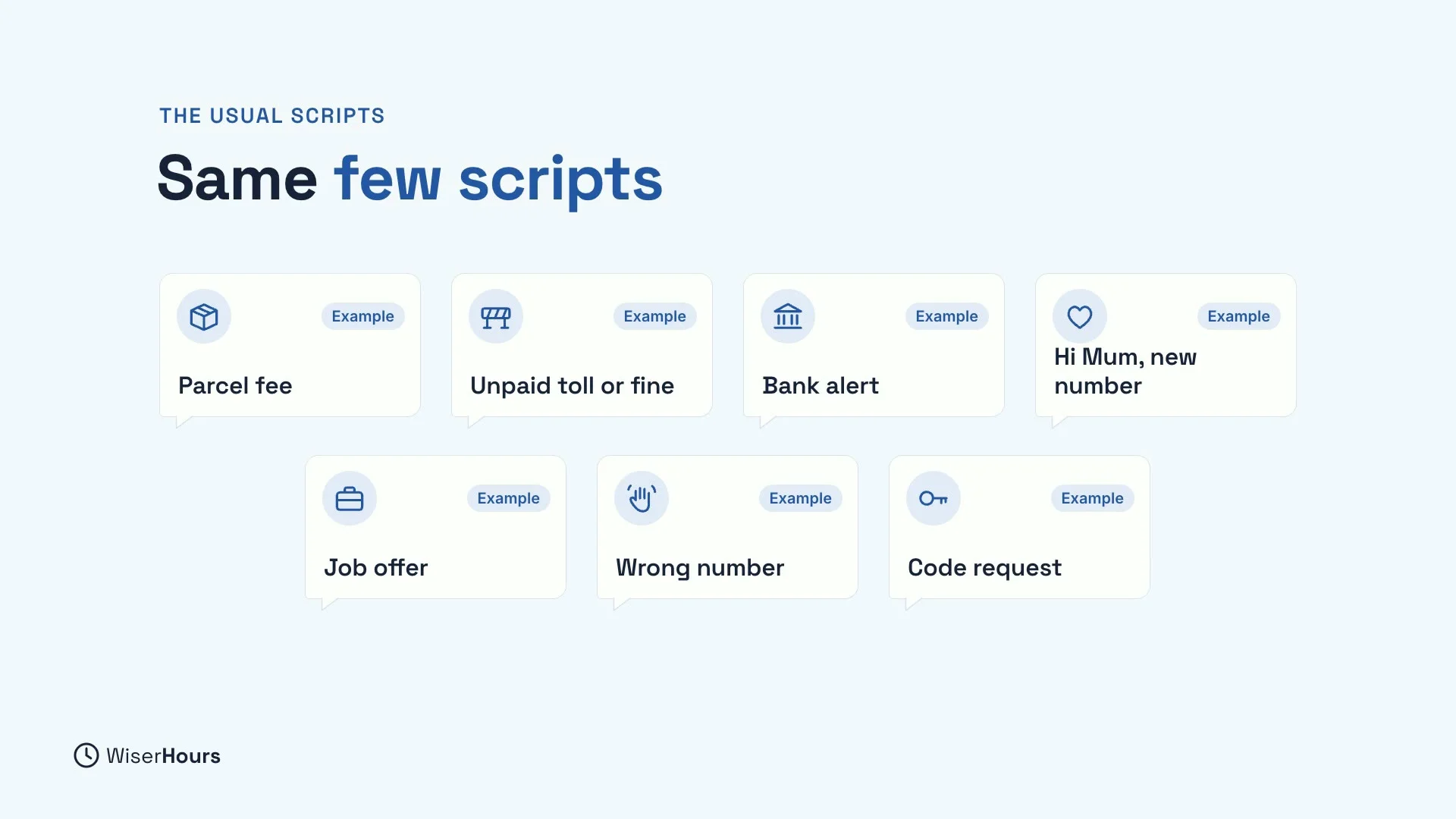
Many scam texts follow the same few scripts. The wording changes all the time, but the story at the end usually does not. Here are the ones to know:
- A parcel fee: a delivery failed, so pay a small fee through a link.
- An unpaid toll or fine: you owe a charge and must pay by link.
- A bank alert: a suspicious payment, so reply or call a number.
- “Hi Mum”: your child has a new number and urgently needs money.
- A job offer: easy paid work, but you must pay in first.
- A friendly wrong number: a chat that turns into a new friend with an investment tip.
- A request for a code: someone needs the code that was just sent to you.
 (opens the full-size picture)
Good spelling proves nothing
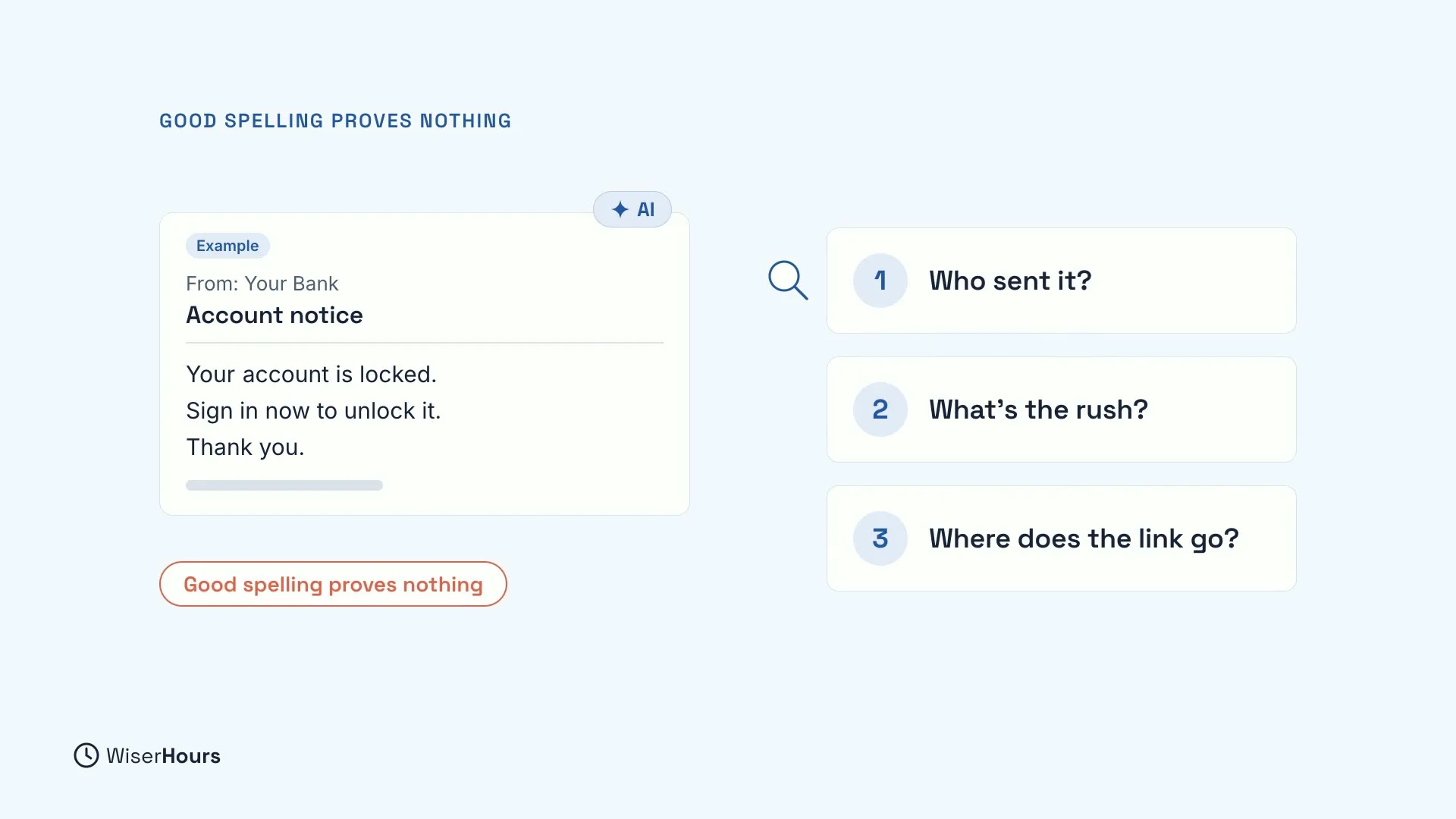
You may have heard that scams are full of spelling mistakes. That used to be a useful clue. Scams are more polished now, partly because criminals use AI to write them. A message can be well written, polite and still be a scam.
So instead of looking for mistakes, check three things.
 (opens the full-size picture)
Check 1: who really sent it?
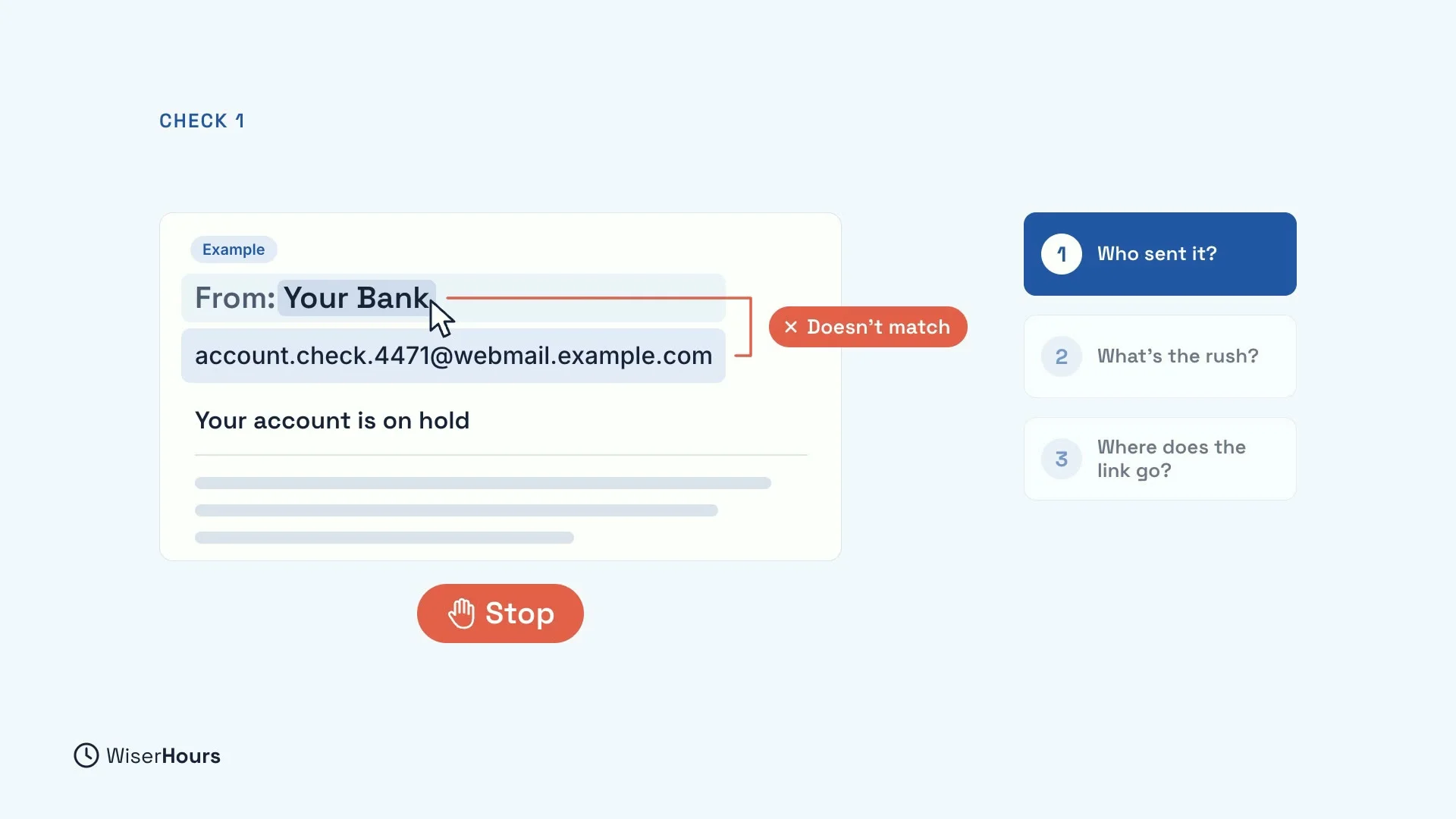
Anyone can put any name on an email. The name you see, like “Your Bank”, is just a label the sender typed. The real address is underneath.
To see it, tap the name on your phone, or rest your pointer on it on a computer. If the name and the address don’t match, stop. A matching address is not proof on its own, so carry on with the other two checks.
 (opens the full-size picture)
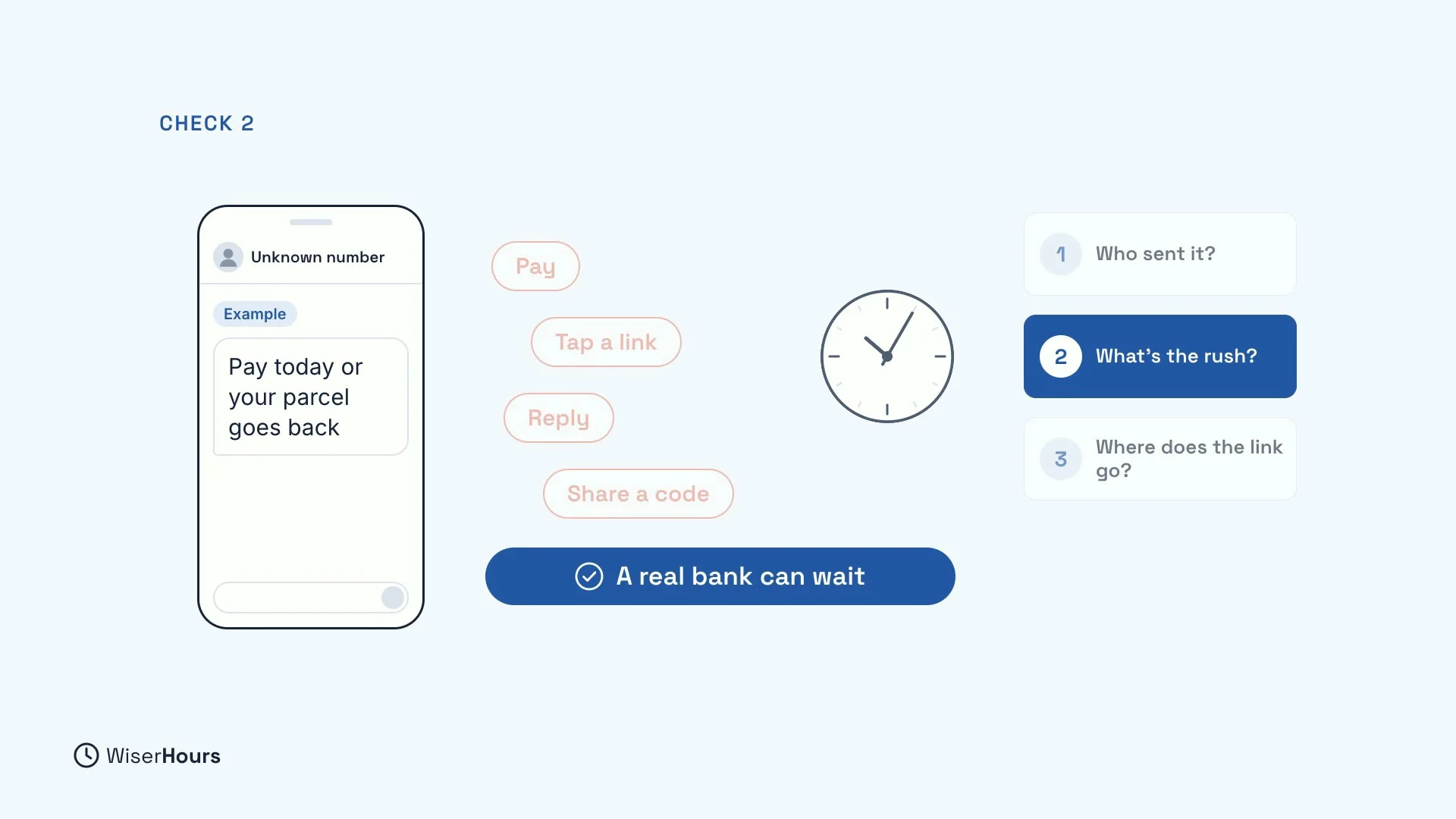
Check 2: what does it rush you to do?
Does the message push you to pay, tap, reply or share a code, right now? That hurry is the trick. A rushed reader skips the checks, which is exactly what the scammer wants.
For example, “Pay today or your parcel goes back” gives you a deadline so you act before you think. A real bank, or a real courier, can wait while you check.
 (opens the full-size picture)
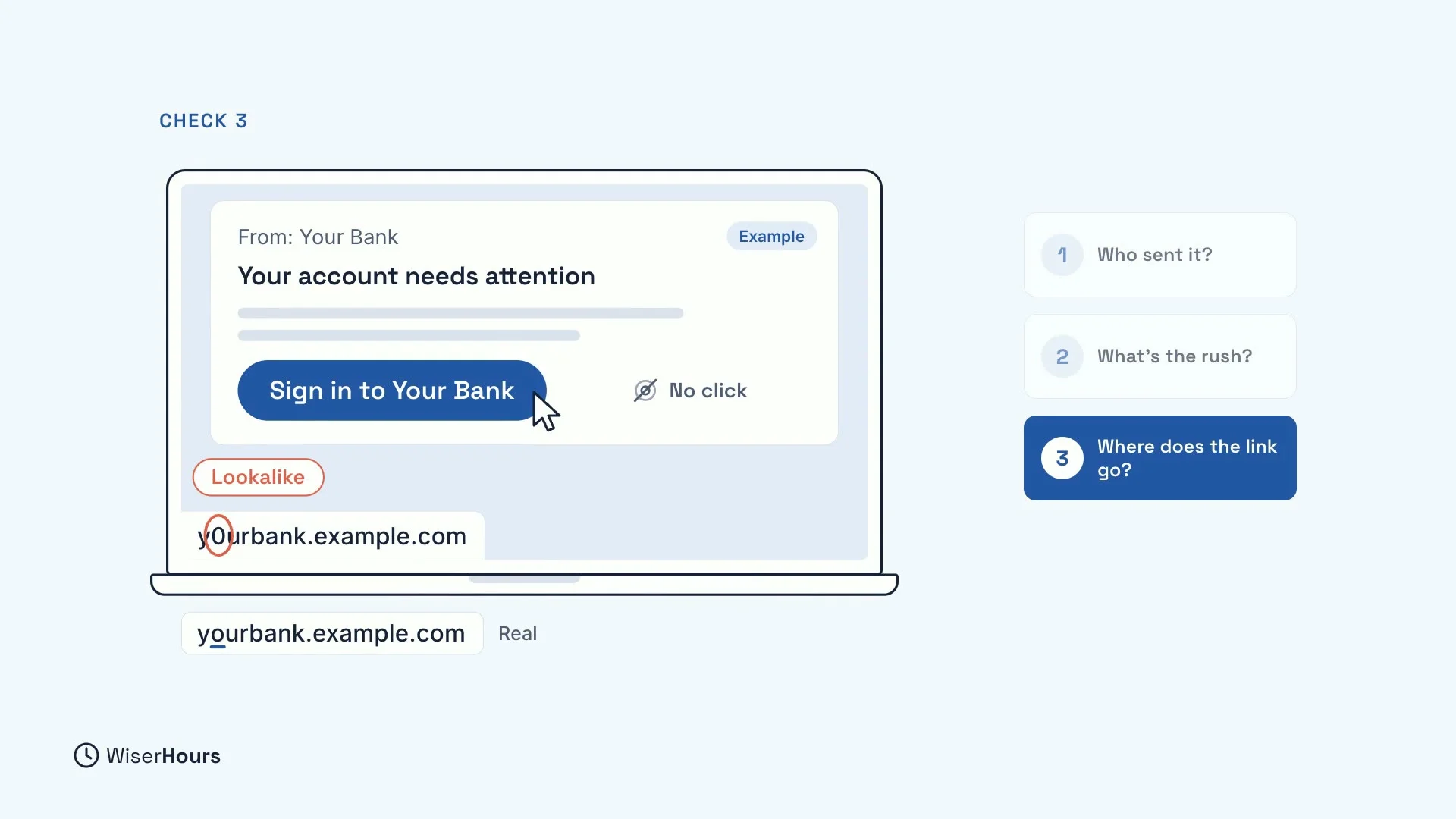
Check 3: where does its link go?
The words on a link and the place it really goes can be different. On a computer, rest your pointer on the link without clicking, and read the address that appears.
Watch for lookalikes, like a zero instead of the letter O, or an extra word added to a real name. If the address is not the one you know, don’t click.
 (opens the full-size picture)
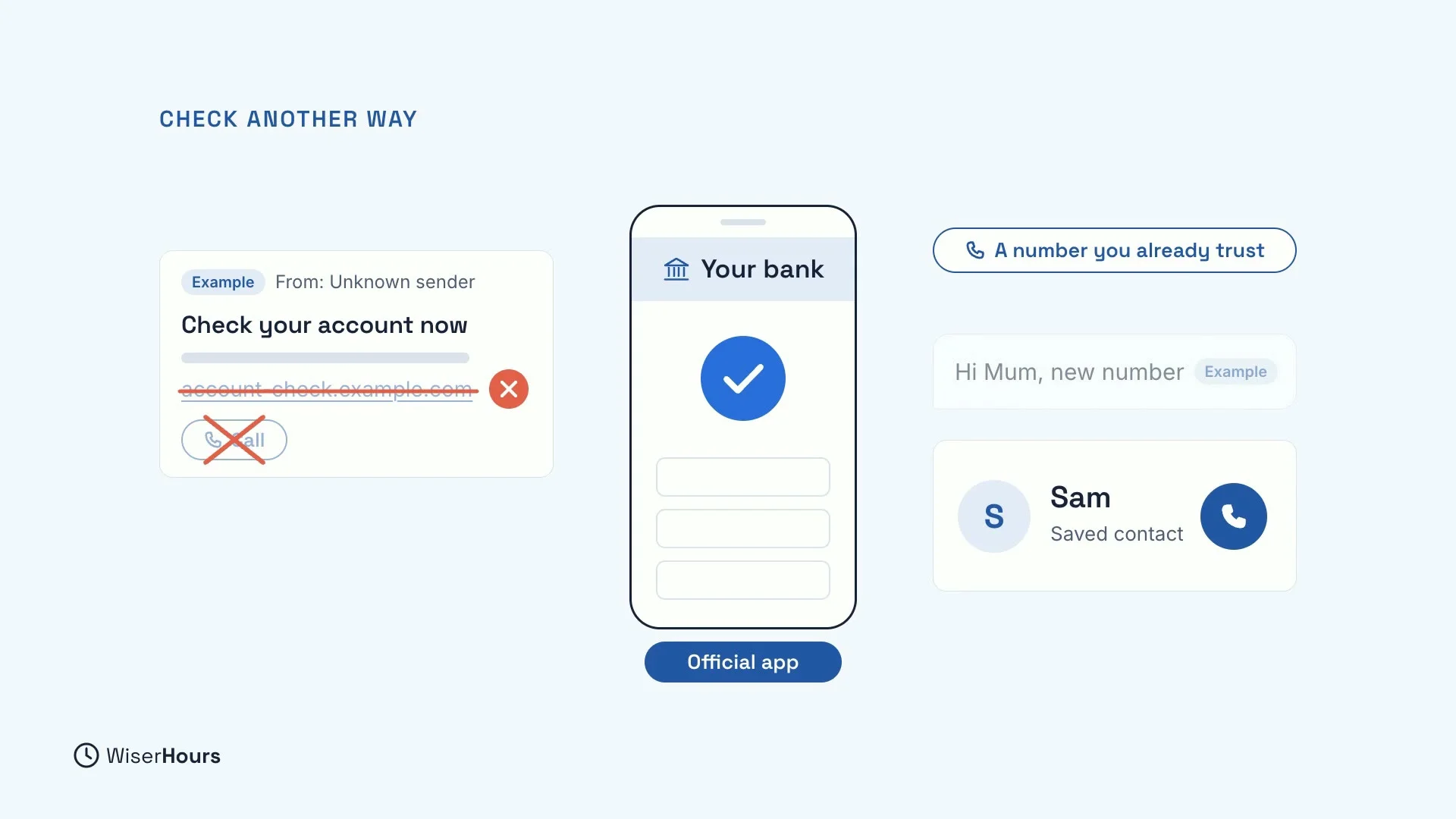
When in doubt, check another way
When in doubt, never use the message’s link or phone number. Both lead back to the sender. Instead, open the official app, type the website address yourself, or call a number you already trust, such as the one on your bank card.
For a “Hi Mum” text, call your child on the number saved in your phone. It takes a minute, and it reaches the real person.
 (opens the full-size picture)
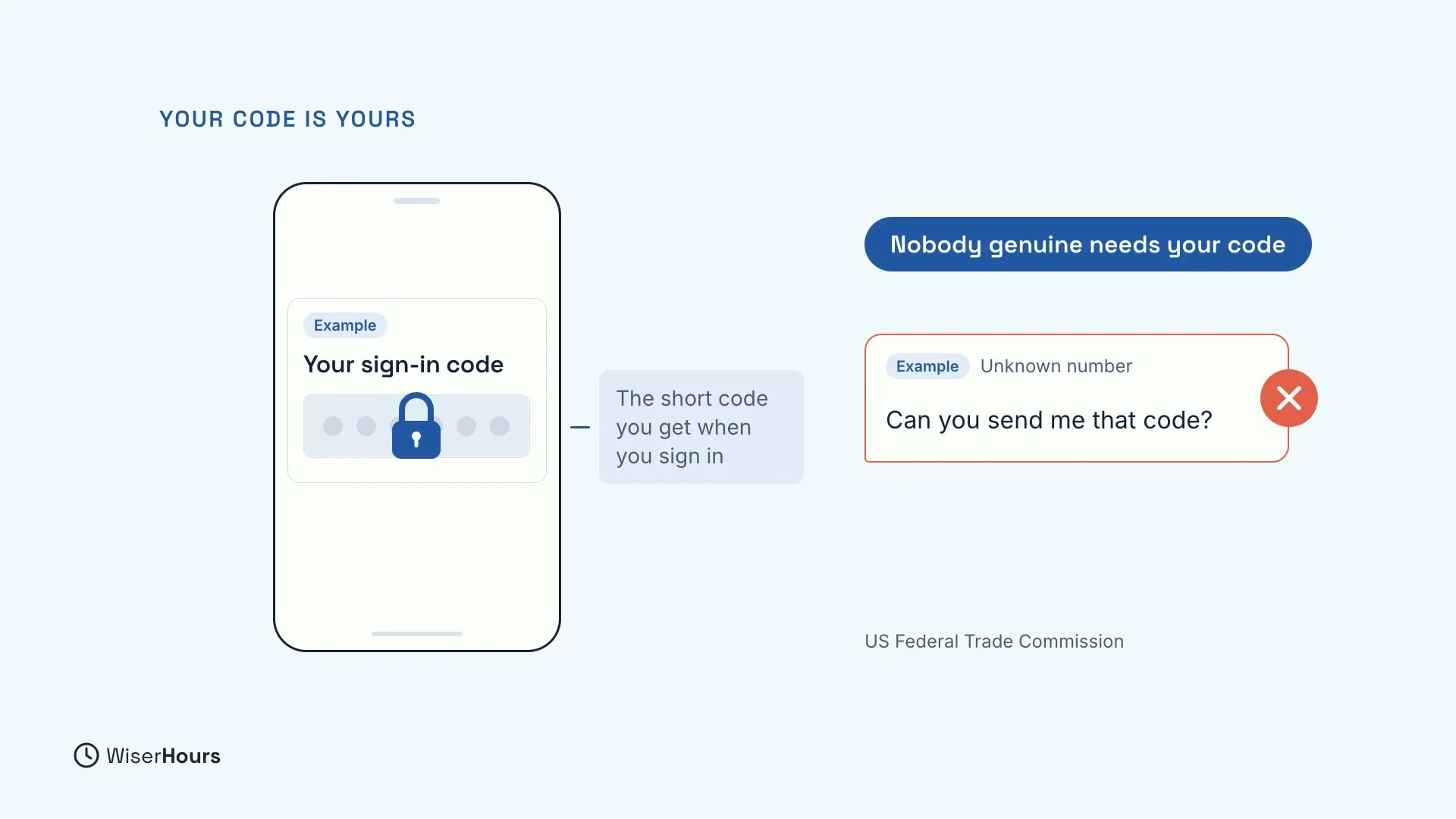
Your one-time code is yours
A one-time code is the short code you get when you sign in. Nobody genuine needs it. The US Federal Trade Commission says anyone who asks for it is a scammer, whoever they say they are.
So if a message or a caller asks for that code, don’t send it. The request itself is the scam.
 (opens the full-size picture)
Report it, then delete it
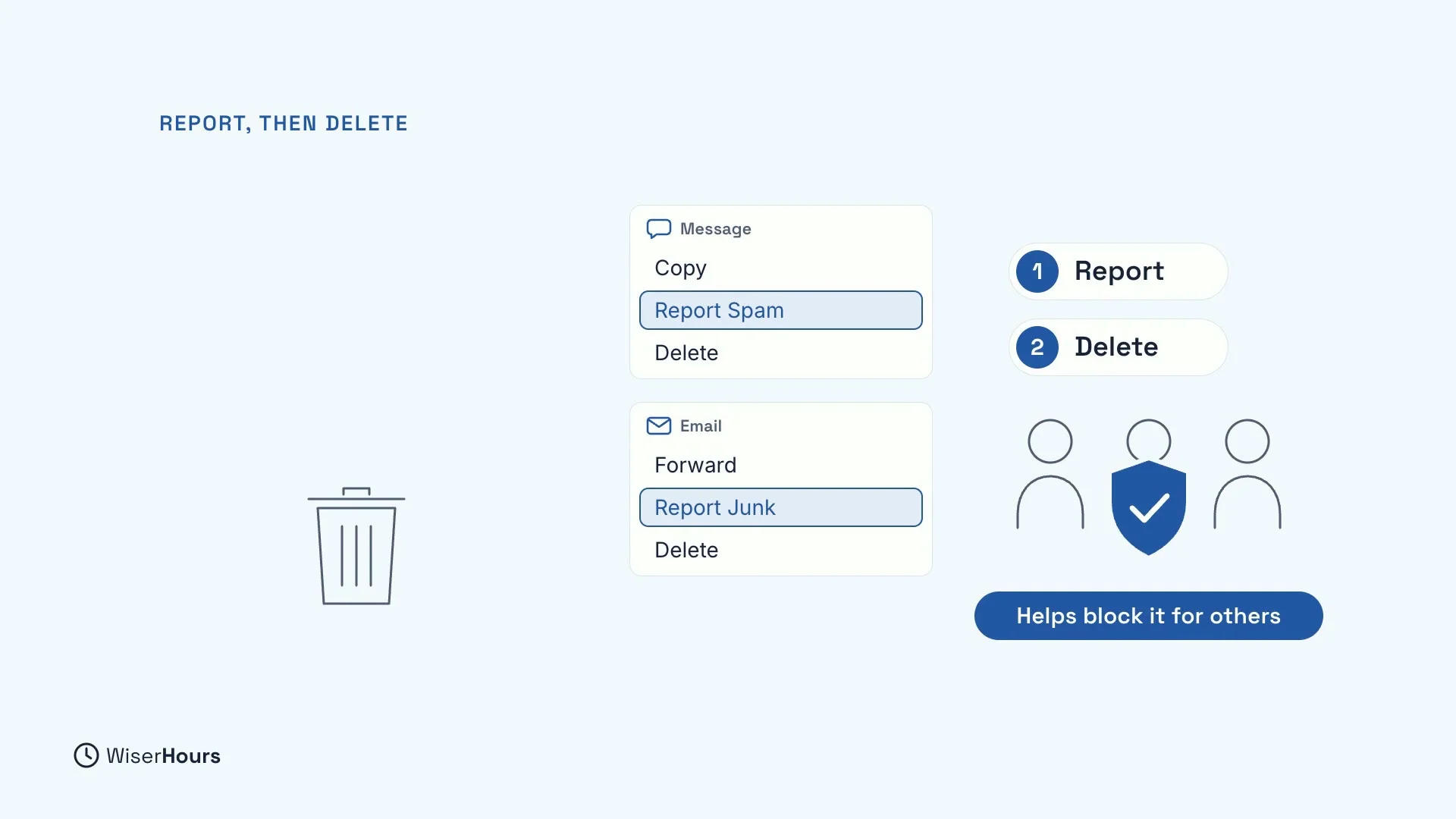
When you spot a scam, don’t reply: a reply can start the conversation the scammer wants. Use your app’s report option first, such as Report Spam in your messages or Report Junk in your email, then delete it.
The order matters. Your report can help block the scam for other people, and on some phones you can no longer report a message once you have replied to it.
 (opens the full-size picture)
YOUR TURN
Read more
- Smishing and Scam Texts: The Messages to Delete: the usual scam scripts in more detail, and how to report and block them on your phone.
- How to Spot a Phishing Email in Seconds: six checks for any email that asks you for money, a login or a code.
Read the full lesson script
In this lesson, you will learn to spot scam texts and emails. They are one of the main ways into your accounts and your money.
Many scam texts follow the same few scripts. A parcel fee, an unpaid toll or fine, or a bank alert. A Hi Mum text from a new number. A job offer, a friendly wrong number, or a request for a code.
Scams are more polished now, partly because criminals use AI to write them. So good spelling proves nothing. Instead, check three things.
First, who really sent it? Anyone can put any name on an email. Tap the name, or rest your pointer on it, to see the real address. If the two don't match, stop.
Second, what does it rush you to do? Pay, tap, reply, or share a code, right now? That hurry is the trick. A real bank can wait while you check.
Third, where does its link go? On a computer, rest your pointer on it, without clicking, and read the address that appears. Watch for lookalikes, like a zero instead of an O.
When in doubt, never use the message's link or number. Open the official app, or call a number you already trust. For a Hi Mum text, call your child on the number saved in your phone.
Nobody genuine needs your one-time code, the short code you get when you sign in. The US Federal Trade Commission says anyone who asks for it is a scammer.
When you spot a scam, don't reply. Use your app's report option first, then delete it. Your report can help block it for other people.
So, check who sent it, what it rushes you to do, and where its link goes. Before the next lesson, find the Report Junk or Report Spam option in your messages and email apps. Next, you will learn to spot scam calls and fake voices.
MAKE IT A SMALL WIN
Finished this lesson?
Mark it complete to save your progress on this device.