Protect and recover · Lesson 11 of 11
Hacked Account or Stolen Money? What to Do, in Order
Take back a hacked account starting with your email, know who to call first if money or your identity is stolen, and tick off the course checklist.
 Video coming soon
In this final lesson, you learn what to do if an account is hacked, or if money or your identity is stolen. It can happen even to careful people. Acting calmly and in the right order limits the damage, so it helps to know the order before you ever need it. At the end, you will find the whole course on one checklist.
If an account is hacked: email first
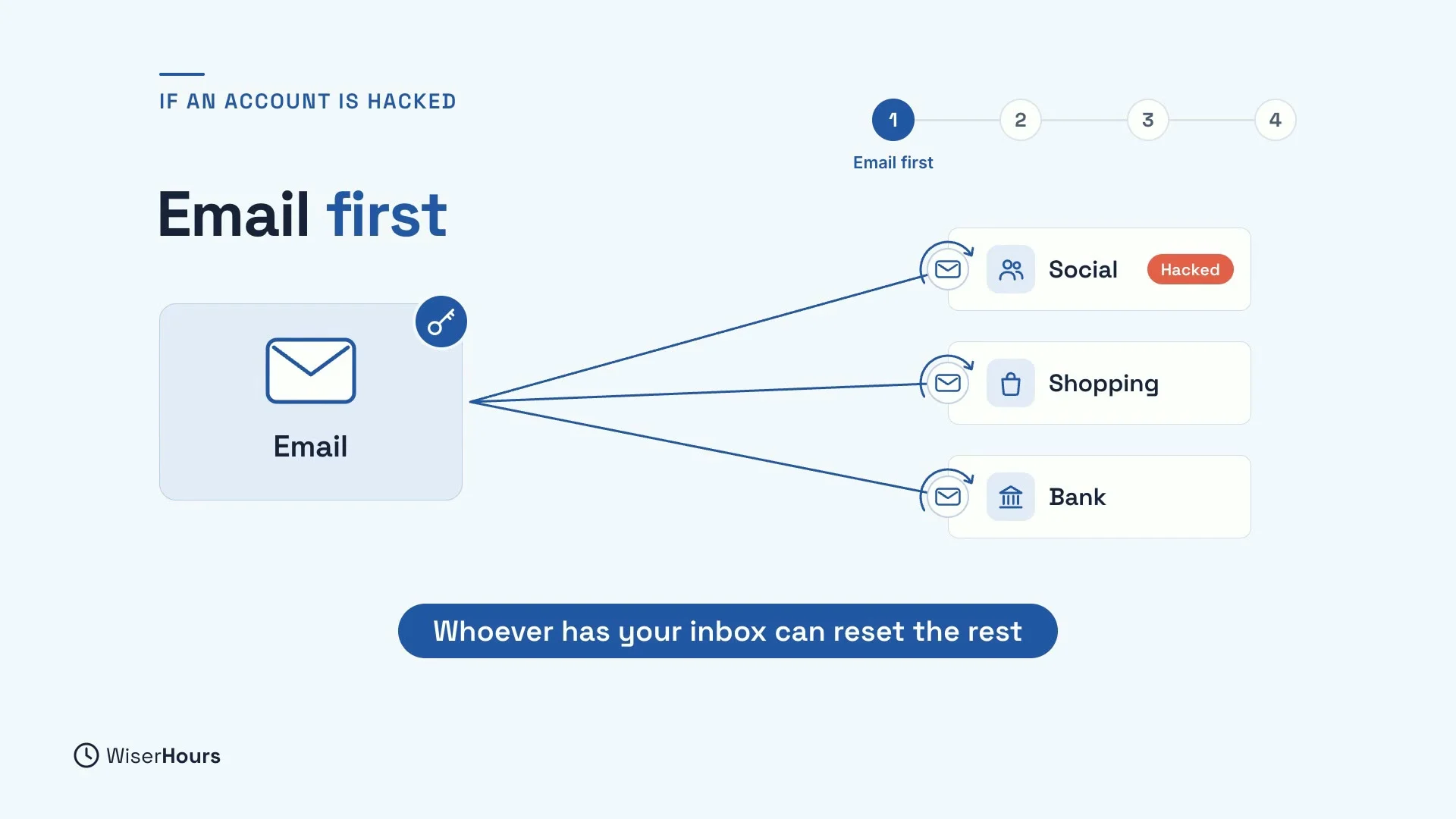
If an account is hacked, start with your email, even if the problem began somewhere else, like a social media or shopping account. The reason is simple: whoever controls your inbox can ask your other services for password-reset links and pick them up there. So your other accounts can’t really be safe until your email is.
 (opens the full-size picture)
Use only the official help pages
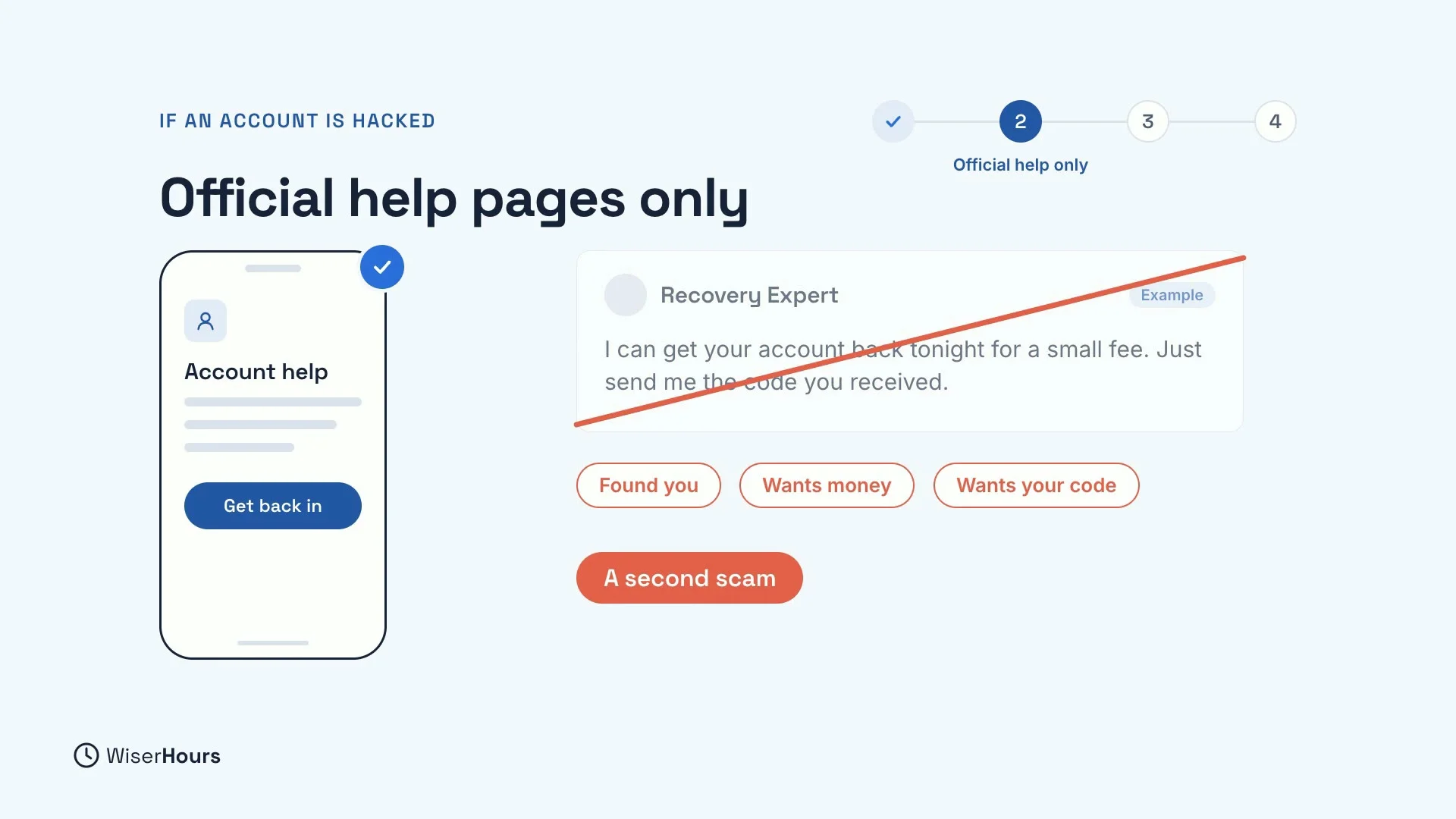
To get back in, use only the service’s own help pages, which you reach through its app or website. Every big service has its own recovery page. Anyone who contacts you offering to recover your account for a fee, or who asks for your codes, is a scammer. It is a second scam, aimed at people who have just had the first one.
 (opens the full-size picture)
Close every door
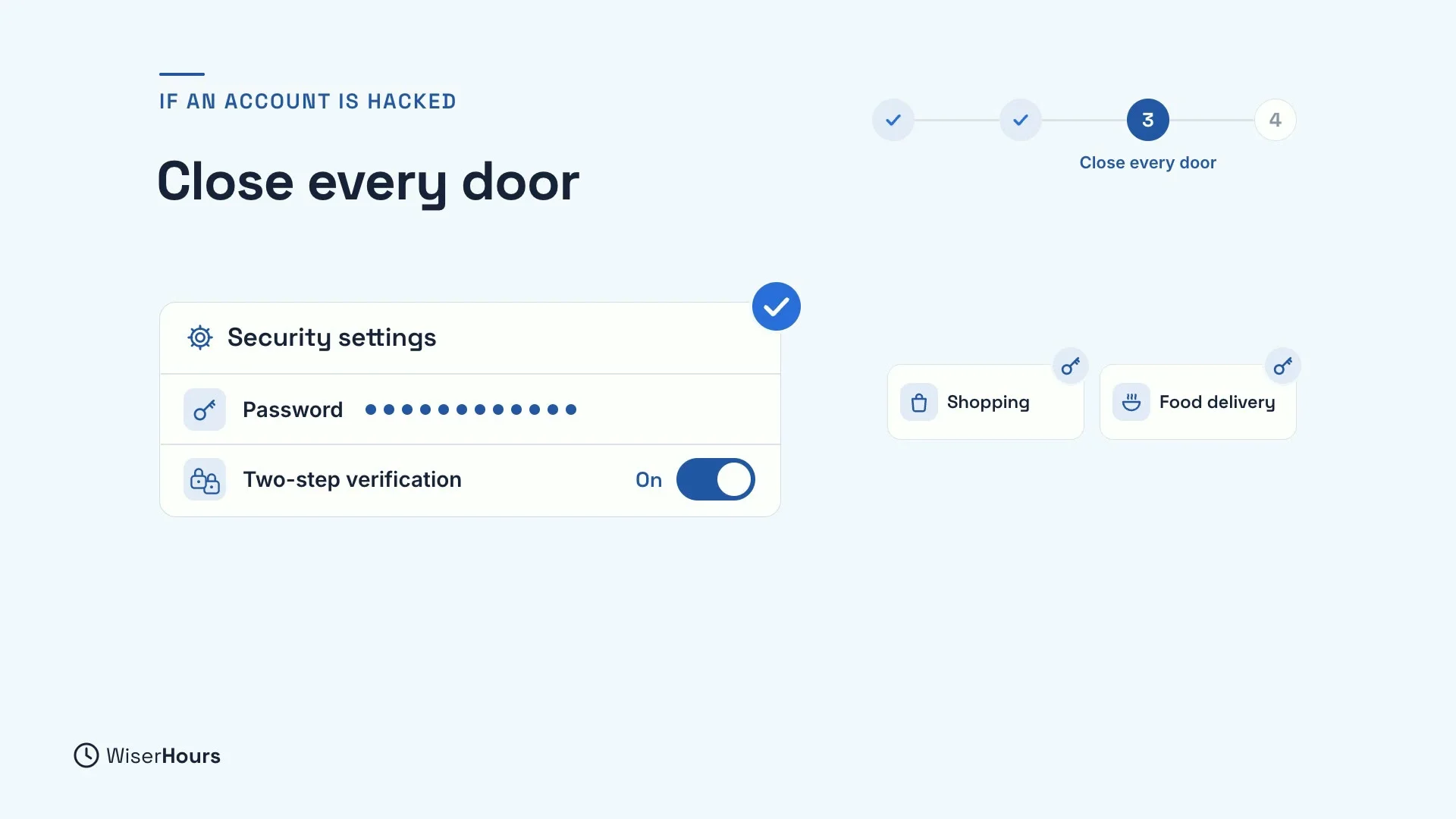
Once you are back in, look for anything the intruder left behind to keep reading your mail or to come back later:
- Forwarding rules. Delete any rule you did not set up. It quietly copies your new emails to a stranger, password-reset emails included.
- Devices and apps. Remove any devices and connected apps you don’t recognize.
- The password. Change it on this account, and anywhere else you used the same password.
- Two-step verification. Turn it on, so a stolen password alone is no longer enough. See the two-step verification lesson earlier in this course.
 (opens the full-size picture)
Warn your contacts
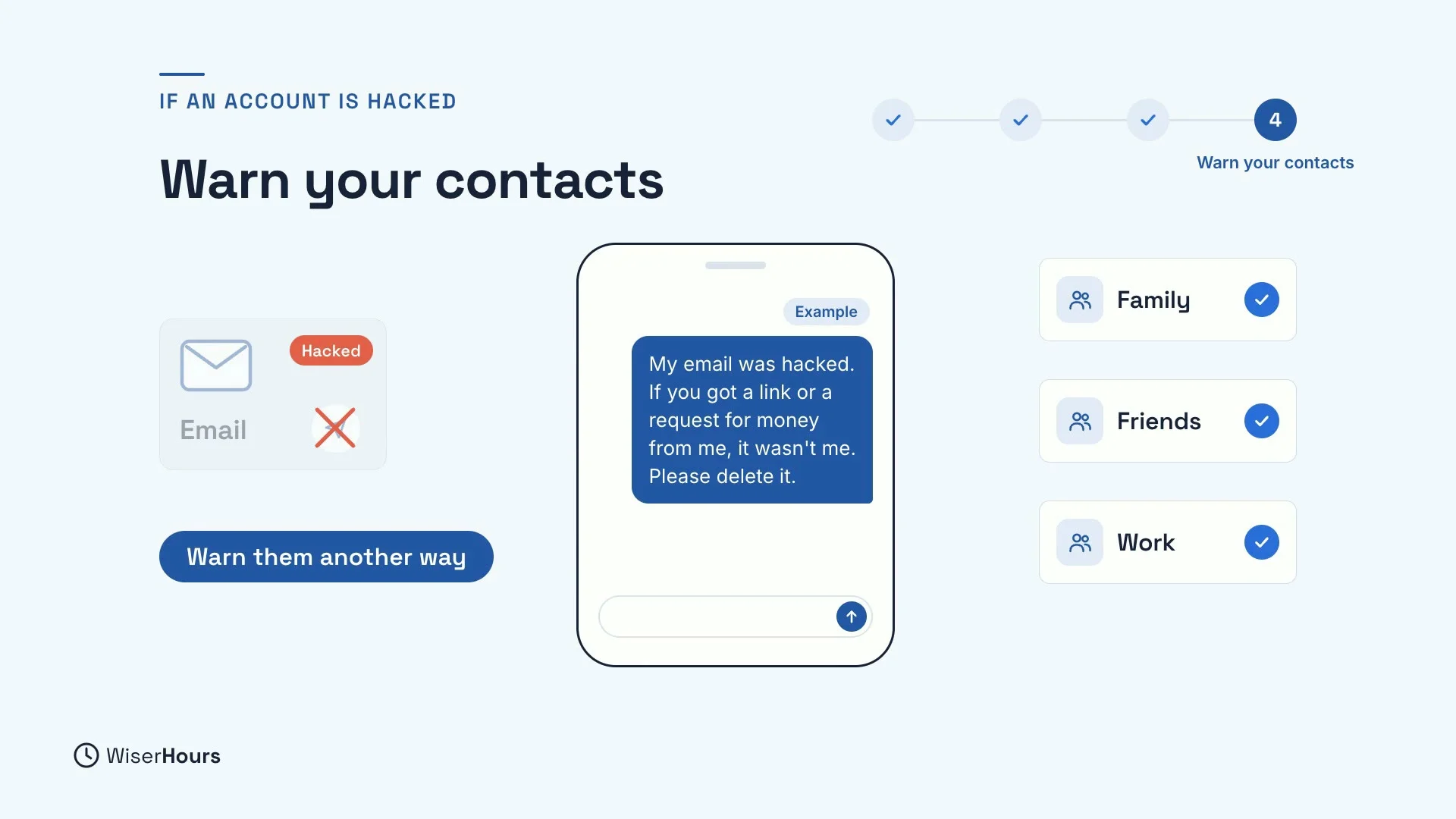
Next, warn your friends and family. Do it by text or another way, not from the hacked account. Ask them to ignore any link or request for money that seemed to come from you. Intruders often use a hacked account to write to the owner’s contacts, because people trust messages from someone they know.
 (opens the full-size picture)
If money or your identity is stolen: bank first
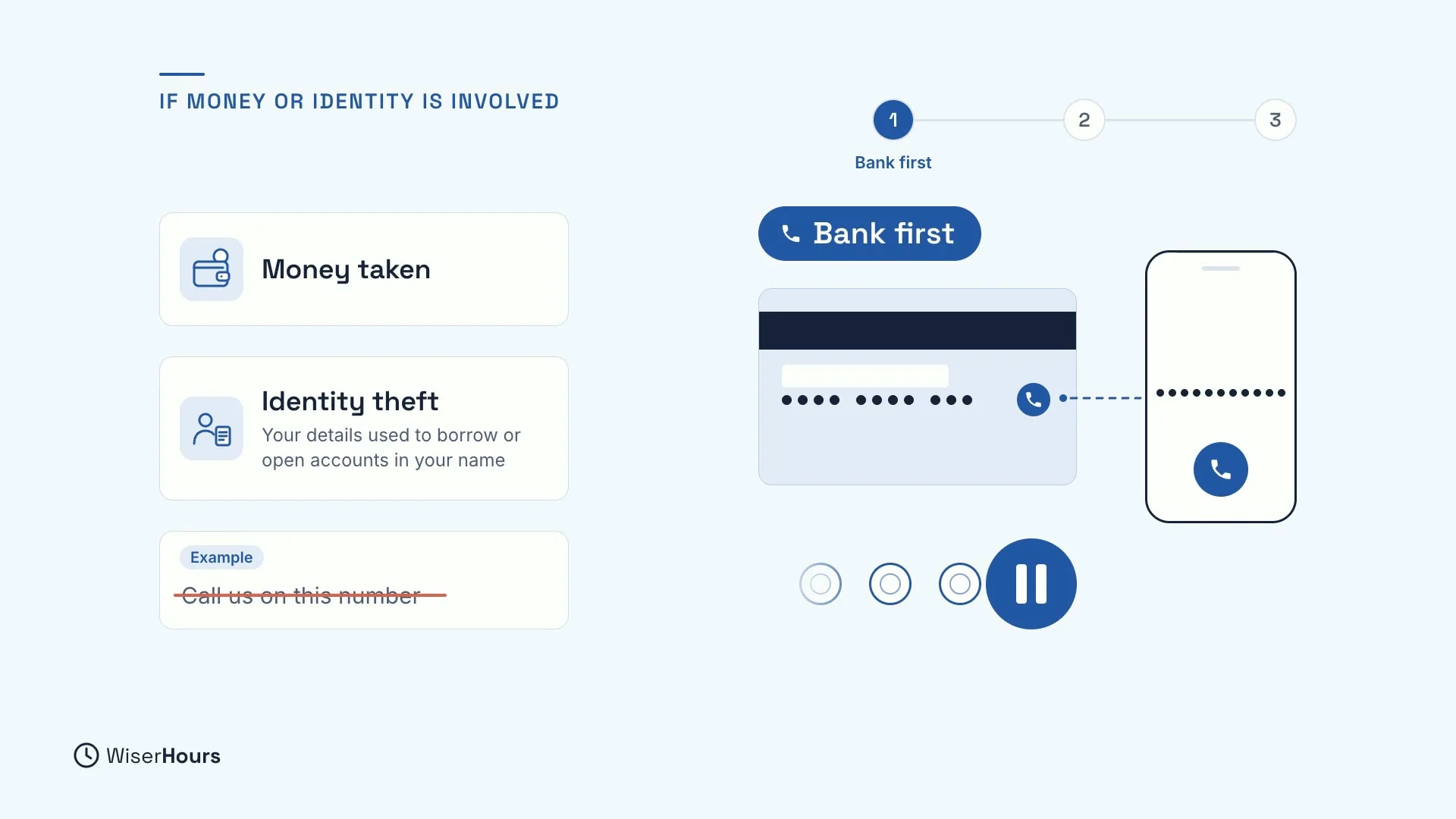
If money was taken, or someone stole your identity to borrow or open accounts in your name, call your bank first. Use the number on your card, not one from a message about the problem. Your bank can stop payments and cancel cards before more money leaves. If a loan or account you don’t recognize appears, contact that lender too.
 (opens the full-size picture)
Report it, and keep a record
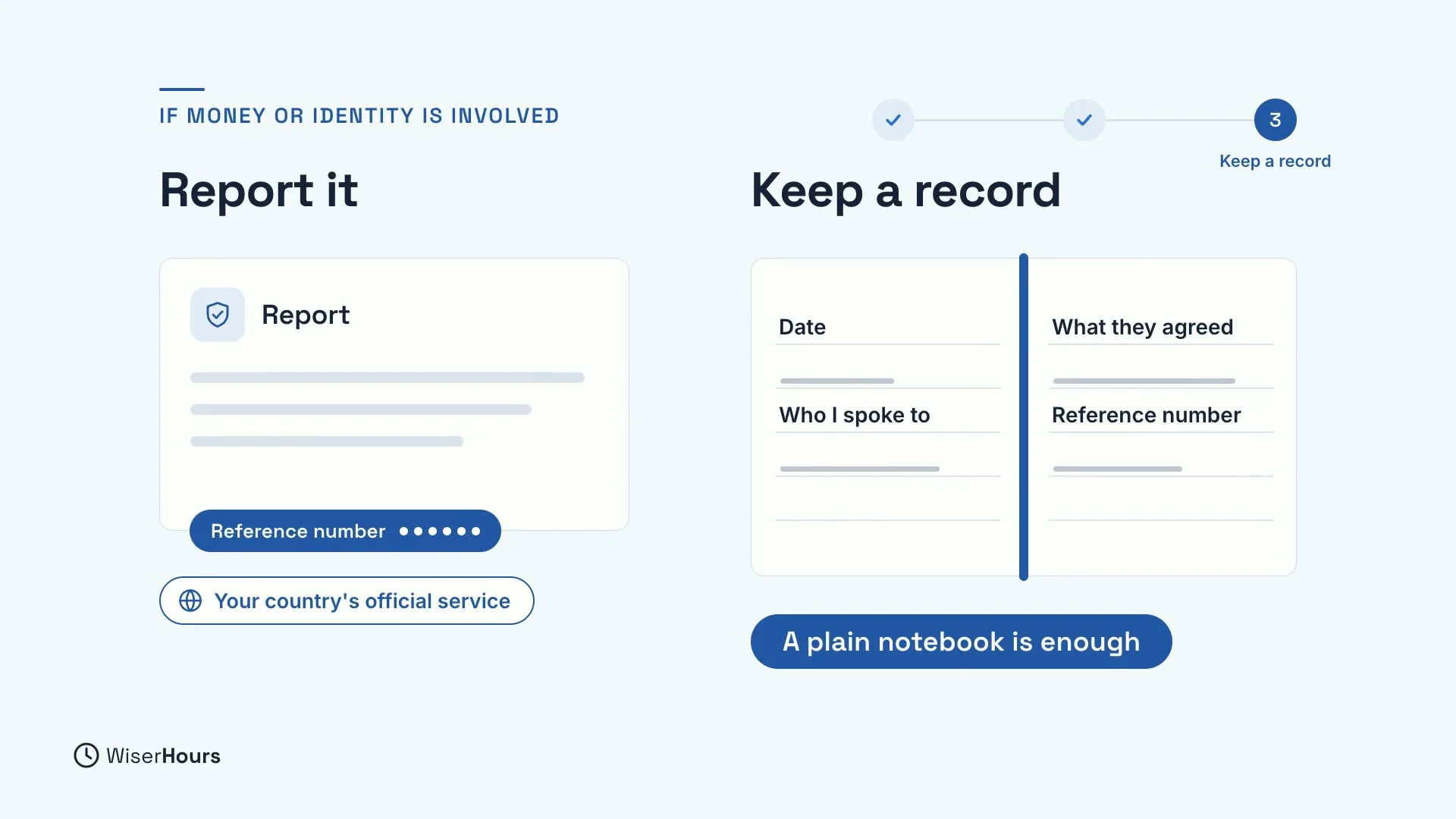
Then report it to the police or your country’s fraud reporting service, and ask for a reference number. That number turns your word into a record that banks and lenders can check. Keep a written record of every call and letter: the date, who you spoke to, what they agreed and any reference number. A plain notebook is enough.
 (opens the full-size picture)
For stolen money or identity
This lesson gives general steps only. If money or your identity has been stolen, contact your bank and the official agencies in your country, such as the police or your national fraud reporting service. They can tell you exactly what to do where you live.
The whole course on one checklist
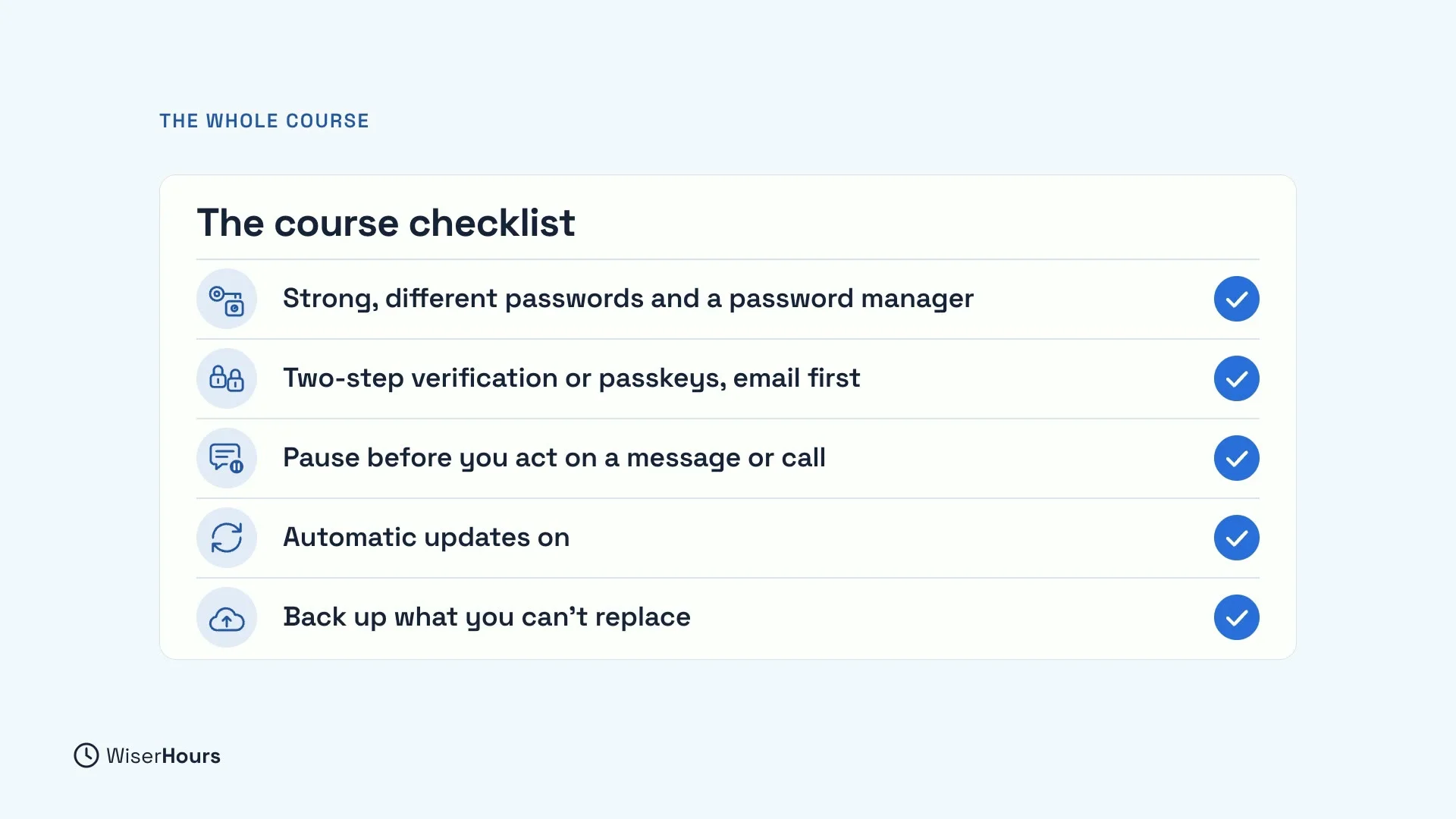
Here is the whole course on one checklist. Use strong, different passwords, and a password manager. Add two-step verification or passkeys, starting with your email. Pause before you act on a message or call. Keep automatic updates on. And back up what you can’t replace.
 (opens the full-size picture)
YOUR TURN
Your Staying Safe Online checklist
Read more
- Hacked Account? The Recovery Steps, in Order: every step from your inbox to your bank, with where to find each big service’s official recovery page.
- Identity Theft: The First Steps Anywhere in the World: what to do in the first hour, day and week, and where to report it in different countries.
You have finished Staying Safe Online. Well done, and thank you for learning with us: every habit you tick off makes you a little harder to fool.
Read the full lesson script
In this final lesson, you will learn what to do if an account is hacked, or money is stolen. Acting in the right order limits the damage.
If an account is hacked, start with your email, even if the problem began somewhere else. Whoever controls your inbox can reset your other passwords.
To get back in, use only the service's own help pages, through its app or website. Anyone who contacts you offering to recover your account for a fee, or asks for your codes, is a scammer.
Once you are back in, delete any forwarding rule you did not set up. It quietly copies your new emails to a stranger. Remove devices and apps you don't recognize. Then change the password, on this account and anywhere else you used it. And turn on two-step verification, your second lock.
Next, warn your friends and family, by text, not from the hacked account. Ask them to ignore any link or request for money from you.
If money was taken, or someone stole your identity to borrow in your name, call your bank first. Use the number on your card, not one from a message. Your bank can stop payments before more money leaves.
Then report it to the police or your country's fraud reporting service, and ask for a reference number. Keep a written record of every call and letter. A plain notebook is enough.
Here is the whole course on one checklist. Use strong, different passwords, and a password manager. Add two-step verification or passkeys, starting with your email. Pause before you act on a message or call. Keep automatic updates on. And back up what you can't replace.
So, if an account is hacked, take back your email first. If money or your identity is stolen, call your bank first. You have finished Staying Safe Online. Today, tick off the course checklist on the lesson page. Well done, and thank you for learning with us.
MAKE IT A SMALL WIN
Finished this lesson?
Mark it complete to save your progress on this device.