Passwords that work · Lesson 3 of 11
What Is a Password Manager? One Password for Every Account
Learn what a password manager does, why it should create your passwords, which few you still memorize, and whether you already have one.
 Video coming soon
In this lesson, you will see how a password manager remembers your passwords for you. That way, every account can have its own password without you having to remember dozens of them. And you may already have one on your phone or computer.
What a password manager is
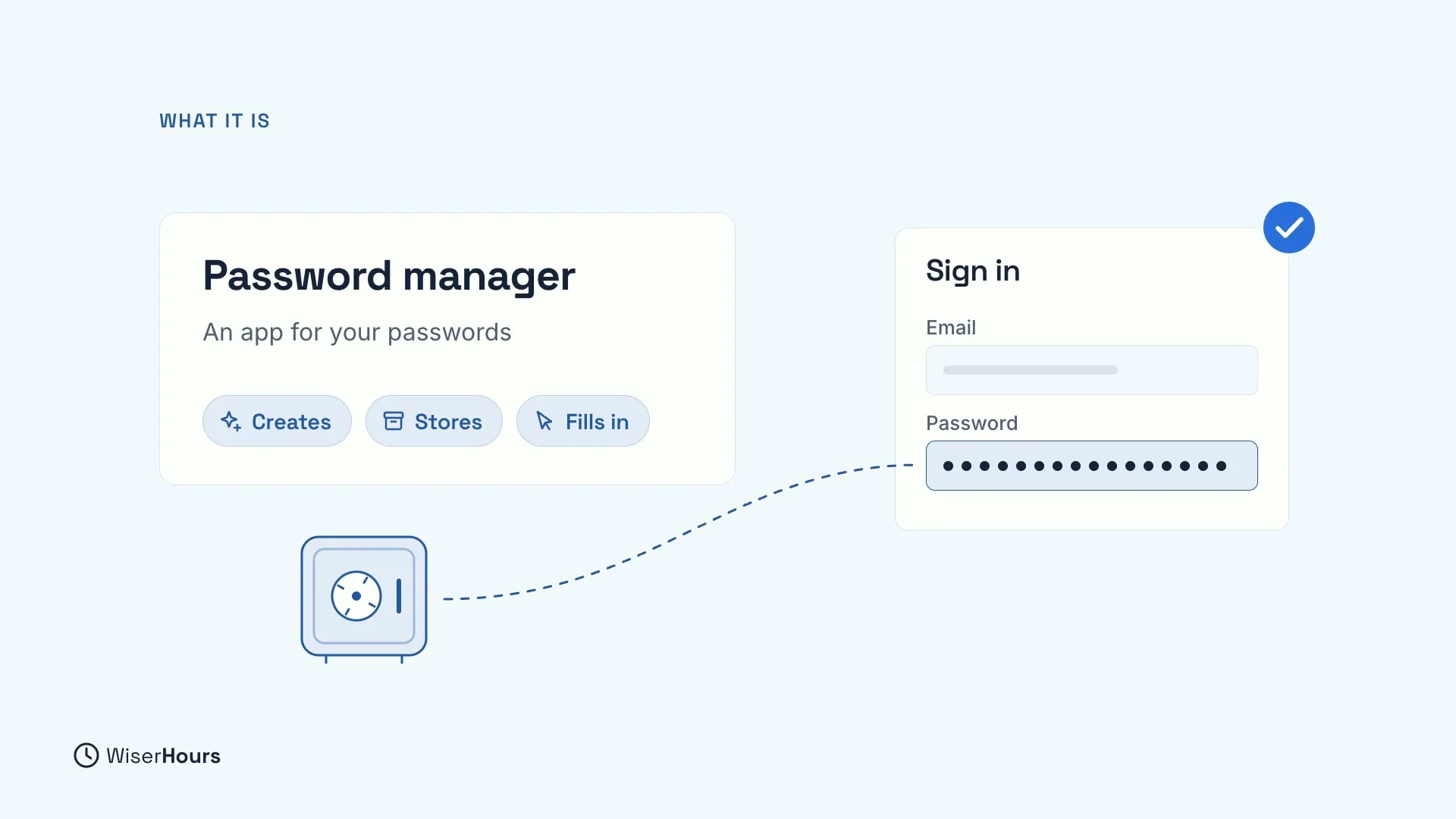
A password manager is an app that creates, stores and fills in a different strong password for every account. It keeps them in a locked vault, a bit like a safe. When you sign in to a website, it fills in the right password for that site, so you don’t have to type it.
For example, when you open your email’s sign-in page, the manager offers your saved email password. You approve it, and the password box fills itself in.
 (opens the full-size picture)
One password for every account
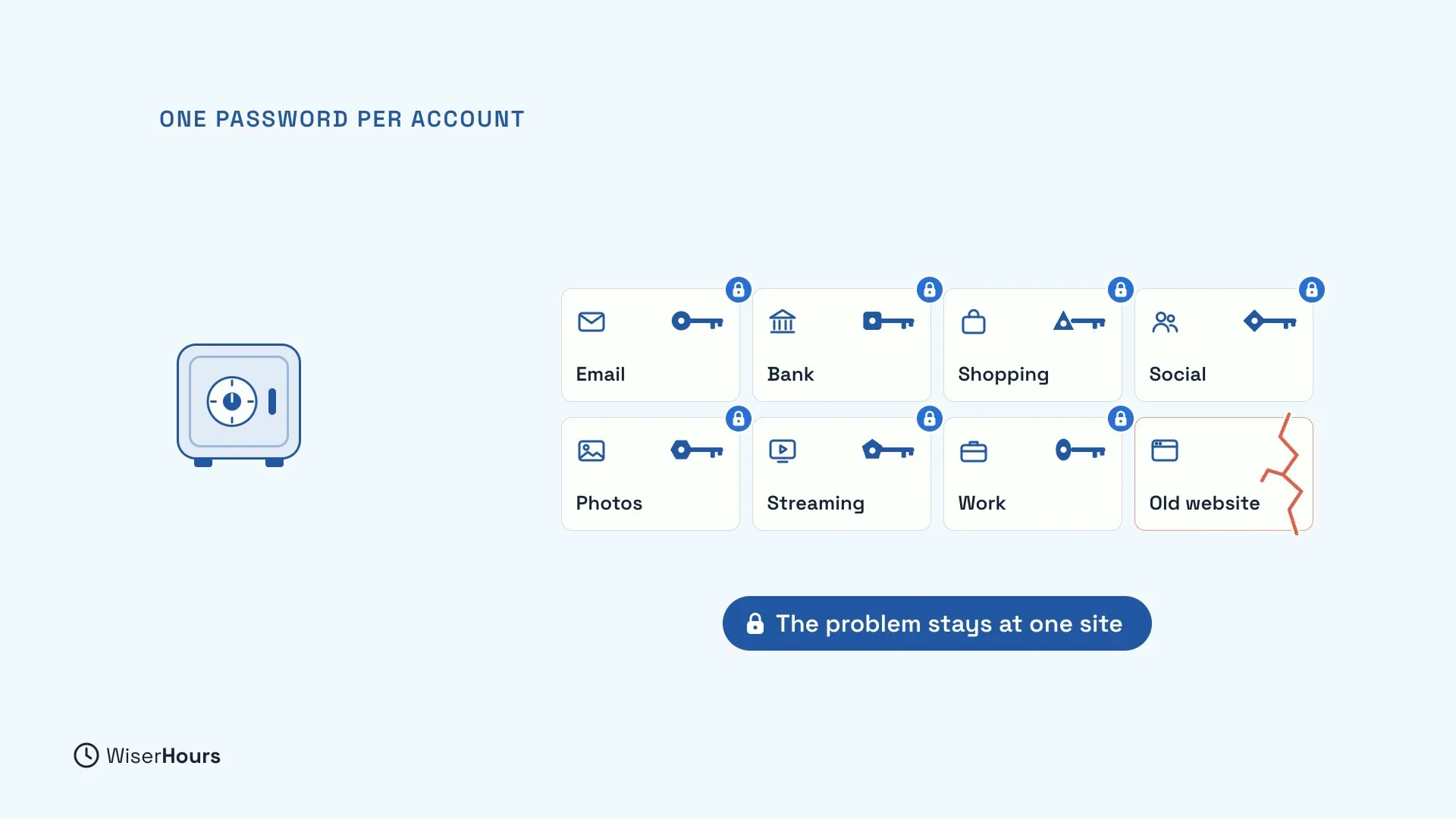
Nobody can remember a different strong password for dozens of accounts. A manager can, so each account gets its own. Then, if one website leaks your password, the problem stays at that one site. Your email, your bank and everything else keep their own, different passwords.
This is the habit from the lesson on passwords you can remember, made practical: one password per account, without the memory work.
 (opens the full-size picture)
Let it create your passwords
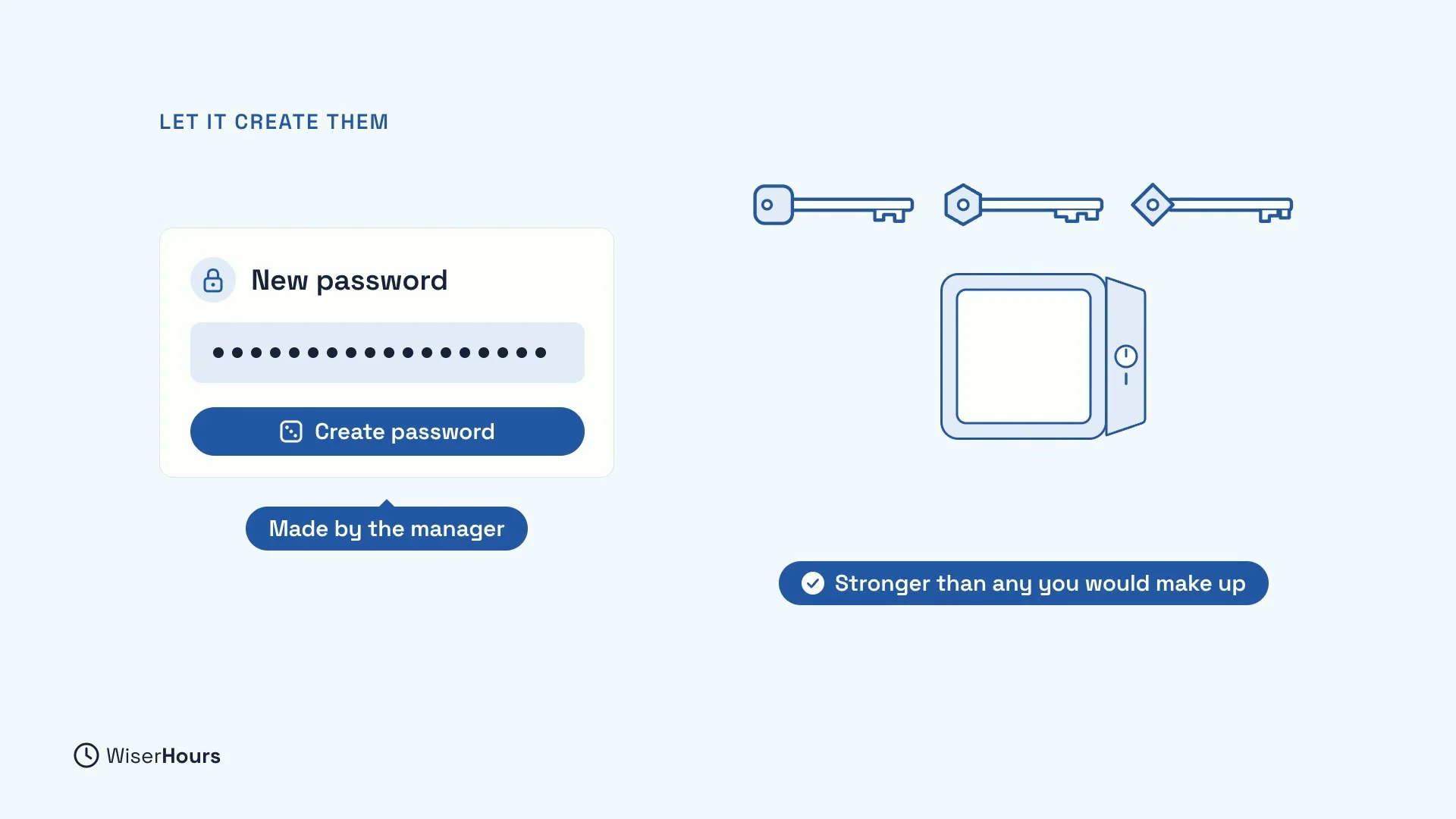
A password manager helps most when it creates your passwords, not only when it stores them. If you only save your old passwords in it, every reused password comes along too, and so does the weakness.
So let the manager make a new, random password when you sign up for something or change a password. The random passwords it creates are stronger than any you would make up, and you never need to remember them.
 (opens the full-size picture)
Start with your email
Once your manager is set up, change your email password first, to a new one the manager creates. Then replace the others as you sign in to each site over the following weeks.
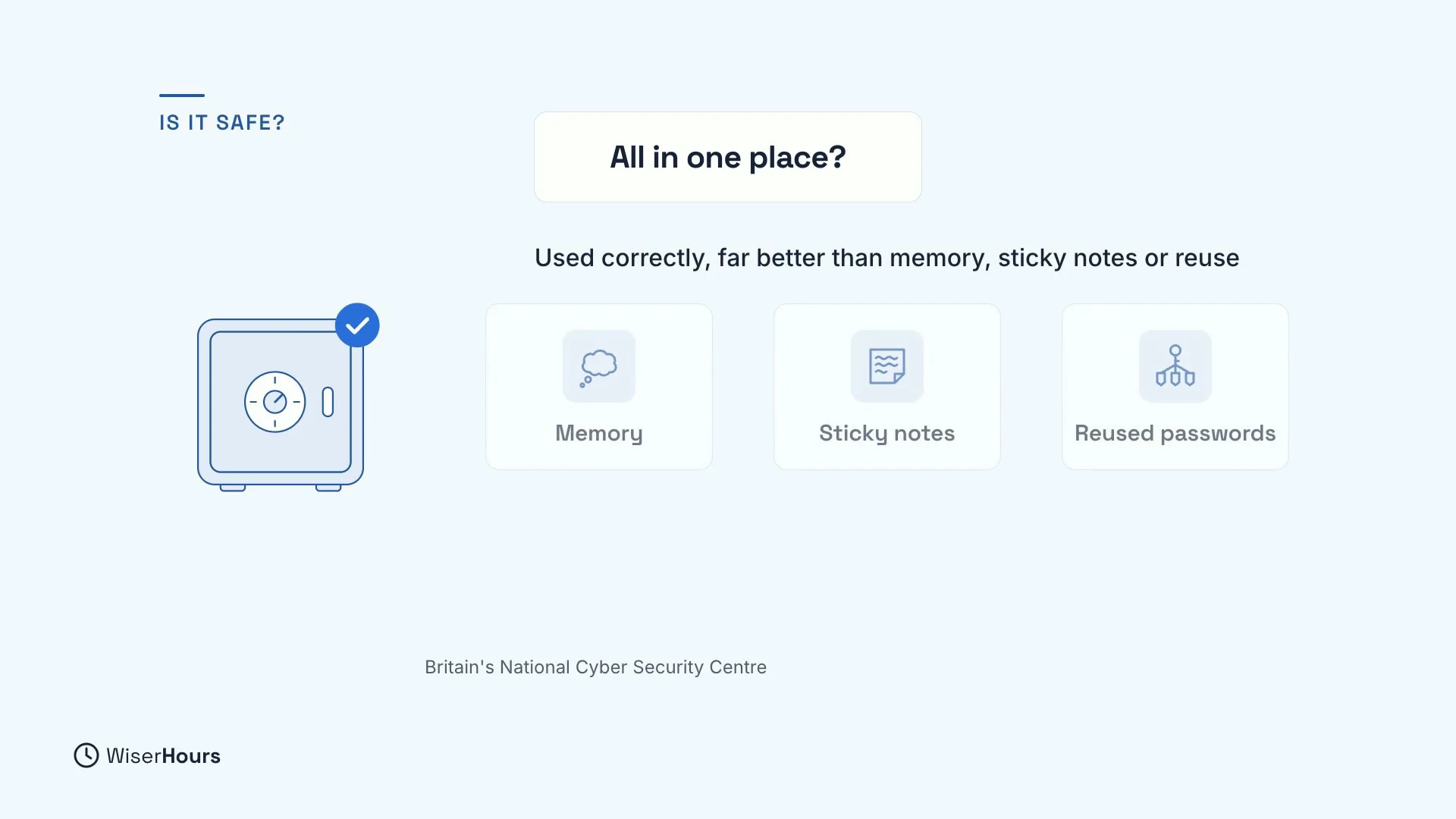
Is it safe to keep them all in one place?
It is a fair question. A good manager keeps your passwords encrypted, which means scrambled, and only you hold the key. Britain’s National Cyber Security Centre says that, used correctly, a password manager protects you far better than memory, sticky notes or reused passwords.
“Used correctly” mostly means two things: a strong password for the manager itself, used nowhere else, and a second lock on the manager account, which a later lesson covers.
 (opens the full-size picture)
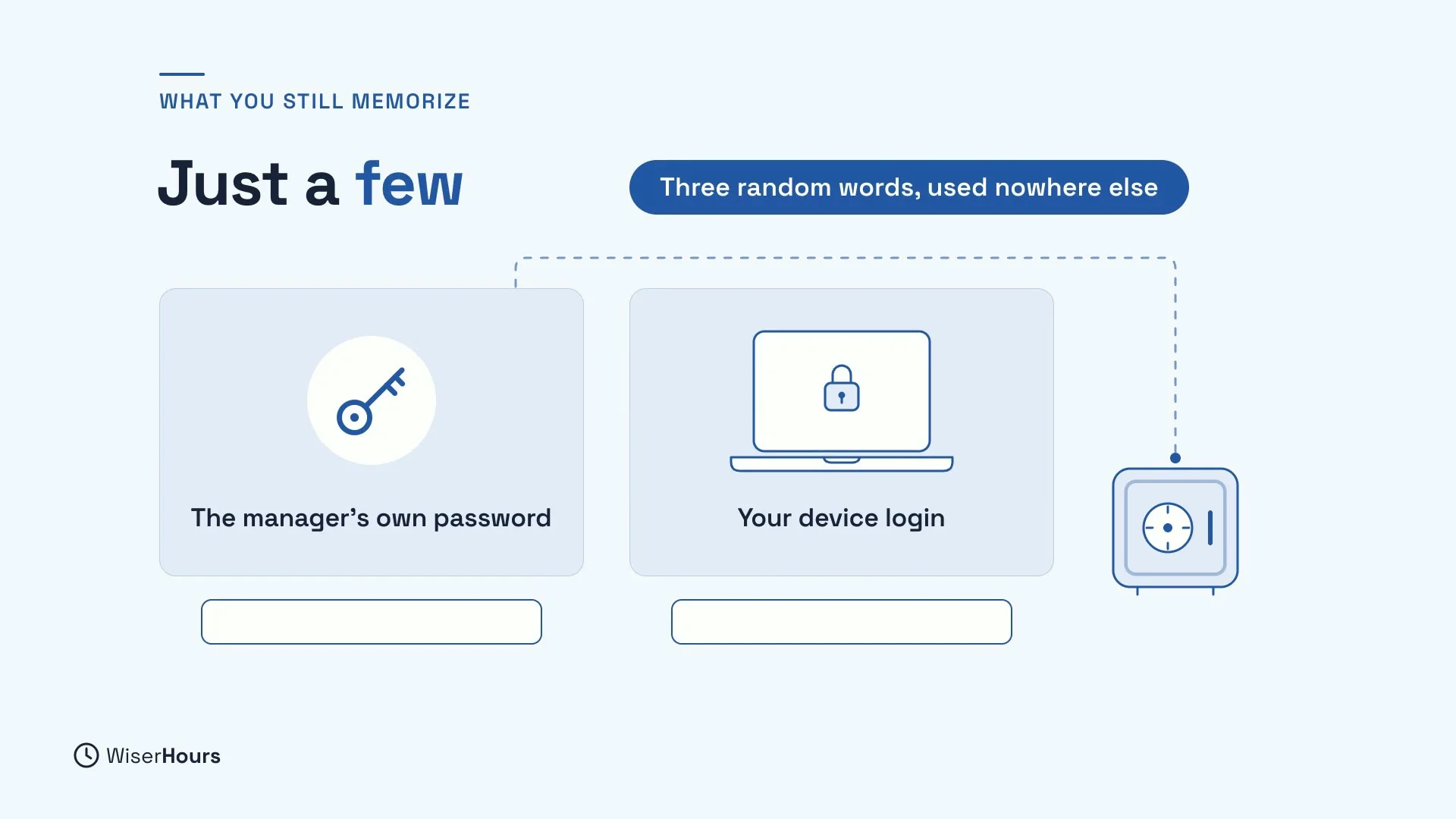
The few passwords you still memorize
Which passwords do you still memorize? Just a few. The manager’s own password, which is the key to everything inside. And your device login, like the password that unlocks your computer, because you type it before the manager can help.
Make those from three random words, and use them nowhere else.
 (opens the full-size picture)
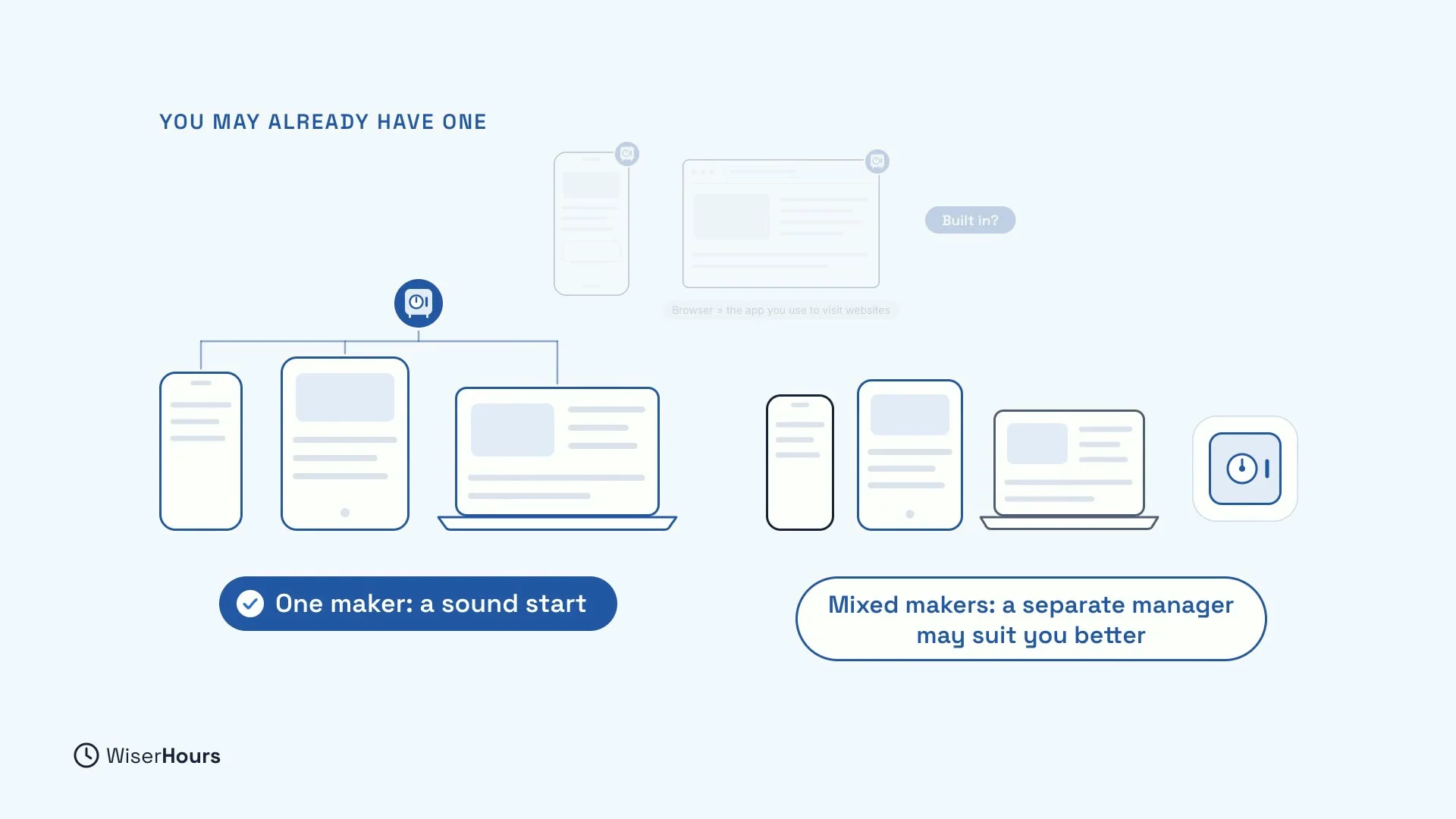
You may already have one
Your phone or web browser, the app you use to visit websites, may already have a password manager built in. If all your devices come from one maker, that is a sound start. If you mix makers, for example a phone from one company and a laptop from another, a separate manager that works on all of them may suit you better.
 (opens the full-size picture)
YOUR TURN
Read more
- Password Managers Explained: Why You Need One and How to Pick: how a manager keeps your vault safe, and the checks for choosing one.
- How to Create Passwords You Can Remember and Attackers Can’t Guess: how to make the few passwords you still memorize.
- Security Words Explained: Malware, Phishing, Encryption and More: plain meanings for words like encryption.
Read the full lesson script
In this lesson, you will see how a password manager remembers your passwords for you. That way, every account can have its own password. And you may already have one.
A password manager is an app that creates, stores and fills in a different strong password for every account. It keeps them in a locked vault, and fills in the right one when you sign in.
Nobody can remember a different strong password for dozens of accounts. A manager can, so each account gets its own. Then, if one website leaks your password, the problem stays at that one site.
Let the manager create your passwords, not just store them. If you only save your old ones in it, every reused password comes along too. The random passwords it creates are stronger than any you would make up.
Is it risky to keep every password in one place? A good manager keeps them encrypted, which means scrambled, and only you hold the key. Britain's National Cyber Security Centre says that, used correctly, it protects you far better than memory, sticky notes or reused passwords.
Which passwords do you still memorize? Just a few. The manager's own password, the key to everything inside. And your device login, like the password that unlocks your computer. Make those from three random words, and use them nowhere else.
Your phone or web browser, the app you use to visit websites, may already have a password manager built in. If all your devices come from one maker, that is a sound start. If you mix makers, a separate one may suit you better.
So, let a password manager create and remember a different password for every account, and keep only a few in your head. Before the next lesson, check whether your phone or browser already has one built in. Next, you will add a second lock, called two-step verification, to your accounts and your password manager.
MAKE IT A SMALL WIN
Finished this lesson?
Mark it complete to save your progress on this device.