Staying on top · Lesson 10 of 10
AI for Emails and Your Writing Checklist
Use AI to draft emails safely, keep private details out and your personal notes your own, then finish with an eight-point writing checklist.
 Video coming soon
AI tools can draft emails in seconds. In this lesson you learn how to use them without losing accuracy, privacy or trust. Then you make your own writing checklist, which pulls together everything in this course.
AI can save time
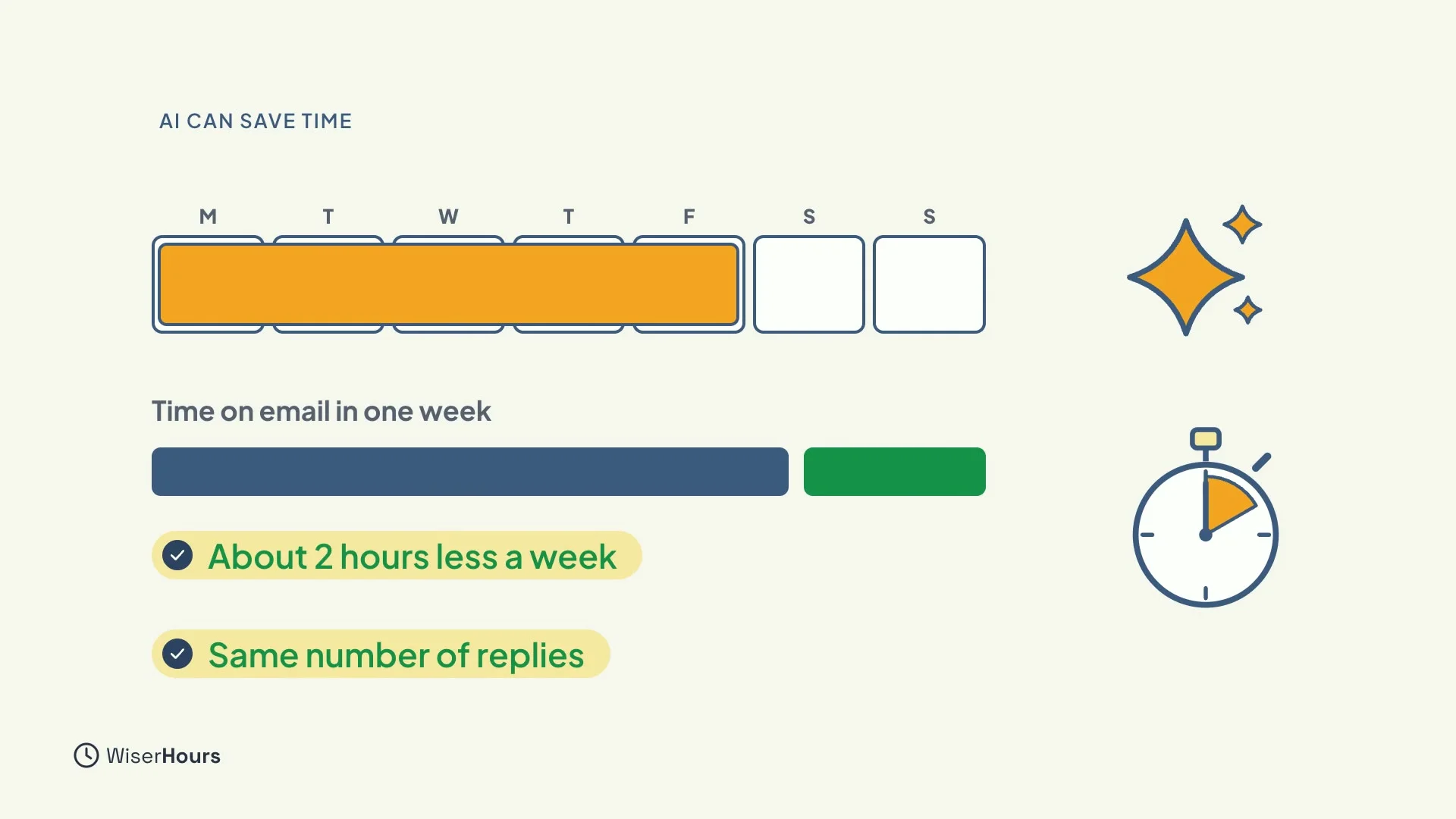
Used well, AI drafting saves real time. In one large trial with thousands of office workers, people who used an AI assistant spent about two hours less a week on email, and still replied to as many messages.
 (opens the full-size picture)
You bring the facts
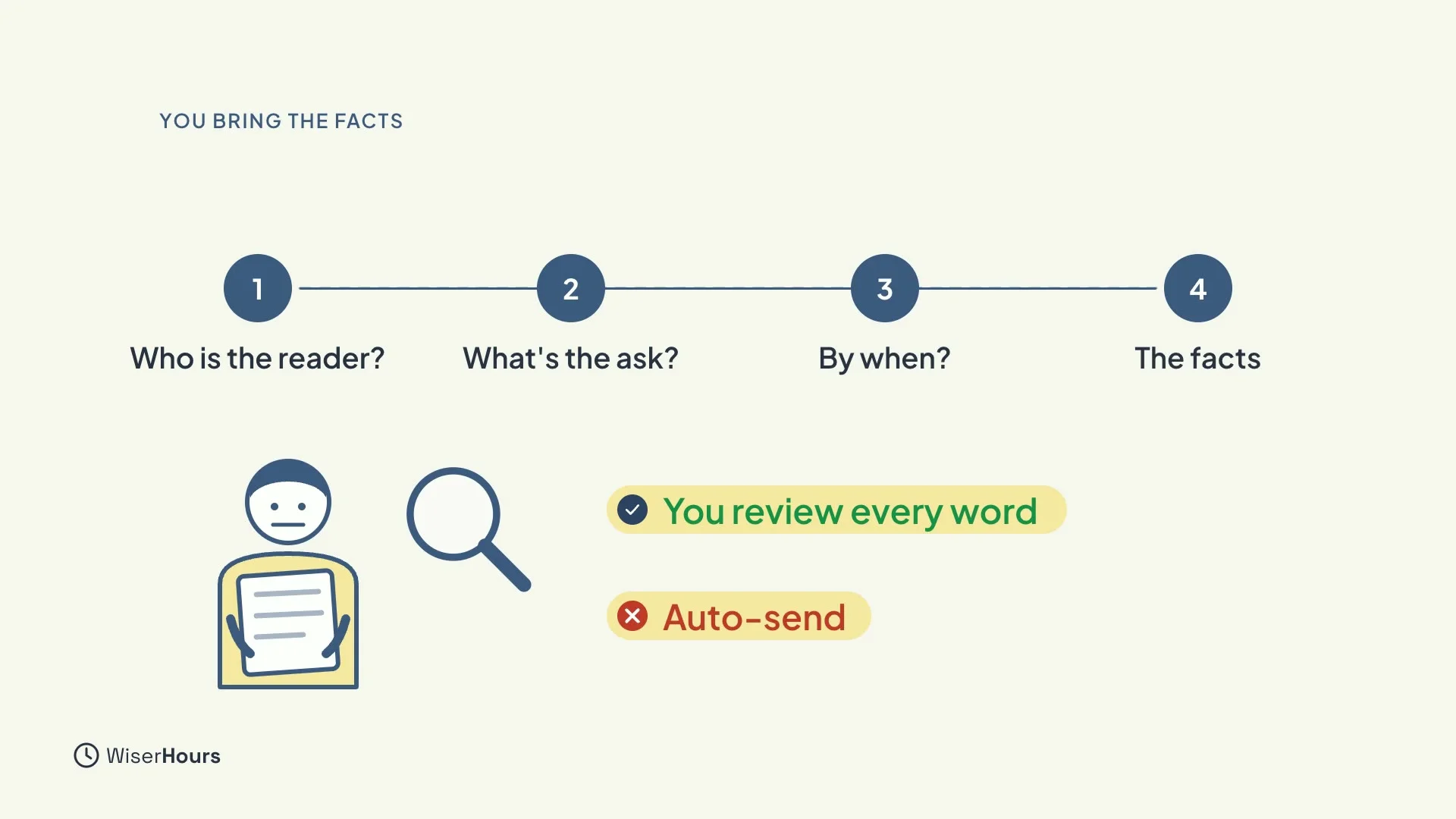
But AI only knows what you tell it, and it writes what sounds likely, not what is true. So you supply four things: the reader, the ask, the deadline and the facts. Then read every word before you send. Never let it send for you.
 (opens the full-size picture)
Keep private things private
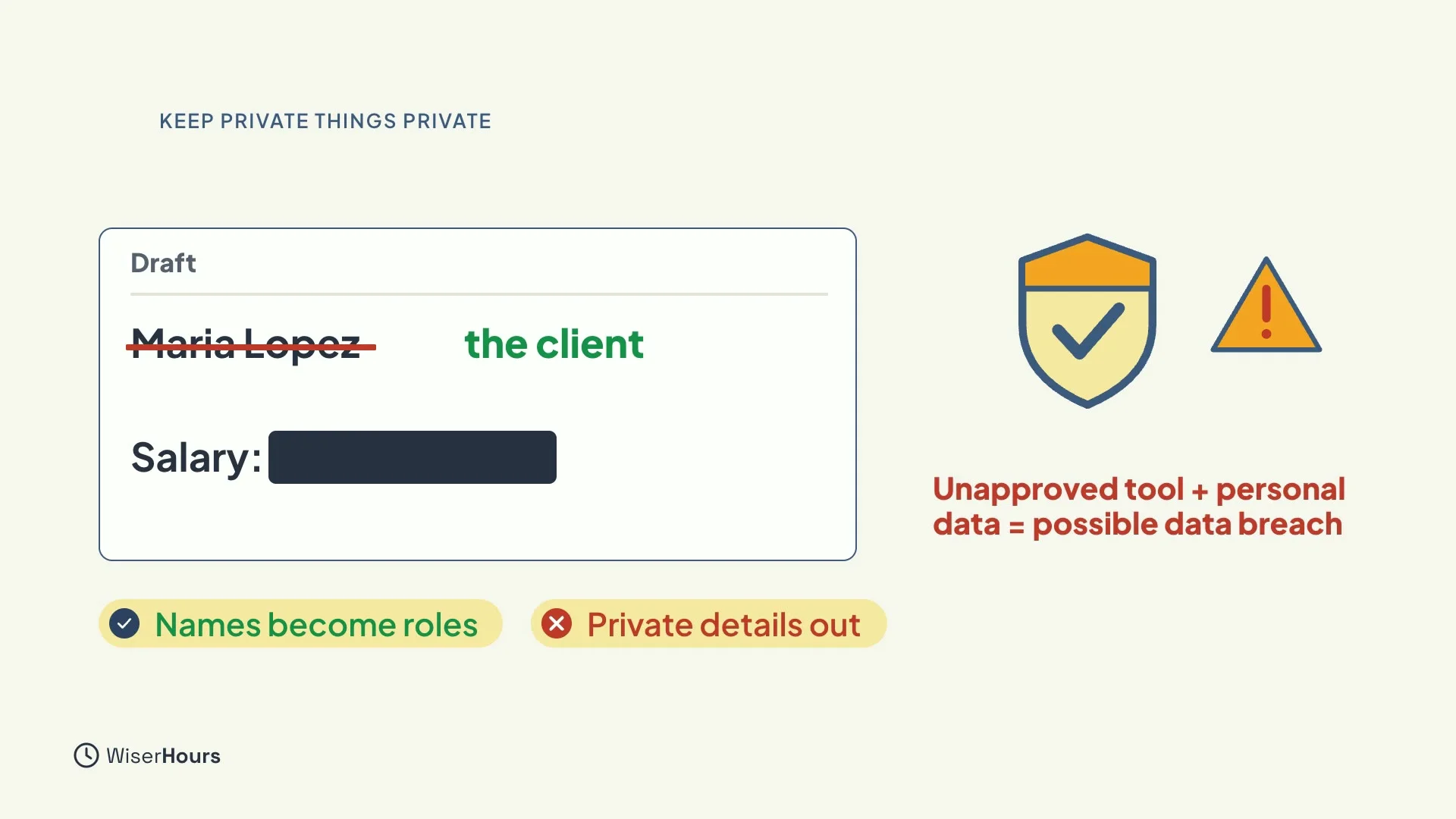
Be careful what you paste in. Replace names with roles, such as “the client” instead of a person’s name, and leave out confidential or personal details. In some countries, pasting personal data into an unapproved chatbot can count as a data breach. If you are not sure what your workplace allows, ask before you paste.
 (opens the full-size picture)
Write the personal ones yourself
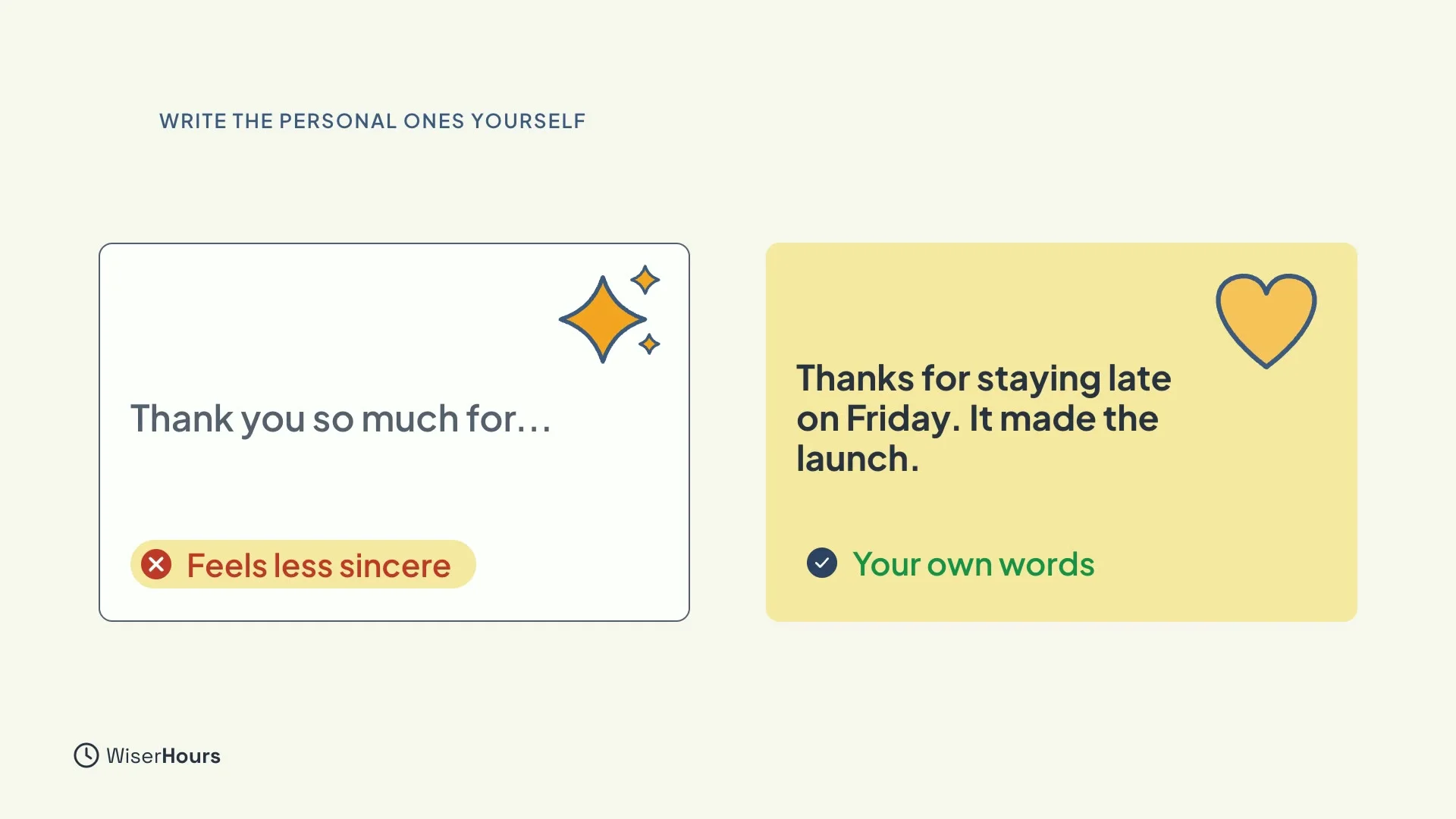
Keep the personal messages personal. When managers used heavy AI help on a congratulations note, readers saw them as less sincere. Thanks, apologies and anything about feelings are best in your own words.
 (opens the full-size picture)
Your writing checklist
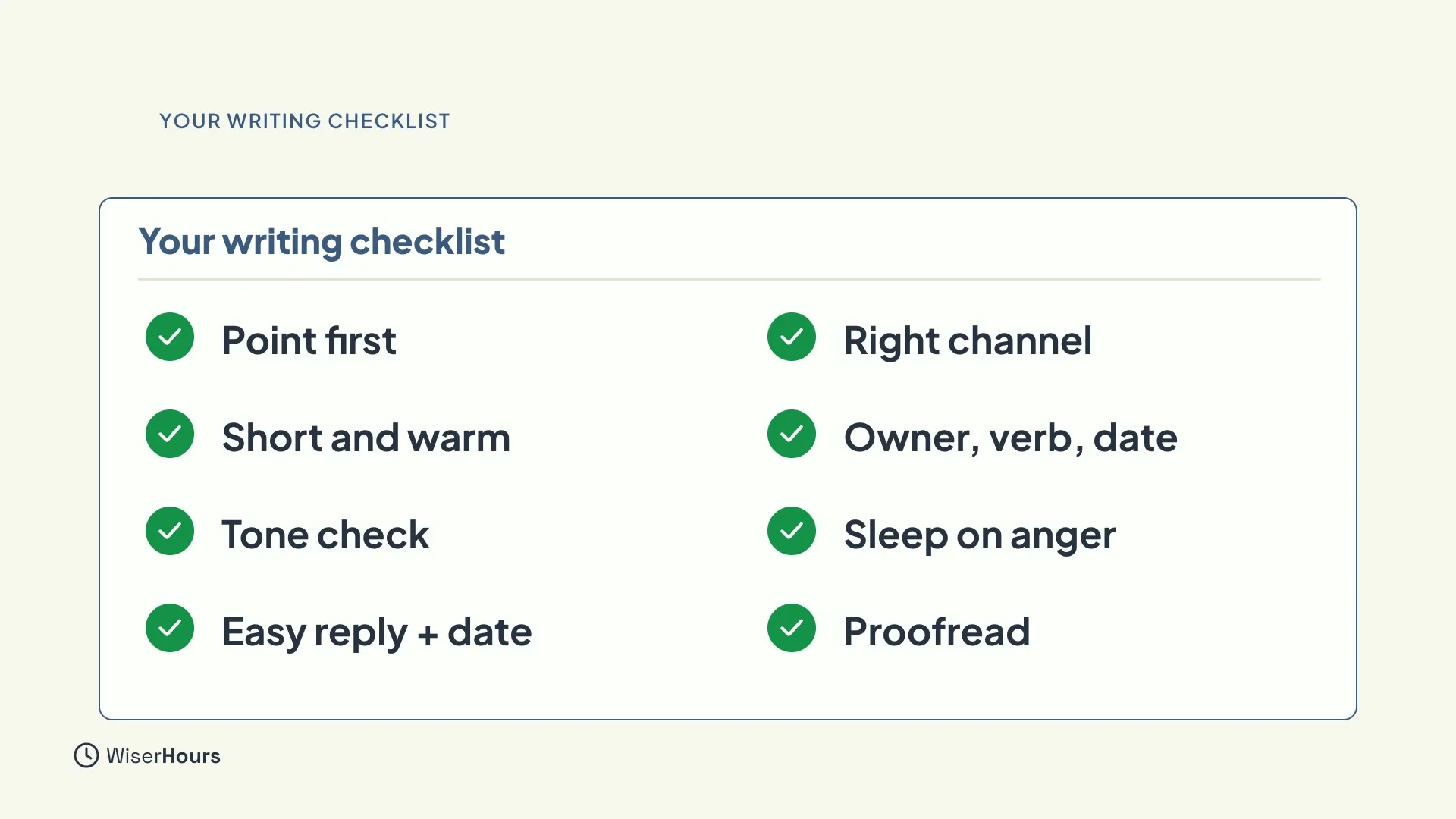
Here is your checklist. It has eight points, one from each part of the course: point first, short and warm, tone check, an easy reply with a date, the right channel, owner and date for each step, sleep on angry replies, and proofread names, dates, figures and attachments.
 (opens the full-size picture)
Tick the points below as you go. Your ticks are saved in this browser, so you can come back to the list.
My email and message checklist
YOUR TURN
Read more
- How to Use AI to Write Emails: prompts for requests, updates and follow-ups.
- How to Write a Professional Email: structure, length and tone in one place.
Read the full lesson script
Welcome to the last lesson. AI tools can draft emails in seconds. In this lesson, you'll learn how to use them without losing accuracy, privacy, or trust. Then you'll make your own writing checklist.
Used well, AI drafting saves real time. In one large trial with thousands of office workers, people who used an AI assistant spent about two hours less a week on email, and still replied to as many messages.
But AI only knows what you tell it, and it writes what sounds likely, not what's true. So you supply the reader, the ask, the deadline, and the facts. Then read every word before you send. Never let it send for you.
Be careful what you paste in. Replace names with roles, and leave out confidential or personal details. In some countries, pasting personal data into an unapproved chatbot can count as a data breach.
And keep the personal messages personal. When managers used heavy AI help on a congratulations note, readers saw them as less sincere. Thanks, apologies, and anything about feelings are best in your own words.
Here's your checklist. Put the point first, and make the subject say why. Keep it short, with one warm line. Read tricky messages in the opposite tone. Make replying easy, with a date. Choose the right channel. Give each step an owner and a date. Sleep on angry replies. And check names, dates, figures and attachments.
So remember: AI can draft faster, but you supply the facts and review every word. Keep names and private details out of AI tools. And write thanks and personal notes yourself. For your last task, fill in your writing checklist, and use it on your next five emails. Thank you for taking this course.
MAKE IT A SMALL WIN
Finished this lesson?
Mark it complete to save your progress on this device.