Getting understood · Lesson 6 of 10
Email, Chat or a Call: Pick the Right Channel
Decide when to write, when to talk, and how to stop a message feeling more urgent than you meant, with a reply-by date or a no rush line.
 Video coming soon
Not every message should be an email. In this lesson you learn when to write, when to talk, and how to stop a message feeling more urgent than you meant. Picking the right channel, the way you send a message, often matters as much as the words in it.
Now or later?
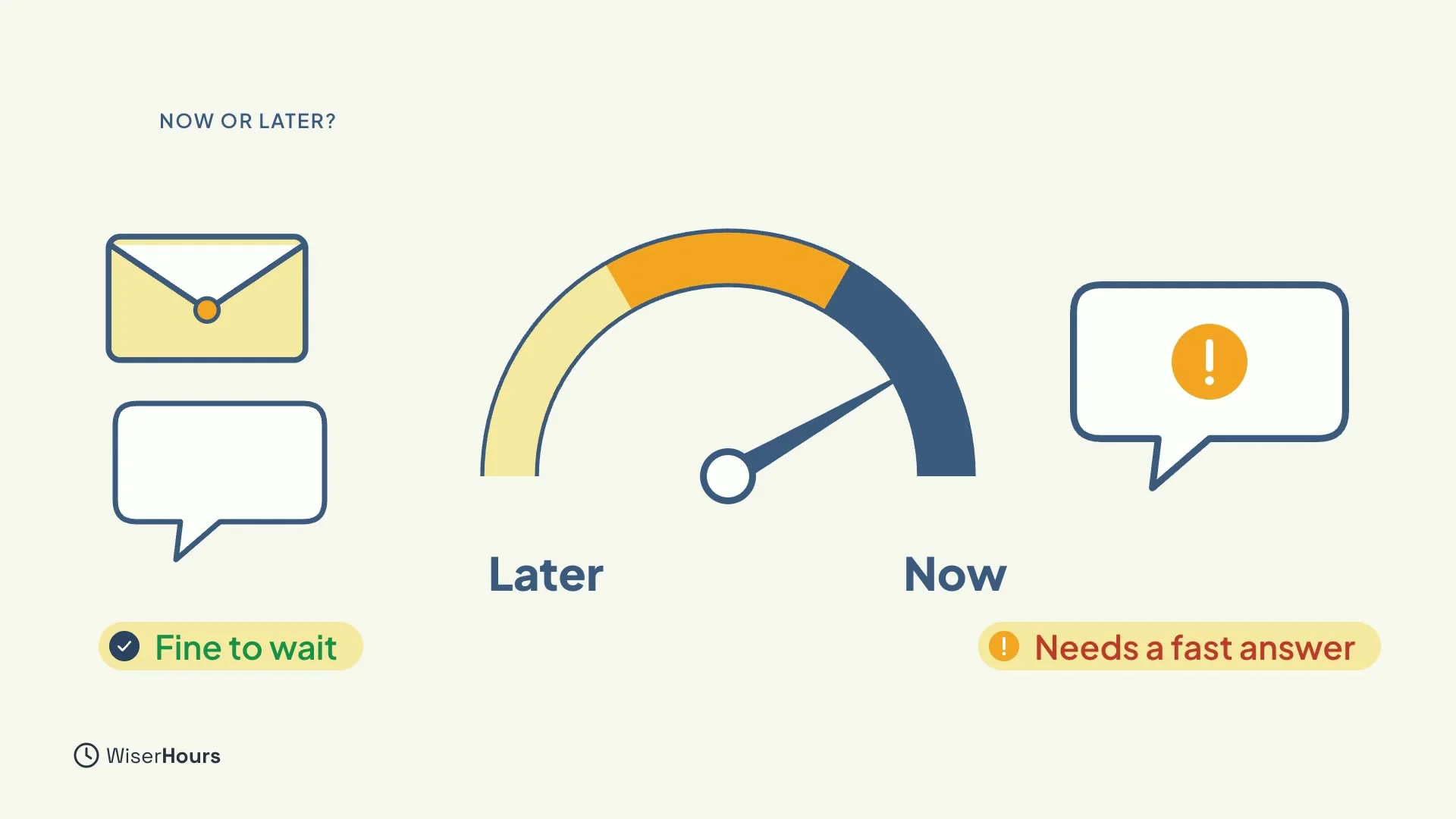
The real question is how fast you expect an answer. Some messages can wait hours, and that is fine for email, or for a team chat message with no rush. Others need an answer within minutes.
Be careful with team chat. A chat message is not urgent by itself, but it becomes urgent if everyone expects an instant reply. The same tool can be slow or fast, depending on what people expect. So decide what you need, and say it.
 (opens the full-size picture)
Write to inform, talk to agree
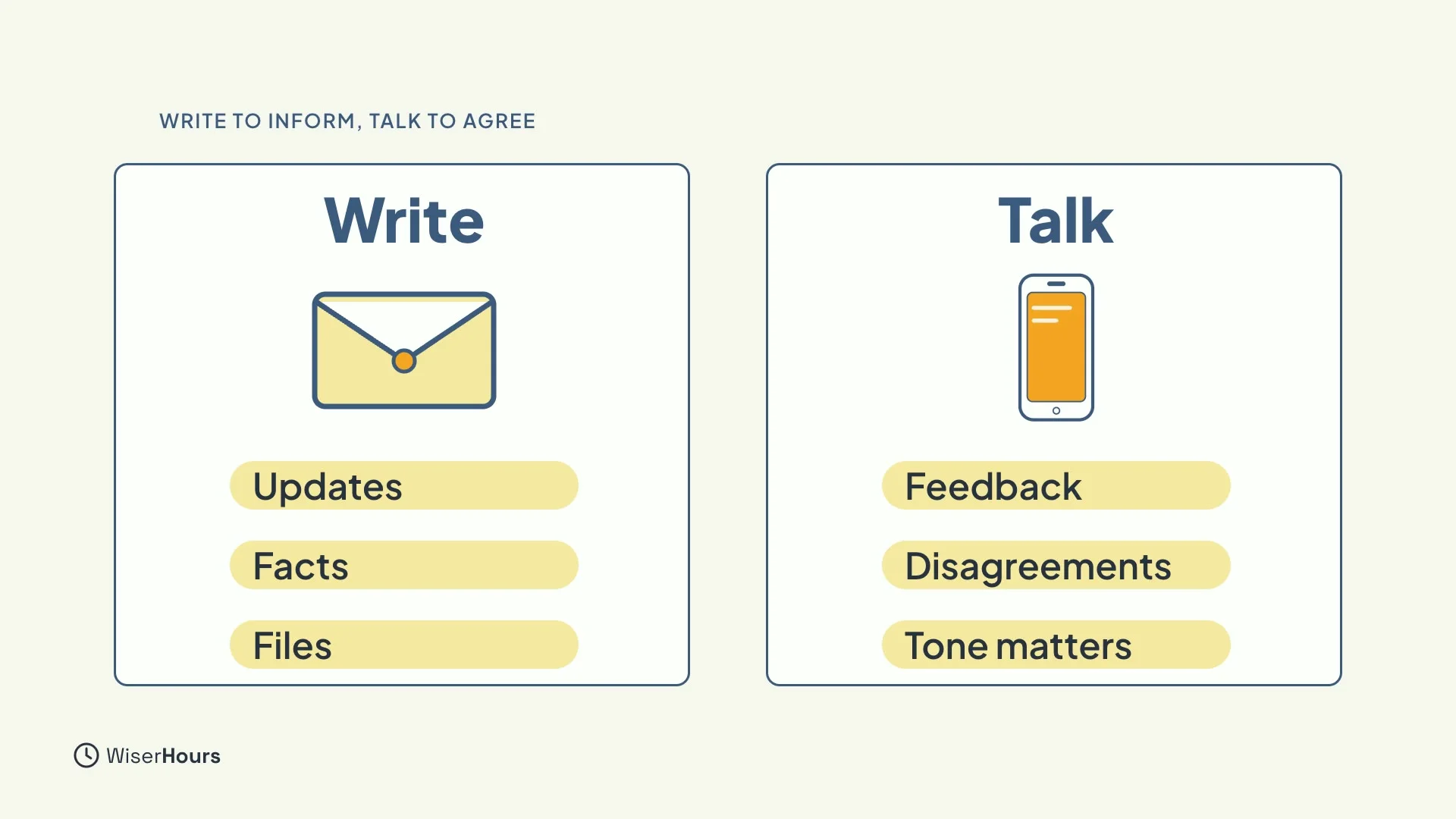
A simple rule helps. Writing is best for passing information along: updates, facts and files. Talking is best for agreeing on meaning: feedback, disagreements and anything where tone matters.
A written message cannot carry your voice, so it is easy to misread. When the meaning is the hard part, use your voice.
 (opens the full-size picture)
Three rounds, then call
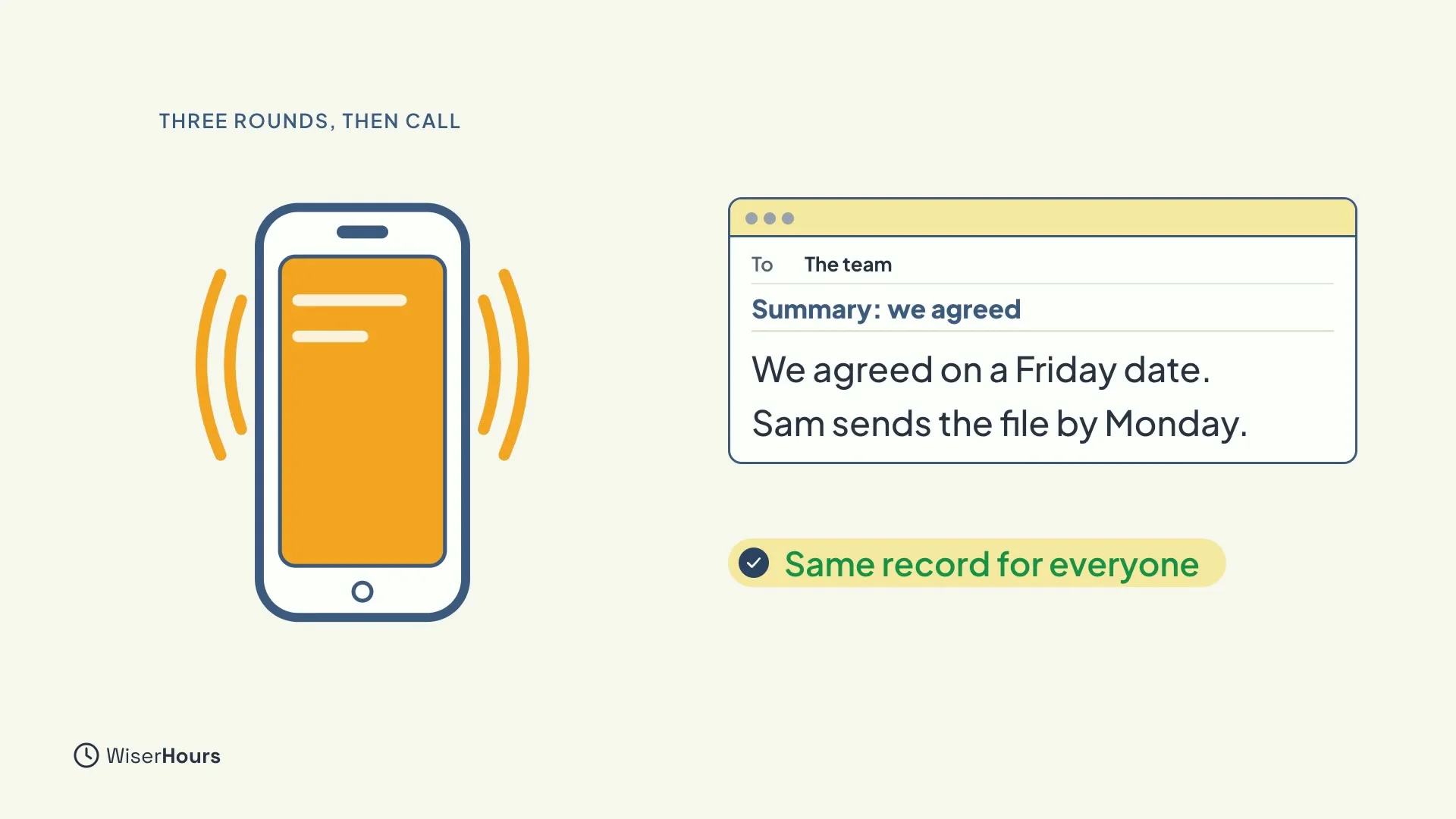
Watch for the back-and-forth. After about three rounds of “just to clarify”, stop typing and pick up the phone, or meet. A short talk usually clears up what a long thread could not.
Then send a short written summary, so everyone has the same record.
 (opens the full-size picture)
The after-hours trap
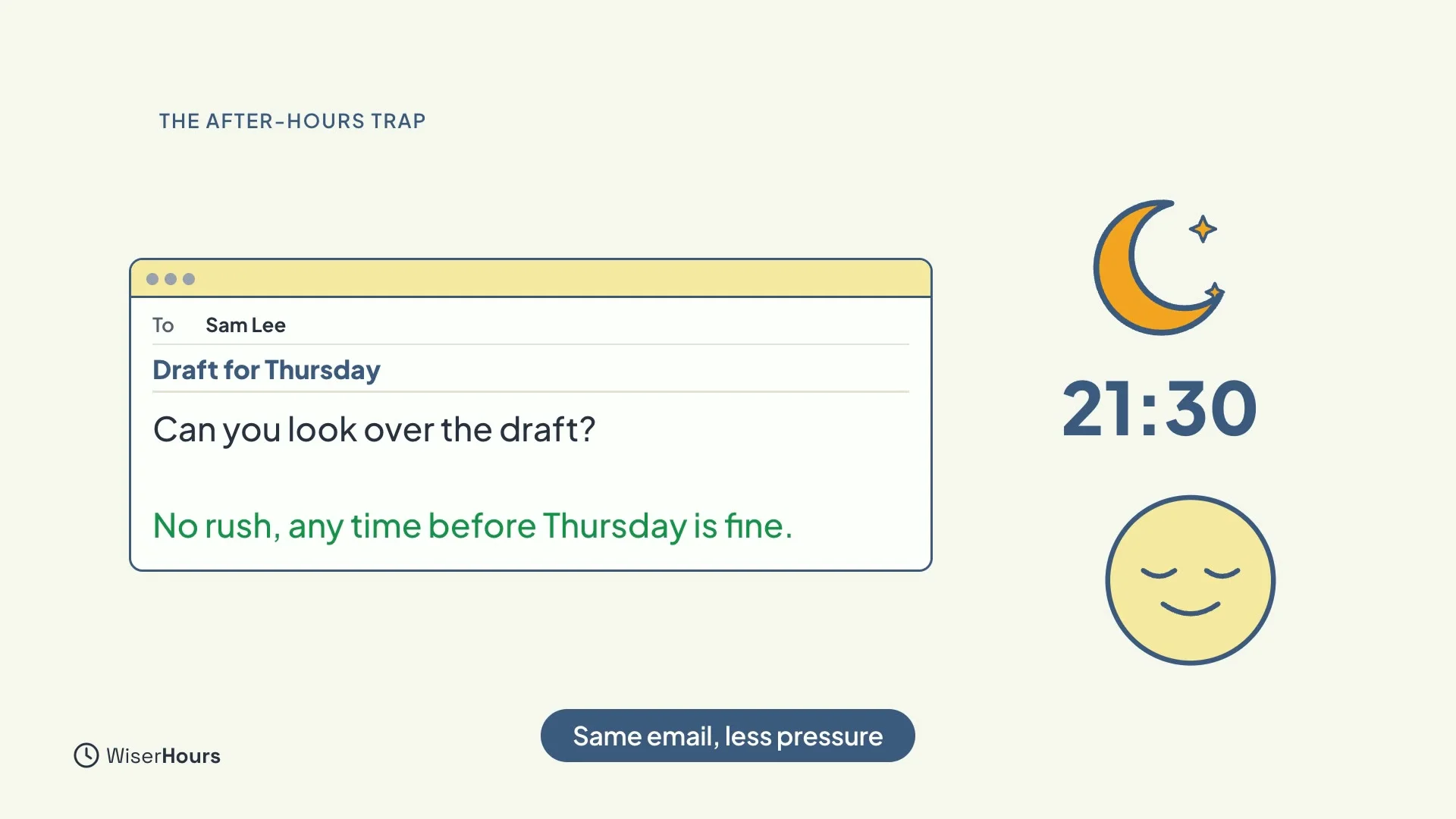
Timing matters too. When people get a non-urgent email in the evening, they think it needs a faster reply than the sender meant. You may only be clearing your own inbox late, but the reader feels pressure.
One extra line fixes this: “No rush, any time before Thursday is fine.”
 (opens the full-size picture)
Fewer interruptions
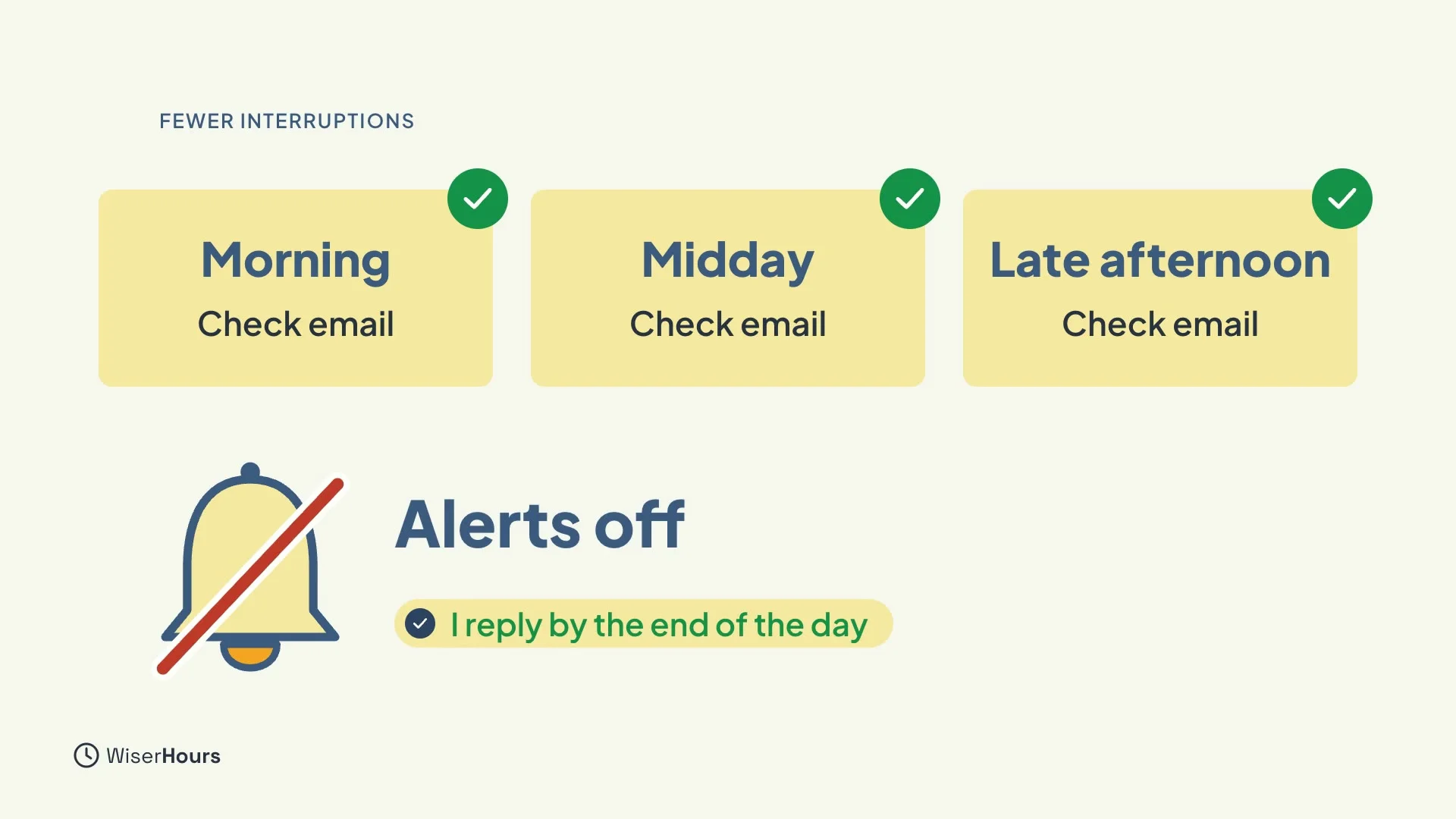
For your own focus, checking email a few times a day, instead of all day long, goes with less stress. Turn off the alerts you don’t need, and let your team know when you usually reply. Then nobody has to wonder whether you saw their message.
 (opens the full-size picture)
YOUR TURN
Read more
- Asynchronous Communication Explained: when a reply can wait, and how to write so nobody has to wait for you.
- What Are Communication Skills?: why your voice helps when tone matters.
Read the full lesson script
Welcome back. Not every message should be an email. In this lesson, you'll learn when to write, when to talk, and how to stop messages feeling more urgent than you meant.
The real question is how fast you expect an answer. Some messages can wait hours. That's fine for email, or for a team chat message with no rush. Others need an answer within minutes. Even a chat message becomes urgent if everyone expects an instant reply.
A simple rule helps. Writing is best for passing information along: updates, facts, files. Talking is best for agreeing on meaning: feedback, disagreements, anything where tone matters.
Watch for the back-and-forth. After about three rounds of "just to clarify", stop typing and pick up the phone, or meet. Then send a short written summary, so everyone has the same record.
Timing matters too. When people get a non-urgent email in the evening, they think it needs a faster reply than the sender meant. One extra line fixes this: "No rush, any time before Thursday is fine."
For your own focus, checking email a few times a day, instead of all day long, goes with less stress. Turn off the alerts you don't need, and let your team know when you usually reply.
So remember: write to pass information along, and talk to agree on meaning. After three rounds of "just to clarify", call, then write a summary. And add "no rush" and a date to messages that can wait. Before the next lesson, add a reply-by date, or a "no rush" line, to your next message that can wait. Next, you'll write clear next steps.
MAKE IT A SMALL WIN
Finished this lesson?
Mark it complete to save your progress on this device.