Ask better questions · Lesson 7 of 16
Get ChatGPT Answers as Lists, Tables or Steps
ChatGPT can answer as a checklist, a table, numbered steps or a short summary. The trick: add the shape you want at the end of your question.
English captions available in the player. Prefer reading? Follow the written lesson below.
ChatGPT can answer in different shapes: a paragraph, a checklist, a table or numbered steps. You just have to ask. In this lesson you plan a camping weekend and make a cup of tea, and you learn where to put the shape in your question.
Ask for a checklist
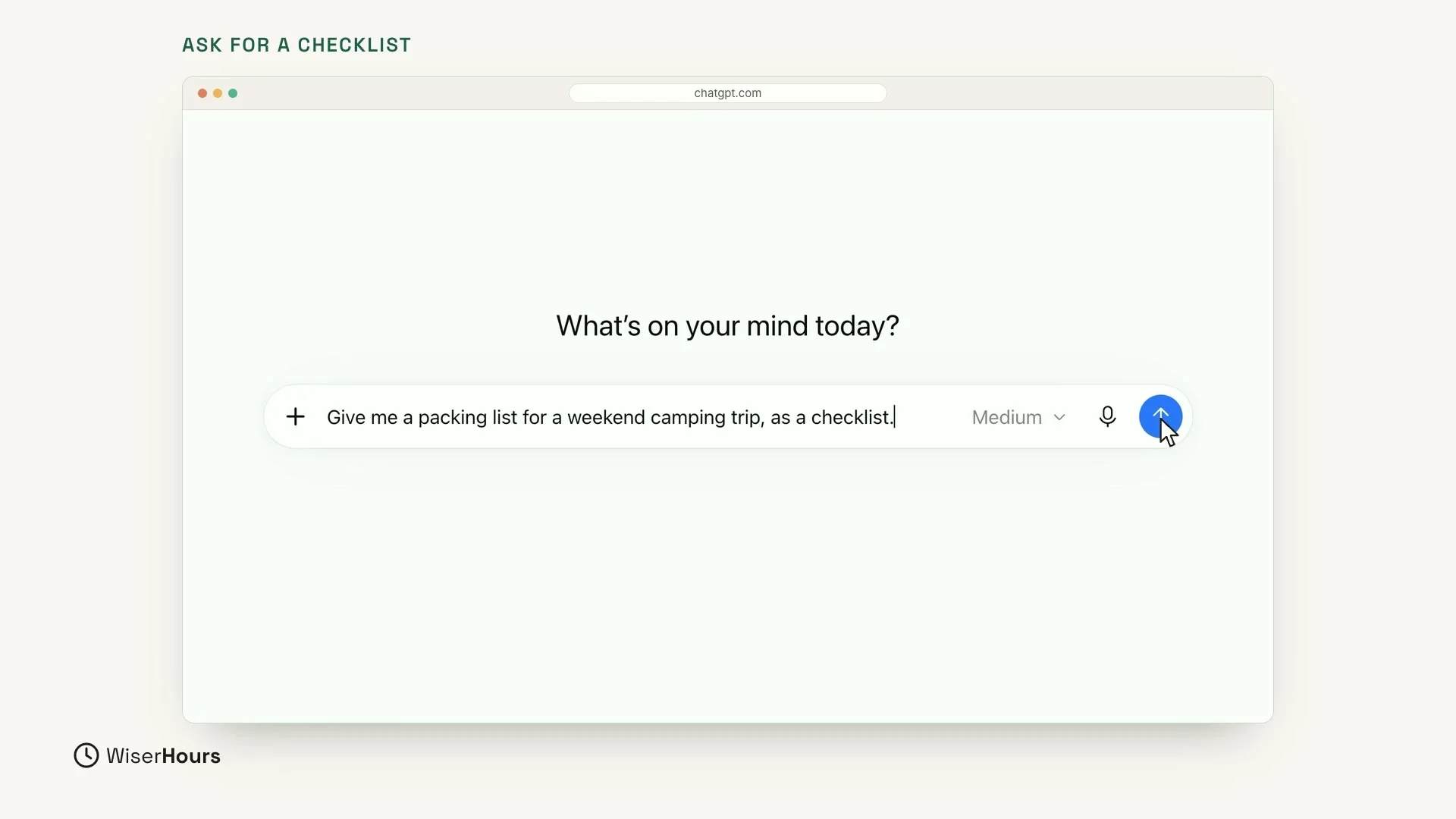
Start with a camping weekend. In the message box, type this request:
Those last three words, “as a checklist,” tell ChatGPT the shape you want. The start of the request says what you need, and the end says how the answer should look. Click the round arrow button on the right to send it.
 (opens the full-size picture)
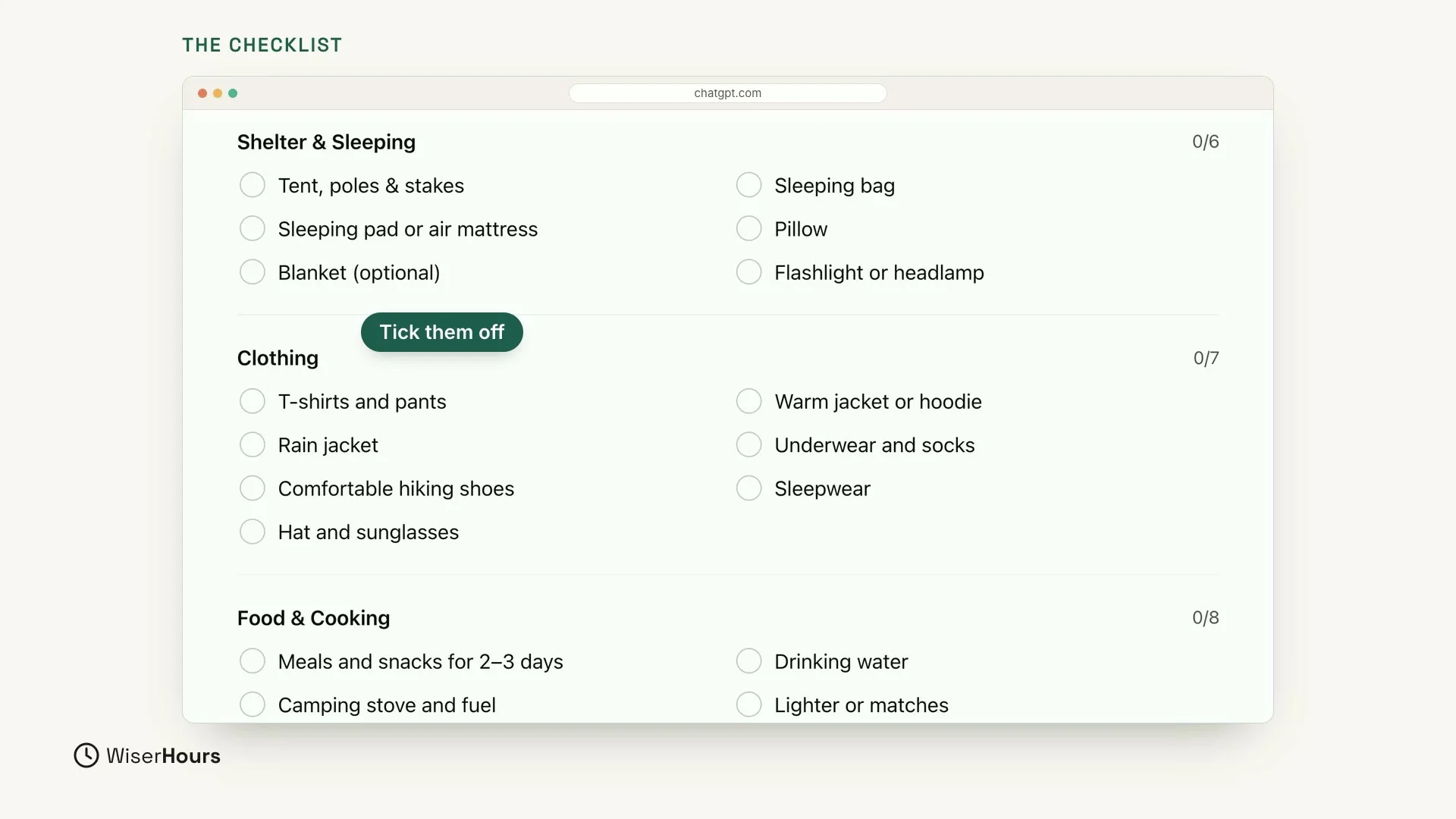
ChatGPT answers with a checklist called Weekend Camping Packing Checklist. It is grouped into sections, such as Shelter & Sleeping, Clothing, and Food & Cooking. Each item has its own box, so it is easy to tick things off as you pack.
 (opens the full-size picture)
Change the shape without starting over
Now change the shape of that same answer. You don’t need to start over or type the list again. Reply in the same chat:
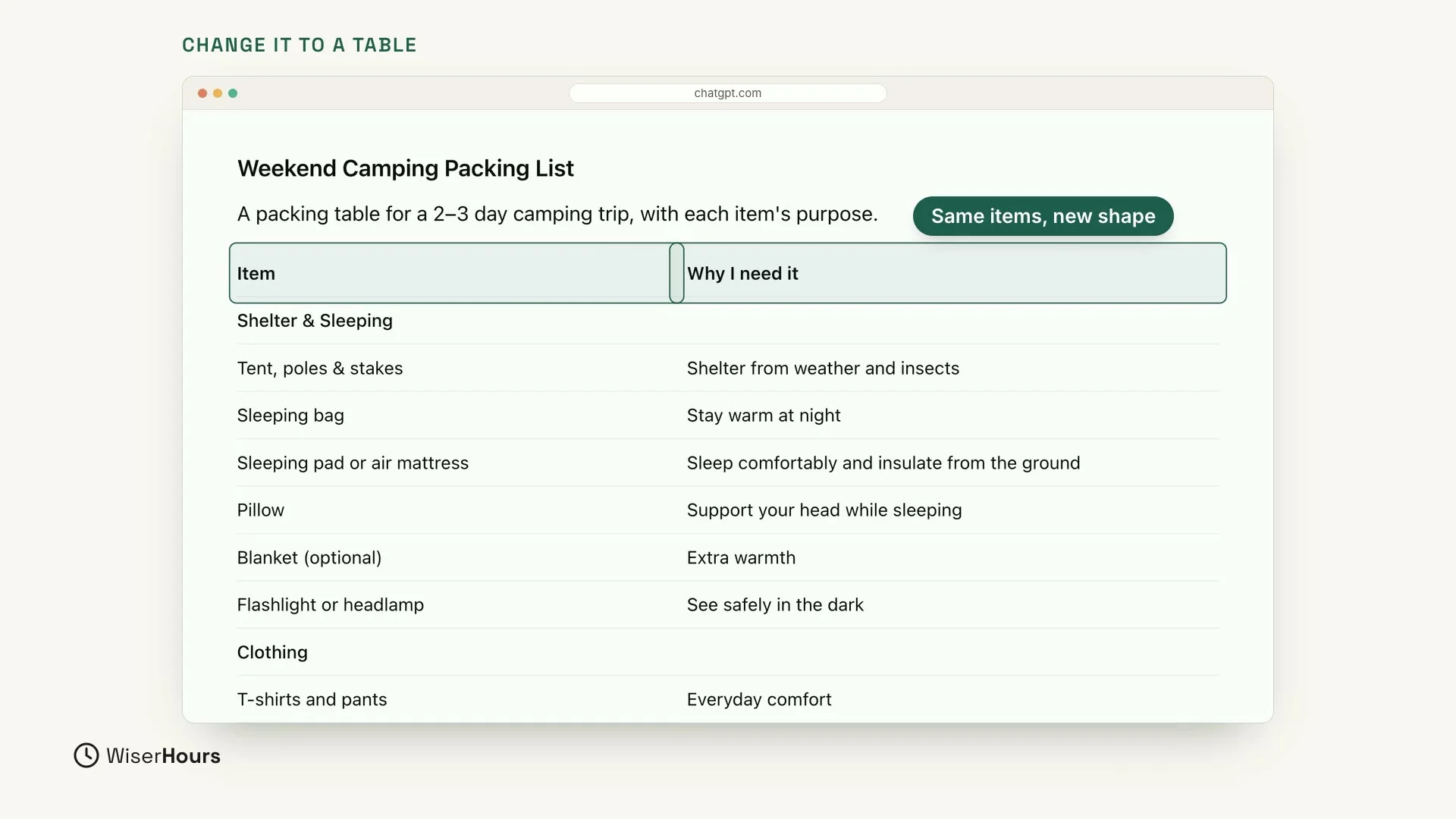
ChatGPT turns the checklist into a table. The items sit in the Item column, and the reason for each one sits next to it under Why I need it. For example, Tent, poles & stakes sits next to “Shelter from weather and insects.” Your reply named the two columns, and ChatGPT used them as the headings.
 (opens the full-size picture)
Ask for numbered steps
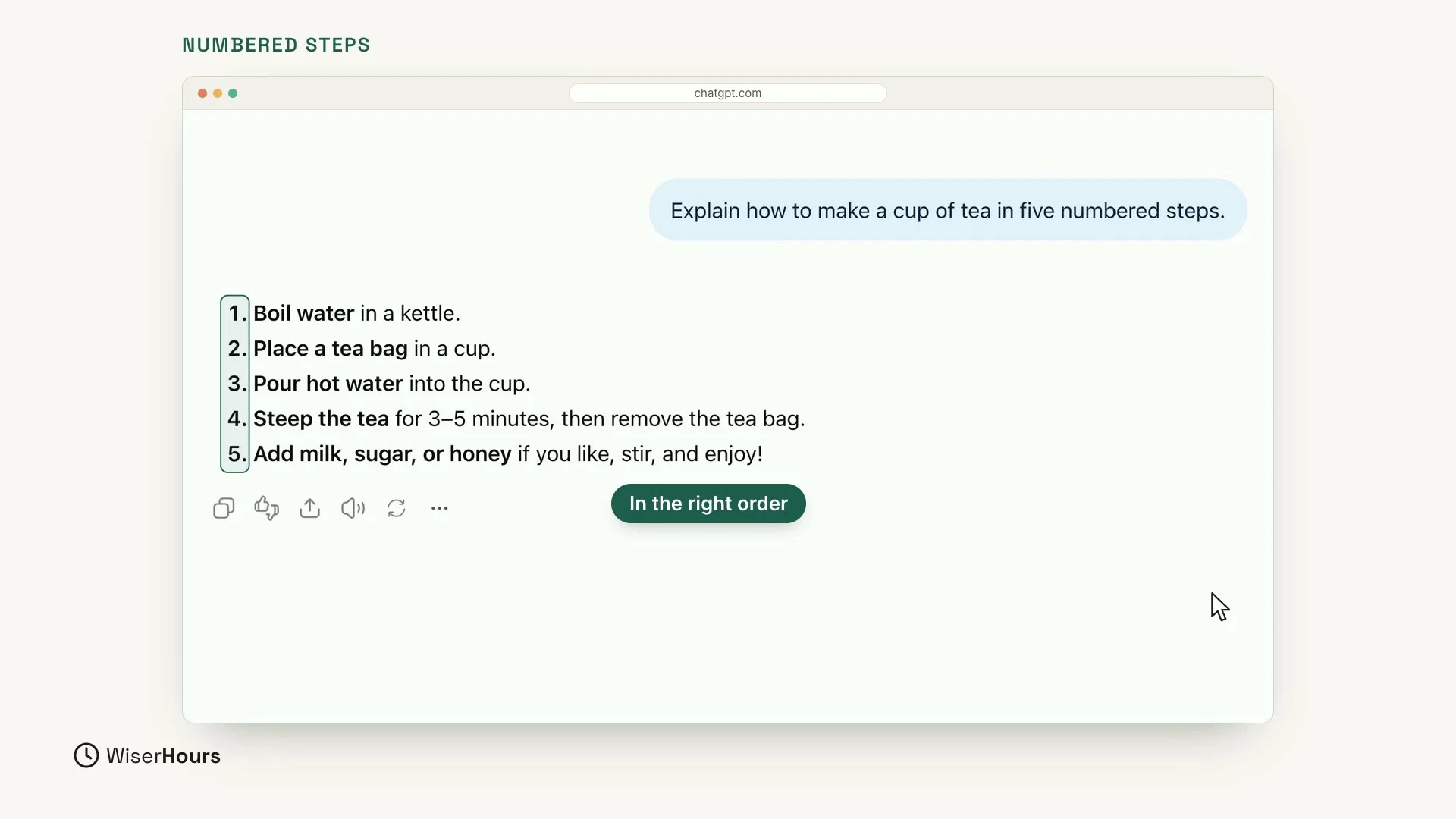
For anything you do in order, ask for numbered steps. Making tea is a new topic, so start a new chat and type:
You get exactly five short steps, in the right order: boil water in a kettle, put a tea bag in a cup, pour in the hot water, let the tea steep, then add milk, sugar or honey if you like.
 (opens the full-size picture)
Pick the shape that fits the job
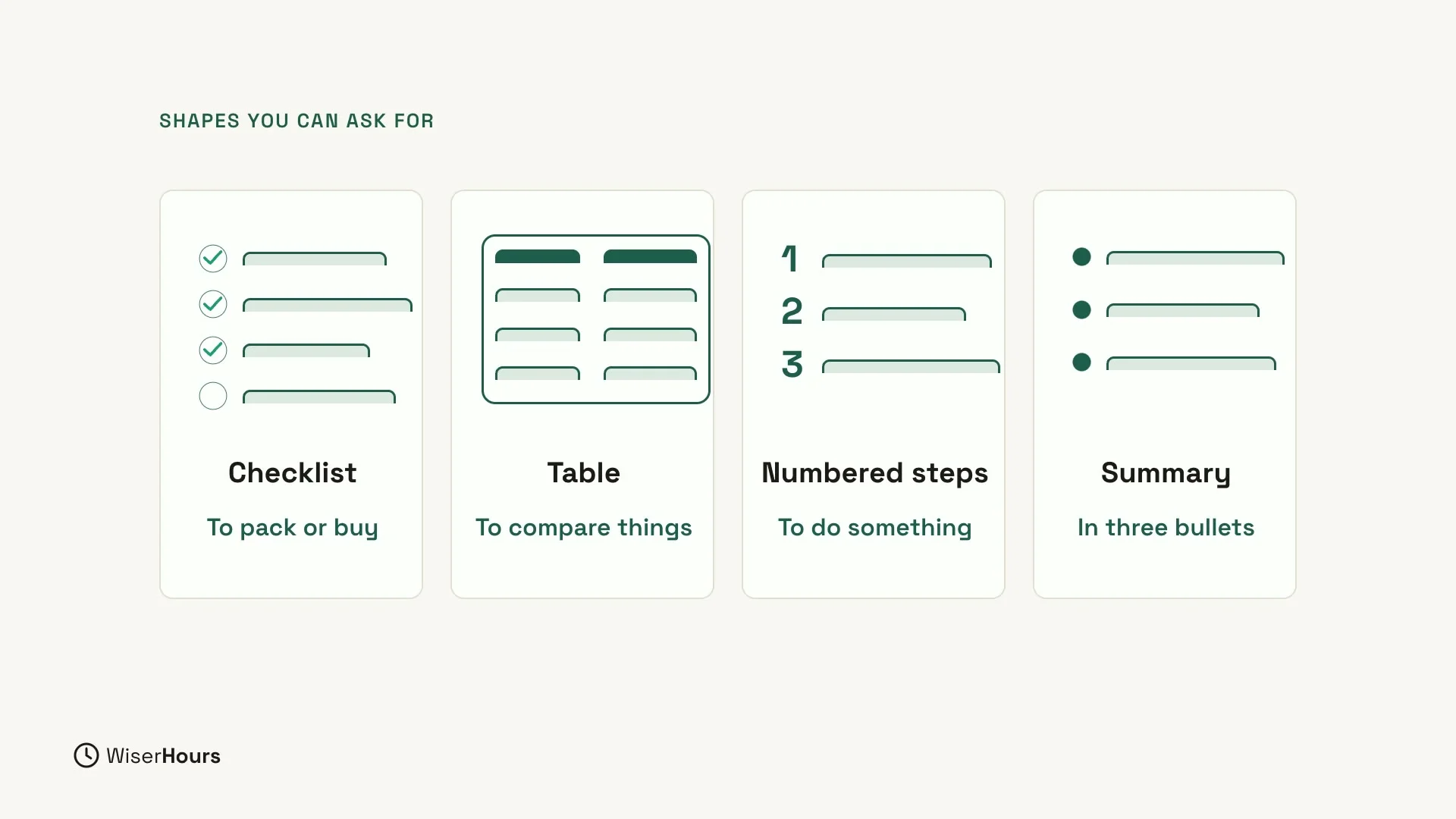
Each shape suits a different kind of task:
- A checklist, for things to pack or buy.
- A table, to compare things.
- Numbered steps, for how to do something.
- A short summary, in three bullet points.
 (opens the full-size picture)
Add the shape at the end of your question
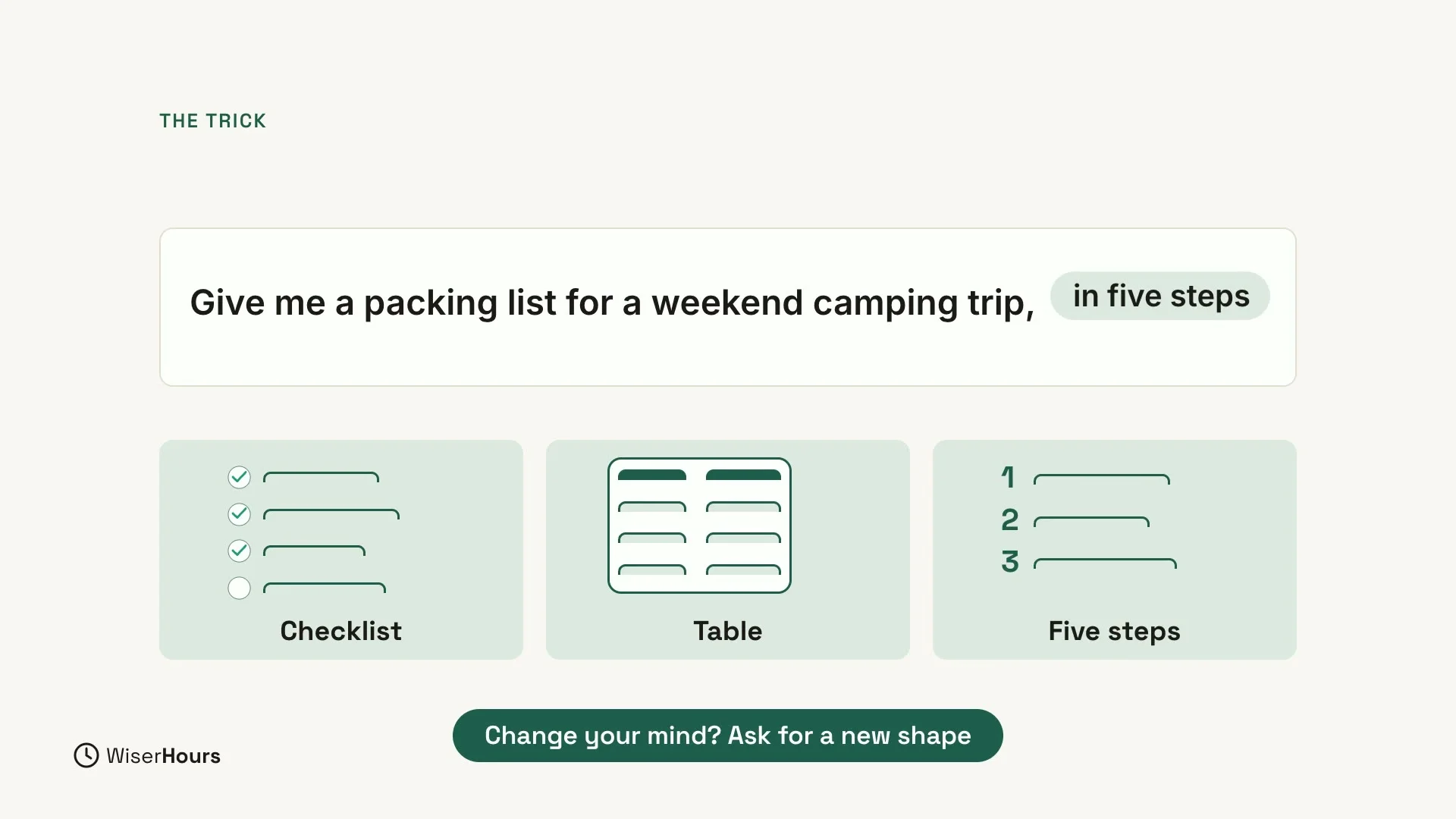
Keep your question as it is and add the shape at the end: “as a checklist,” “as a table” or “in five steps.” Only the ending changes.
 (opens the full-size picture)
Changed your mind? Ask for a new shape
You are not stuck with the first shape. If you change your mind, reply and ask for a new one, the way the packing list became a table. There is no need to start over.
YOUR TURN
In the next lesson, you will use ChatGPT for real writing, from messages and emails to fixing mistakes: Write emails and messages with ChatGPT.
Read the full video transcript
In this lesson, you'll learn to ask for a shape. ChatGPT can answer as a paragraph, a checklist, a table, or numbered steps. You just have to ask.
Let's plan a camping weekend. Give me a packing list for a weekend camping trip, as a checklist. Those last three words, as a checklist, tell ChatGPT the shape you want.
And here it is: a checklist, grouped into sections, like shelter, clothing, and food. Each item has its own box, so it's easy to tick off as you pack.
Now let's change the shape, without starting over. Show the same list as a table with two columns: item, and why I need it. Same items, new shape.
For anything you do in order, ask for numbered steps. In a new chat: Explain how to make a cup of tea in five numbered steps. And you get exactly five short steps, in the right order.
Here are some shapes you can ask for. A checklist, for things to pack or buy. A table, to compare things. Numbered steps, for how to do something. Or a short summary, in three bullet points.
The trick is simple. Add the shape at the end of your question: as a checklist, as a table, in five steps. And if you change your mind, just ask for a new shape.
So remember: choose the shape of the answer, add it at the end of your question, and change it any time. Before the next lesson, ask for the same answer in two different shapes. Next, we'll use ChatGPT for real writing: messages, emails, and fixing mistakes.
MAKE IT A SMALL WIN
Finished this lesson?
Mark it complete to save your progress on this device.