Put it to work · Lesson 11 of 16
Summarize Files and Long Text With ChatGPT
Add a file to ChatGPT, ask for a short summary and the dates to remember, and check the answer against the source. Plus other ways to share text.
English captions available in the player. Prefer reading? Follow the written lesson below.
ChatGPT can read for you. It can summarize long text, documents and even photos, and pull out the key points. In this lesson, you add a file, ask for a short summary and the dates to remember, and then check the important parts against the file.
Add your file
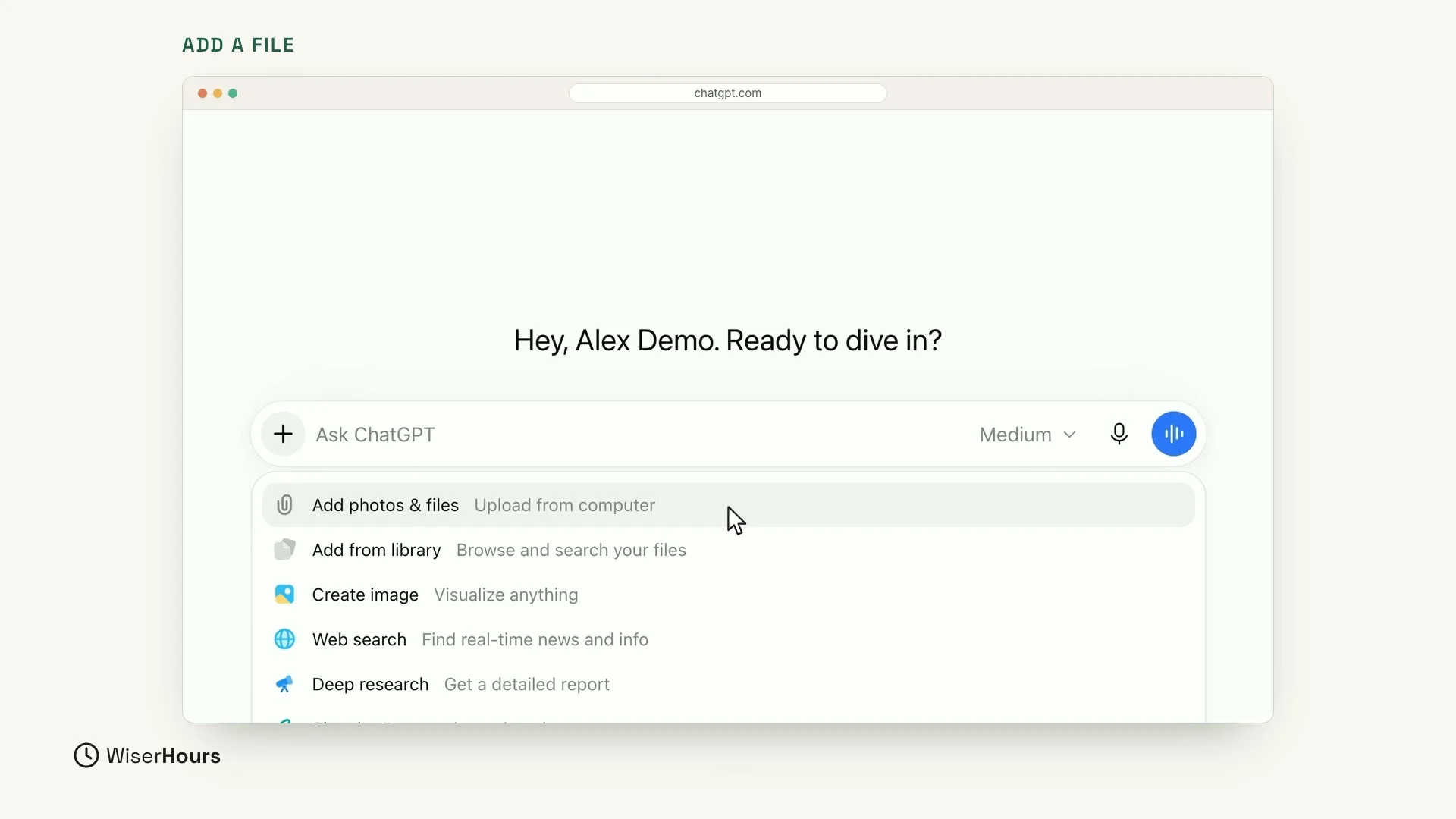
To add a file, click the plus button (+) at the left end of the message box. A menu opens. Choose Add photos & files, then pick the file from your computer.
 (opens the full-size picture)
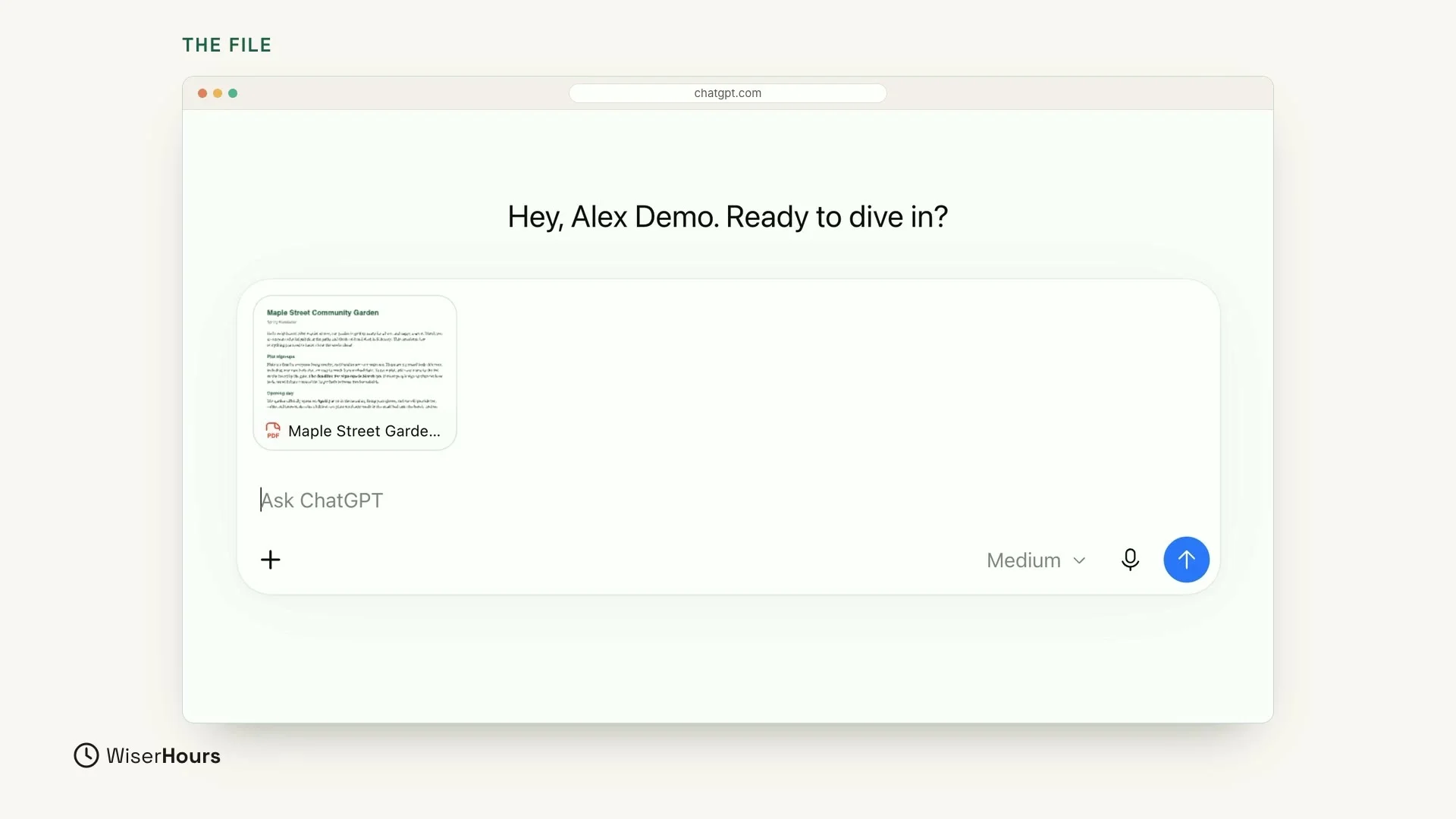
In this example, the file is a community garden newsletter. It appears as a small card right inside the message box, above the line where you type. The card shows a small preview of the page, a PDF icon and the start of the file name.
 (opens the full-size picture)
Ask for the shape you want
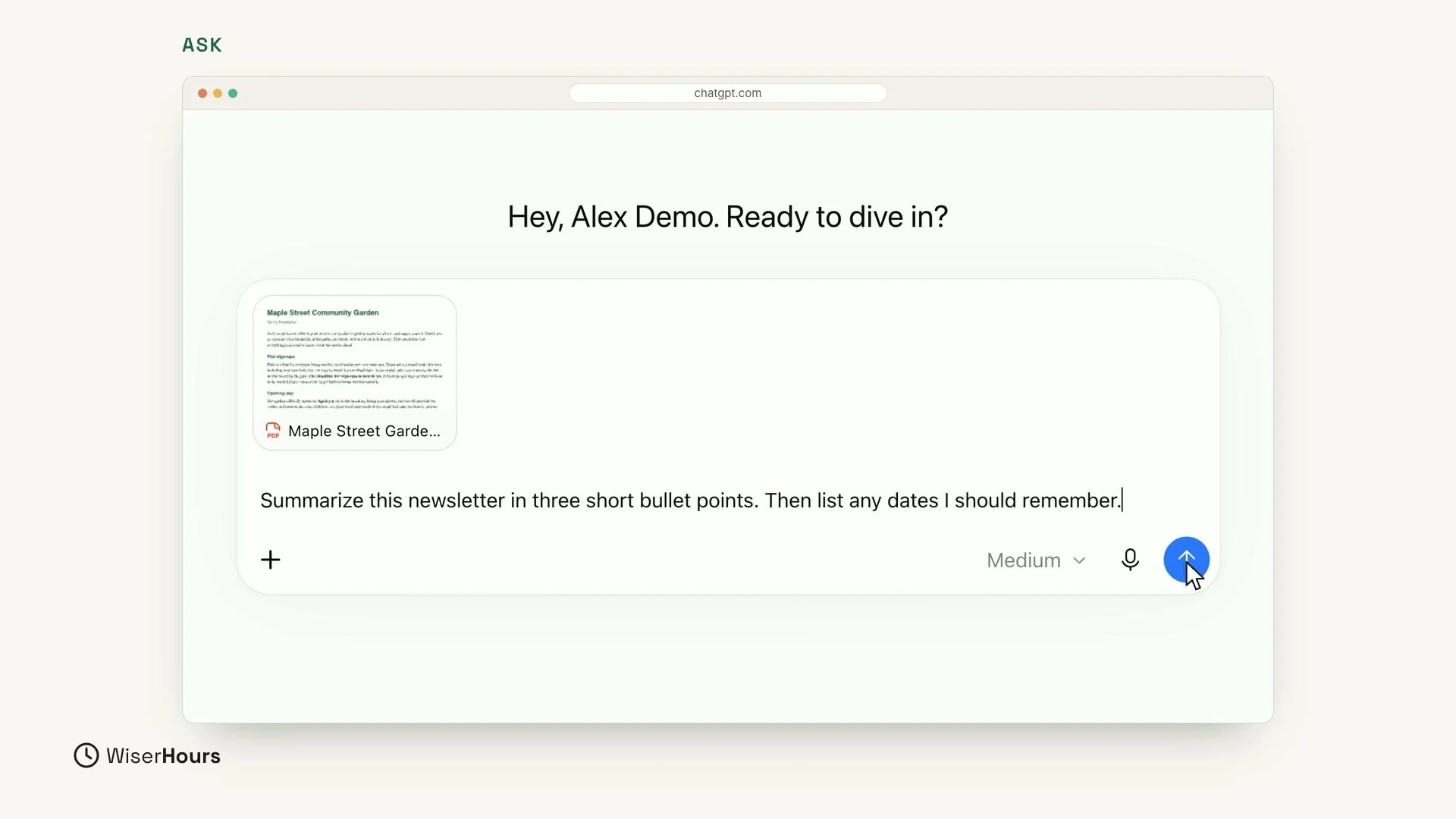
Now tell ChatGPT what you want. Click in the message box, below the file card, and type:
This request does two jobs. “Three short bullet points” sets the shape of the summary: how many points, and how short. “Then list any dates I should remember” tells ChatGPT what else to pull out of the file. Click the round blue arrow button on the right to send it.
 (opens the full-size picture)
Read the summary
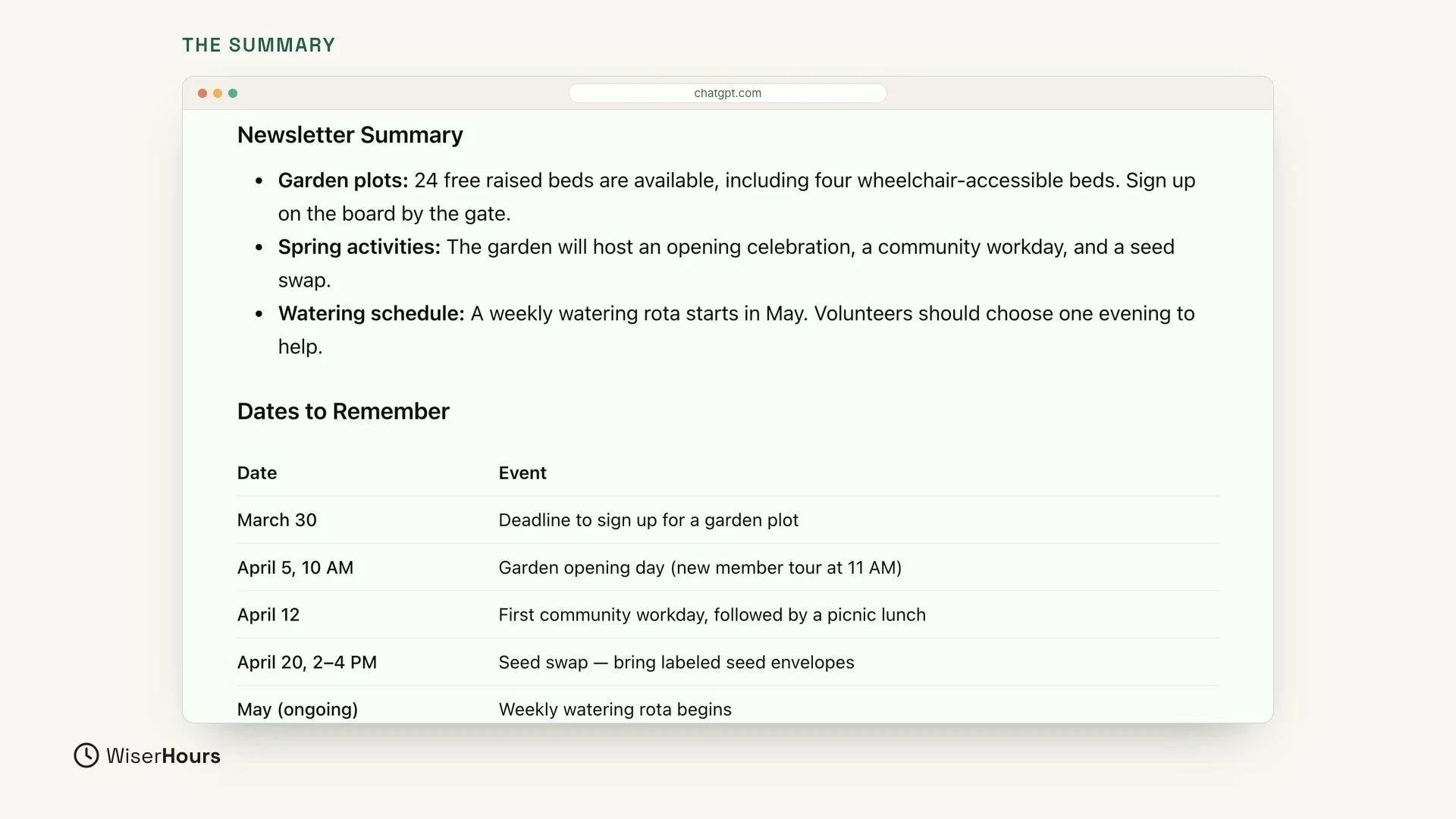
In seconds, you get three short points and a table of dates. Here, the three points are headed Garden plots, Spring activities and Watering schedule. They say that 24 free raised beds are available, that the garden will host an opening celebration, a community workday and a seed swap, and that a weekly watering rota (a schedule for taking turns) starts in May.
The table under Dates to Remember has two columns, Date and Event. It lists the sign-up deadline (March 30), the opening day (April 5), the first workday (April 12) and the seed swap (April 20). A last row adds the watering rota, which begins in May.
 (opens the full-size picture)
Check the important parts
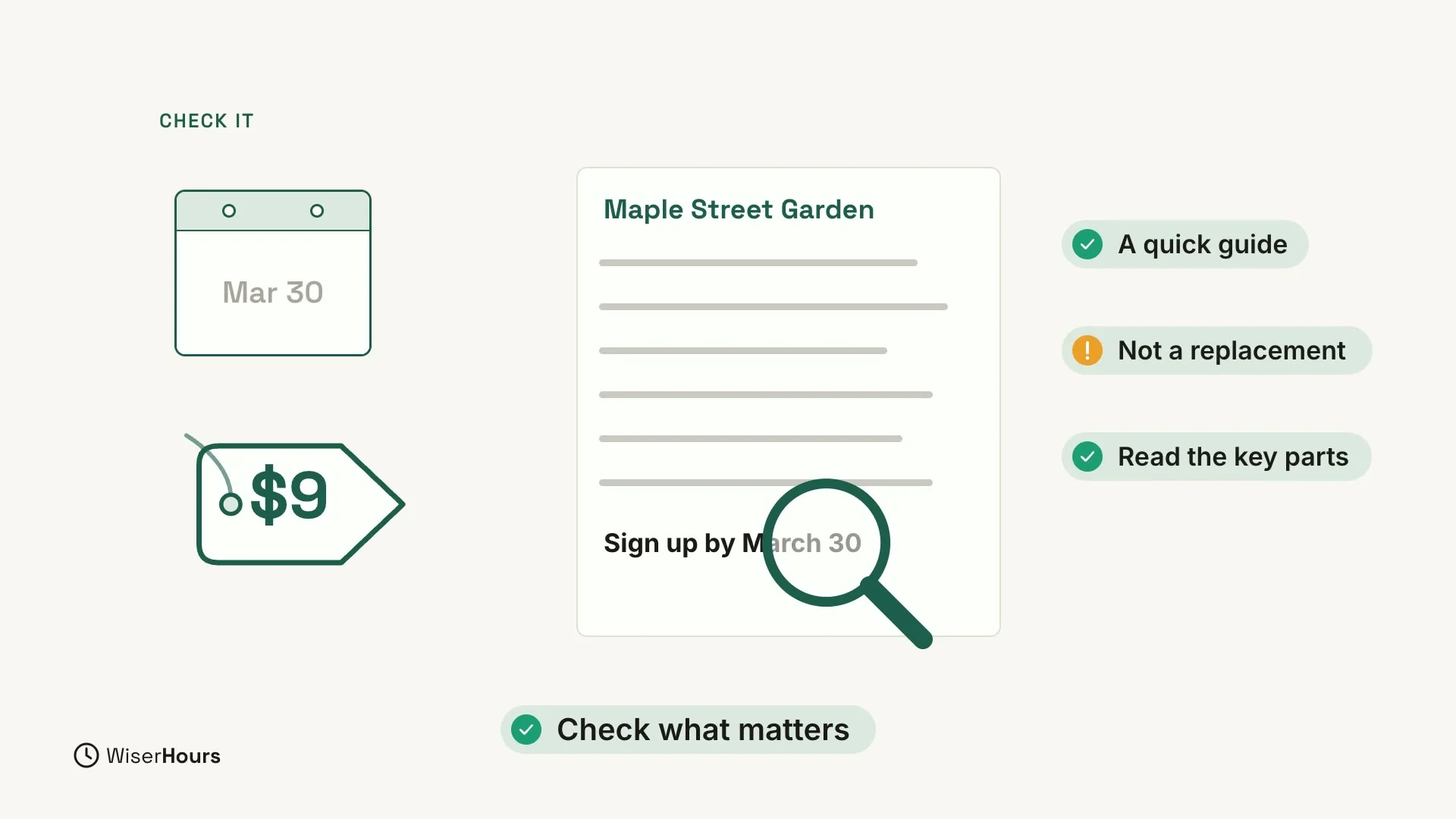
A summary is a quick guide, not a replacement for reading the important parts. If something matters, like a date or a price, open the file and check it yourself. For the garden, that means finding the line in the newsletter that says to sign up by March 30 before you plan around that date.
 (opens the full-size picture)
Checking matters because ChatGPT can still get a detail wrong, even when it reads from your own file. To learn why AI answers can sound sure and still be wrong, read AI hallucinations explained.
Paste text or add a photo
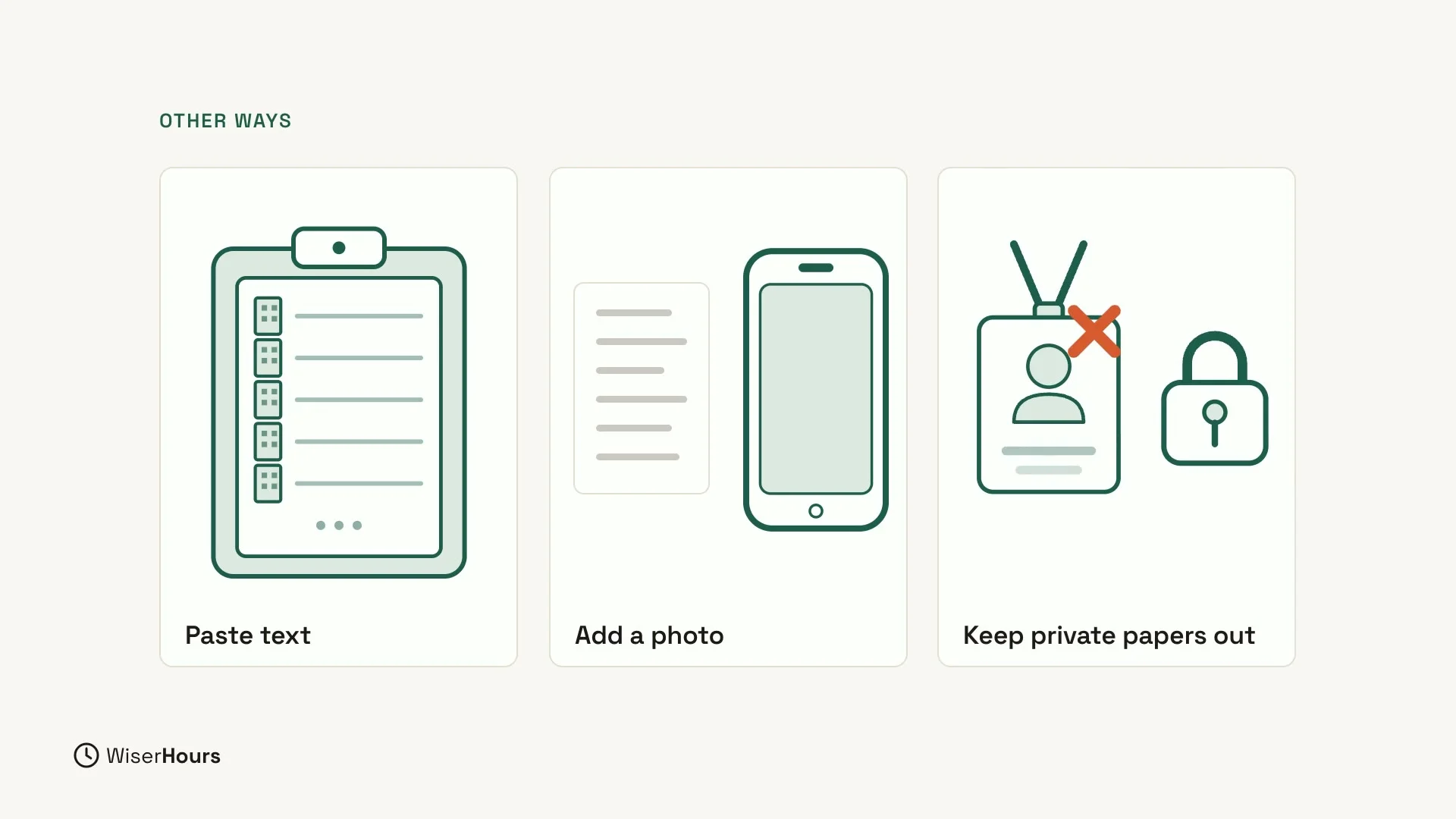
You don’t always need a file. You can also paste long text straight into the message box, then ask for the summary you want. Or add a photo, like a page from a letter, and ask what it says. A photo goes in the same way as a file, through the plus button and Add photos & files.
 (opens the full-size picture)
Keep private documents out
Before you add a file, paste text or share a photo, think about what is in it. Keep private documents, such as an ID card, out of the chat.
YOUR TURN
In the next lesson, you will talk to ChatGPT out loud: How to use ChatGPT voice and dictation.
Read the full video transcript
In this lesson, you'll let ChatGPT read for you. It can summarize long text, documents, and even photos, and pull out the key points.
To add a file, click the plus button, next to the message box. Then choose Add photos and files, and pick the file from your computer.
Here, we added a community garden newsletter. It appears as a small card, right inside the message box.
Now tell ChatGPT what you want. Summarize this newsletter in three short bullet points. Then list any dates I should remember.
In seconds, you get three short points, and a neat table of dates: the sign-up deadline, the opening day, the first workday, and the seed swap.
If something matters, like a date or a price, open the file and check it yourself. A summary is a quick guide, not a replacement for reading the important parts.
You can also paste long text straight into the message box. Or add a photo, like a page from a letter, and ask what it says. Just keep private documents out of the chat.
So remember: add the file, ask for the shape you want, and check the important parts. Before the next lesson, ask ChatGPT to summarize a long article or email in three points. Next, you'll talk to ChatGPT out loud.
MAKE IT A SMALL WIN
Finished this lesson?
Mark it complete to save your progress on this device.