Put it to work · Lesson 10 of 16
Plan Trips and Meals With ChatGPT
Turn a vague plan into a clear list: a relaxed two-day trip and three easy dinners with one shopping list, and why your limits make plans better.
English captions available in the player. Prefer reading? Follow the written lesson below.
You can use ChatGPT to turn a vague plan into a clear list: a trip, meals, gifts or a busy week. In this lesson you try two examples, a relaxed two-day trip and three easy dinners with one shopping list, and see why your limits make a plan better.
Describe the trip you want
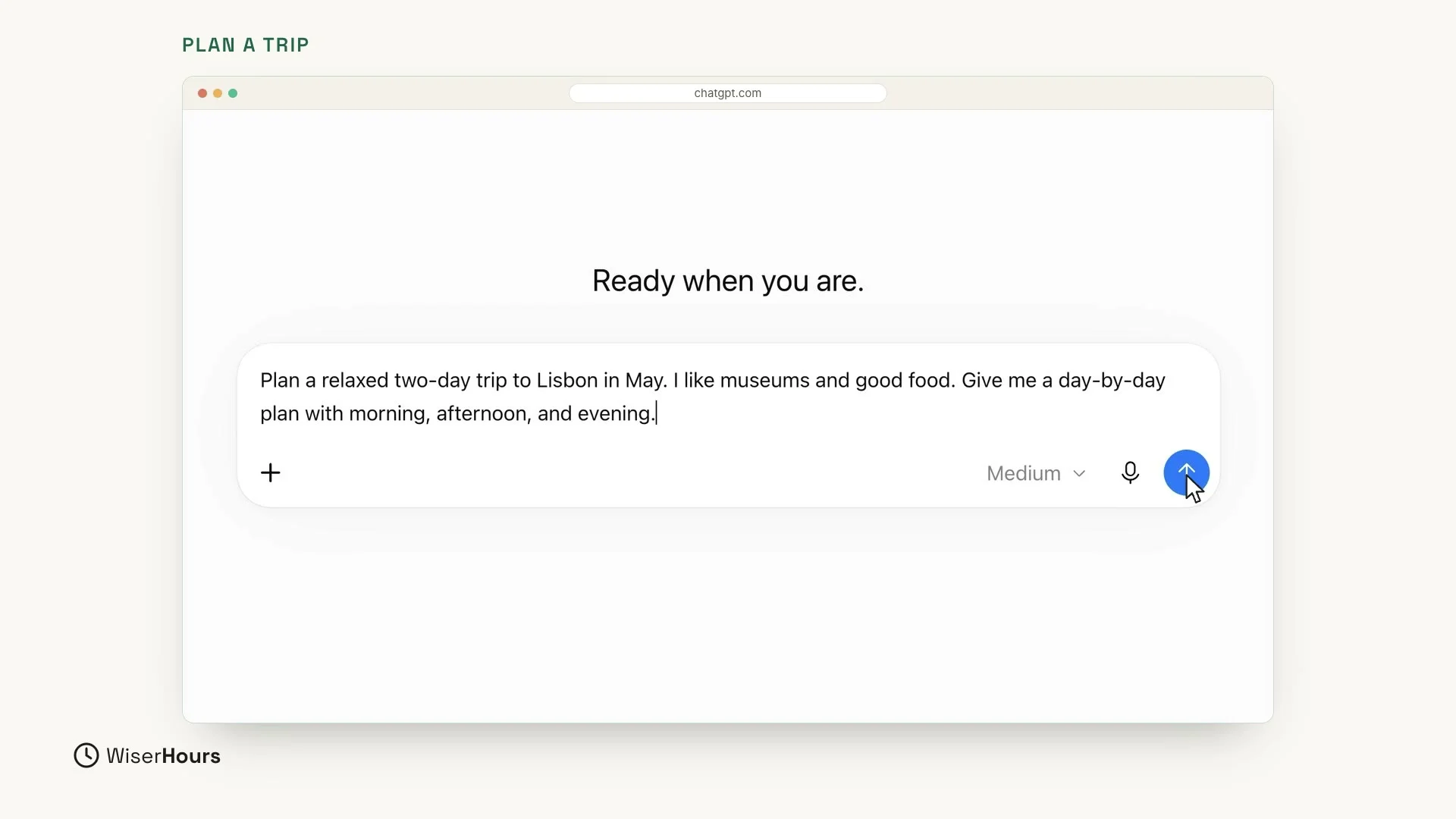
Let’s plan a short trip. Click in the message box and describe the trip in one message. Say where you are going and when, what you like, and what shape you want the plan in. Here, that shape is a day-by-day plan with morning, afternoon and evening.
Then press Enter, or click the round blue arrow button at the right end of the box.
 (opens the full-size picture)
Read the plan, day by day
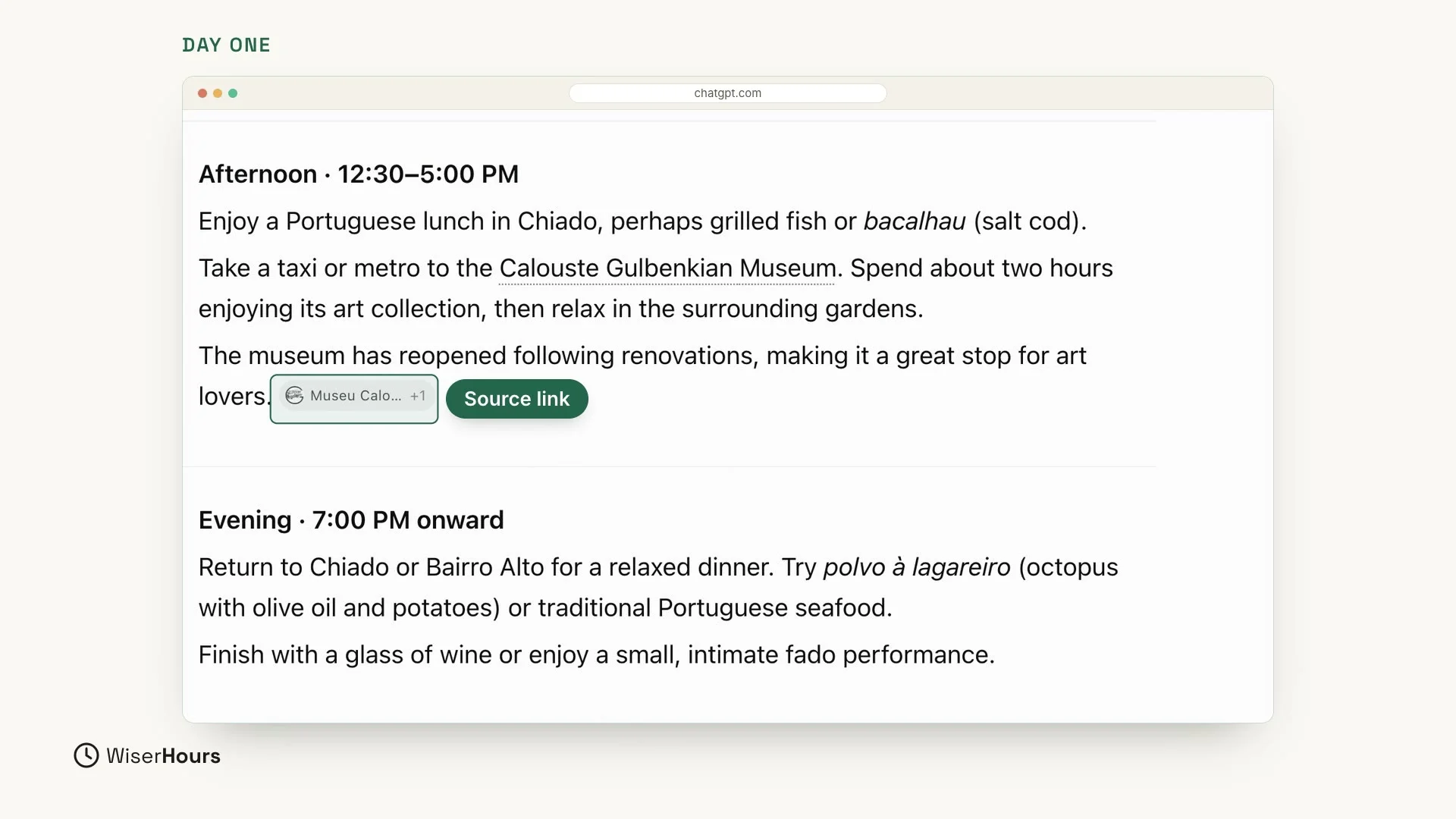
ChatGPT builds a plan for each day, in the shape you asked for. Day one has something for the morning, the afternoon and the evening, with museums and food, just as you asked. In this example, the morning starts with coffee, a custard tart and a walk through the little streets of Alfama. The afternoon has lunch and the Calouste Gulbenkian Museum, and the evening ends with a relaxed dinner.
It may even show small source links: a small grey tag at the end of a sentence, with the name of the source. It shows where a detail came from, so you can check things such as opening times.
 (opens the full-size picture)
Talk back to change the plan
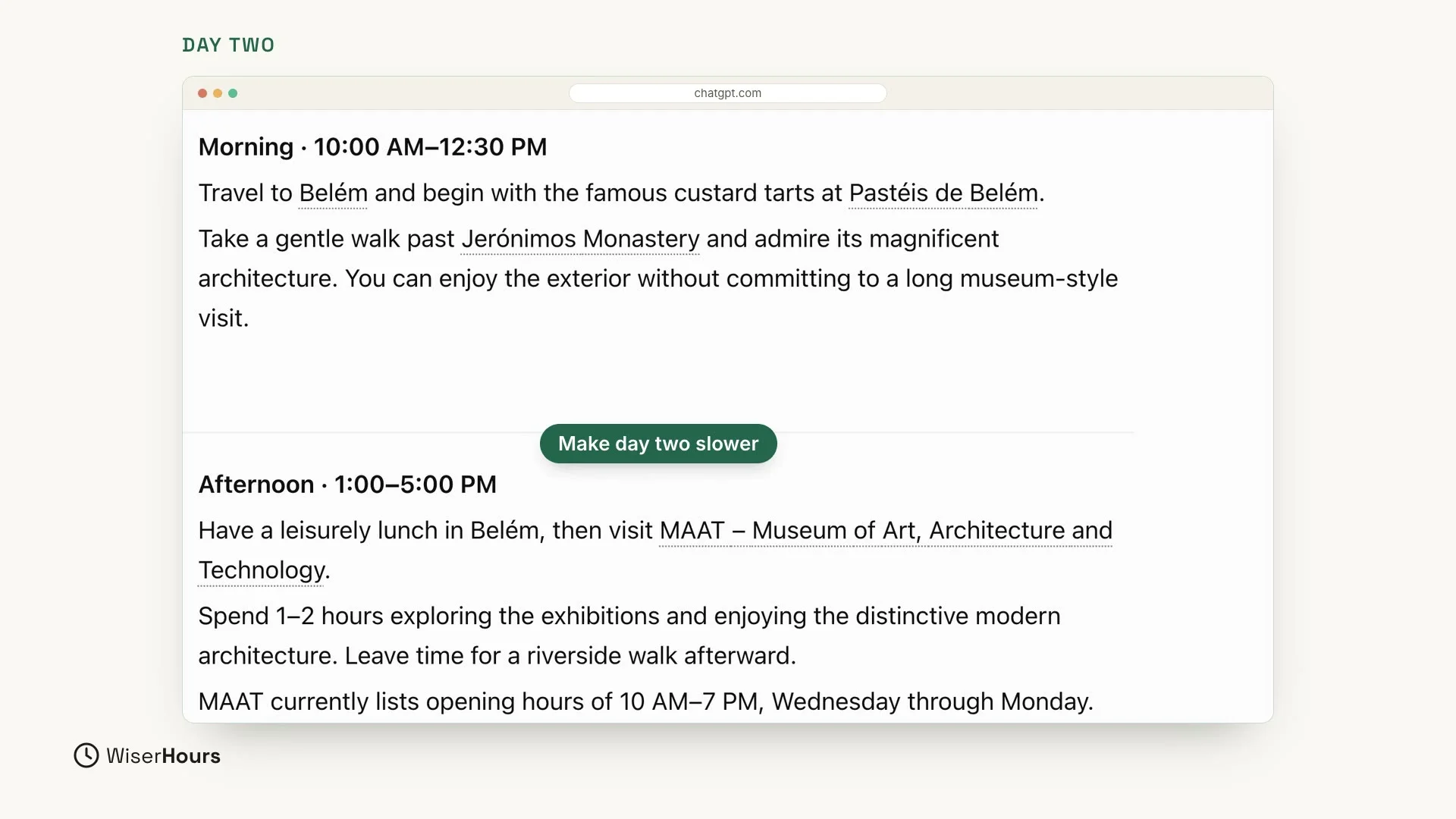
Day two follows the same shape: morning, afternoon and evening. This one starts in Belém with custard tarts and a walk past Jerónimos Monastery, then has lunch and a museum visit in the afternoon.
If something doesn’t fit, you don’t need to start over. Just talk back in the same chat, like in a normal conversation. For example, reply “Make day two slower.” or “Add a beach.”
 (opens the full-size picture)
Plan dinners and one shopping list
Planning works for everyday life too. In a new chat, ask for the meals and the shopping list in one message:
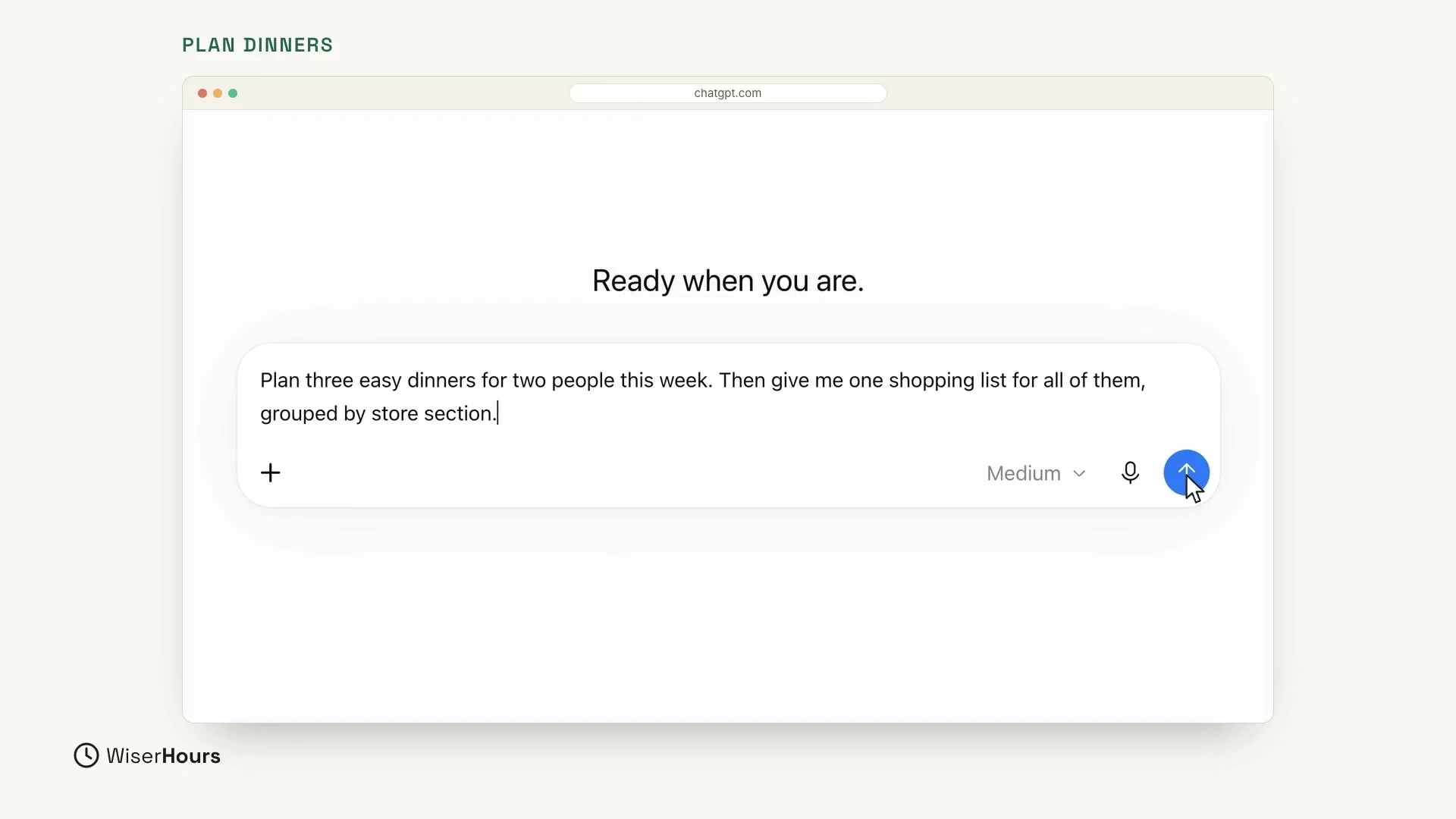 (opens the full-size picture)
You get three simple dinners. ChatGPT spreads them over the week: chicken fajita wraps on Tuesday, tomato and spinach pasta on Thursday, and egg and veggie fried rice on Saturday, each ready in 20 to 25 minutes.
Under them comes one shopping list for all three, sorted by store section, like produce, meat and dairy. This list even has a small circle next to each item, so you can tick things off as you shop. It is ready to take to the shop.
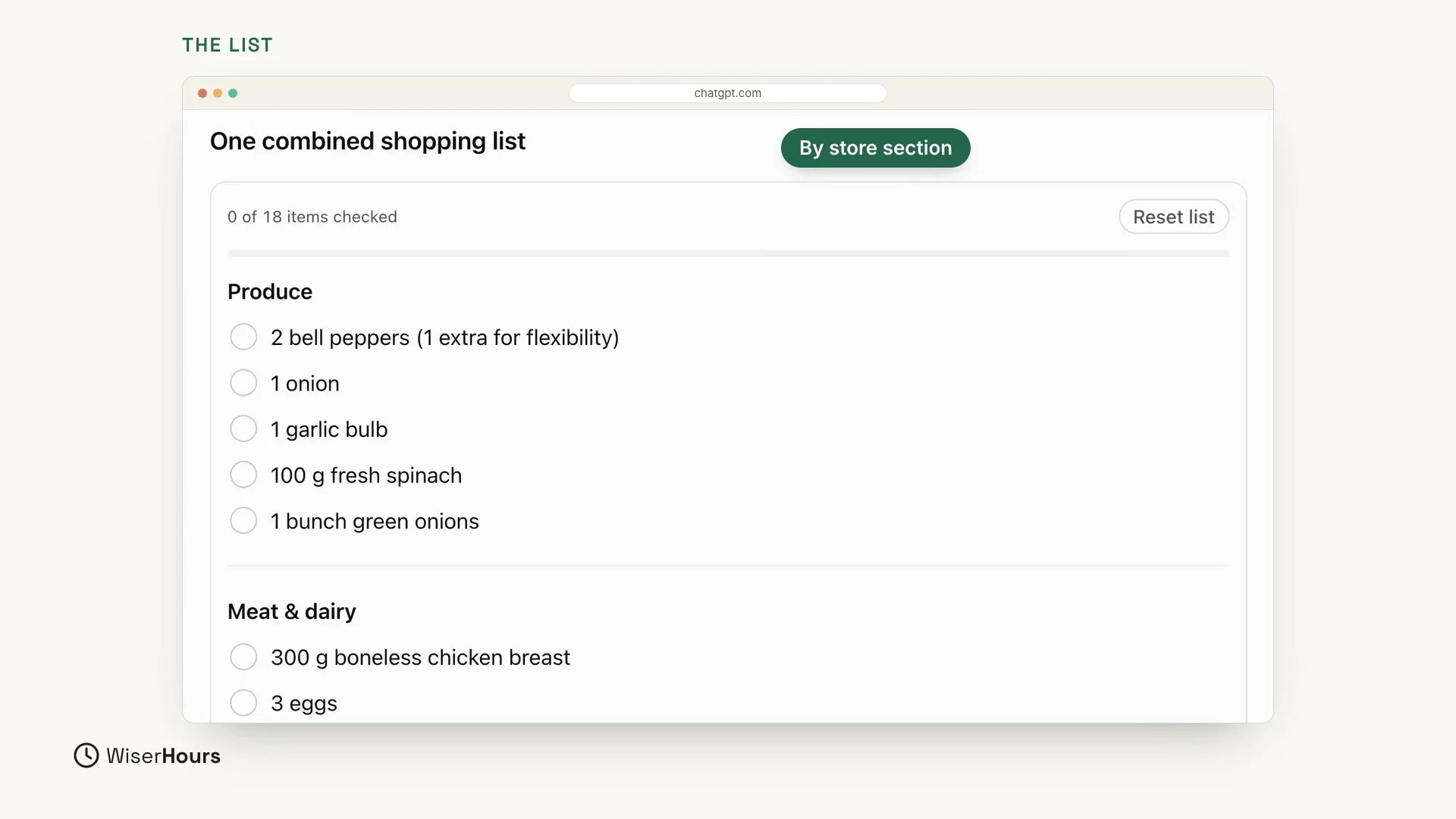 (opens the full-size picture)
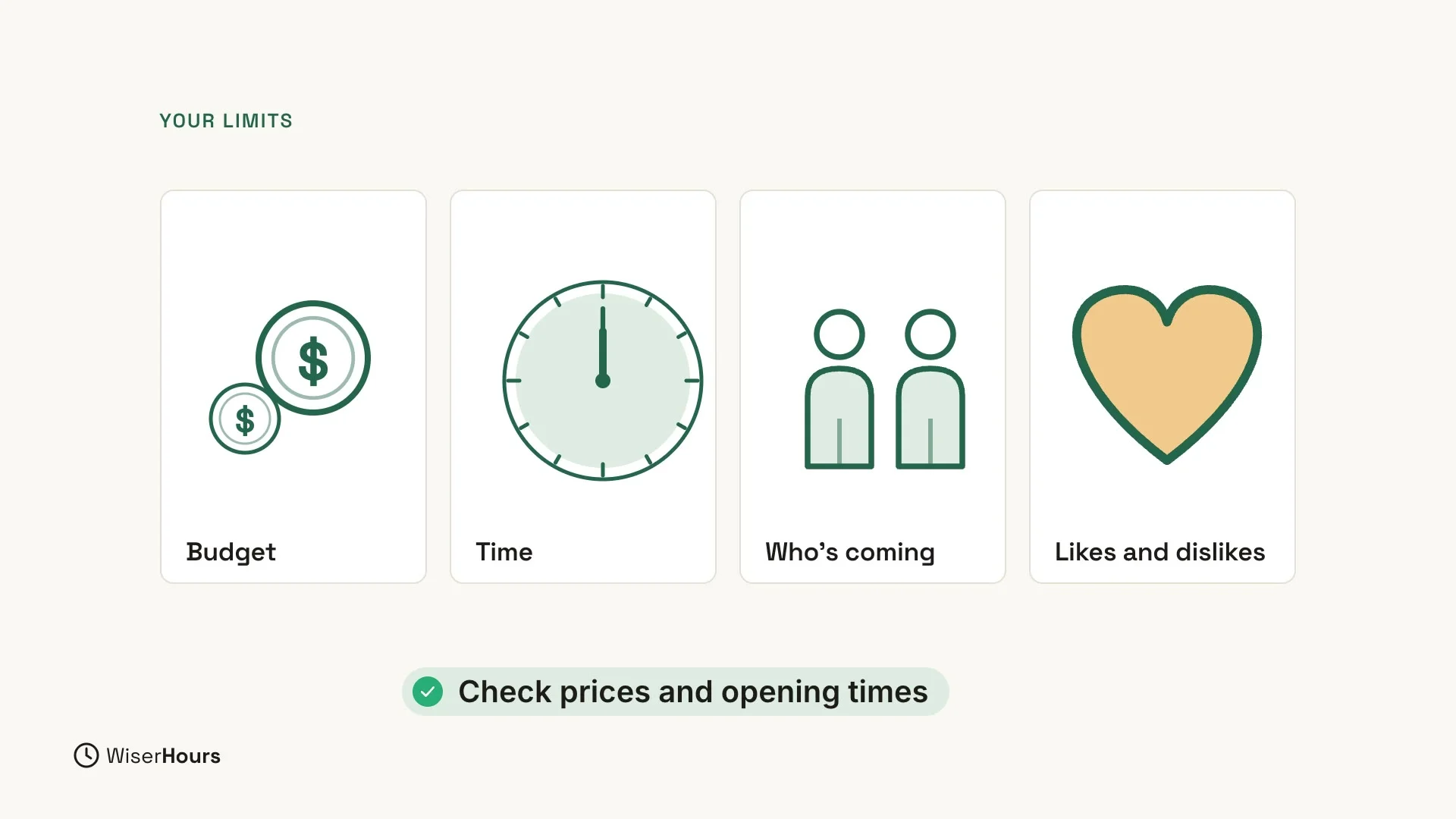
Give it your limits
Give ChatGPT your limits: your budget, your time, the people who are coming, and what you like or don’t like. The more it knows, the better the plan. The two examples above already had some: a relaxed pace, museums and good food, easy dinners, and two people.
 (opens the full-size picture)
Check prices and opening times yourself
Always check prices and opening times before you go. They can change, and ChatGPT can get details wrong. When an answer shows small source links, they are a good place to begin checking.
YOUR TURN
In the next lesson, you will see how ChatGPT summarizes long text and files for you: Summarize files and long text with ChatGPT.
Read the full video transcript
In this lesson, you'll use ChatGPT to turn a vague plan into a clear list: trips, meals, gifts, or a busy week.
Let's plan a short trip. Plan a relaxed two-day trip to Lisbon in May. I like museums and good food. Give me a day-by-day plan with morning, afternoon, and evening.
ChatGPT builds a plan for each day. Day one has something for the morning, the afternoon, and the evening, with museums and food, just as we asked. It may even show small source links, so you can check opening times.
Day two follows the same shape. And if something doesn't fit, just talk back. Make day two slower, or add a beach.
Planning works for everyday life too. Plan three easy dinners for two people this week. Then give me one shopping list for all of them, grouped by store section.
You get three simple dinners, and one shopping list, sorted by store section, like produce, meat, and dairy. It's ready to take to the shop.
Give it your limits: your budget, your time, the people, and what you like or don't like. The more it knows, the better the plan. And always check prices and opening times before you go.
So remember: describe your plan, add your limits, and ask for a clear list. Before the next lesson, plan one real thing this week with ChatGPT, like dinners or a day out. Next, ChatGPT summarizes long text and files for you.
MAKE IT A SMALL WIN
Finished this lesson?
Mark it complete to save your progress on this device.