Build good habits · Lesson 16 of 16
10 ChatGPT Prompts to Save and Reuse
The final lesson: ten ready prompts to save and reuse, how to make them yours with the four-part recipe, and the five habits from the course.
English captions available in the player. Prefer reading? Follow the written lesson below.
This is the final lesson of the course. You will build your own toolkit of ten promptsprompt: The instruction or input a person gives a generative AI system, such as a question, a description of a task or a block of pasted text. The same request worded differently can produce noticeably different answers.Full entry in the glossary you can use again and again, so you don’t have to start from scratch each time you need help. You will try one of them in ChatGPT, make the toolkit yours, and look back at the five habits from the whole course.
What a prompt toolkit is
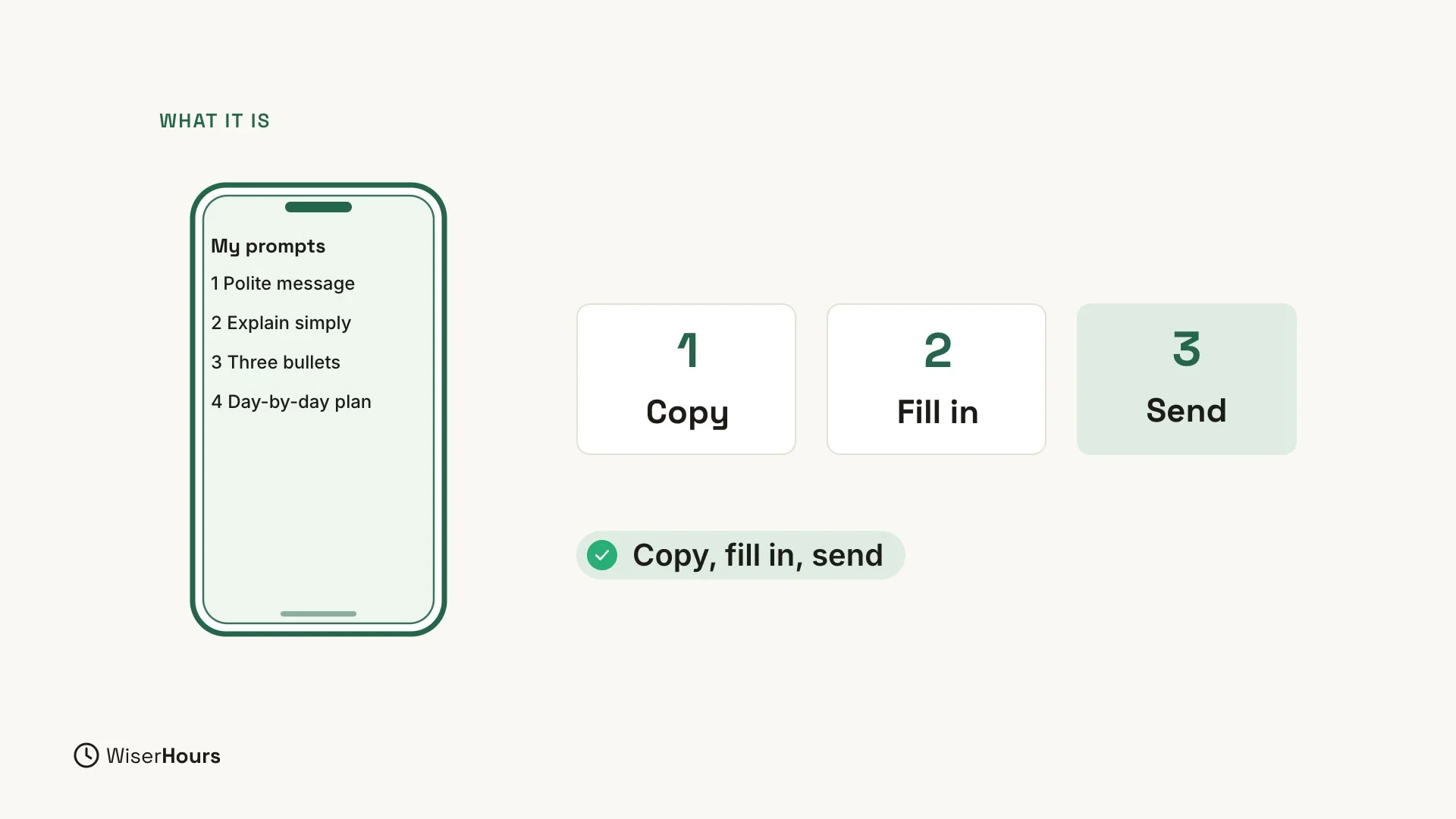
A toolkit is a short list of your best prompts, saved in a note on your phone or computer. When you need help, copy one into ChatGPT’s message box, fill in the details, and send it.
 (opens the full-size picture)
Ten prompts to start with
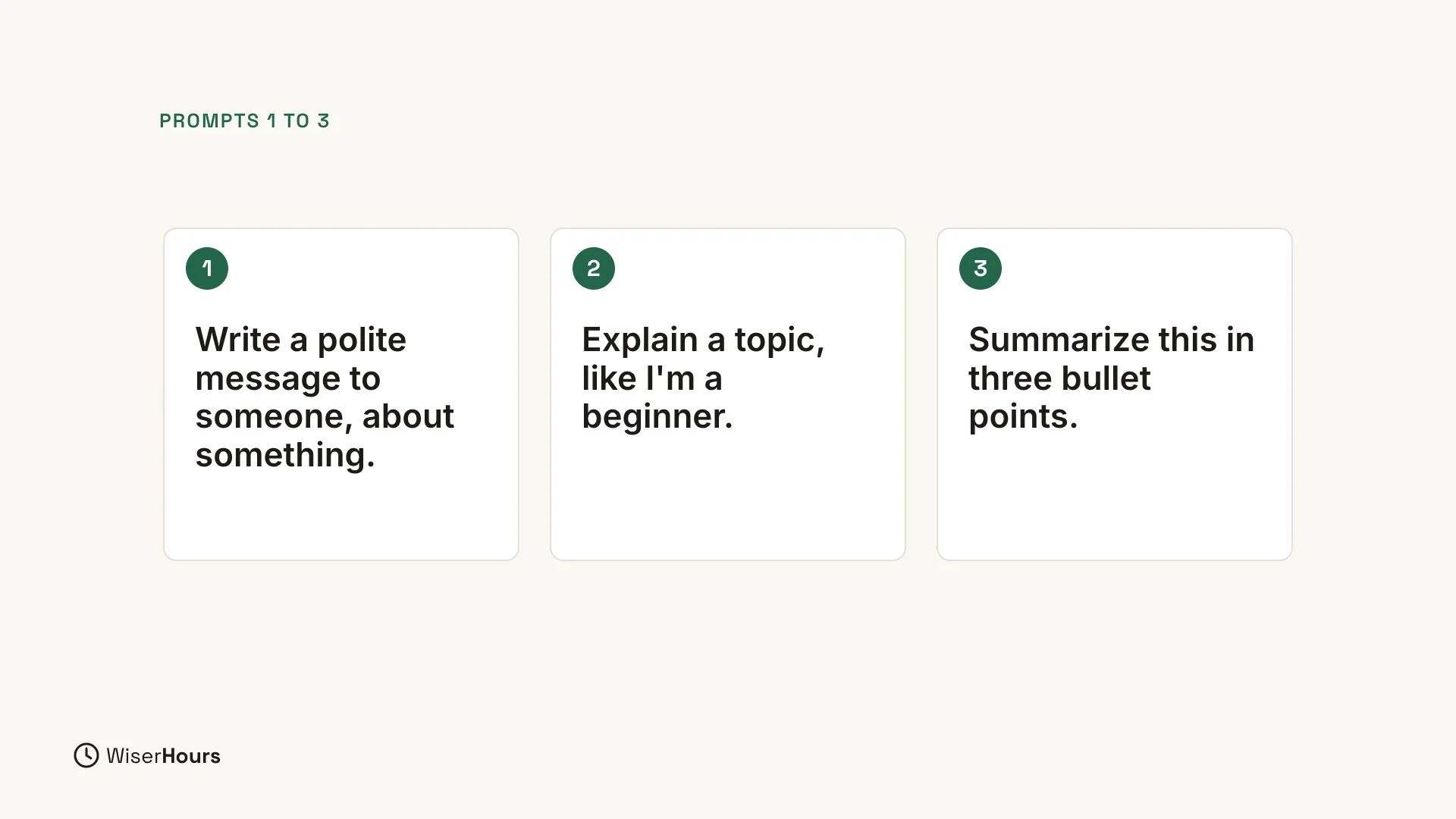
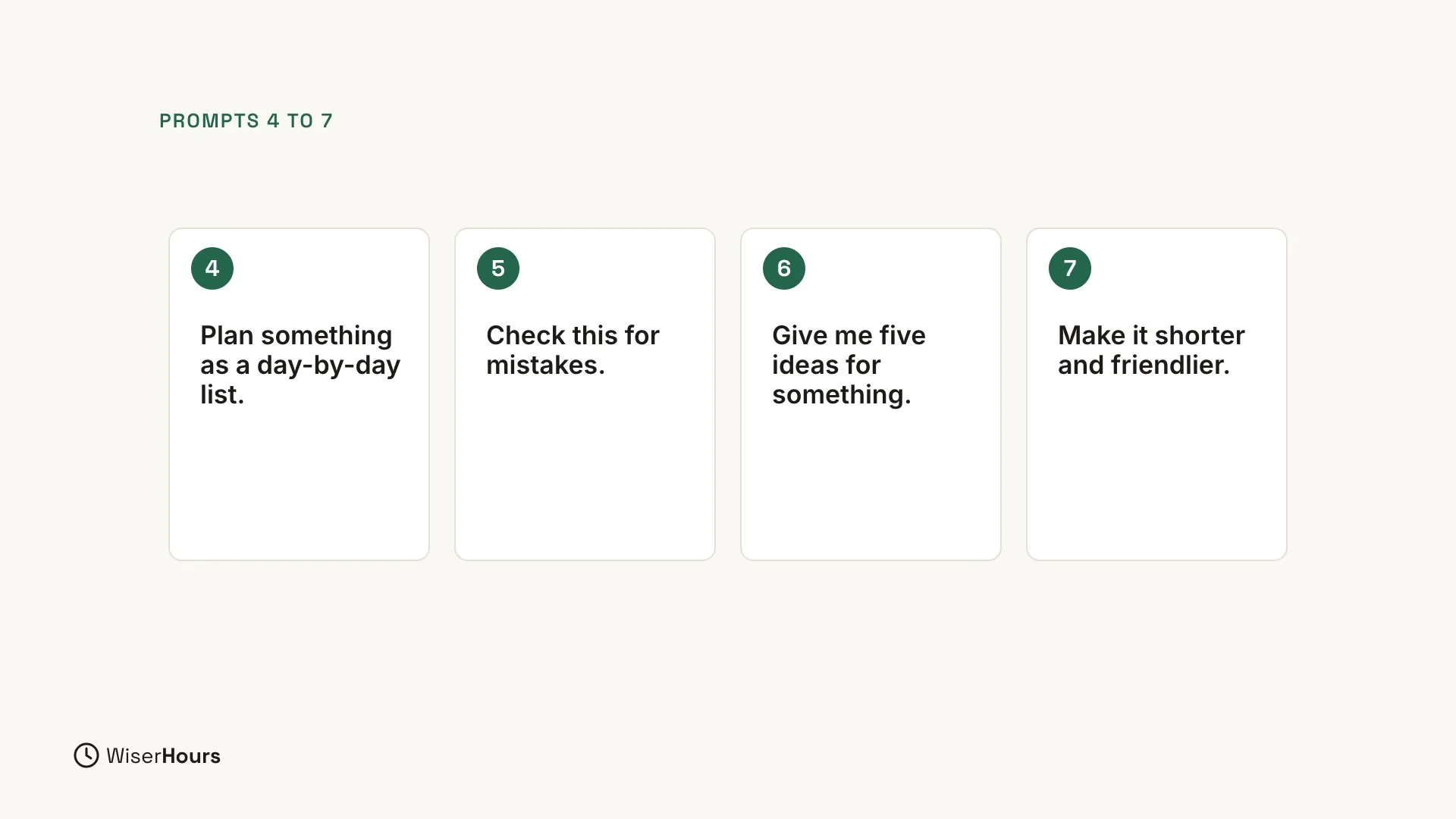
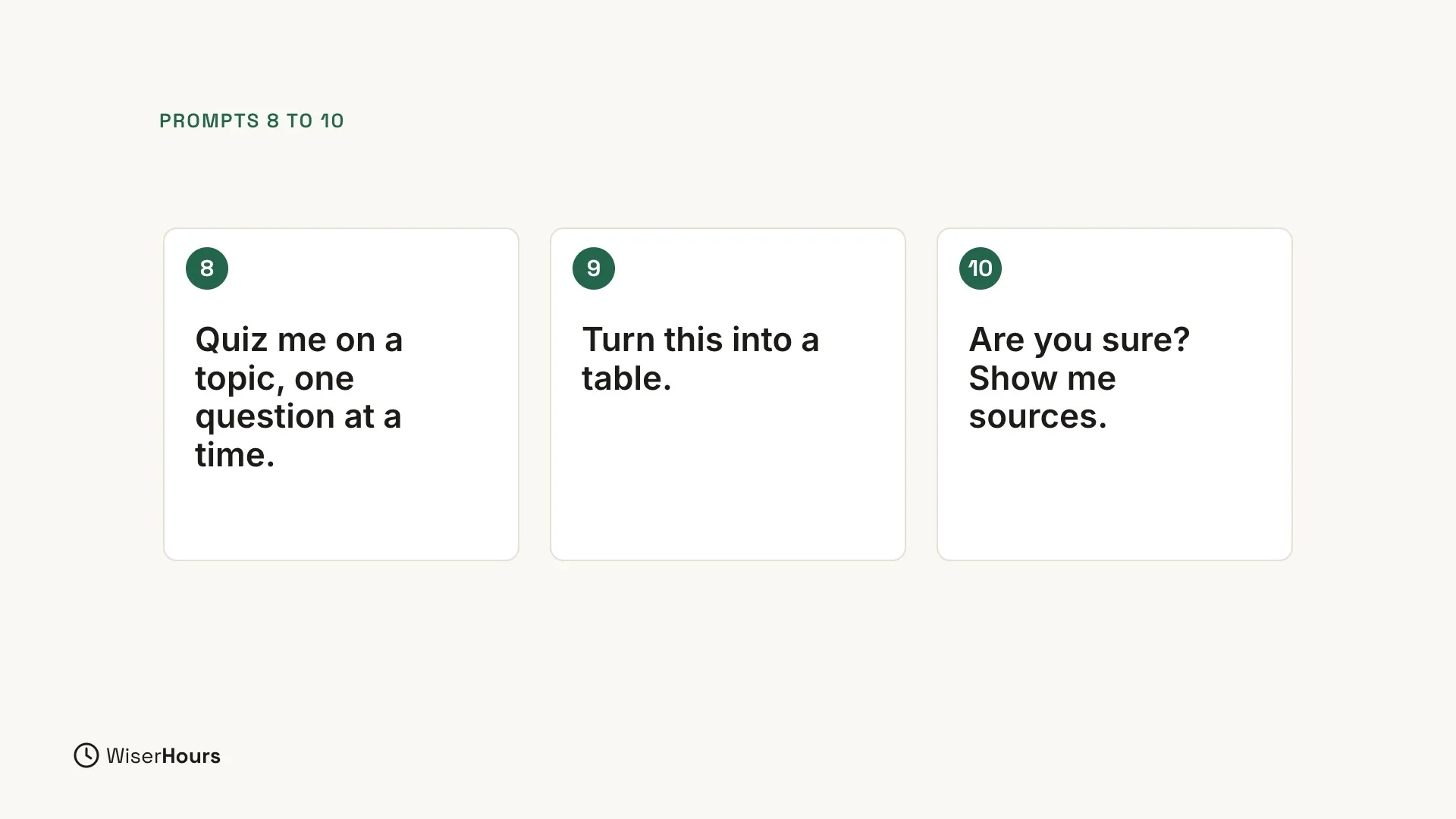
In the pictures, words like “someone”, “something” and “a topic” mark the spots for your own details. In the prompts below, those spots are in square brackets: replace each one, including the brackets, with your own details. For example, “Write a polite message to [person] about [topic]” could become “Write a polite message to my landlord about the broken heater.”
The prompts without a blank work on text you paste in after them, or as a reply to the answer ChatGPT just gave you.
 (opens the full-size picture)
 (opens the full-size picture)
 (opens the full-size picture)
Try one from the list
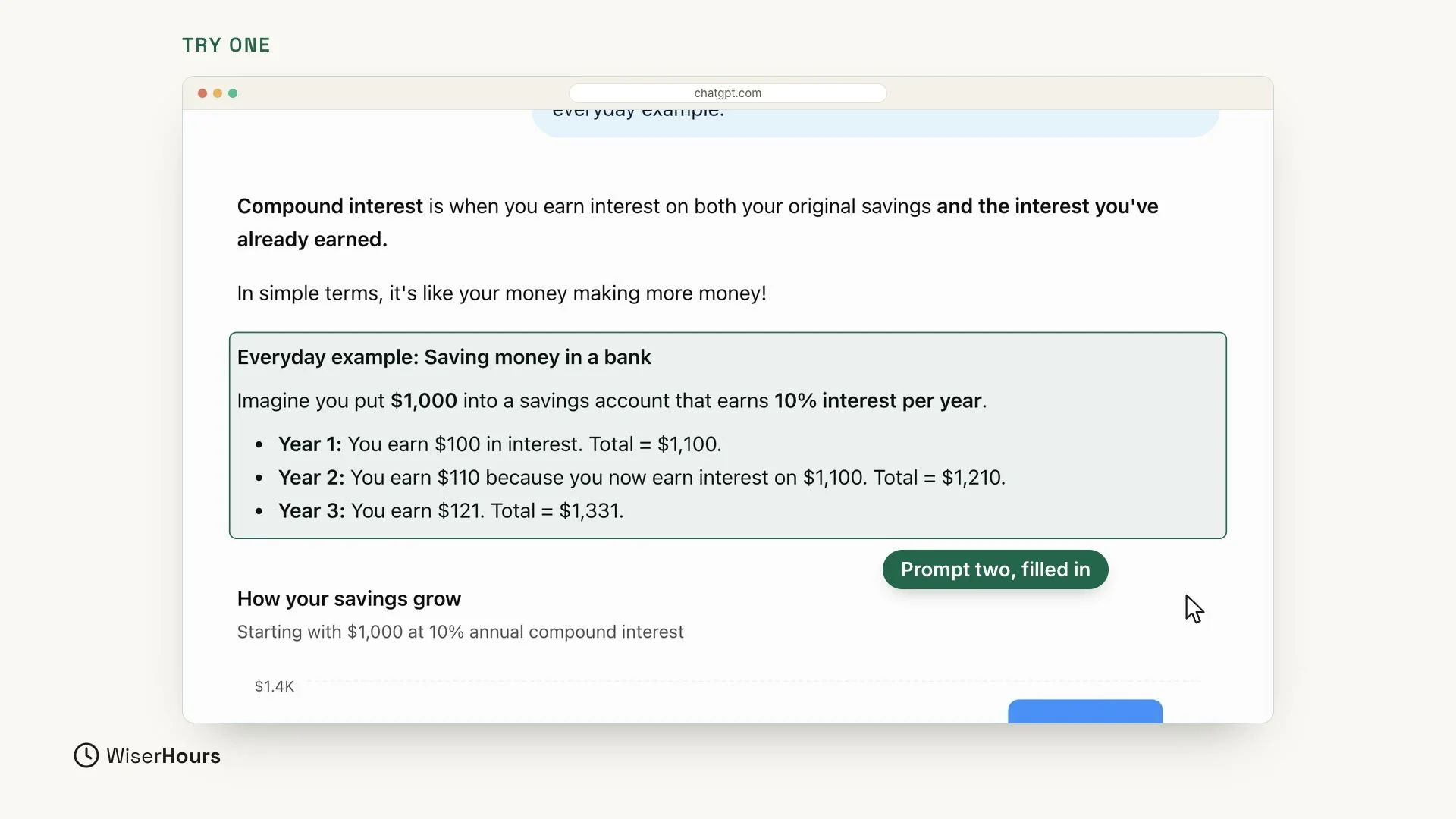
Take prompt 2, “Explain [topic] like I’m a beginner”, and fill in the details. In the video, the topic is compound interest, and one more detail goes at the end: an everyday example. Click in the message box and type this:
Then click the round blue arrow button at the right end of the box to send it.
ChatGPT explains that compound interest is when you earn interest on both your original savings and the interest you’ve already earned, and sums it up as your money making more money. Then it gives the everyday example you asked for: saving money in a bank. In its example, someone puts $1,000 into a savings account that earns 10% interest per year. In year 1 they earn $100, in year 2 $110, and in year 3 $121, so the total grows to $1,331. The answer uses dollars, but the idea is the same in any currency.
 (opens the full-size picture)
Make the toolkit yours
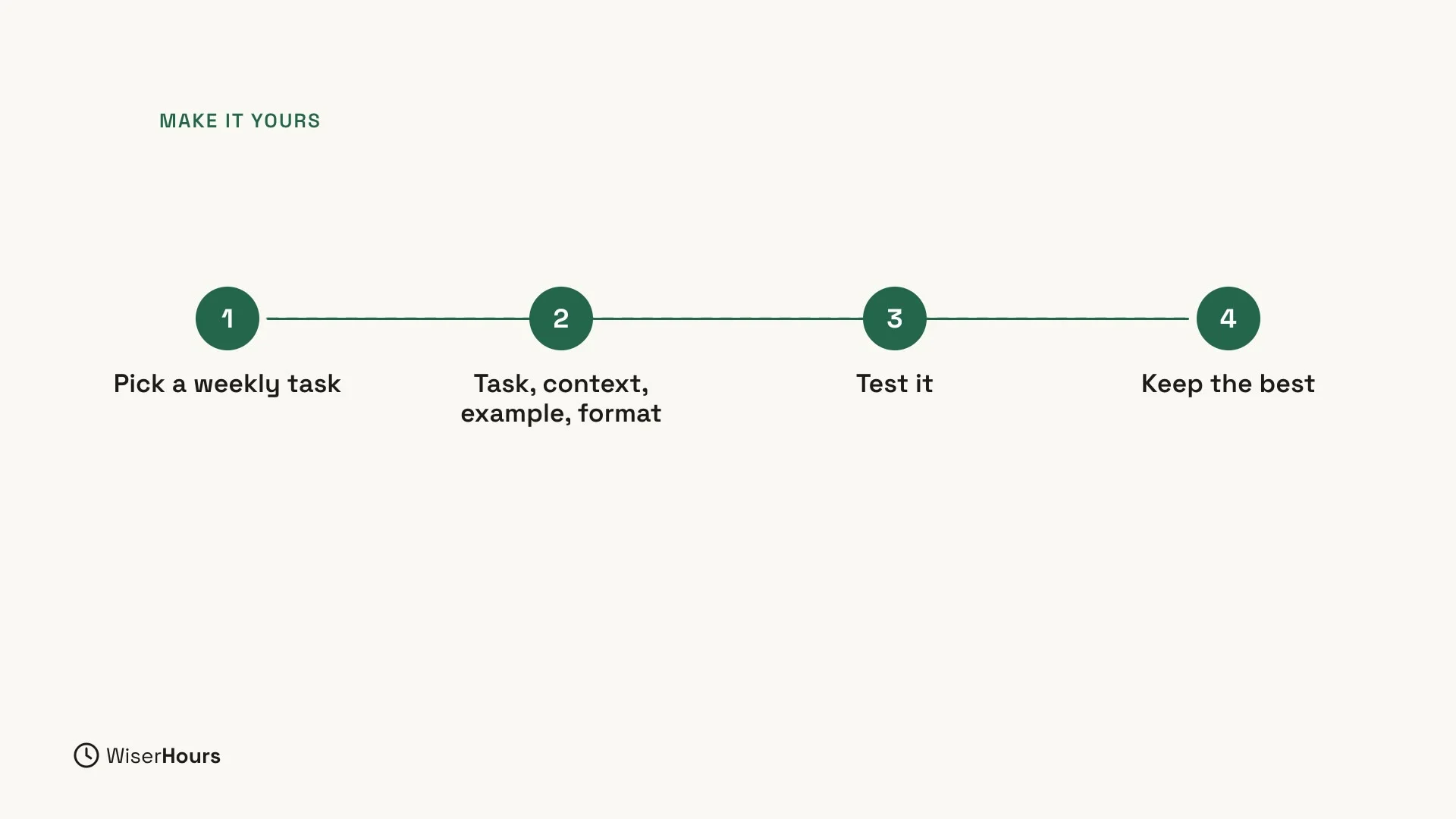
The ten prompts are a start. Now make the toolkit yours in four steps:
- Pick a weekly task. Choose the tasks you do every week, such as emails, meals or study.
- Write the four parts. For each task, write a prompt with the task, the context, an example and the format.
- Test it. Send the prompt to ChatGPT and read the answer before you save it.
- Keep the best. Save the version that works best in your note.
The four parts are the ones you learned in Lesson 5:
- Task: what you want ChatGPT to do, starting with a clear action word.
- Context: the background, such as who it is for and what the situation is.
- Example: a short sample of the style you like.
- Format: the shape of the answer, such as a list, a paragraph or two sentences.
 (opens the full-size picture)
Not good enough yet?
If the answer is not what you need, check the four parts and add what is missing. Then test the prompt again and keep the version that works best.
For more on writing prompts, read How to write a good prompt.
Remember the five habits
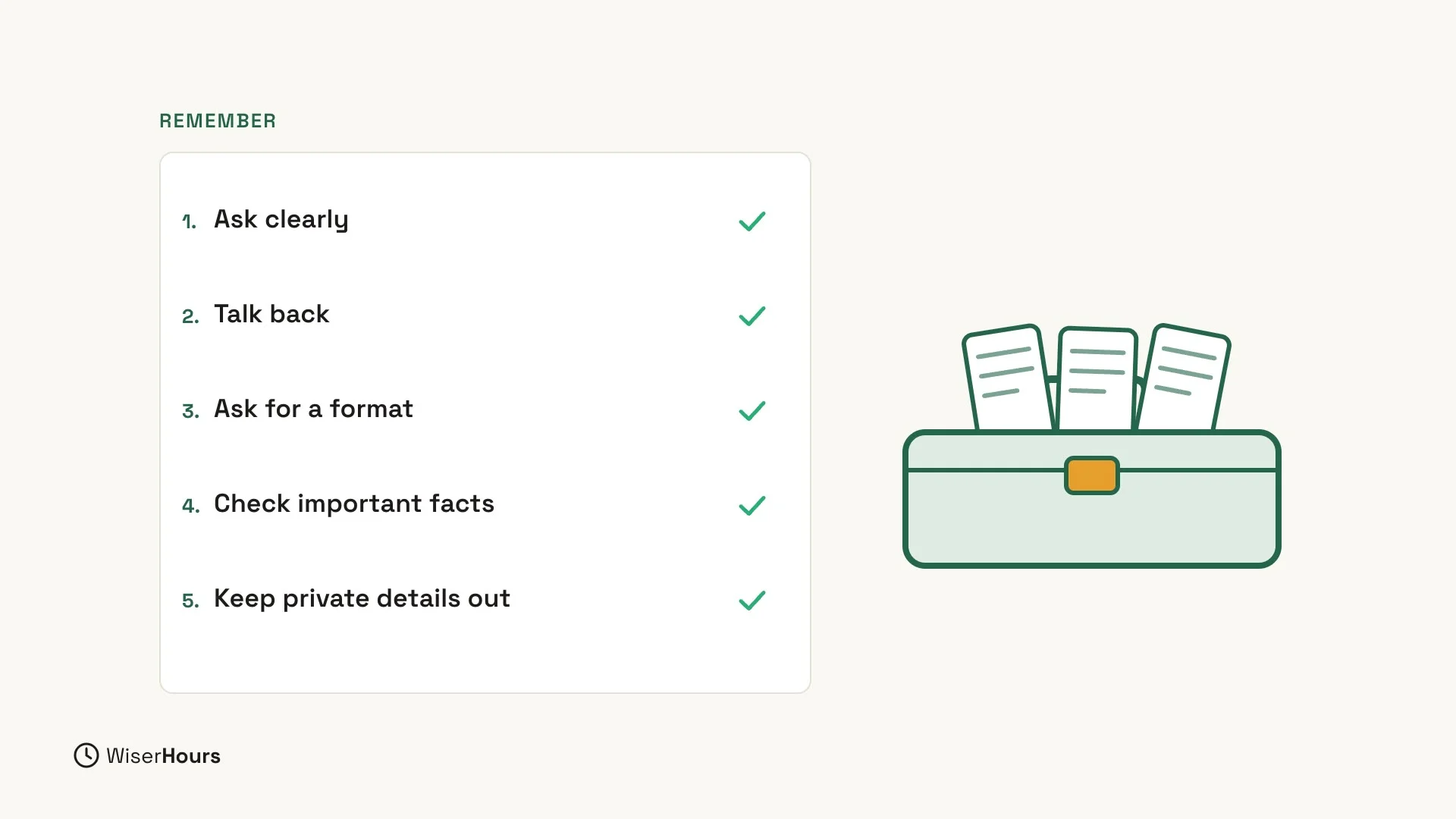
Finally, remember what you learned. The whole course comes down to five habits:
- Ask clearly. ChatGPT can’t read your mind, so give it the details it needs (Lesson 4).
- Talk back. Treat the first answer as a draft, and reply to change it without starting over (Lesson 6).
- Ask for a format. Add the shape you want at the end of your question, such as a checklist, a table or numbered steps (Lesson 7).
- Check important facts. ChatGPT can sound sure and still be wrong. Check names, numbers, dates and quotes, and anything about health, money or the law (Lesson 13).
- Keep private details out. Never share passwords, bank or card numbers, your passport or ID number, or other people’s private details (Lesson 14).
 (opens the full-size picture)
Your last step
Your last step is small: write your first three prompts into a note today.
YOUR TURN
 (opens the full-size picture)
Congratulations on finishing the course. Come back to the course overview whenever you want to revisit a lesson.
Read the full video transcript
Welcome to the final lesson. You'll build your own prompt toolkit: ten prompts you can use again and again.
A toolkit is a short list of your best prompts, saved in a note on your phone or computer. When you need help, copy one, fill in the details, and send it.
Here are ten ideas to start. One: write a polite message to someone, about something. Two: explain a topic, like I'm a beginner. Three: summarize this in three bullet points.
Four: plan something as a day-by-day list. Five: check this for mistakes. Six: give me five ideas for something. Seven: make it shorter and friendlier.
Eight: quiz me on a topic, one question at a time. Nine: turn this into a table. Ten: are you sure? Show me sources.
Let's try one from the list. Explain what compound interest is, like I'm a beginner, with one everyday example. That's prompt two, with the details filled in.
Now make it yours. Pick the tasks you do every week. For each one, write the task, the context, an example, and the format. Then test it, and keep the best version.
And remember what you learned. Ask clearly. Talk back. Ask for a format. Check important facts. And keep private details out.
So remember: save your best prompts, fill in the details, and keep improving them. Your last step: write your first three prompts into a note today. Congratulations, you finished the course! Thank you for learning with WiserHours.
MAKE IT A SMALL WIN
Finished this lesson?
Mark it complete to save your progress on this device.