Ask better questions · Lesson 6 of 16
Improve Any ChatGPT Answer With Follow-Ups
Treat the first answer as a draft. Change the tone, make it shorter or add something with a few short follow-ups, without starting over.
English captions available in the player. Prefer reading? Follow the written lesson below.
The first answer ChatGPT gives you is only a first draft. In this lesson you learn to talk back: with a few short words, you can change the tone, make the answer shorter or add something, without starting over. You will follow one everyday example from start to finish: a thank-you message to a neighbor.
Ask for a first draft
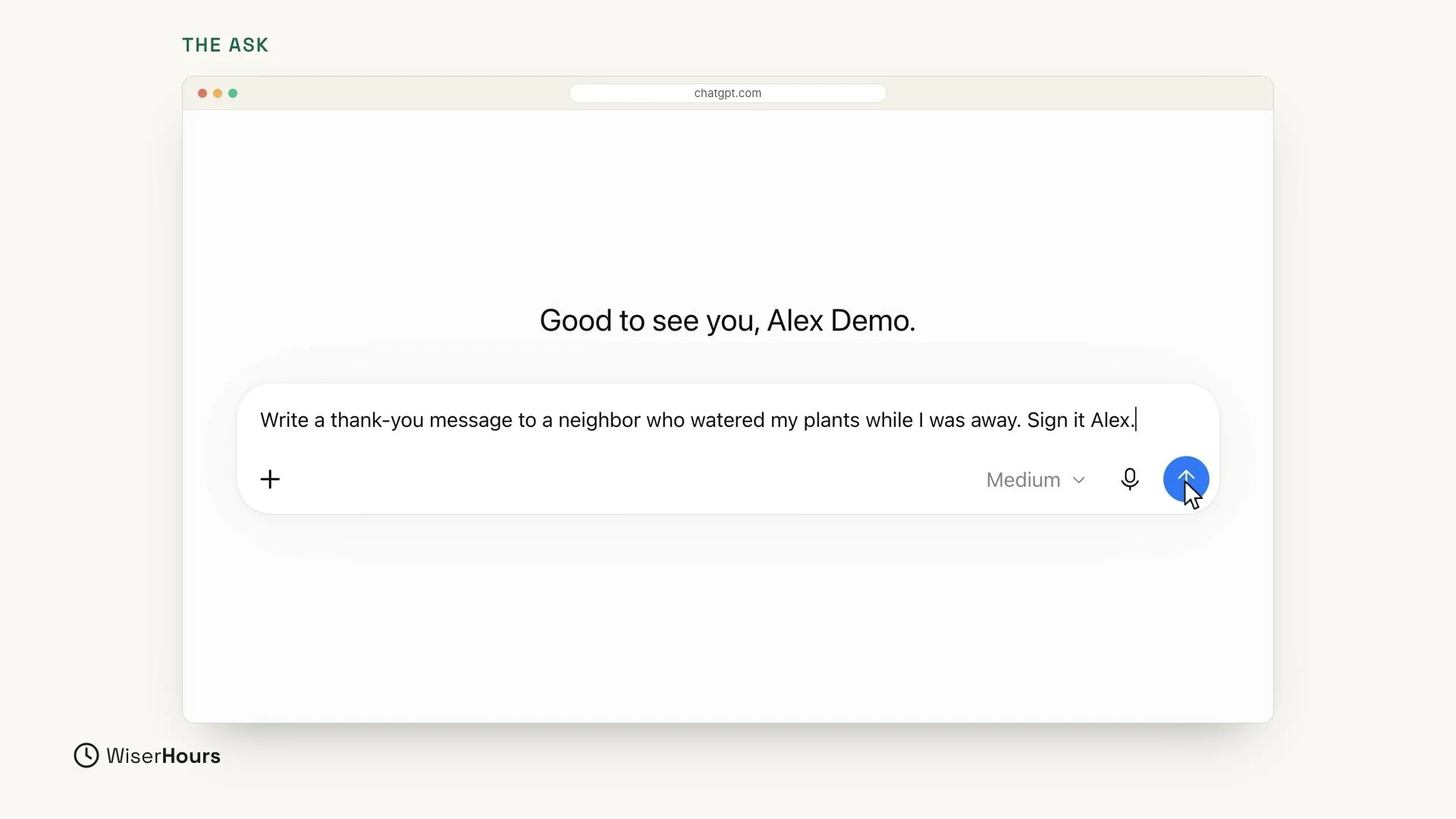
Start with a simple job. Click in the message box and type this promptprompt: The instruction or input a person gives a generative AI system, such as a question, a description of a task or a block of pasted text. The same request worded differently can produce noticeably different answers.Full entry in the glossary:
Then click the round blue arrow button at the right end of the box to send it.
 (opens the full-size picture)
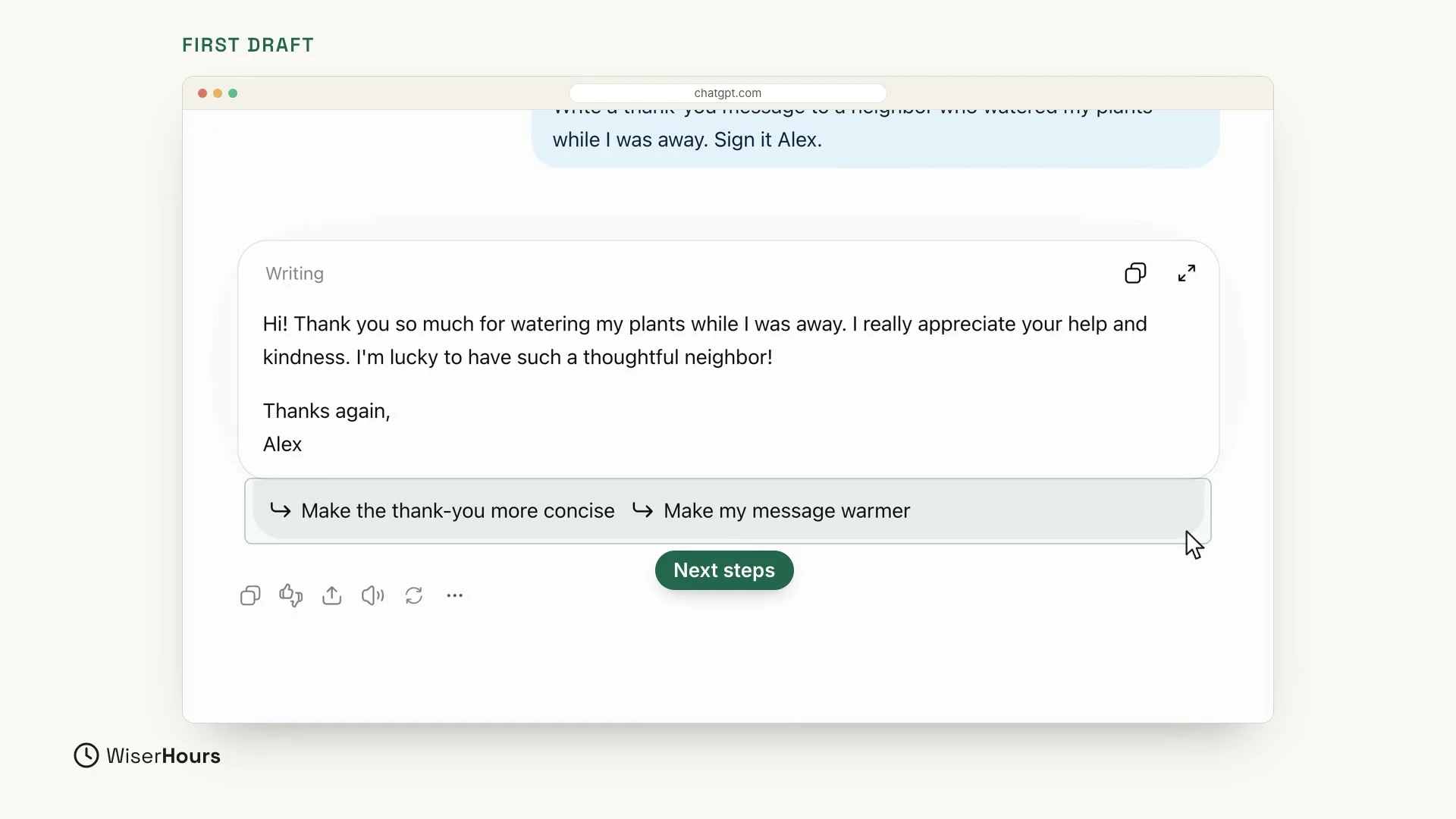
ChatGPT writes a first draft. It begins “Hi! Thank you so much for watering my plants while I was away” and ends “I’m lucky to have such a thoughtful neighbor!”, signed Alex. It is polite and kind. But for a neighbor, it may sound a little formal.
 (opens the full-size picture)
Look just under the answer
ChatGPT even suggests next steps, like “Make the thank-you more concise” and “Make my message warmer”. Your first follow-up can ask for something like that.
Change the tone
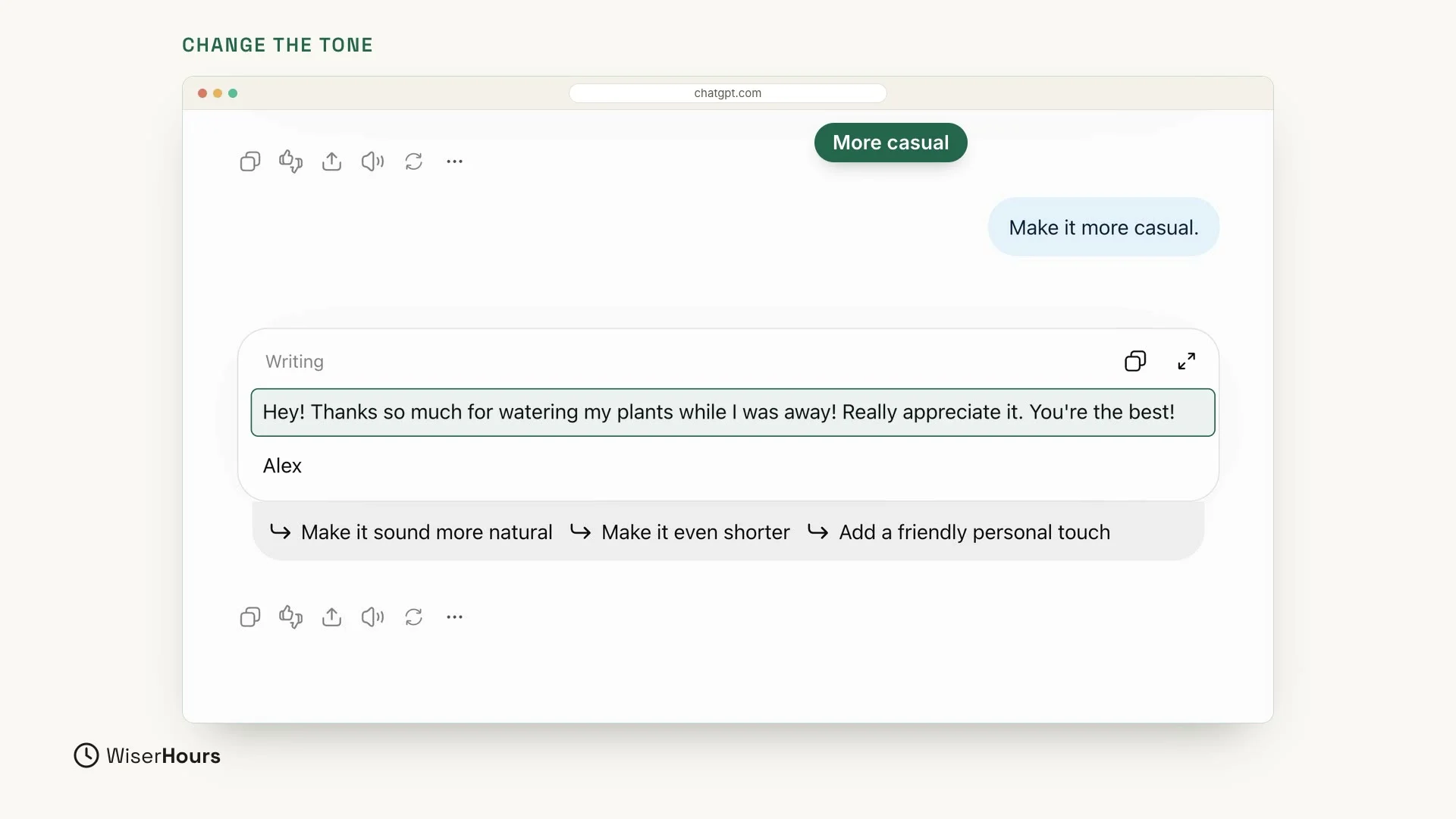
Now it is time to talk back. You don’t need to start over. Type this reply in the message box and send it, just like the request:
ChatGPT writes a new version: “Hey! Thanks so much for watering my plants while I was away! Really appreciate it. You’re the best!” Now it sounds like a real neighbor: relaxed, friendly and still thankful.
 (opens the full-size picture)
Make it shorter
Still too long? Just say so:
Now it is exactly two sentences, ready to send: “Hey, thanks for watering my plants while I was away! Really appreciate it!”
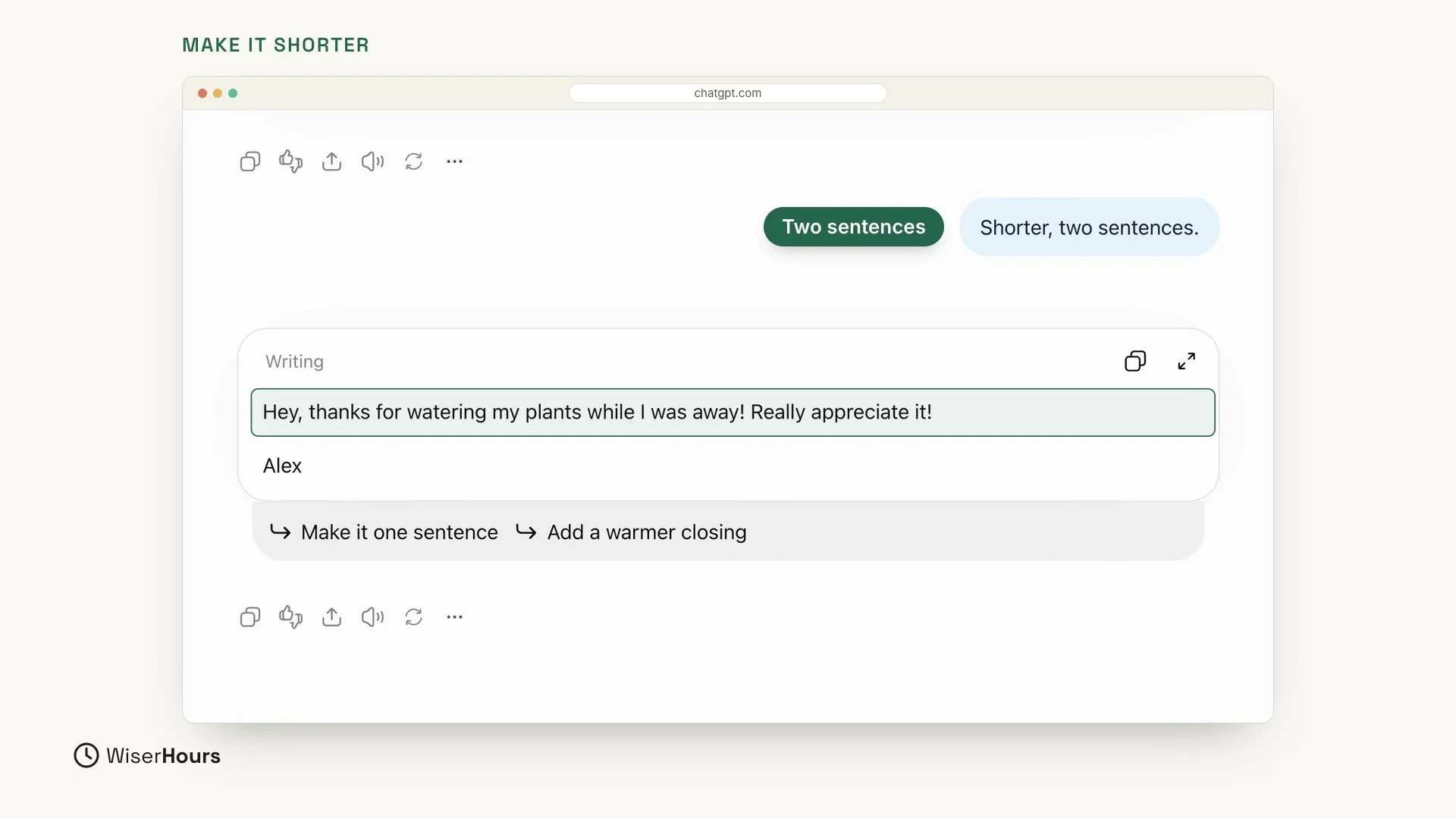 (opens the full-size picture)
Add something
You can also add things:
The new version keeps the thanks and adds a joke: “They’re probably happier with you than with me!” It brings a small smile, and the message is still short.
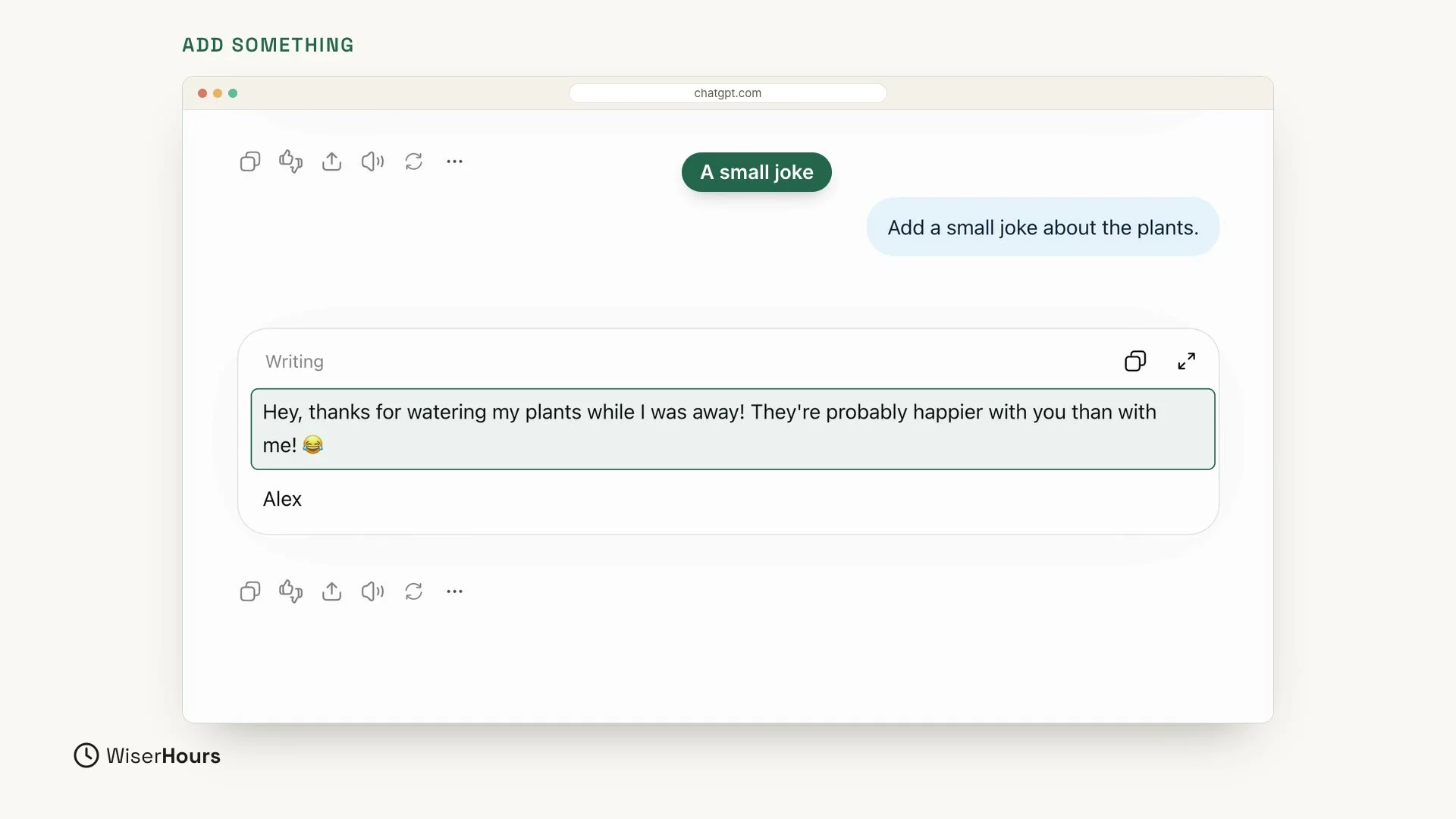 (opens the full-size picture)
Why a few words are enough
Notice something: you never typed the whole request again. ChatGPT remembers the earlier messages in the same chat, so a few words were enough each time. The first draft became more casual, then two sentences long, then got a small joke.
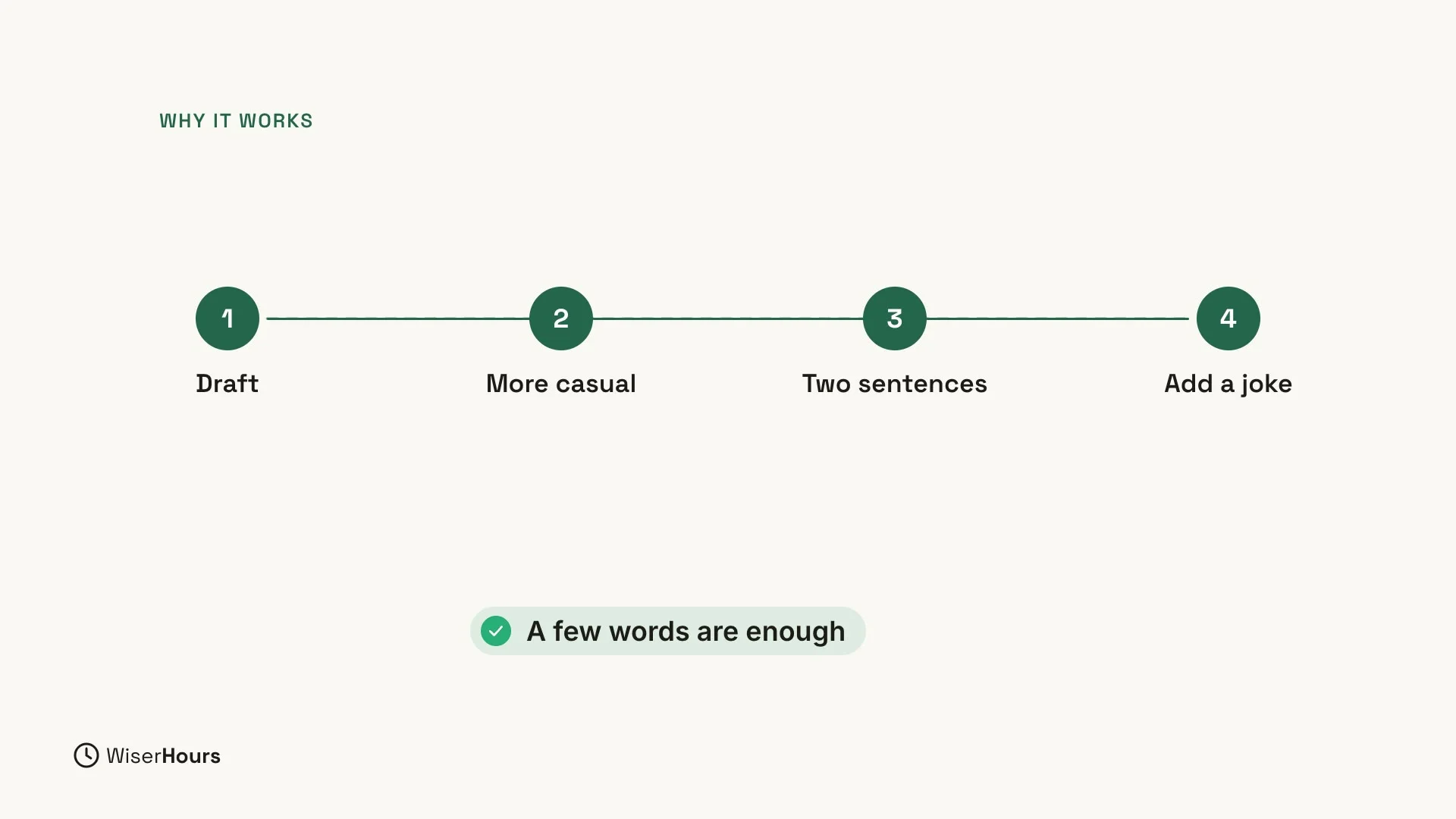 (opens the full-size picture)
Follow-ups you can use any time
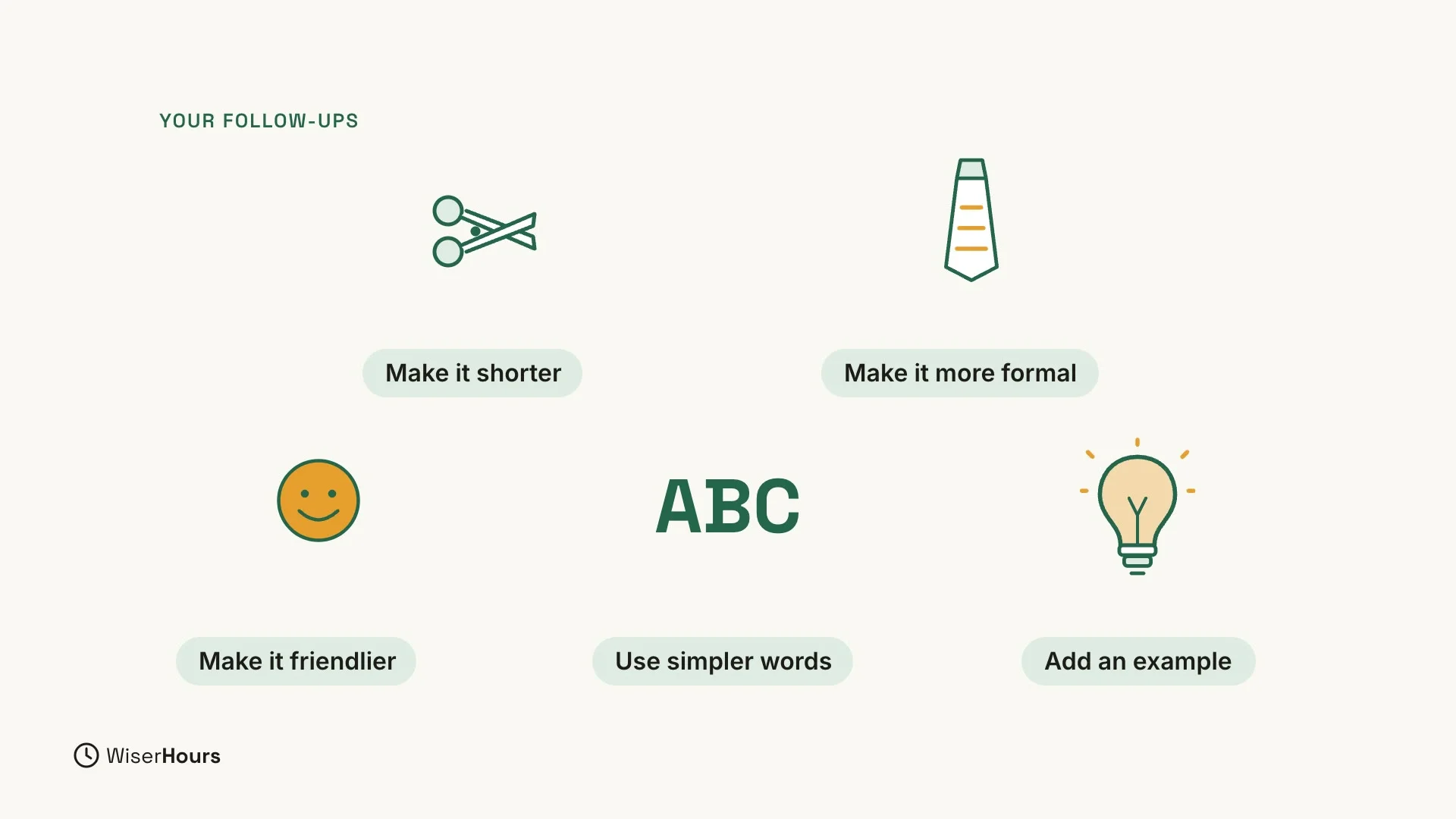
Keep these short follow-ups ready to use any time:
- Make it shorter.
- Make it more formal.
- Make it friendlier.
- Use simpler words.
- Add an example.
 (opens the full-size picture)
For more on writing and improving your prompts, read how to write a good prompt.
YOUR TURN
In the next lesson, you will ask ChatGPT for the shape you need, like a list, a table or steps: Get ChatGPT answers as lists, tables or steps.
Read the full video transcript
In this lesson, you'll learn to talk back to ChatGPT. The first answer is only a first draft. You can change it with a few short words, without starting over.
Let's start with a simple job. Write a thank-you message to a neighbor who watered my plants while I was away. Sign it Alex.
Here's the first draft. It's polite and kind. But for a neighbor, it may sound a little formal. And look just under it: ChatGPT even suggests next steps, like making it warmer or shorter.
So let's talk back. Make it more casual. Now it sounds like a real neighbor: relaxed, friendly, and still thankful.
Still too long? Just say so. Shorter, two sentences. And now it's exactly two sentences, ready to send.
You can also add things. Add a small joke about the plants. A small smile, and it's still short.
Notice something. We never typed the whole request again. ChatGPT remembers the conversation, so a few words are enough. Each reply builds on the last one.
Here are some follow-ups you can use any time. Make it shorter. Make it more formal. Make it friendlier. Use simpler words. Add an example.
So remember: the first answer is a draft, talk back instead of starting over, and a few words are enough. Before the next lesson, take any answer and improve it with two follow-ups. Next, you'll ask ChatGPT for the shape you need, like a list, a table, or steps.
MAKE IT A SMALL WIN
Finished this lesson?
Mark it complete to save your progress on this device.