Build good habits · Lesson 13 of 16
When ChatGPT Is Wrong: How to Check Its Answers
ChatGPT can sound sure and still be wrong. See a real test with three famous quotes, what to always check, and three easy habits for checking.
English captions available in the player. Prefer reading? Follow the written lesson below.
ChatGPT is helpful, but it is not always right. In this lesson you follow a quick test in which ChatGPT gives a confident answer, then adds important details when you ask it to double-check. You also learn what to always check, and three easy habits for spotting mistakes quickly.
Why ChatGPT can be wrong
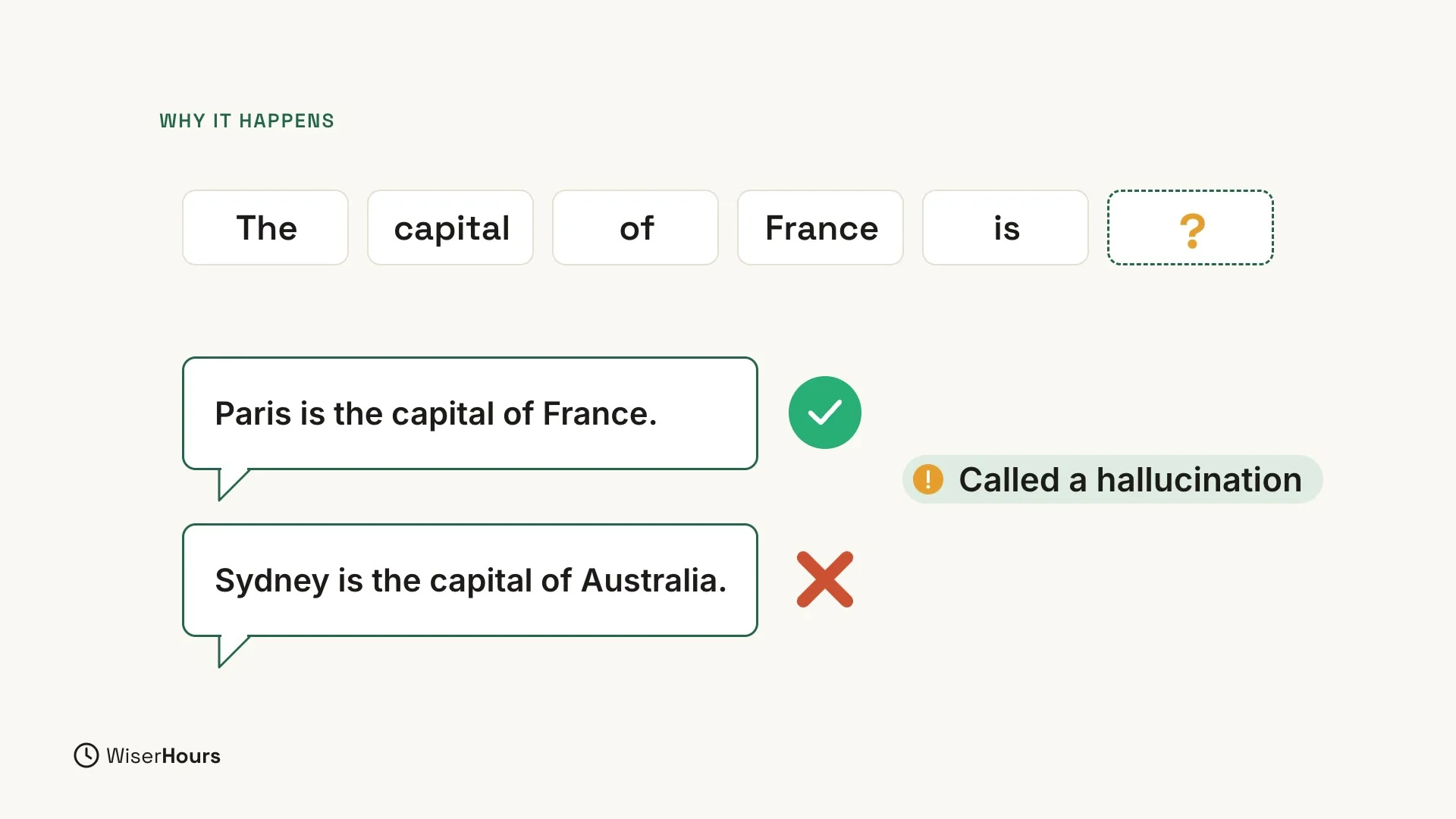
As you saw in the first lesson, ChatGPT writes by predicting words, one at a time. Most of the time, it is right. But sometimes it sounds sure and is still wrong. This is often called a hallucinationhallucination: When an AI system states false or made-up content, such as an invented fact or citation, as confidently as true content. NIST calls it confabulation; it follows from how these systems generate plausible text, so answers still need checking.Full entry in the glossary.
Picture ChatGPT finishing the sentence “The capital of France is”. It will almost always add “Paris”, which is right. But the same kind of guessing can also produce “Sydney is the capital of Australia”. That sentence reads just as smoothly and sounds just as sure, and it is wrong.
 (opens the full-size picture)
To learn more about why this happens, read AI hallucinations explained: why chatbots make things up.
A quick test with famous quotes
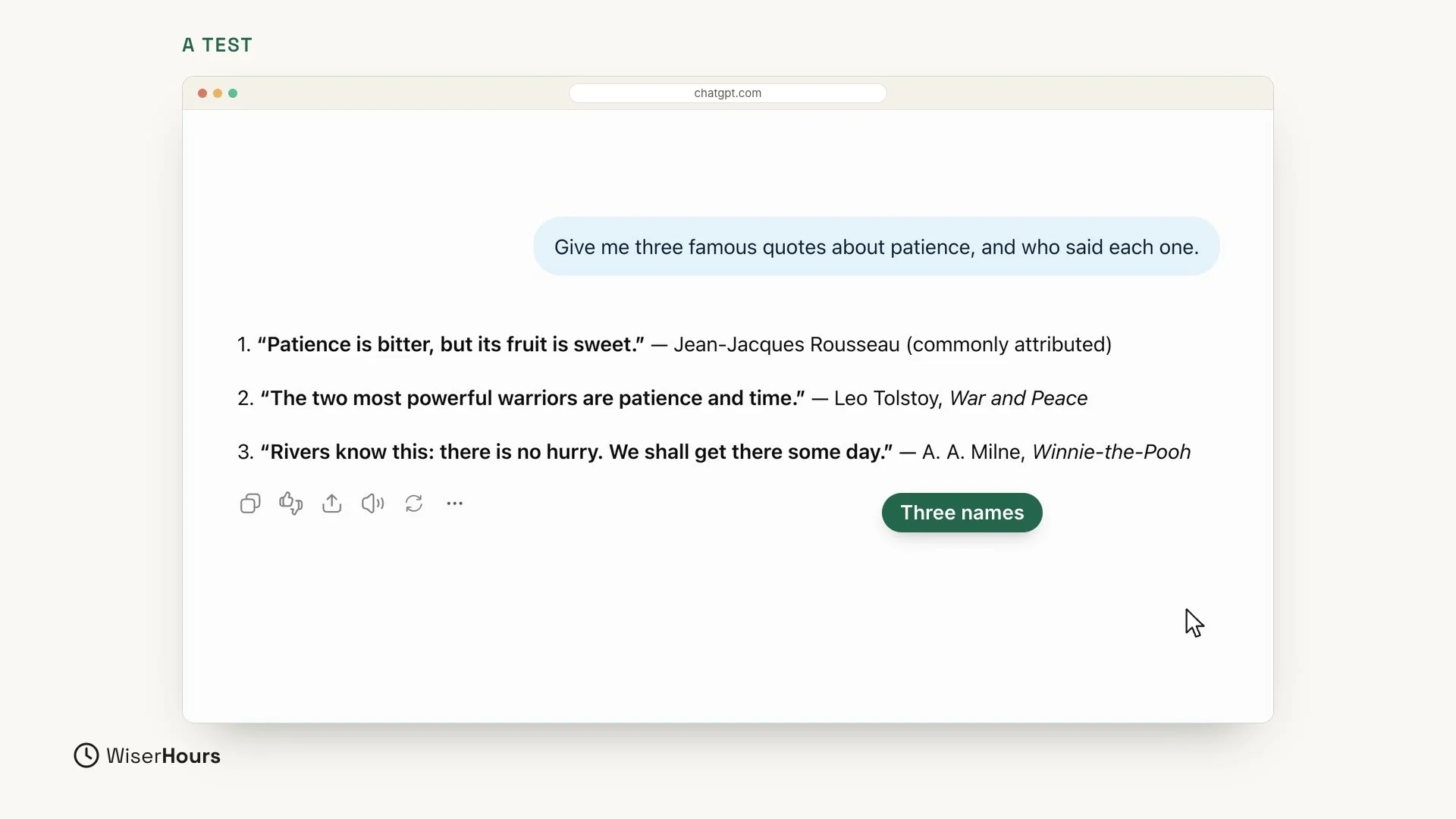
Let’s test it. Start a new chat and send this question:
The answer looks confident: three quotes, and three famous names. ChatGPT gives one quote each to Jean-Jacques Rousseau, Leo Tolstoy (from War and Peace) and A. A. Milne (from Winnie-the-Pooh). The only hint of doubt is two small words after Rousseau’s name, “commonly attributed”, and they are easy to miss.
 (opens the full-size picture)
Ask it to double-check
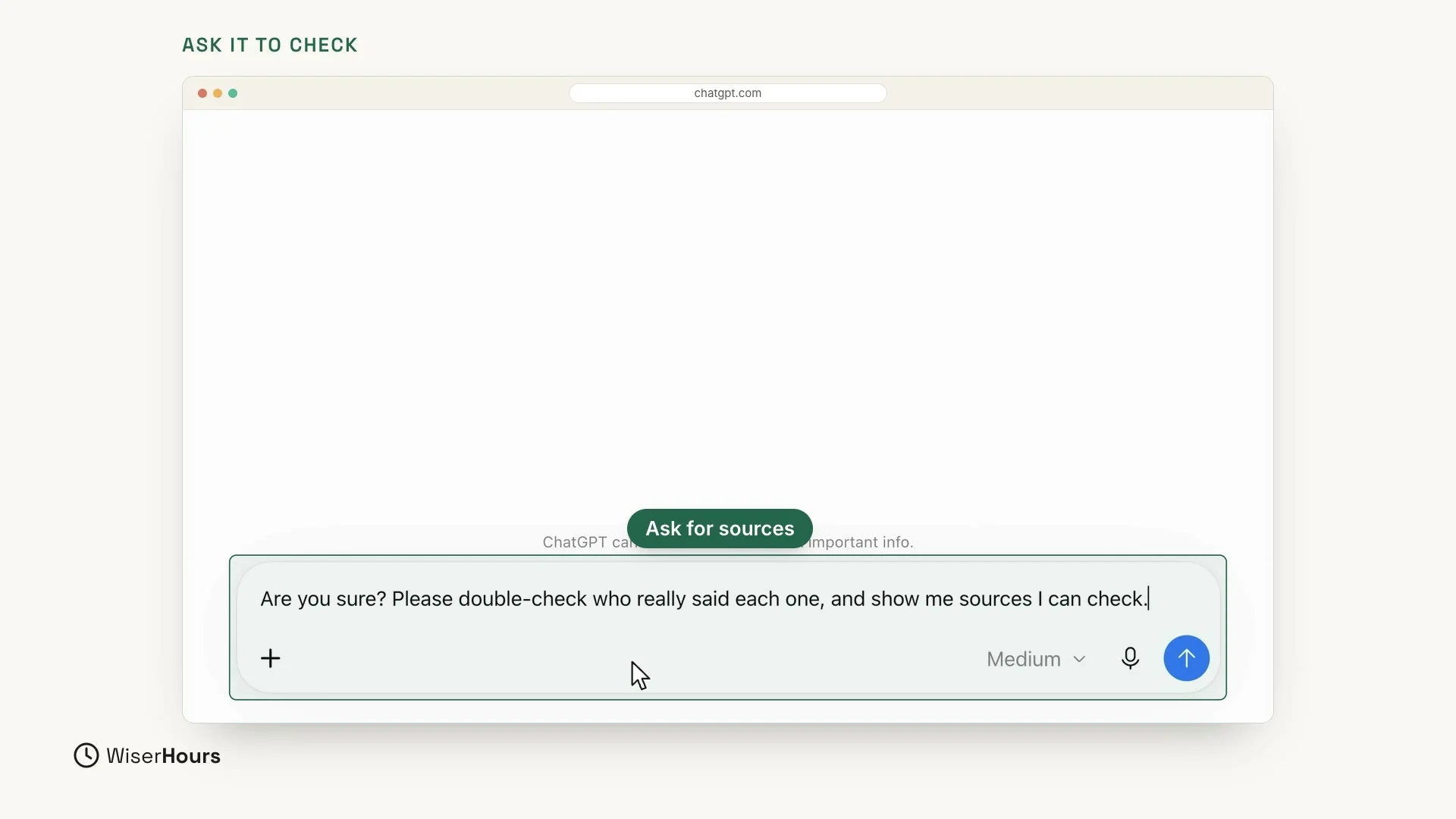
Now ask ChatGPT to check its own answer. Reply in the same chat:
This reply does three jobs. “Are you sure?” asks ChatGPT to look at its answer again. “Please double-check who really said each one” tells it what to check. And “show me sources I can check” asks for places where you can check the answer yourself. Then send the message as usual.
ChatGPT’s own small note near the message box gives the same advice: ChatGPT can make mistakes, so check important info.
 (opens the full-size picture)
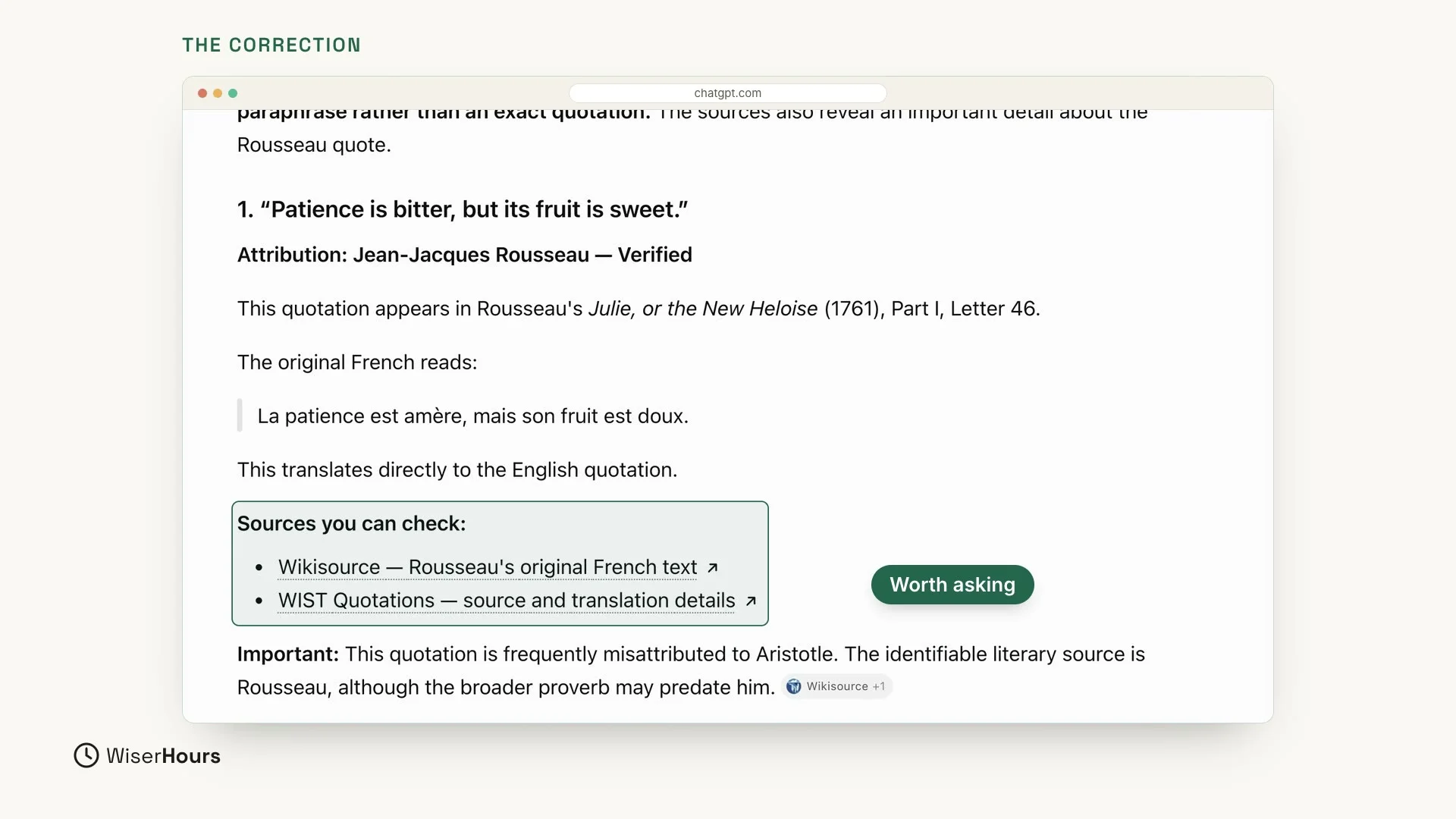
Look at the new answer. This time ChatGPT checks each quote again. It begins: “I double-checked the three quotations. All three are connected to the authors I named, but one is a paraphrase rather than an exact quotation.” A paraphrase is the same idea in different words, so the famous wording is not exactly what the author wrote.
Then it goes through the quotes one by one. For the first quote, “Patience is bitter, but its fruit is sweet”:
- It marks Rousseau as verified and names the book where the line appears, Julie, or the New Heloise, with the original French words.
- It lists two sources you can check, one on Wikisource and one on WIST Quotations, each with a link.
- It adds an important detail: this quote is often credited to the wrong person, Aristotle.
So the first answer did not tell the whole story. Two things only came out when you asked: one quote is not word for word, and one is often credited to someone else. That is why it is worth asking. Remember that the new answer comes from ChatGPT too: the sources are there so you can open them and check for yourself.
 (opens the full-size picture)
What to always check
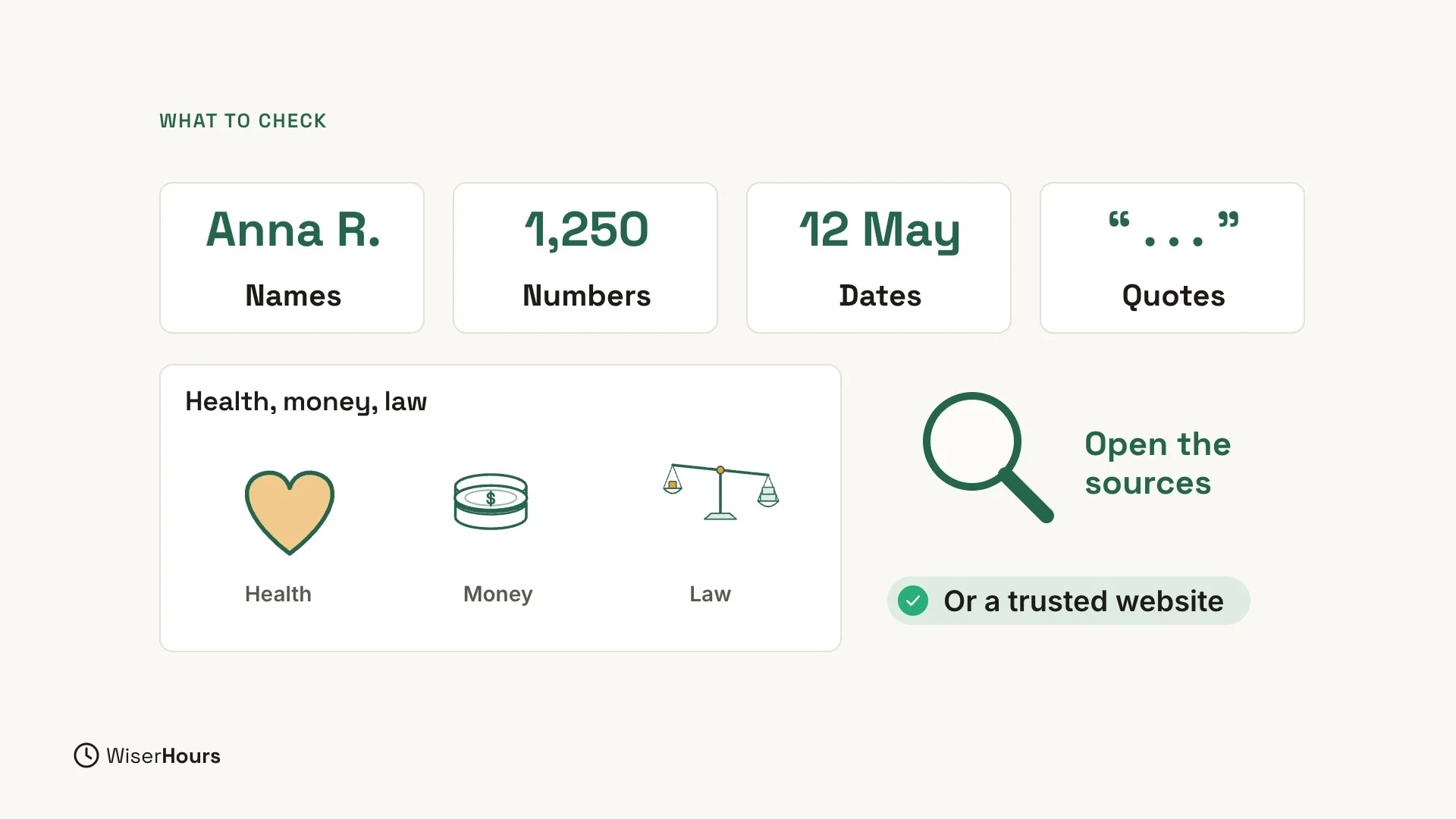
So, when should you check? Always check names, numbers, dates and quotes, and anything about health, money or the law. The quote test had two of these at once: quotes and names. For all of them, open the sources, or check a trusted website.
 (opens the full-size picture)
Take extra care with health, money and the law
For anything about health, money or the law, never take ChatGPT’s word alone. Open the sources, or check a trusted website.
Three easy habits
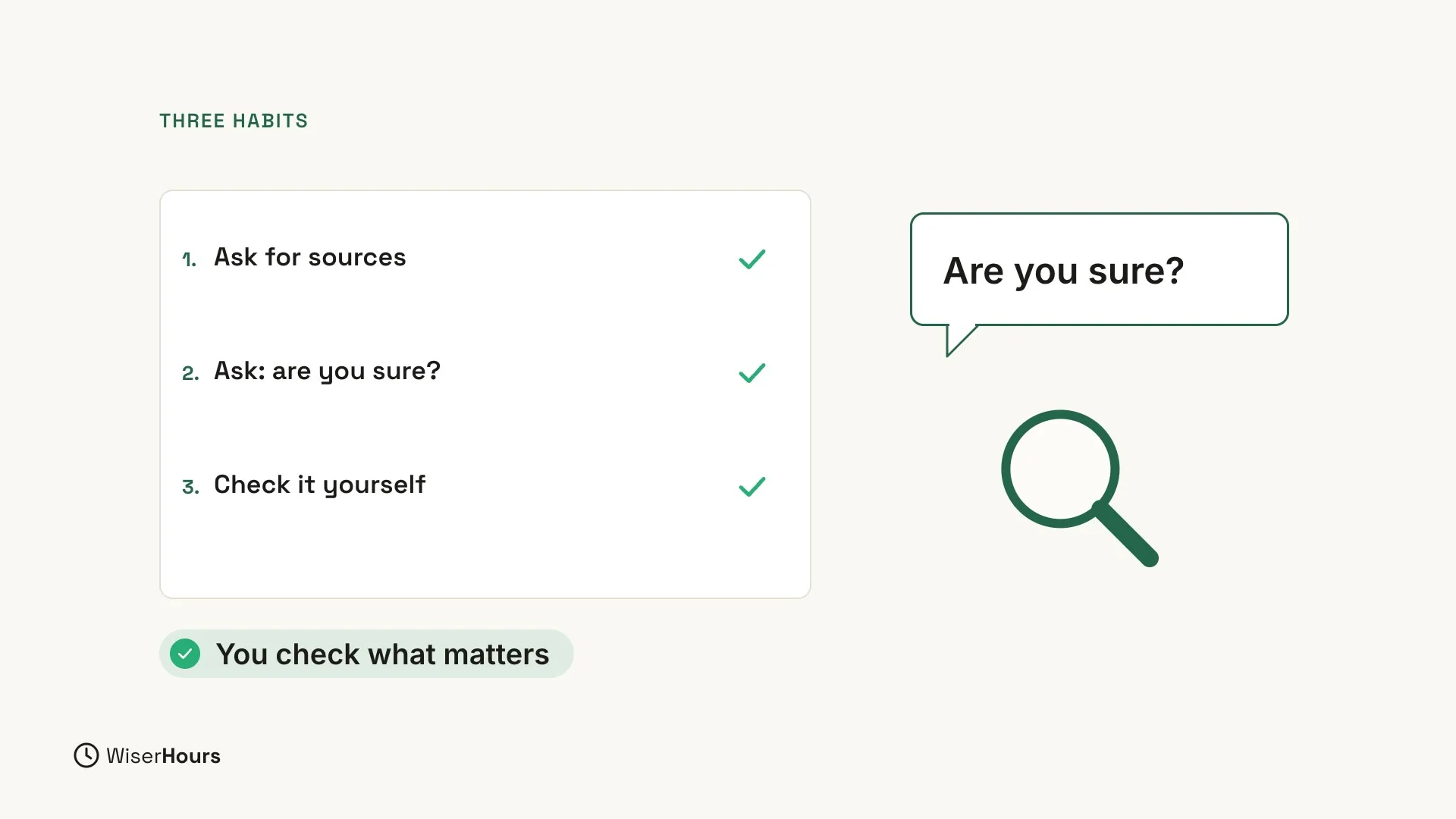
Three easy habits help you catch mistakes like the ones in the test:
- Ask for sources. Add a line like “show me sources I can check” to your question.
- Ask: are you sure? One short follow-up asks ChatGPT to look again. In the test, that one reply brought out a paraphrase and a quote that is often credited to the wrong person.
- Check it yourself. For anything important, open the sources or look it up on a trusted website.
 (opens the full-size picture)
YOUR TURN
In the next lesson, you will learn how to keep your private details safe: ChatGPT privacy: what not to share.
Read the full video transcript
ChatGPT is helpful, but it's not always right. In this lesson, you'll learn how to spot mistakes, and check them quickly.
Remember, ChatGPT writes by predicting words. Most of the time, it's right. But sometimes it sounds sure, and is still wrong. This is often called a hallucination.
Let's test it. Give me three famous quotes about patience, and who said each one. The answer looks confident: three quotes, and three famous names.
Now let's ask it to check. Are you sure? Please double-check who really said each one, and show me sources I can check.
Look at the new answer. It checks each quote again, and it may say that a quote is often credited to the wrong person, or that the wording is different. That's why it's worth asking.
So when should you check? Names, numbers, dates, and quotes. And anything about health, money, or the law. For these, open the sources, or check a trusted website.
Three easy habits. Ask for sources. Ask: are you sure? And for anything important, check it yourself.
So remember: ChatGPT is a great helper, but you're the final judge. Before the next lesson, ask ChatGPT one fact question, and then ask: are you sure? Next, you'll learn what not to share with ChatGPT.
MAKE IT A SMALL WIN
Finished this lesson?
Mark it complete to save your progress on this device.