Ask better questions · Lesson 5 of 16
How to Write a Good ChatGPT Prompt in Four Parts
A simple recipe for better ChatGPT answers: task, context, example and format. Learn what each part means, then see all four in one prompt.
English captions available in the player. Prefer reading? Follow the written lesson below.
The message you type into ChatGPT is called a promptprompt: The instruction or input a person gives a generative AI system, such as a question, a description of a task or a block of pasted text. The same request worded differently can produce noticeably different answers.Full entry in the glossary, and a clear prompt gets an answer you can use. This lesson gives you a simple recipe for writing one. It has four parts: task, context, example and format.
Task: say what you want ChatGPT to do
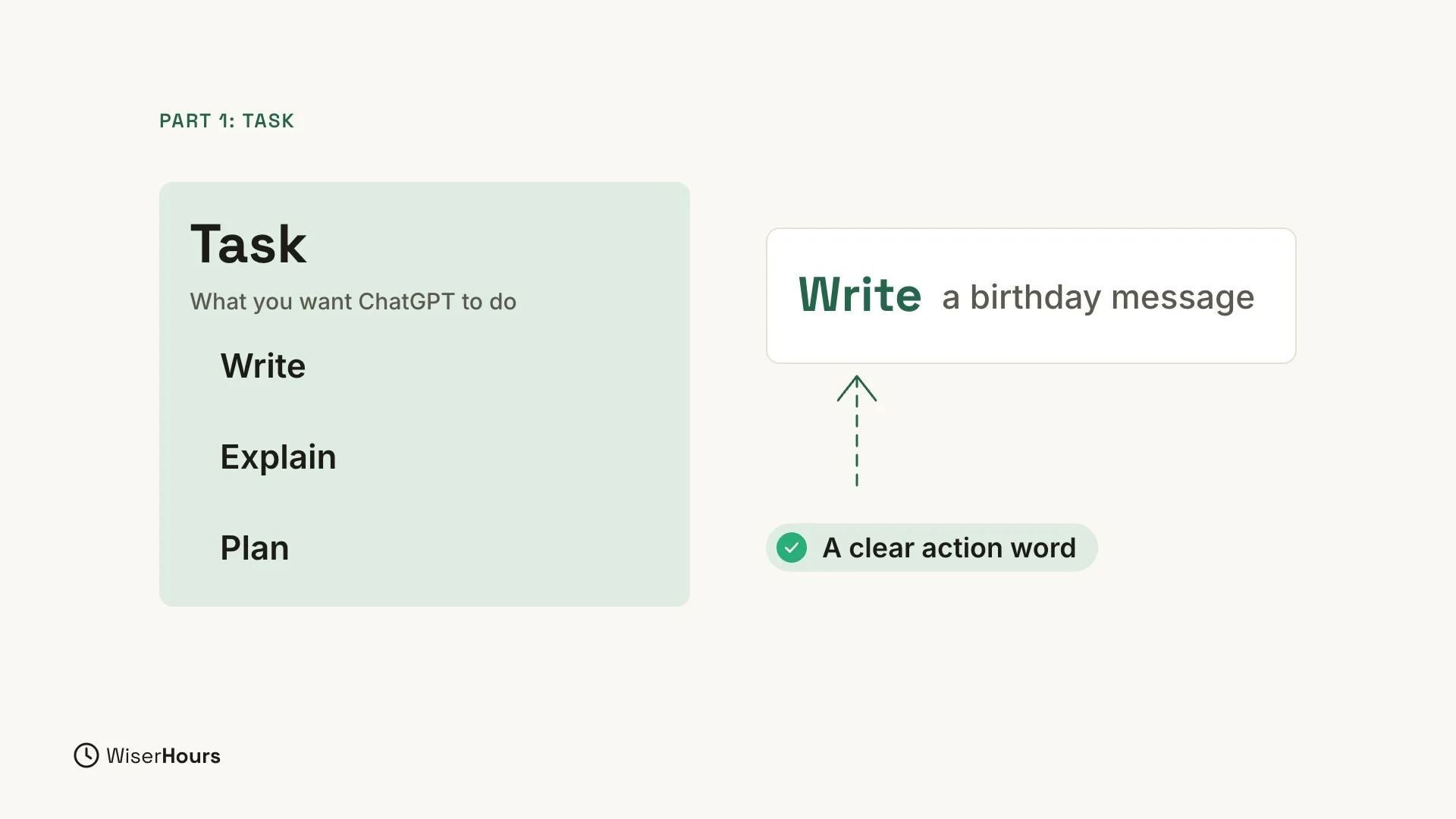
The task is what you want ChatGPT to do. Write a message. Explain a word. Plan a dinner. Each of these starts with a clear action word, and your prompt should too. In this lesson’s example, the task is to write a birthday message, so the prompt starts with Write.
 (opens the full-size picture)
Context: give the background
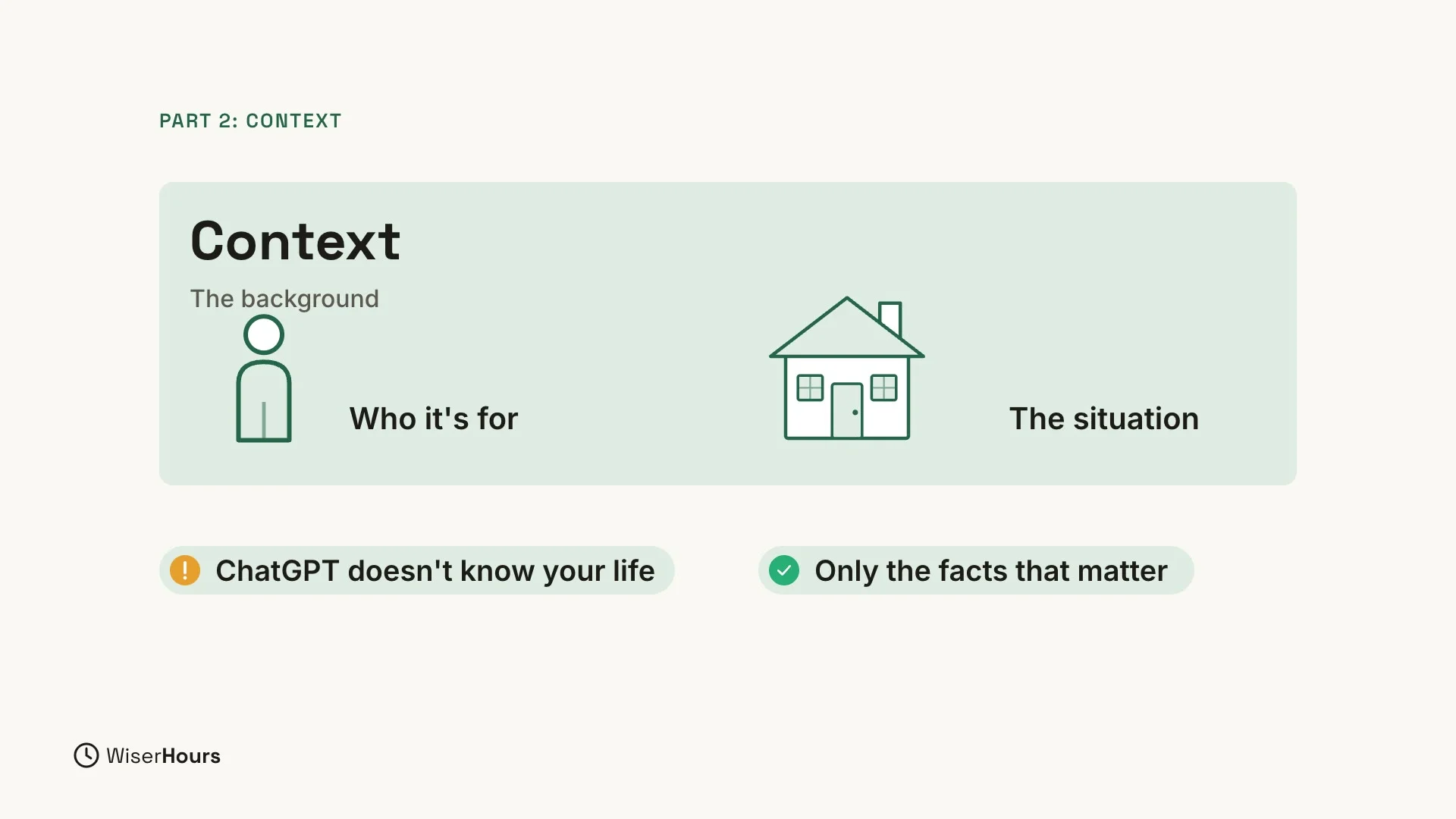
The context is the background. Who is it for? What is the situation? ChatGPT cannot guess these things unless you tell it. Only the facts that matter for this answer belong in the prompt.
 (opens the full-size picture)
Example: show the style you like
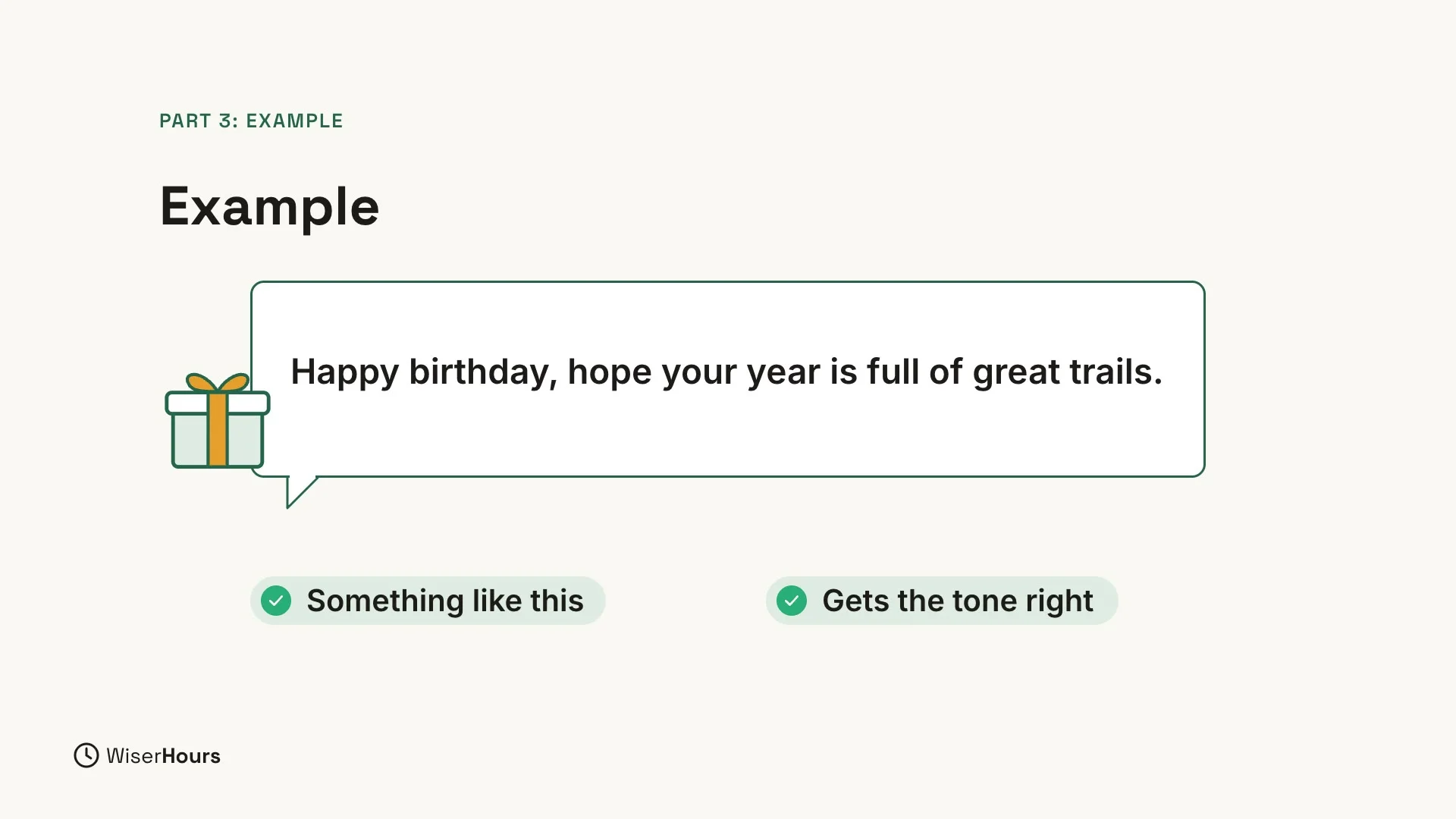
An example shows the style you like. Add a short sample, and say that you want something like this. It is the fastest way to get the tone right.
 (opens the full-size picture)
Format: choose the shape of the answer
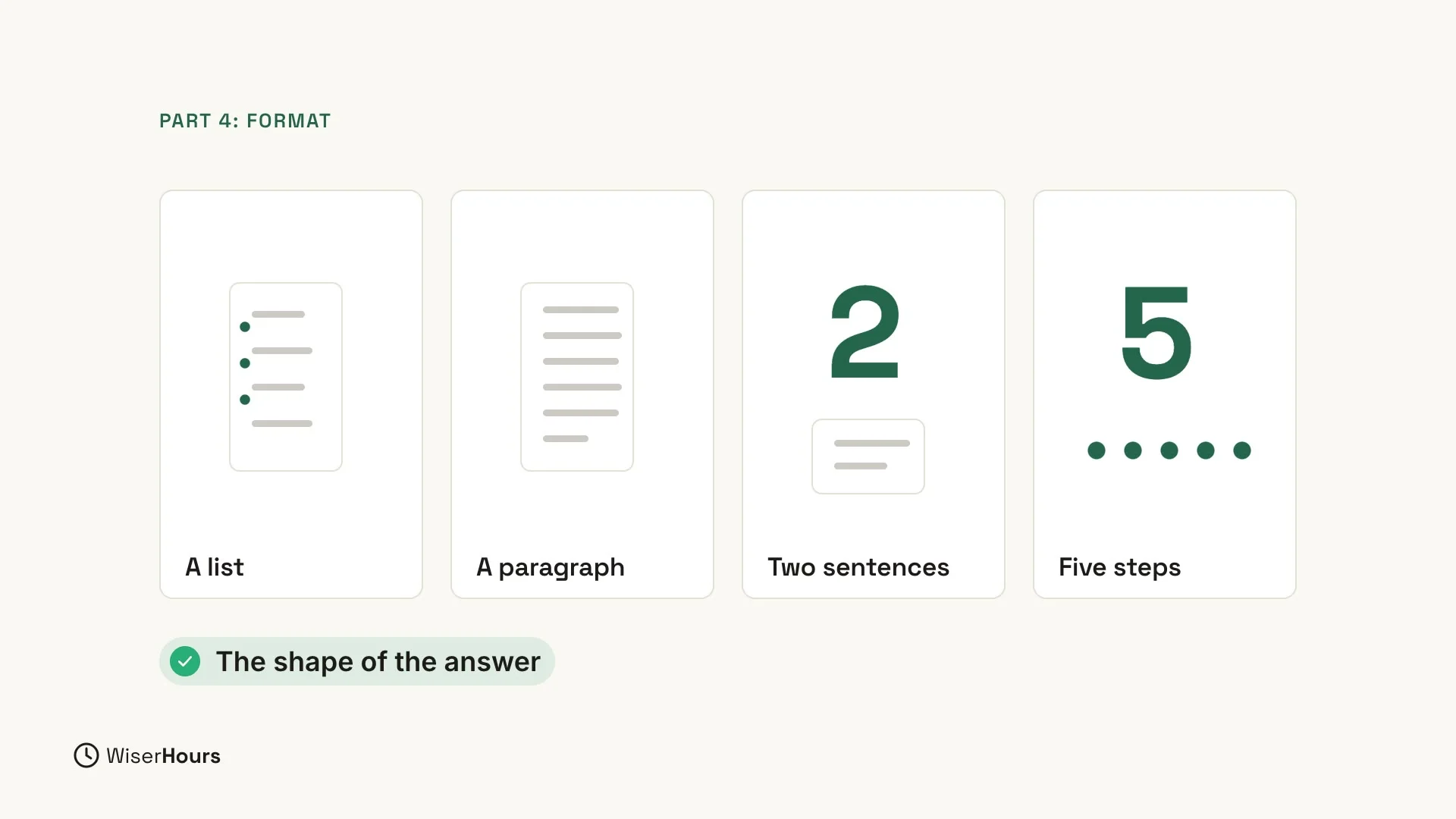
The format is the shape of the answer. How long should it be? Do you want a list or a paragraph? Two sentences, or five steps? Decide, and say so in your prompt.
 (opens the full-size picture)
Put all four parts together
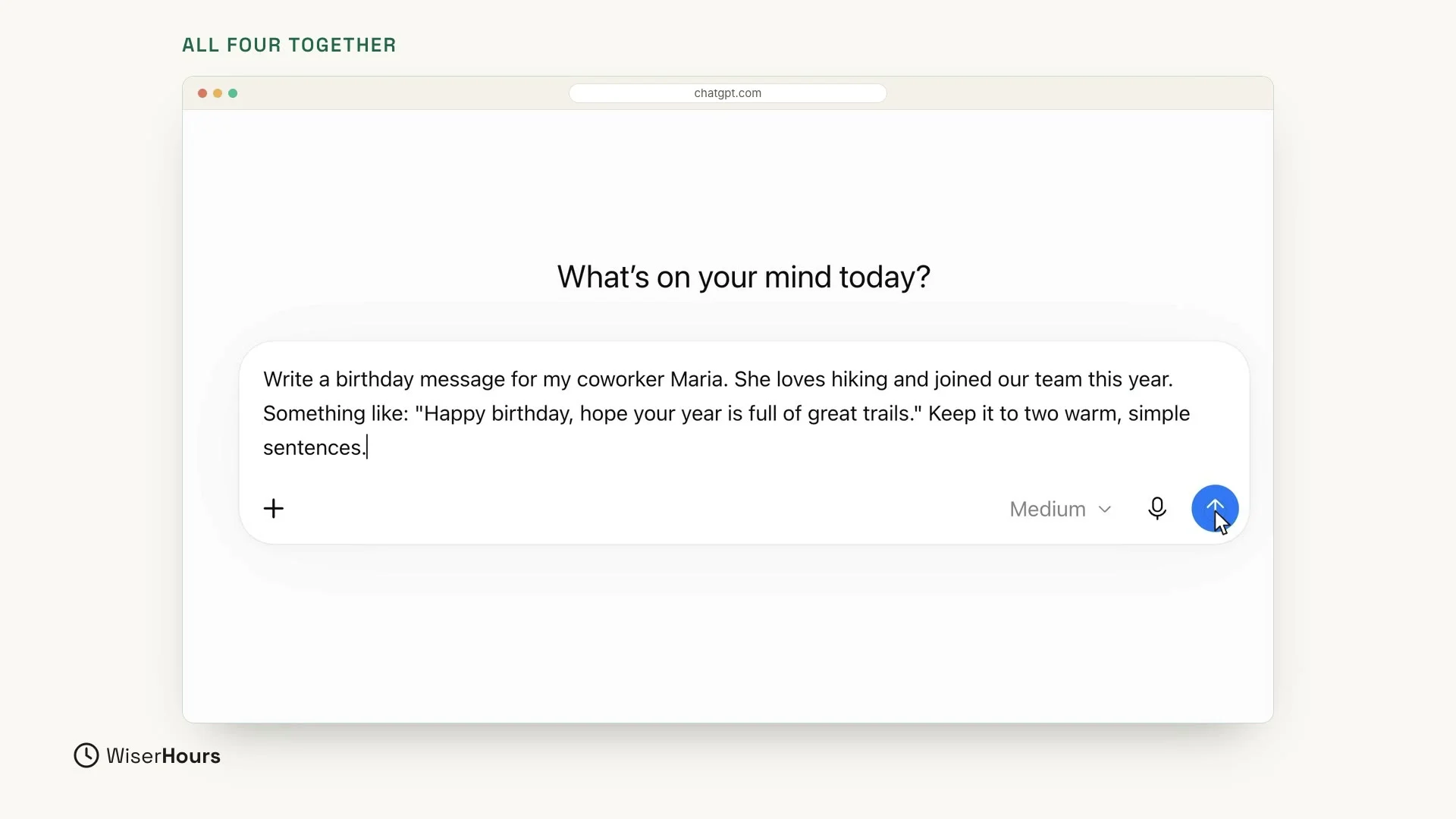
Now put it all together. This prompt has all four parts in one message:
Each sentence does one job:
- Task: Write a birthday message for my coworker Maria.
- Context: She loves hiking and joined our team this year.
- Example: Something like: “Happy birthday, hope your year is full of great trails.”
- Format: Keep it to two warm, simple sentences.
When your prompt is ready, press Enter or click the round arrow button to send it.
 (opens the full-size picture)
Look at the result
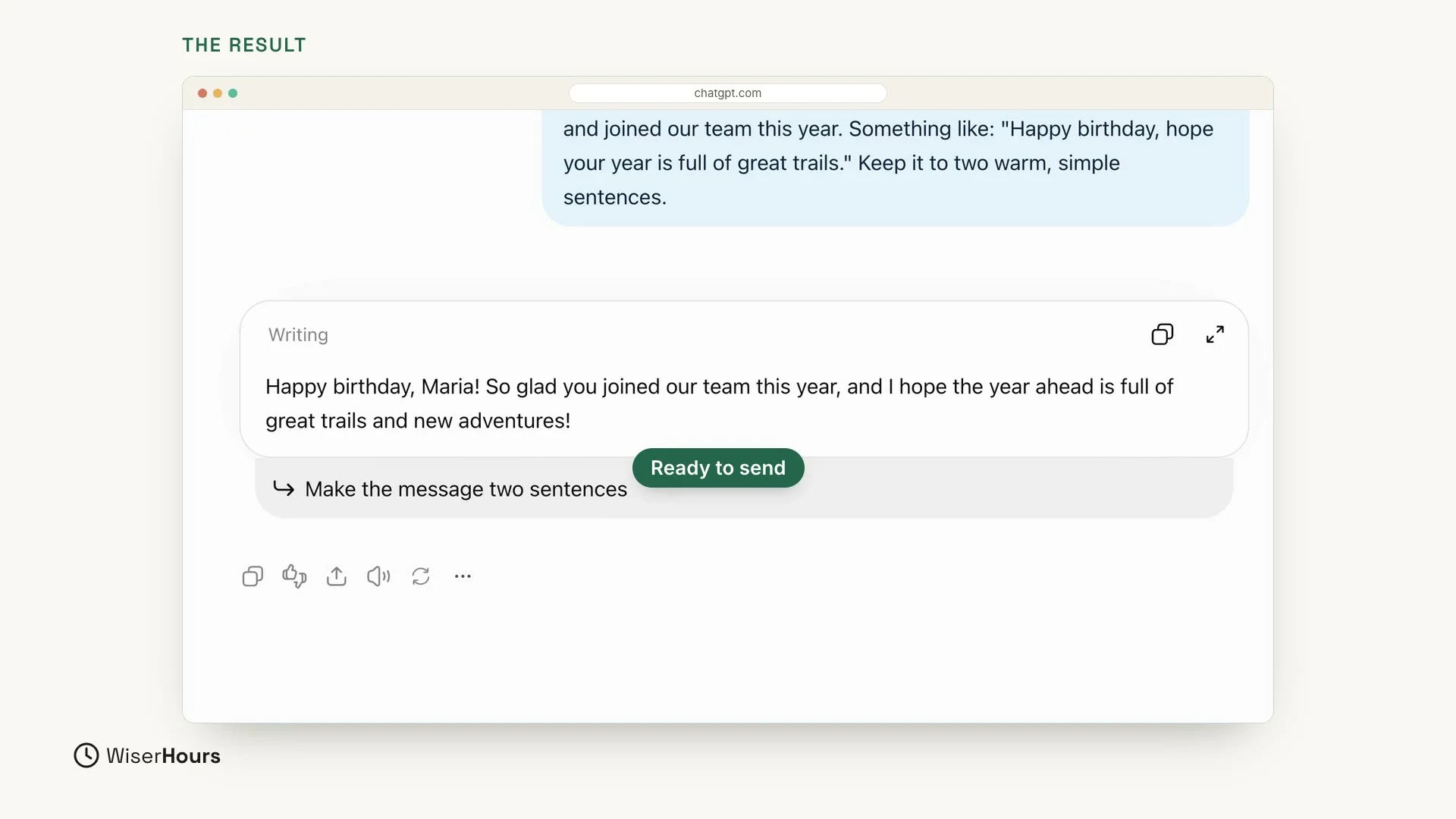
ChatGPT answered with two warm sentences: “Happy birthday, Maria! So glad you joined our team this year, and I hope the year ahead is full of great trails and new adventures!” The answer uses her name, her hobby and the friendly tone you asked for, and it even mentions that she joined the team this year. It is short, personal and ready to send.
 (opens the full-size picture)
If you send the same prompt yourself, your answer may use different words, and that is normal.
Do you need all four parts every time?
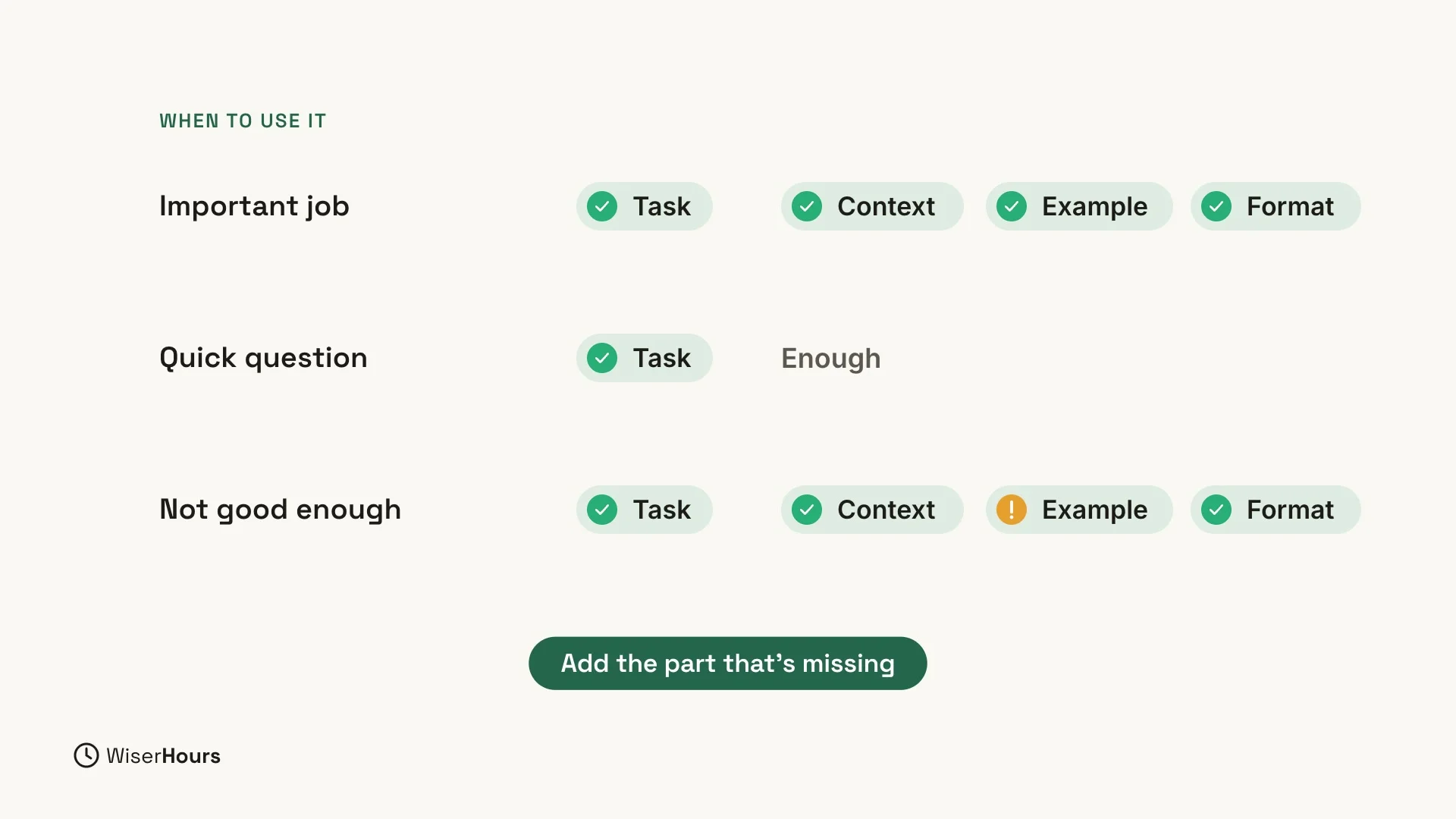
No. For a quick question, the task is enough. For an important job, like a message you will send to a coworker, use all four parts.
 (opens the full-size picture)
The four parts also work as a checklist when you are not happy with an answer.
One tip: check the recipe
Go through the recipe: task, context, example, format. Is one of them missing? Add the part that’s missing to your prompt.
For a longer guide to the same ideas, read How to write a good prompt, written for non-technical people.
YOUR TURN
In the next lesson, you will learn to talk back and improve any answer: Improve any ChatGPT answer with follow-ups.
Read the full video transcript
In this lesson, you'll learn a simple recipe for a great question. It has four parts: task, context, example, and format.
The task is what you want ChatGPT to do. Write a message. Explain a word. Plan a dinner. Start with a clear action word.
The context is the background. Who is it for? What's the situation? ChatGPT doesn't know your life, so give it the facts that matter.
An example shows the style you like. Add a short sample, and say: something like this. It's the fastest way to get the tone right.
The format is the shape of the answer. How long should it be? A list, or a paragraph? Two sentences, or five steps?
Now let's put it all together. Write a birthday message for my coworker Maria. That's the task. She loves hiking and joined our team this year. That's the context. Something like: Happy birthday, hope your year is full of great trails. That's the example. Keep it to two warm, simple sentences. That's the format.
And here's the result: two warm sentences that use her name, her hobby, and the friendly tone we asked for. Short, personal, and ready to send.
You don't need all four parts every time. For a quick question, the task is enough. But when an answer isn't good enough, check the recipe, and add the part that's missing.
So remember: task, context, example, format. Start with the task, and add the other parts when it matters. Before the next lesson, write one request using all four parts. Next, you'll learn to talk back and improve any answer.
MAKE IT A SMALL WIN
Finished this lesson?
Mark it complete to save your progress on this device.