Ask better questions · Lesson 4 of 16
Why Your ChatGPT Question Matters: Vague vs Clear
Ask ChatGPT for the same email two ways: a vague question gets questions back, a clear one gets an email ready to send. Learn the five details to add.
English captions available in the player. Prefer reading? Follow the written lesson below.
What you type into ChatGPT, often called a promptprompt: The instruction or input a person gives a generative AI system, such as a question, a description of a task or a block of pasted text. The same request worded differently can produce noticeably different answers.Full entry in the glossary, shapes the answer you get back. In this lesson, you give ChatGPT the same job twice: once with a vague question, and once with a clear one. Comparing the two answers shows why the way you ask matters so much.
The vague way
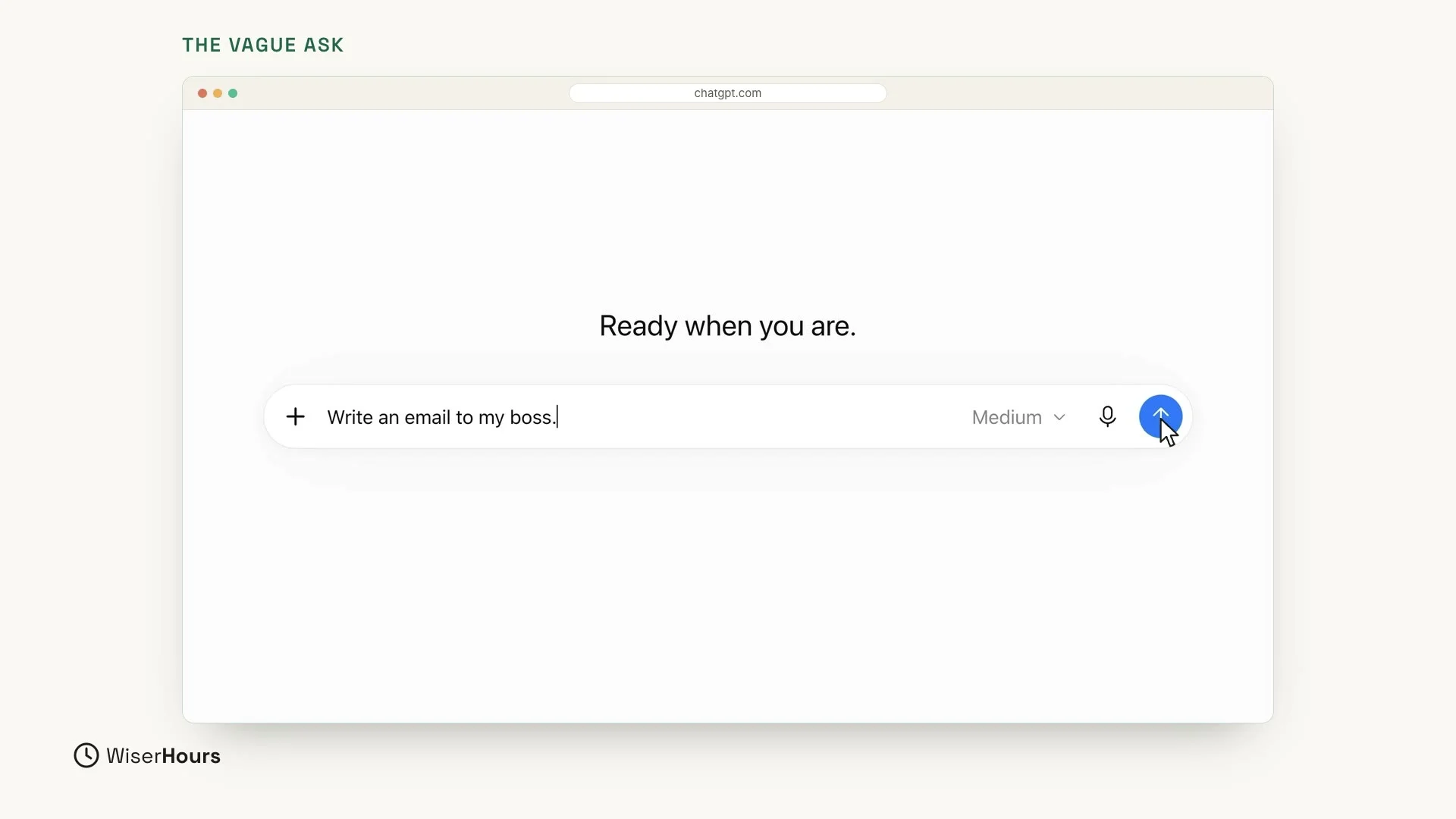
First, the vague way. Type this into the message box:
That’s it. It’s short, and it’s easy to type. Press Enter, or click the round arrow button at the right end of the box, to send it.
 (opens the full-size picture)
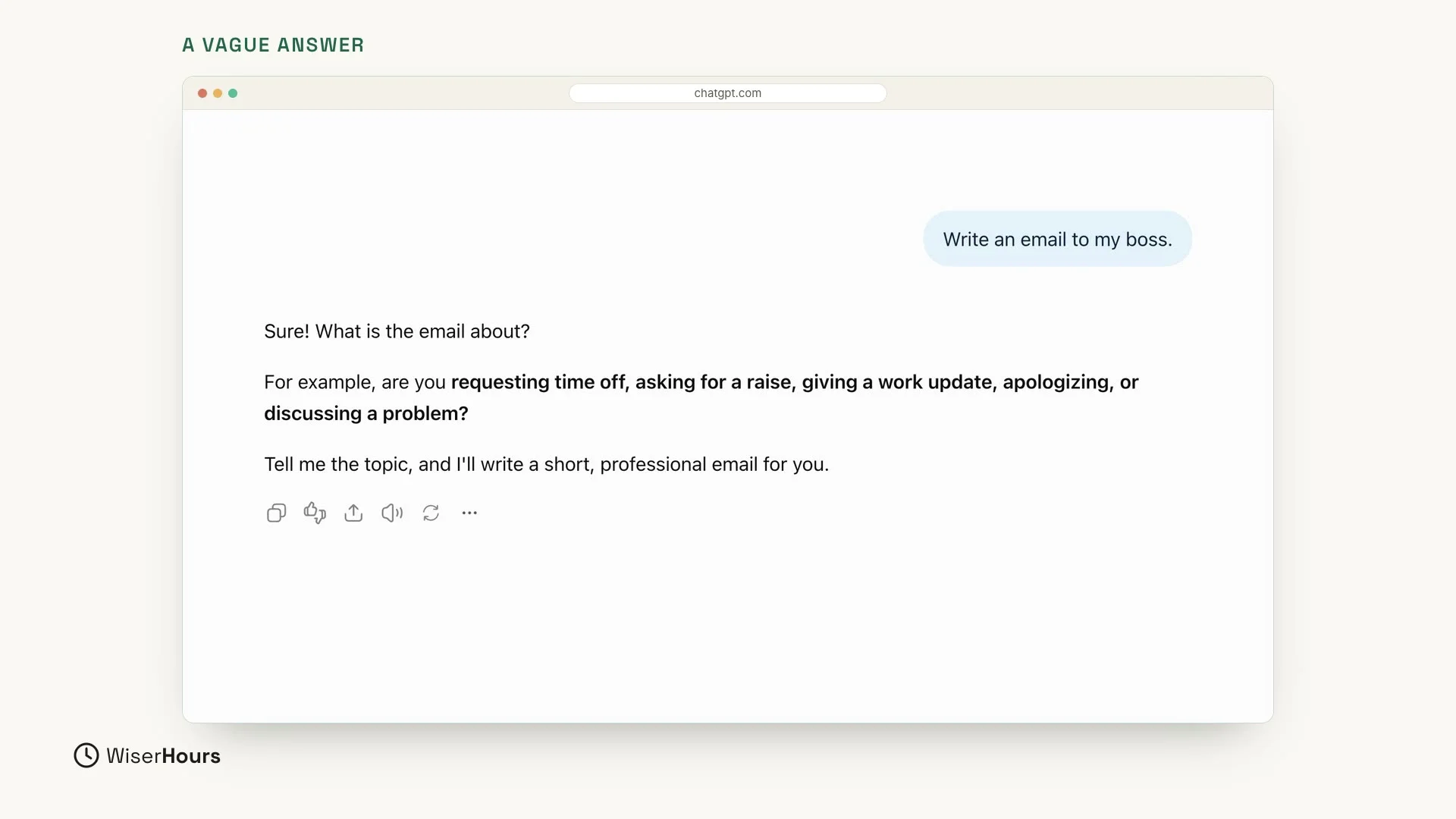
Look at what comes back. Instead of an email, ChatGPT asks you questions. It starts by asking, “What is the email about?” Then it gives examples: are you requesting time off, asking for a raise, giving a work update, apologizing, or discussing a problem? At the end, it asks you to tell it the topic so it can write the email.
ChatGPT doesn’t know any of that, so you’ll have to explain it anyway. Sometimes it writes a general email instead, with blanks in square brackets, like the boss’s name or the reason, for you to fill in. Either way, the missing details are still your job.
 (opens the full-size picture)
Why the answer is vague
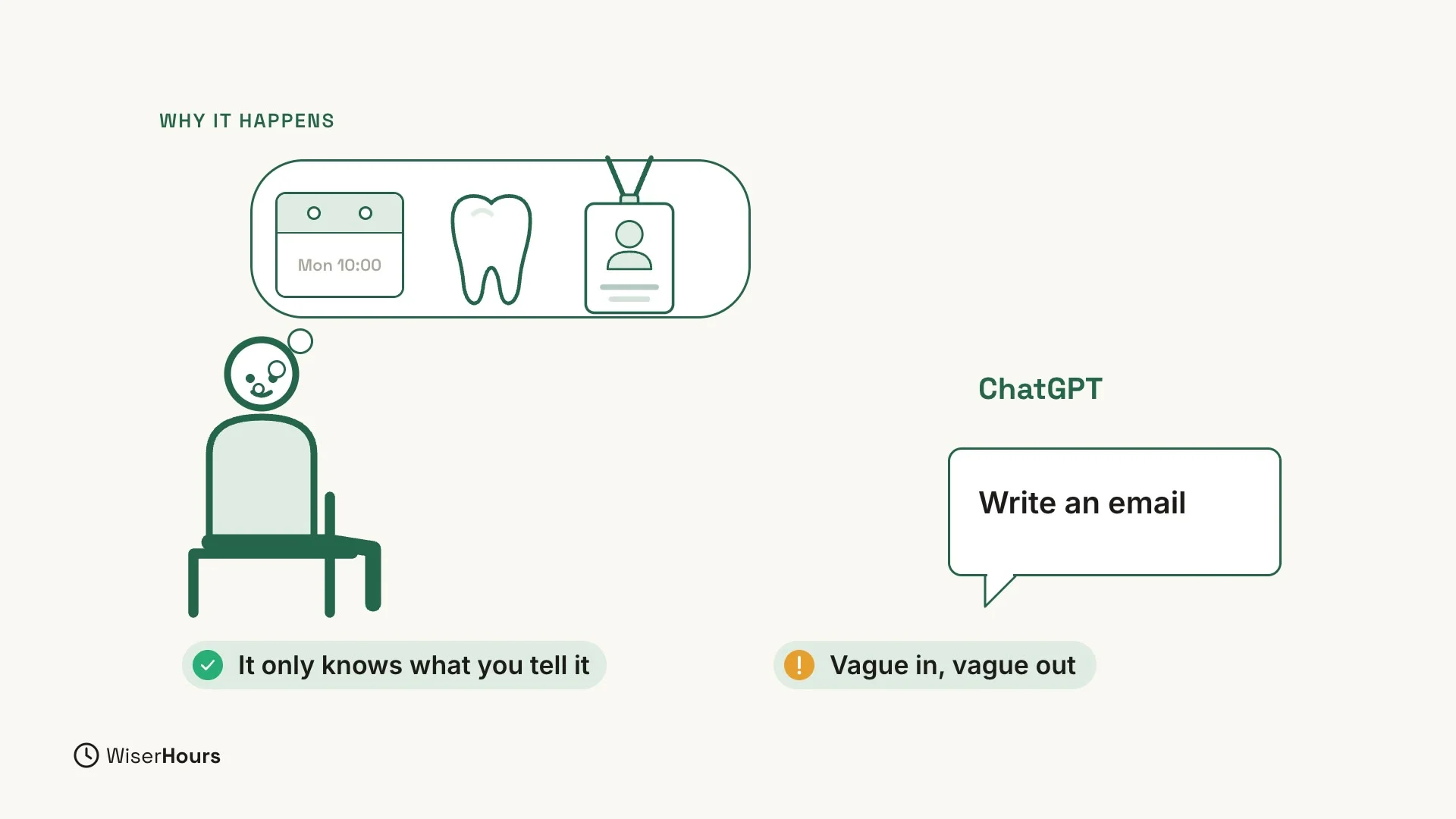
This isn’t a mistake. ChatGPT can’t read your mind. It only knows what you tell it. Say the email is about moving your Monday 10 AM meeting because of a dentist appointment. You know that, but none of it is in “Write an email to my boss.” So a vague question gets a vague answer.
 (opens the full-size picture)
The clear way
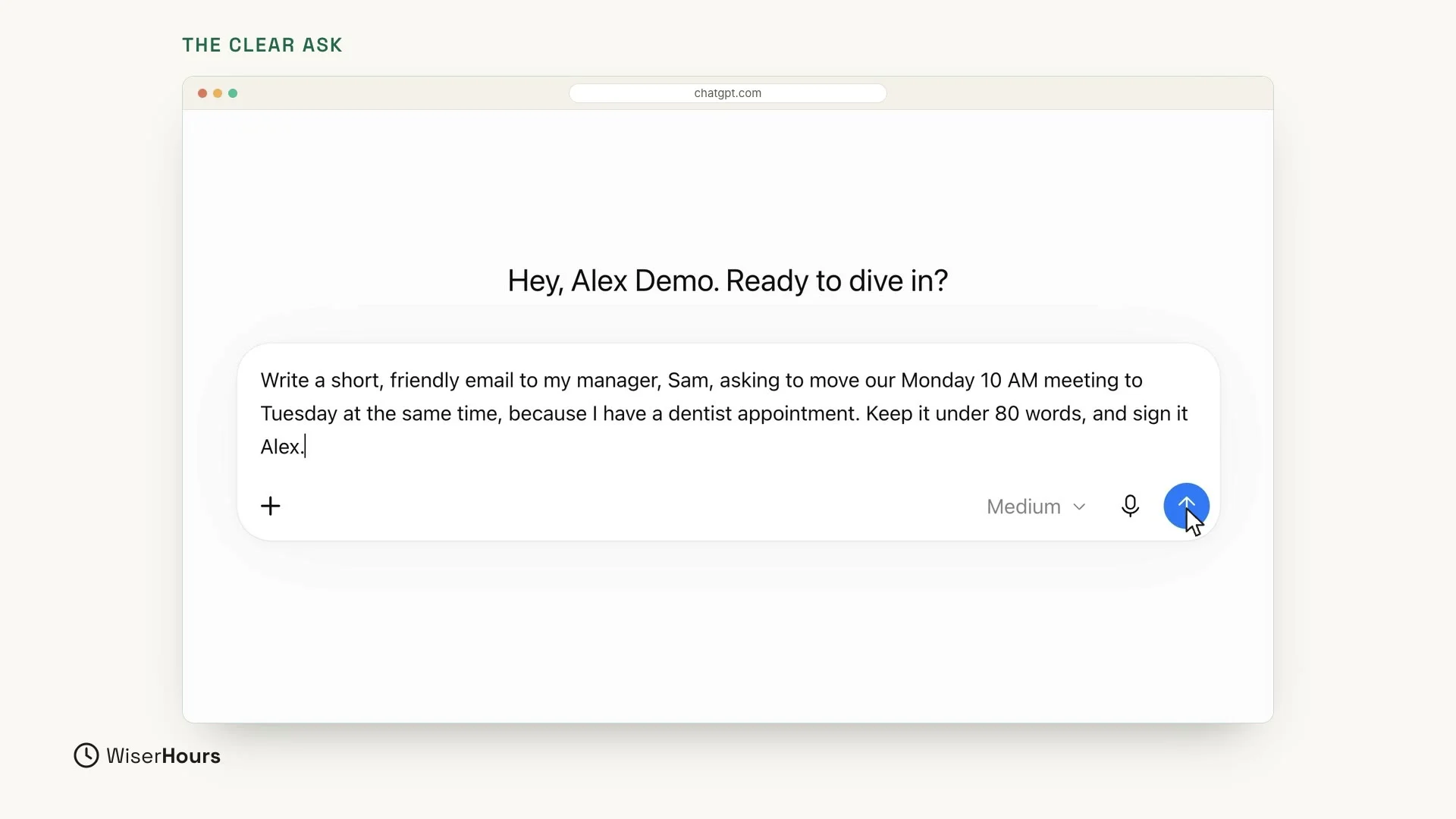
Now the clear way. In a new chat, give ChatGPT the same job again, this time with the details:
It takes longer to type than the vague question, and it carries every detail ChatGPT needs.
 (opens the full-size picture)
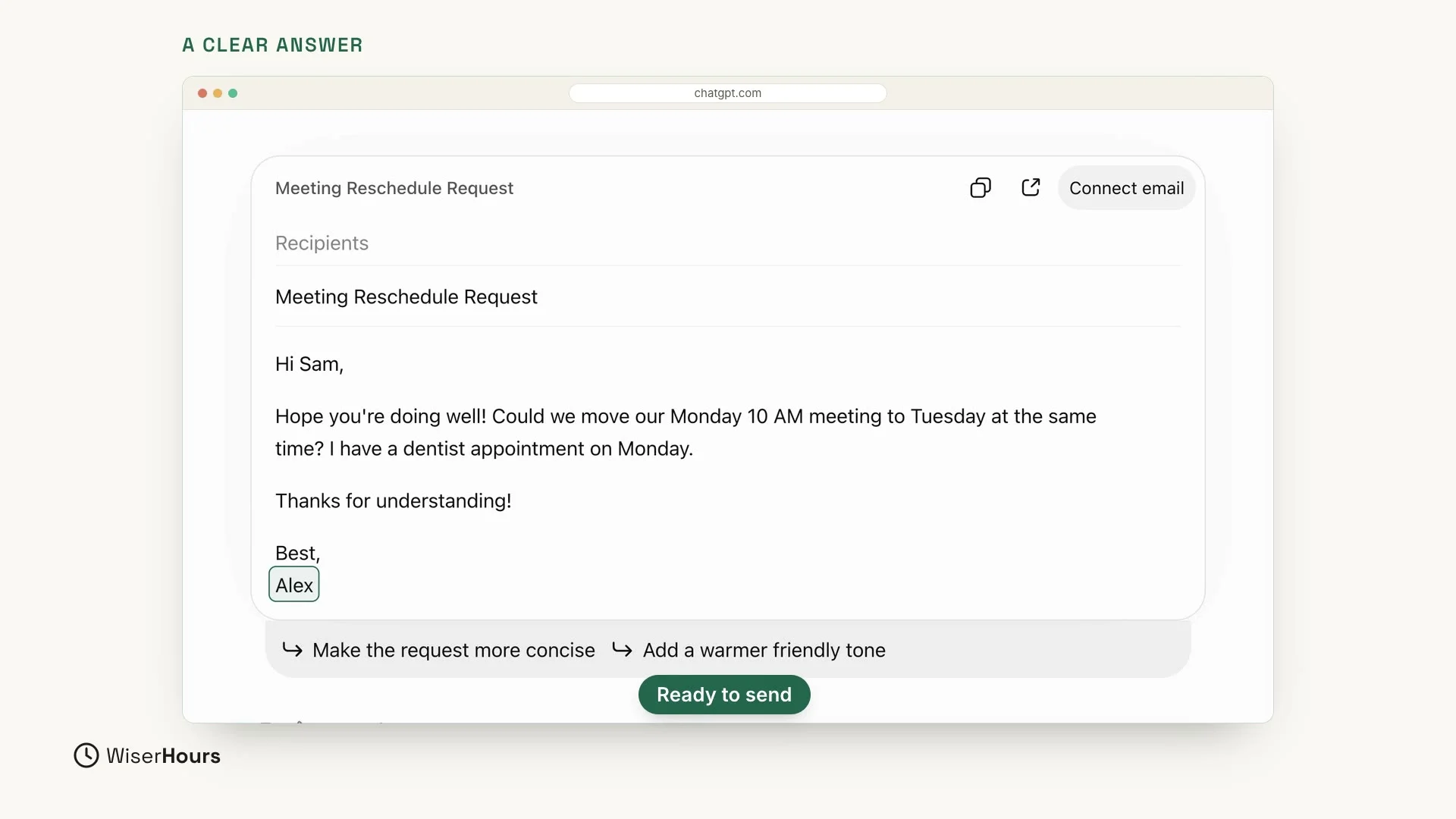
This time, the email is ready to send. ChatGPT shows it as an email draft with the subject “Meeting Reschedule Request”:
- It greets Sam: “Hi Sam,”
- It asks to move the meeting to Tuesday: “Could we move our Monday 10 AM meeting to Tuesday at the same time?”
- It gives the reason: “I have a dentist appointment on Monday.”
- It’s short and friendly, and it’s signed Alex.
Nothing to fill in.
 (opens the full-size picture)
What made the difference
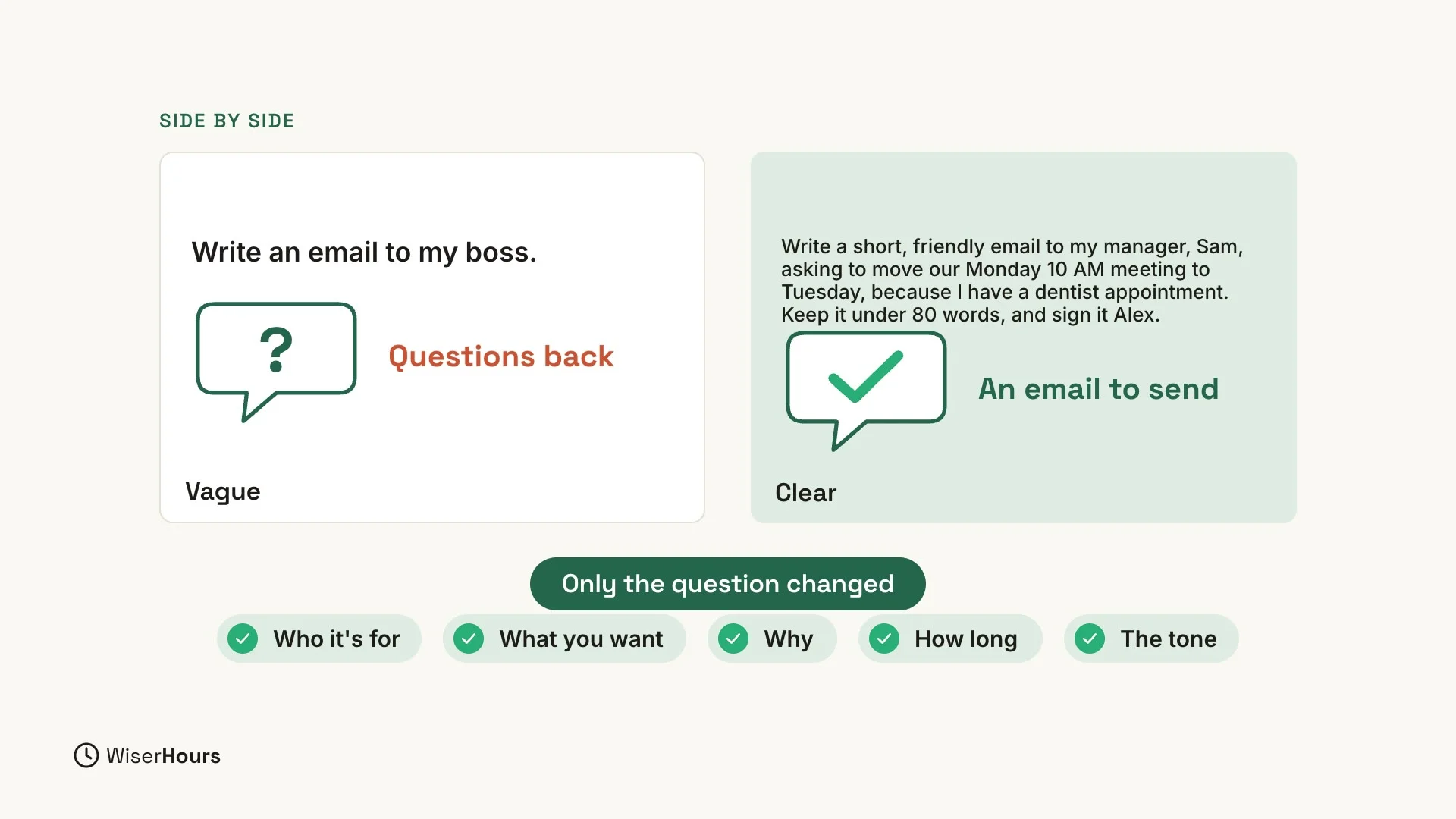
Let’s put the two answers side by side. Same task, same tool. The vague question got questions back, and the clear one got an email to send. The only thing that changed was the question. The clear one told ChatGPT five things:
- Who it is for: your manager, Sam.
- What you want: to move the Monday 10 AM meeting to Tuesday at the same time.
- Why: you have a dentist appointment.
- How long: short, under 80 words.
- The tone: friendly.
 (opens the full-size picture)
Before you press Enter
One habit: the stranger test
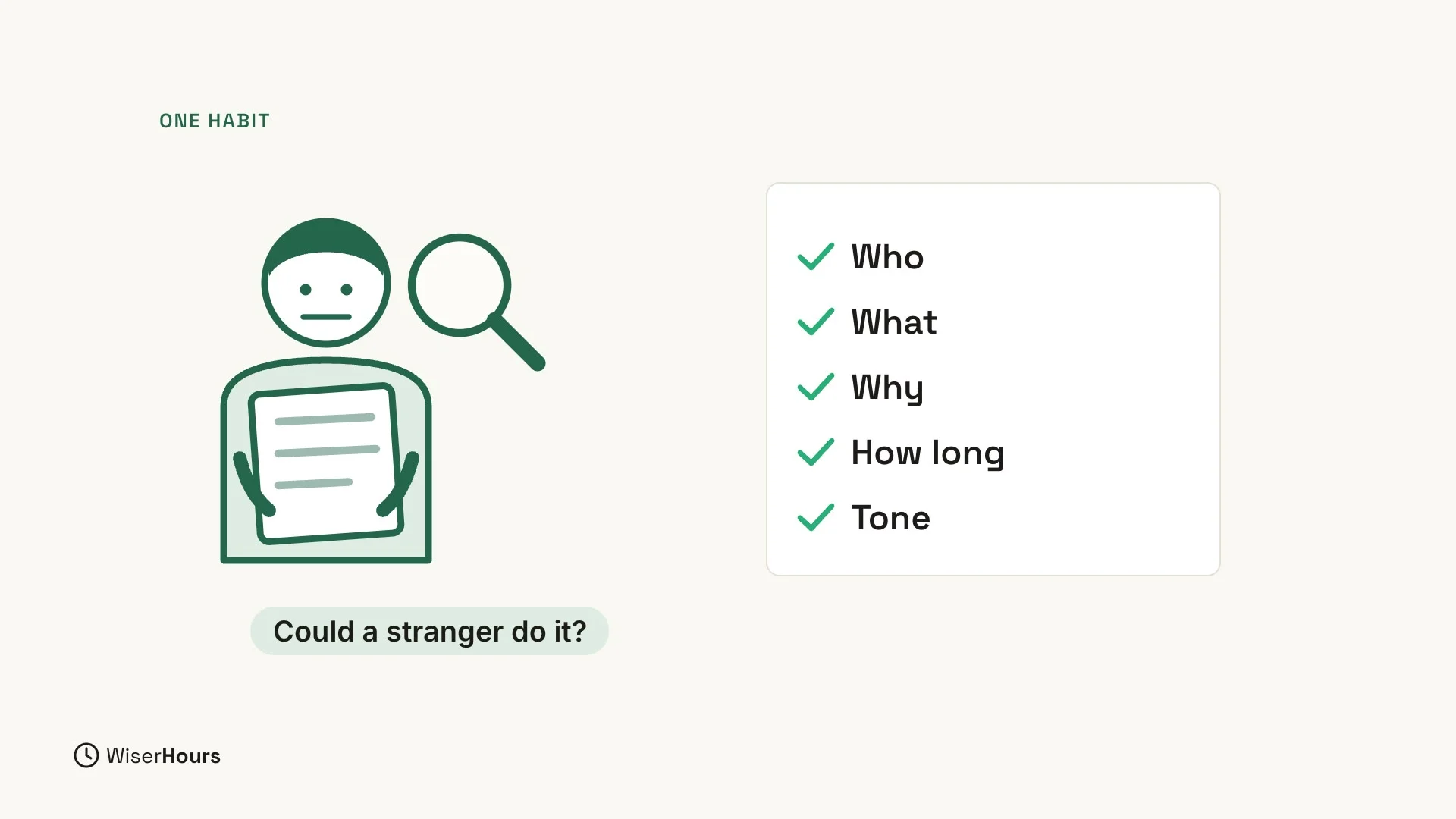
Before you press Enter, ask yourself one question: “Could a stranger do this job with only my words?” If not, add the missing details.
Try it on the vague question. A stranger who reads “Write an email to my boss” would have to ask what ChatGPT asked: what is the email about? The clear question already answers that, and it also says who the email is for, why you are writing, how long it should be, and the tone.
 (opens the full-size picture)
The WiserHours guide on how to write a good prompt explains the same idea in more depth.
YOUR TURN
In the next lesson, you will learn a simple four-part recipe for clear questions: How to write a good ChatGPT prompt in four parts.
Read the full video transcript
In this lesson, you'll see why the way you ask matters so much. We'll give ChatGPT the same job twice: once with a vague question, and once with a clear one.
First, the vague way. Write an email to my boss. That's it. It's short, and it's easy to type.
Look at what comes back. Instead of an email, ChatGPT asks you questions. What is the email about? Time off? A raise? A problem? It doesn't know any of that, so you'll have to explain it anyway, or get a general email with blanks to fill in.
This isn't a mistake. ChatGPT can't read your mind. It only knows what you tell it. So a vague question gets a vague answer.
Now the clear way. Write a short, friendly email to my manager, Sam, asking to move our Monday 10 AM meeting to Tuesday at the same time, because I have a dentist appointment. Keep it under 80 words, and sign it Alex.
This time, the email is ready to send. It greets Sam. It asks to move the meeting to Tuesday. It gives the reason. It's short and friendly, and it's signed Alex. Nothing to fill in.
Let's put them side by side. Same task, same tool. The only thing that changed was the question. The clear one told ChatGPT five things: who it's for, what you want, why, how long, and the tone.
Here's a simple habit. Before you press Enter, ask yourself one question: could a stranger do this job with only my words? If not, add the missing details.
So remember: a vague question gets questions back or a vague answer, and a clear question gets an answer you can use. Before the next lesson, take one thing you'd ask ChatGPT and add the missing details. Next, you'll learn a simple four-part recipe for clear questions.
MAKE IT A SMALL WIN
Finished this lesson?
Mark it complete to save your progress on this device.